

Background
Recently, I came across a discussion about AI Coding Agents on Hacker News: asking AI to build an app from scratch is usually not the most reliable way to use it.

The developer pointed out that if you simply tell AI, “Help me build an app,” it often generates something that looks good at first, but has an unreliable structure underneath.
AI is great at improving execution speed, but it works best when it operates within a clear structure.
For real enterprise internal tools, you need a reliable technical foundation first, and then use a Coding Agent to improve development efficiency.
In this article, we will focus on enterprise internal tools and recommend several open source projects that work well with Codex, helping developers build internal systems and tools more efficiently.
💬 Hey, you’re reading the NocoBase blog. NocoBase is the most extensible AI-powered no-code/low-code development platform for building enterprise applications, internal tools, and all kinds of systems. It’s fully self-hosted, plugin-based, and developer-friendly. → Explore NocoBase on GitHub
| Project | Best for | Best suited for |
|---|---|---|
| NocoBase | Building internal business systems such as CRM, ticketing, approval, and asset management | Developers who need to quickly build maintainable business systems |
| Refine | Building React admin panels, dashboards, and B2B apps | Developers familiar with React who want full control over code |
| Payload CMS | Building TypeScript / Next.js data backends and admin systems | Developers who prefer a TypeScript-first backend and Admin Panel |
| Directus | Generating APIs and admin panels for existing SQL databases | Teams with existing databases that need an admin panel and API layer quickly |
| Supabase | Building a Postgres backend for internal tools | Developers who need authentication, database, storage, realtime features, and backend functions |
| Windmill | Turning scripts into internal tools, tasks, and workflows | Technical teams with many internal scripts and automation tasks |
1. NocoBase
Official website: https://www.nocobase.com/
GitHub: https://github.com/nocobase/nocobase
GitHub Stars: 22.4k
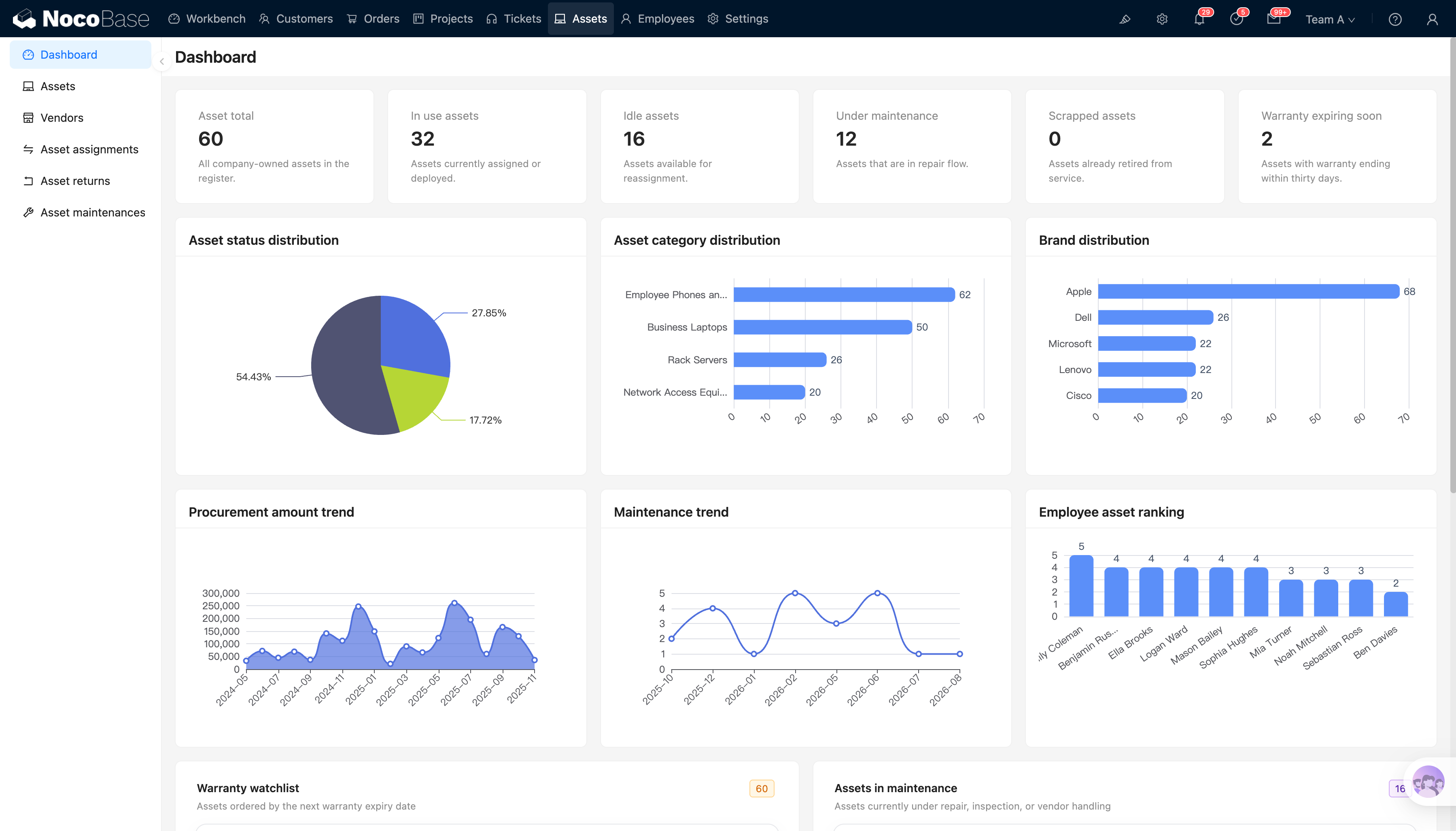
NocoBase is an open source AI no-code platform for building enterprise internal systems such as CRM, ticketing systems, approval systems, project management, asset management, and operations backends.
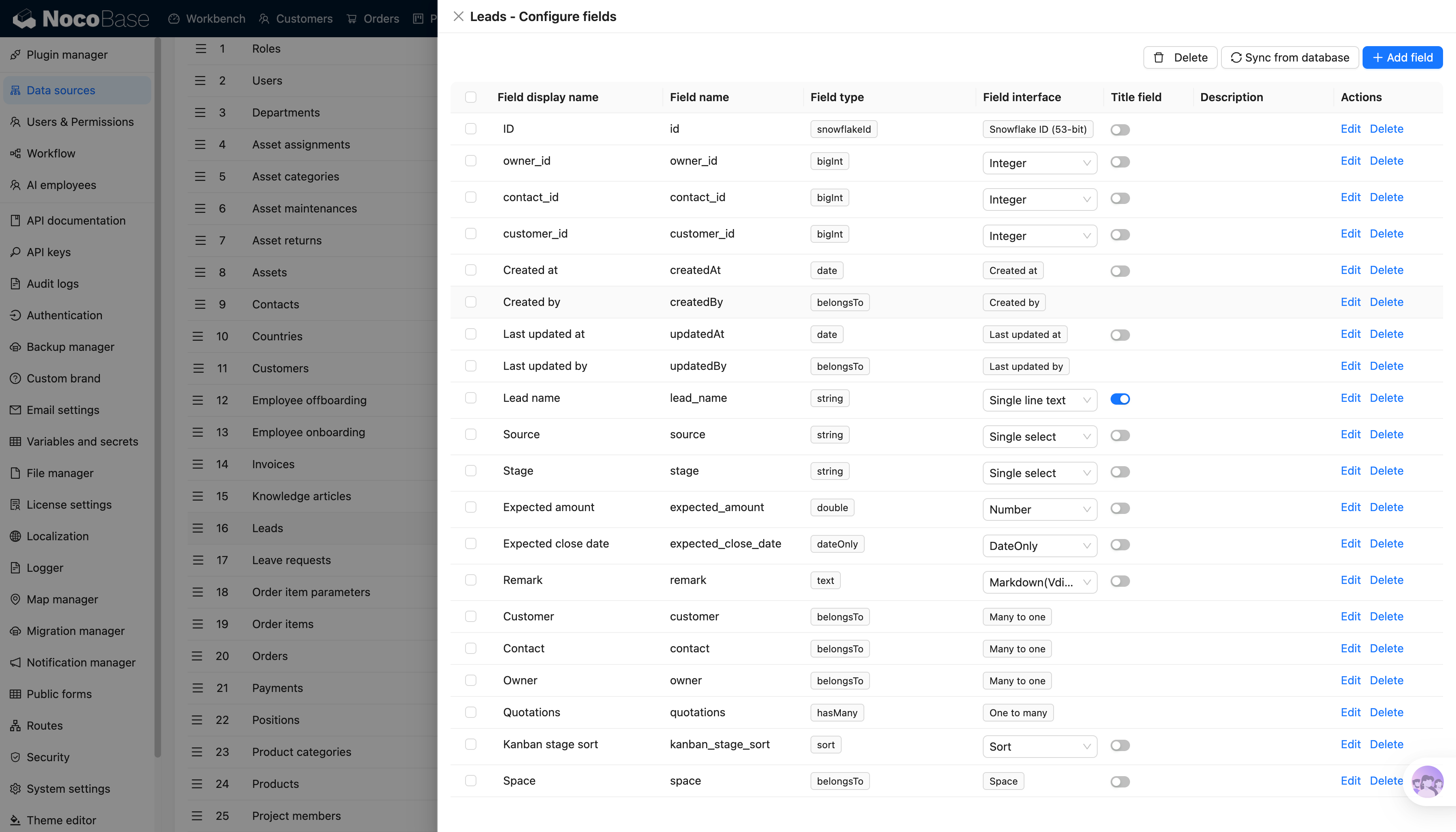
The core value of NocoBase is that it provides a complete system framework for internal tools, including data models, page configuration, permission control, workflows, plugin extensions, and AI capabilities. For developers, it is more than a drag-and-drop page builder. It is business system infrastructure that can still be extended with code.
NocoBase provides official Codex documentation: Using Codex with NocoBase for both building and development
After connecting Codex, Codex can use NocoBase Skills and the CLI to understand how NocoBase is configured and developed. It can help developers create data tables, configure pages, design workflows, set permissions, and further handle plugin development, feature extensions, and troubleshooting through natural language.
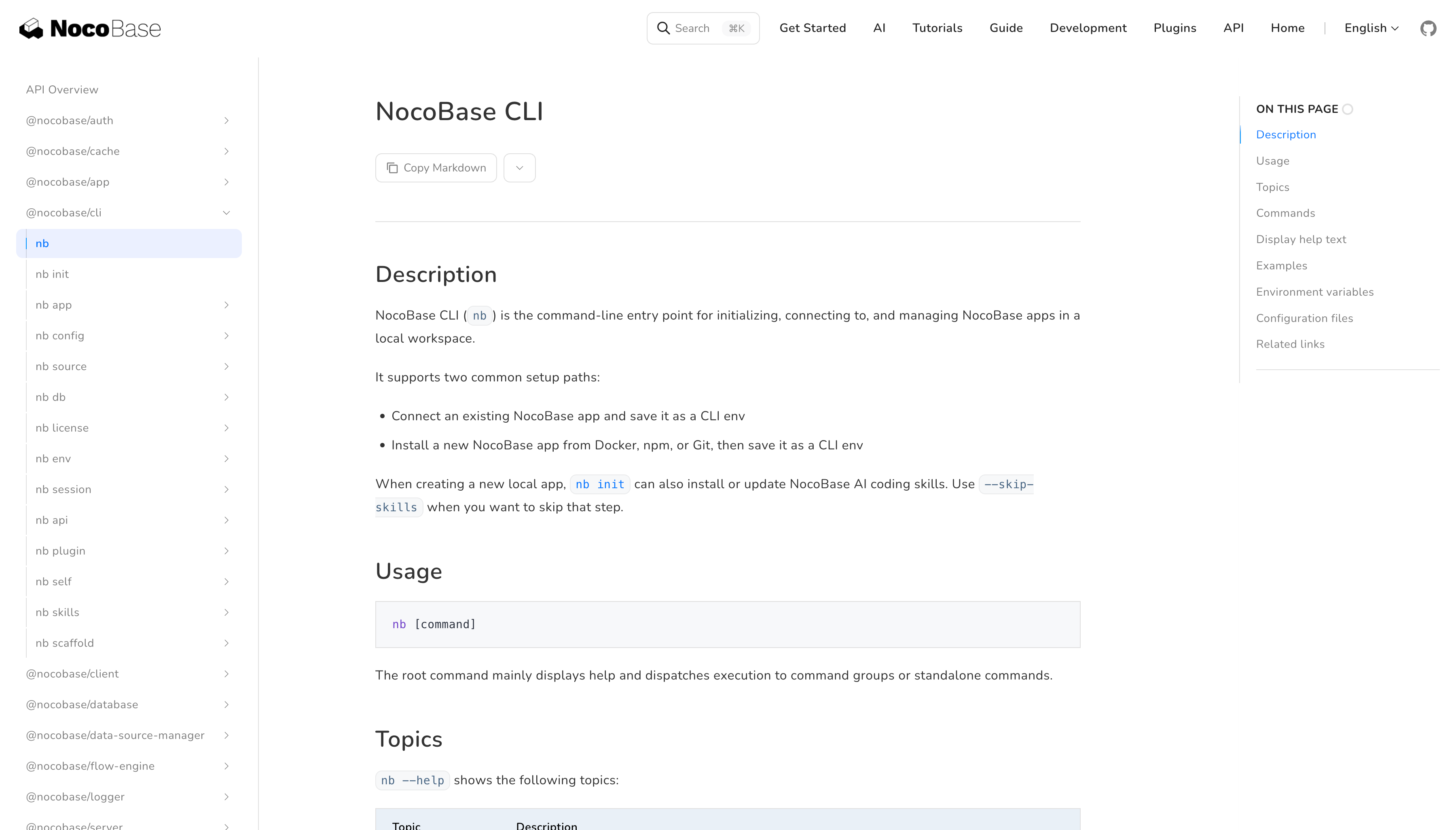
Compared with asking Codex to generate an internal system from scratch, NocoBase gives it a more stable system framework to work within. The result is not disposable code that is hard to maintain, but a system that runs within the NocoBase framework and can be continuously improved.
Beyond the initial building stage, NocoBase also provides AI Employee capabilities. AI Employees can work with business pages, data tables, and workflow context to help with data organization, data analysis, translation, research, email processing, data modeling, chart configuration, and more. In other words, Codex is better suited for helping developers build and extend systems, while NocoBase AI Employees can take part in daily business operations after the system goes live.
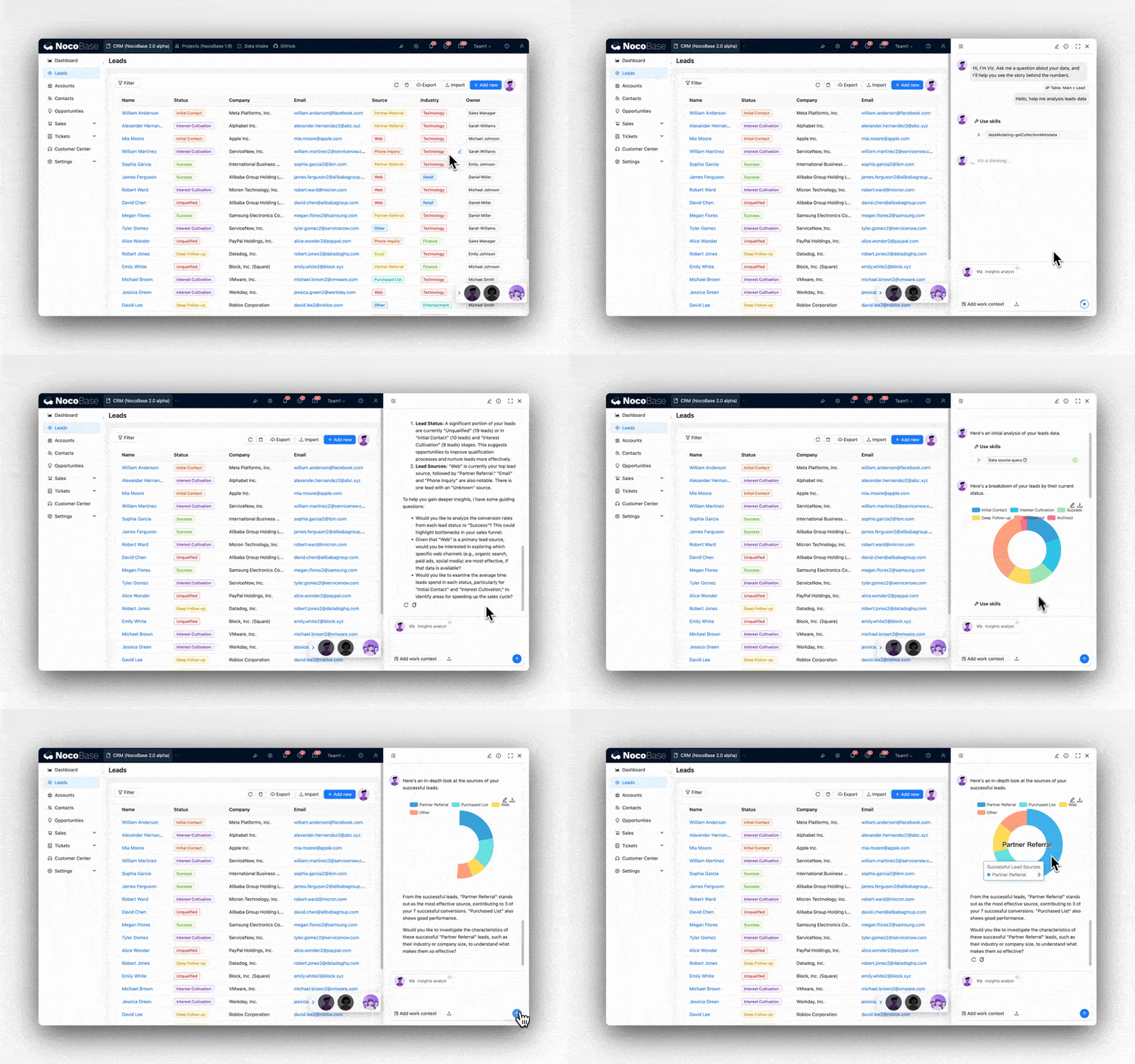
By configuring LLM services, Skills, knowledge bases, and quick tasks, AI Employees can fit more naturally into real business operations, helping teams improve both system building and day-to-day usage efficiency.
What you can build with Codex and NocoBase
Codex and NocoBase can help developers build maintainable enterprise internal systems faster, such as:
- CRM
- Ticketing systems
- Approval systems
- Project management
- Asset management
- Operations backends
- Data dashboards
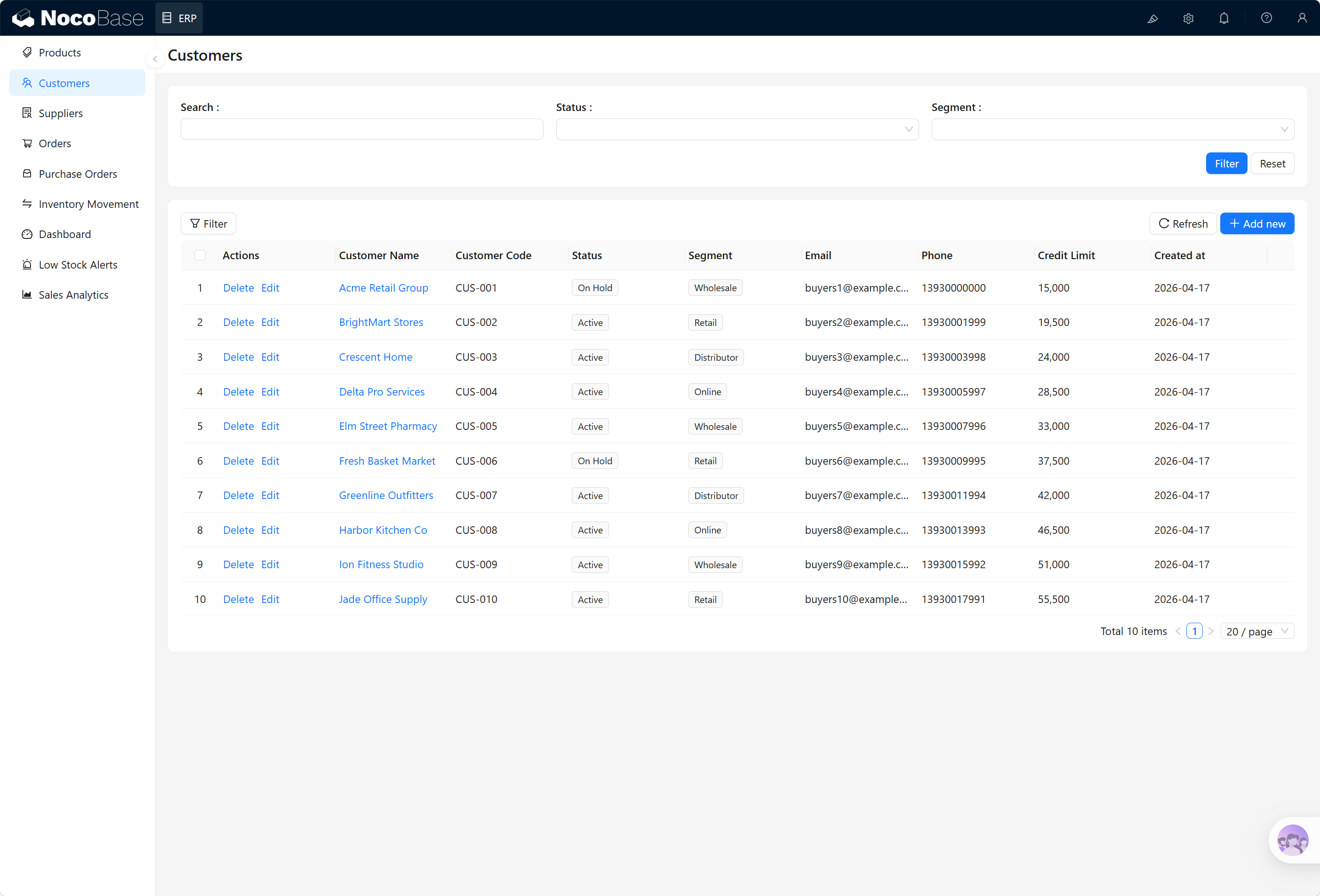
Codex handles requirement understanding, business structure breakdown, and implementation generation. NocoBase provides the data models, permissions, pages, workflows, and plugin extensions. Instead of asking AI to generate hard-to-maintain code from scratch, developers can let Codex build and develop within NocoBase’s existing system framework.
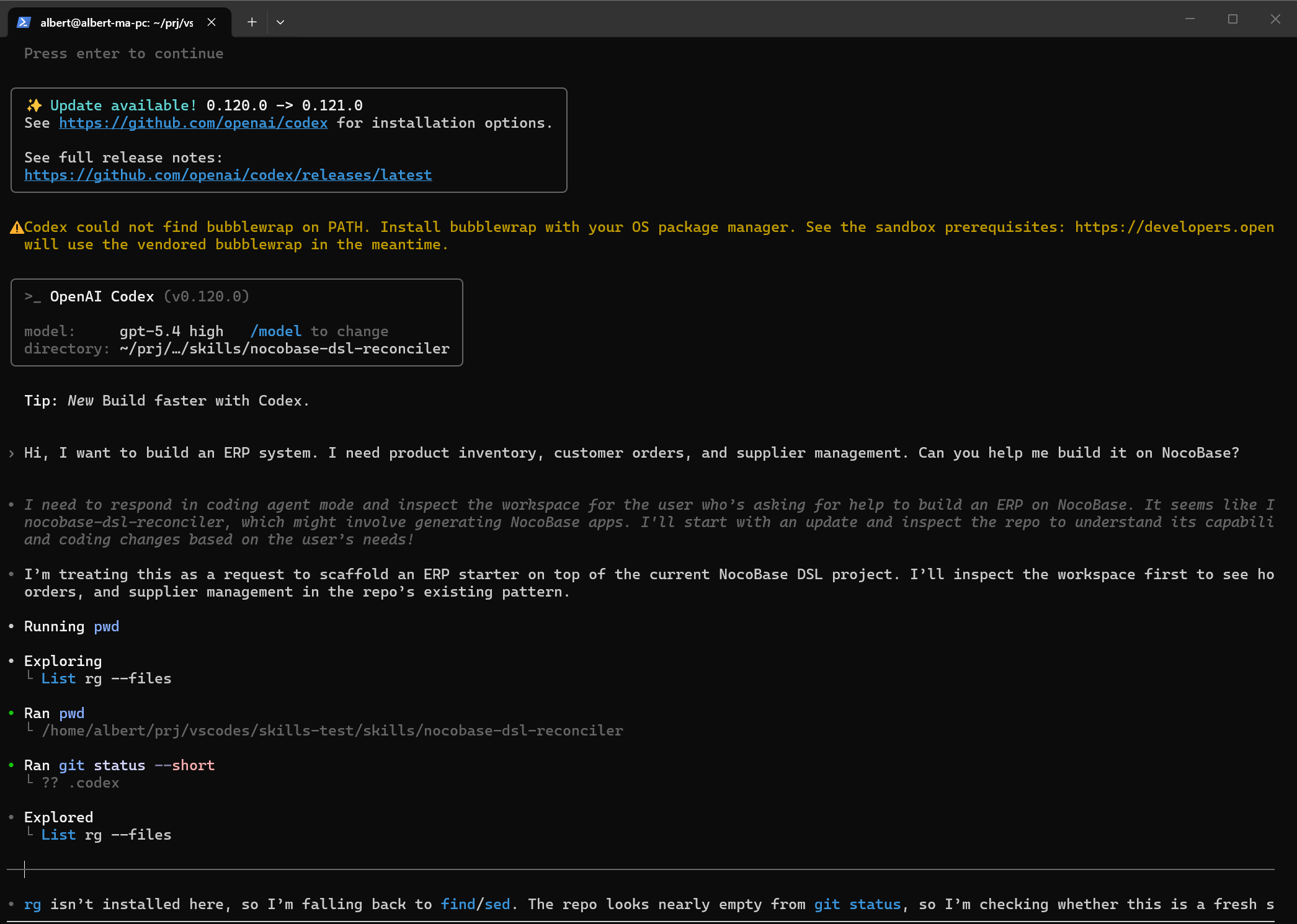
Suggested prompt
Install NocoBase
Copy the prompt below into Codex to automatically install and configure NocoBase:
Help me install the NocoBase CLI and complete initialization: https://docs.nocobase.com/en/ai/ai-quick-start.md Please open and read the link directly.
Design a system
Help me use the nocobase-dsl-reconciler skill to build a ticket management system, including a dashboard, ticket list, user management, and SLA configuration.
Actual result
Related resources
You can copy these links and send them to Codex for direct use.
Documentation: https://docs.nocobase.com/en/ai/
CLI: https://docs.nocobase.com/en/api/cli/
Skills: https://docs.nocobase.com/en/ai-builder#nocobase-skills
MCP: https://docs.nocobase.com/en/ai/mcp/
2. Refine
Official website: https://refine.dev/
GitHub: https://github.com/refinedev/refine
GitHub Stars: 34.7k
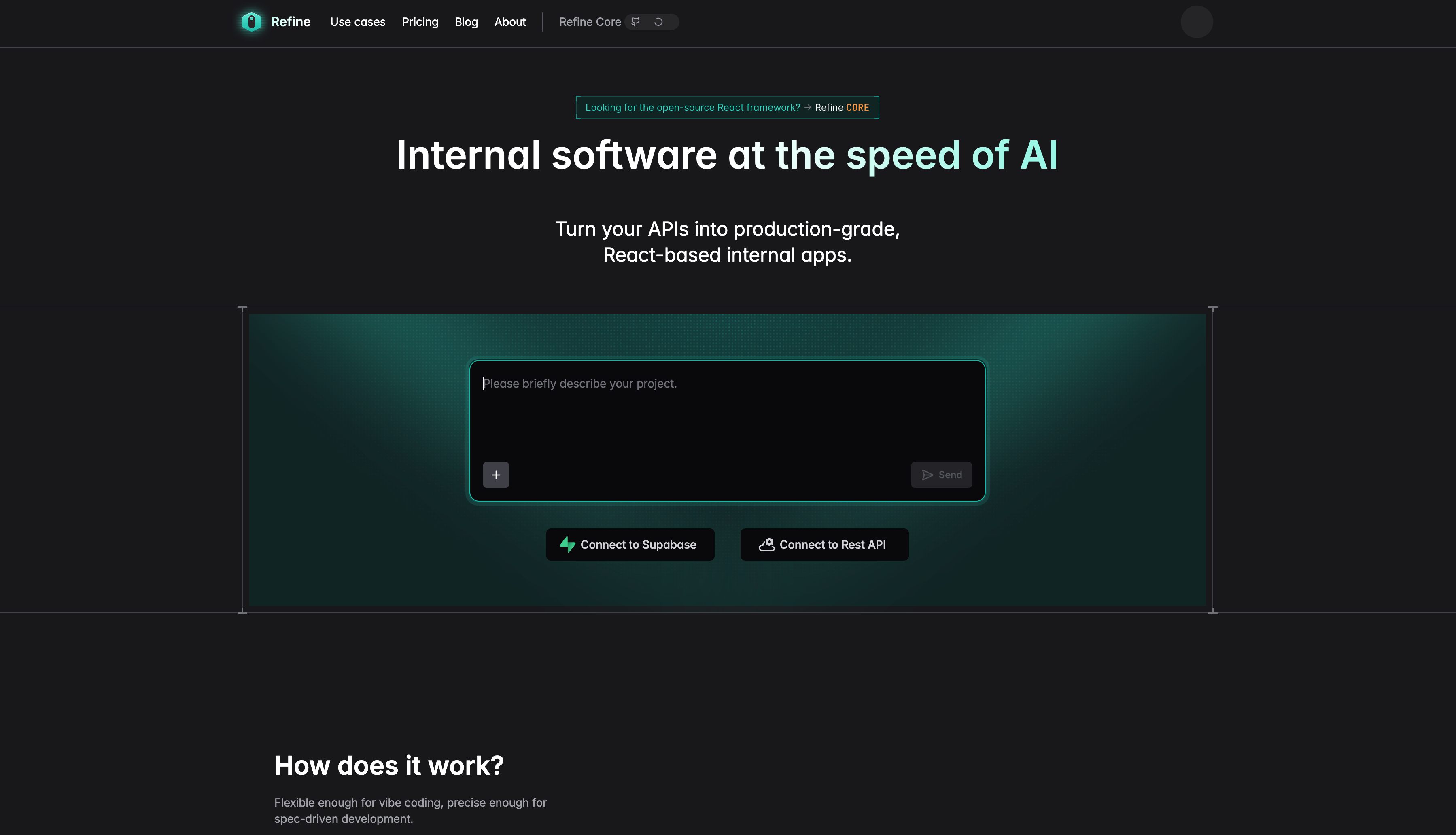
Refine is an open source React framework for developers. It is mainly used to build internal tools, admin panels, dashboards, and B2B applications. It provides core capabilities such as authentication, permission control, routing, data fetching, state management, and internationalization, making it suitable for quickly building CRUD-heavy applications.
Refine is also strengthening its support for AI Agent scenarios. It provides a workflow designed for AI-generated applications: connect to an existing REST API or Supabase project, analyze the backend structure, and create blueprints for AI agents so the generated results better match real data models.
This is why Refine works well with Codex. Codex does not need to guess how an internal tool should be built from scratch. It can generate list pages, detail pages, edit pages, forms, filters, permission checks, and API call logic based on Refine’s project structure, resource model, and data source configuration.
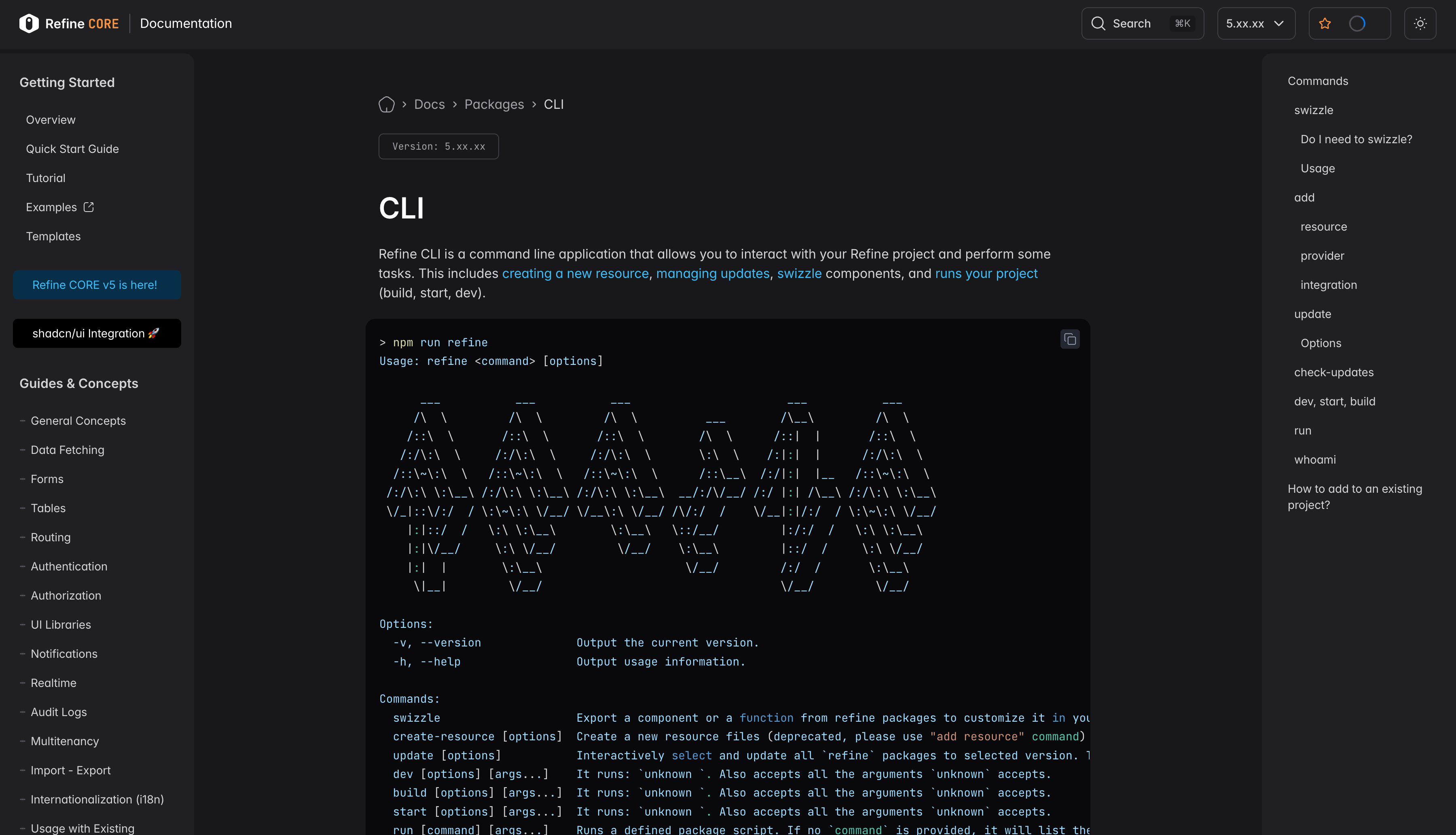
Refine also provides a CLI for creating resources, managing updates, swizzling components, and running project tasks such as build, start, and dev. For Coding Agents like Codex, these clear command-line entry points are easier to automate and better suited for continuous iteration in existing projects.
What you can build with Codex and Refine
Codex and Refine are especially suitable for quickly developing internal admin interfaces in the React stack, such as CRM backends, order management backends, operations review platforms, customer service workbenches, data management panels, and B2B SaaS admin portals.
For example, if you want to build an order management backend, Codex can generate order lists, order detail pages, edit forms, filters, status update buttons, and permission logic based on data structures such as orders, customers, products, and payment status. Refine provides the basic structure for React internal tools, while Codex speeds up the development of specific business pages.
This setup is better for developers who want full control over code. The final output is a React project, rather than configuration locked inside a closed platform. You can continue using Codex later to modify components, refactor logic, connect new APIs, or extend business modules.
Suggested prompt
Help me create an order management backend based on Refine, using a REST API as the data source. It should include an order list, order details, an order edit form, customer filters, order status updates, and basic permission control.
3. Payload CMS
Official website: https://payloadcms.com/
GitHub: https://github.com/payloadcms/payload
GitHub Stars: 42.5k
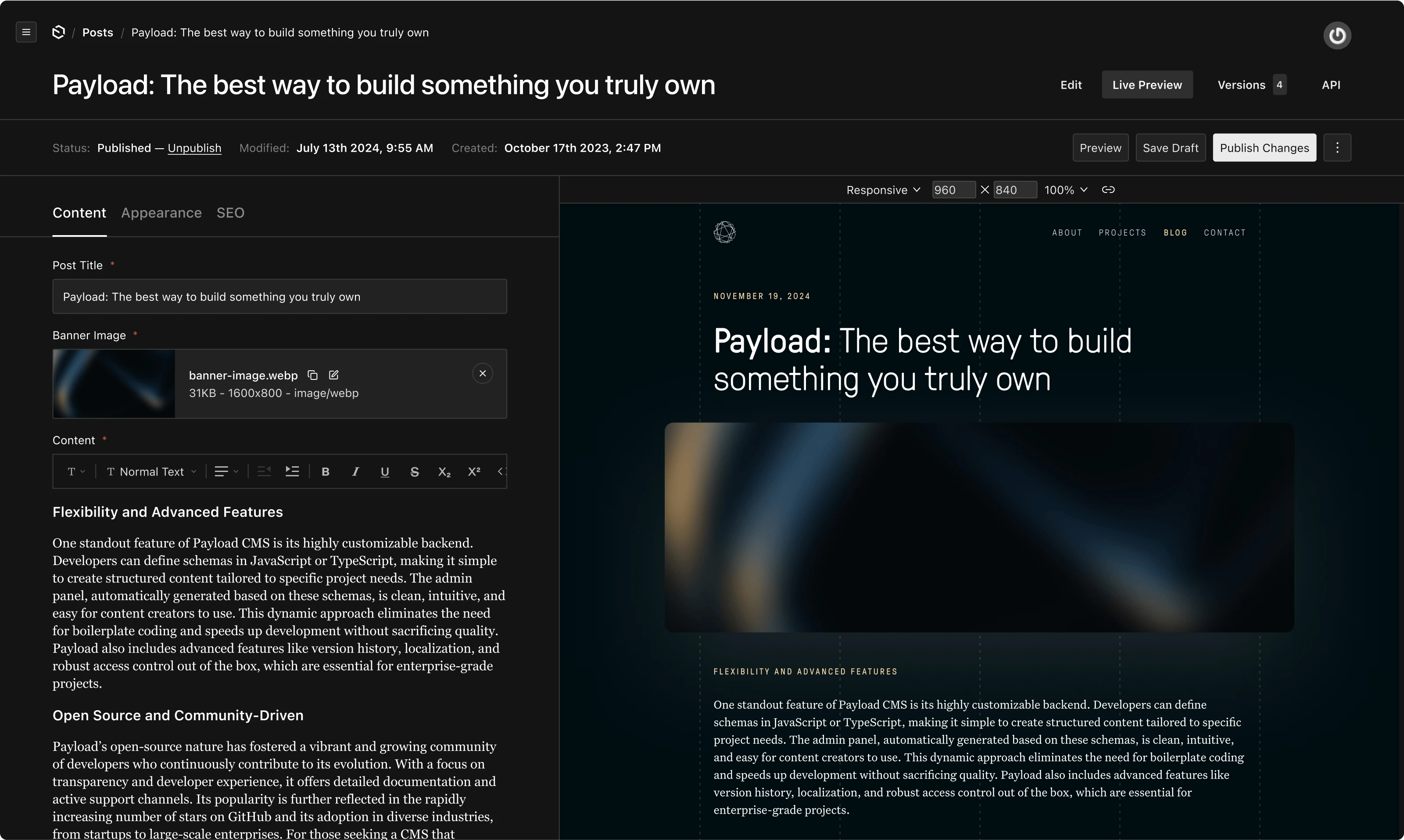
Payload CMS is an open source full-stack Next.js framework for building CMSs, admin panels, data-driven applications, and enterprise internal tools. It provides TypeScript configuration, data collections, permission control, an Admin Panel, REST / GraphQL APIs, Hooks, plugins, file management, and more.
Payload defines data models and business logic through code. You can configure collections, fields, access control, hooks, and the admin UI in TypeScript, keeping the backend, API, and admin interface of an internal tool in one codebase.
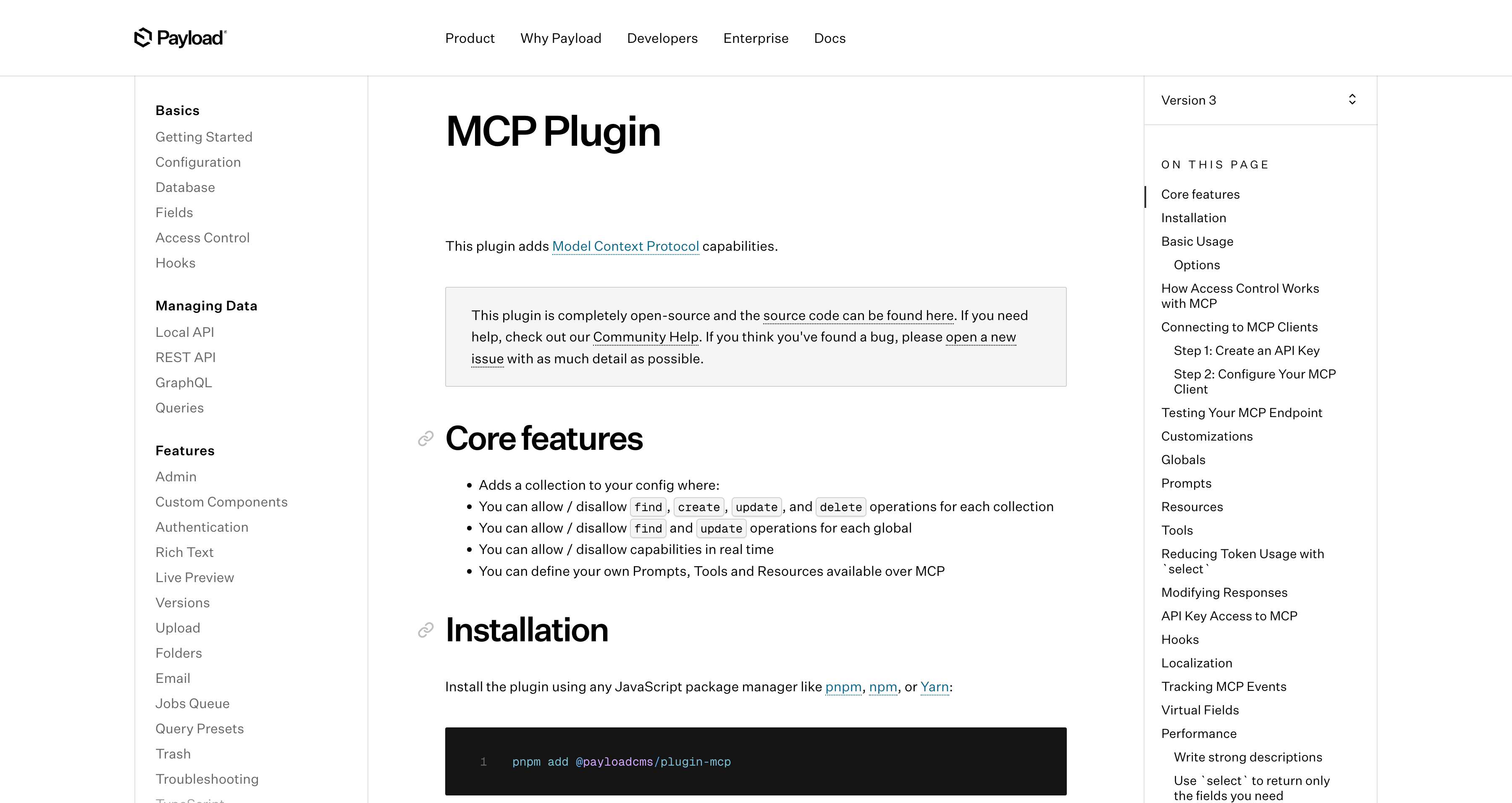
Payload has also started supporting AI Agent scenarios. Its official documentation provides an MCP Plugin that lets developers control which collections and globals AI can use for operations such as find, create, update, and delete. Developers can also define their own prompts, tools, and resources.
What you can build with Codex and Payload
Codex and Payload are suitable for quickly developing TypeScript / Next.js based data backends, content management systems, customer portals, order backends, asset management systems, and operations management tools.
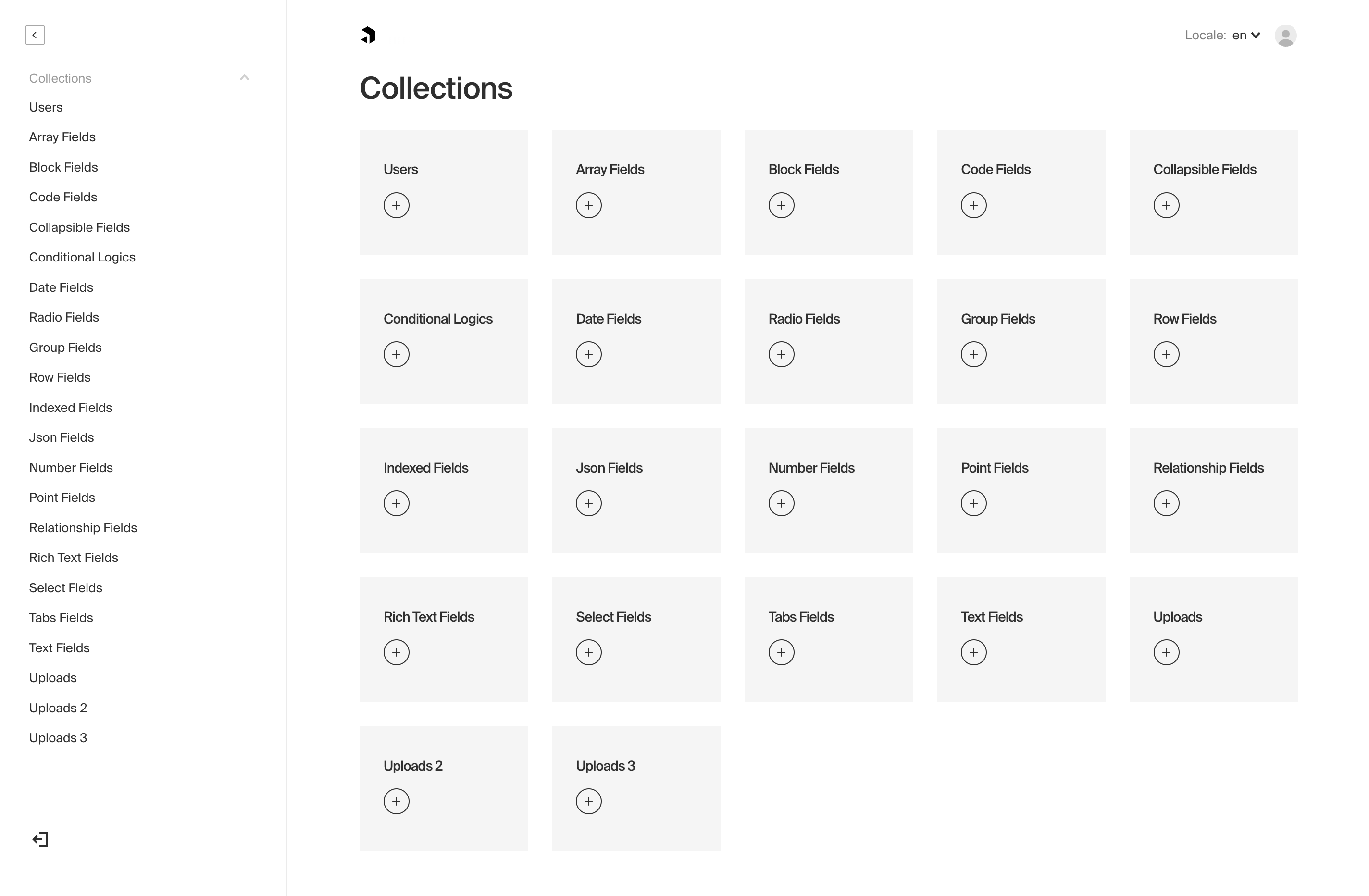
For example, if you want to build an asset management backend, Codex can generate Payload collections, field configurations, access permissions, and hooks based on requirements such as equipment, employees, departments, usage records, maintenance records, and approval status. Payload provides the data management interface, APIs, and permission enforcement. If you need to add more business logic later, you can continue using Codex to modify TypeScript configurations and extension code.
Suggested prompt
Help me create an asset management backend based on Payload CMS, including collections for equipment, employees, departments, usage records, and maintenance records. Also configure basic fields, access permissions, Admin Panel display fields, and common hooks.
4. Directus
Official website: https://directus.io/
GitHub: https://github.com/directus/directus
GitHub Stars: 35.7k
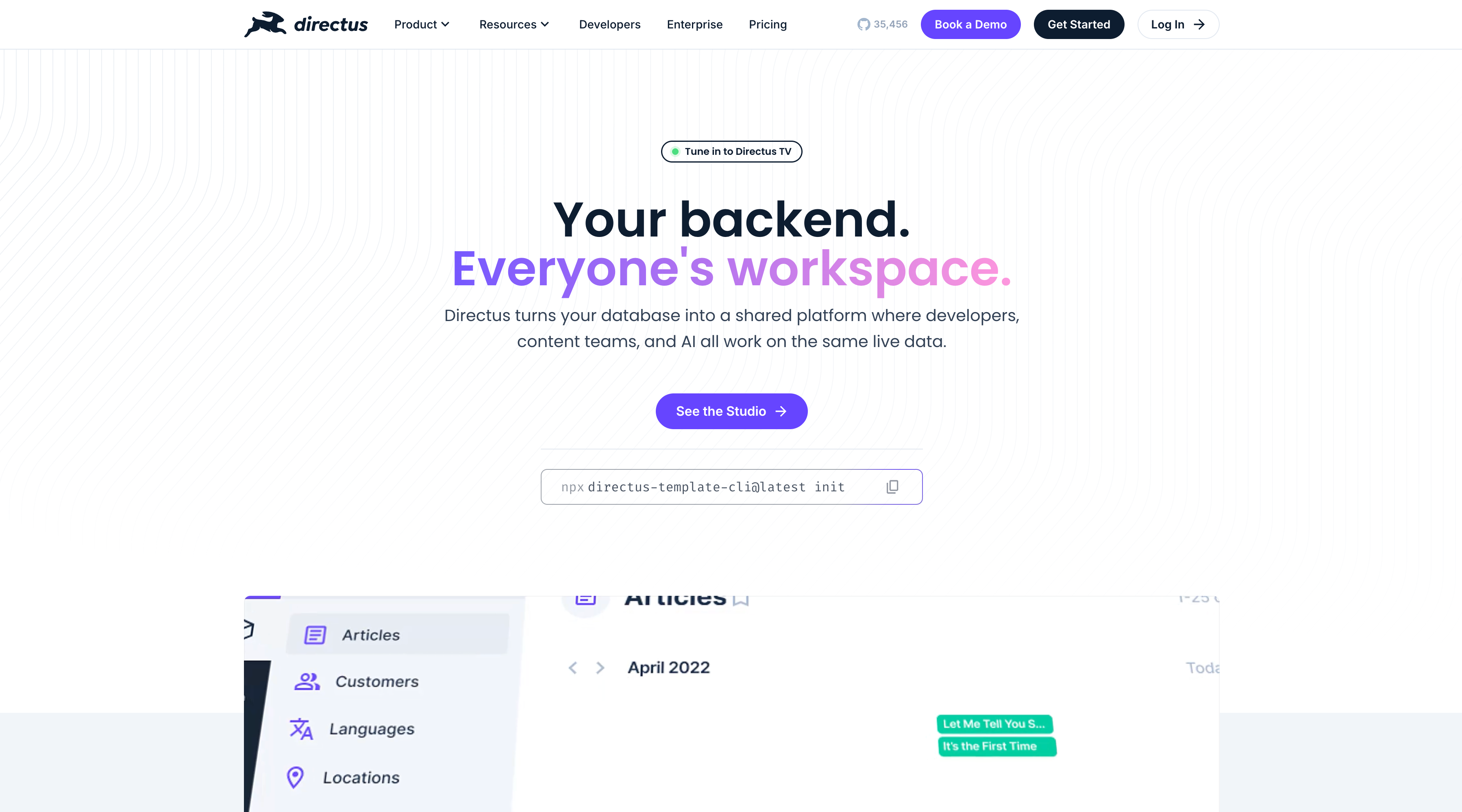
Directus is an open source data backend platform that can quickly turn SQL databases such as PostgreSQL, MySQL, SQLite, MariaDB, MS SQL, and OracleDB into REST / GraphQL APIs and a visual admin panel. It is suitable for building data management backends, content management systems, operations backends, customer data backends, internal API layers, and similar projects.
Directus is especially friendly to existing databases. Many internal tools do not start from scratch. A business database may already exist, but the team still lacks a usable admin panel, permission management, and API layer. Directus can connect directly to an existing SQL database and provide data model management, role permissions, file management, automation workflows, and extension capabilities on top of it.
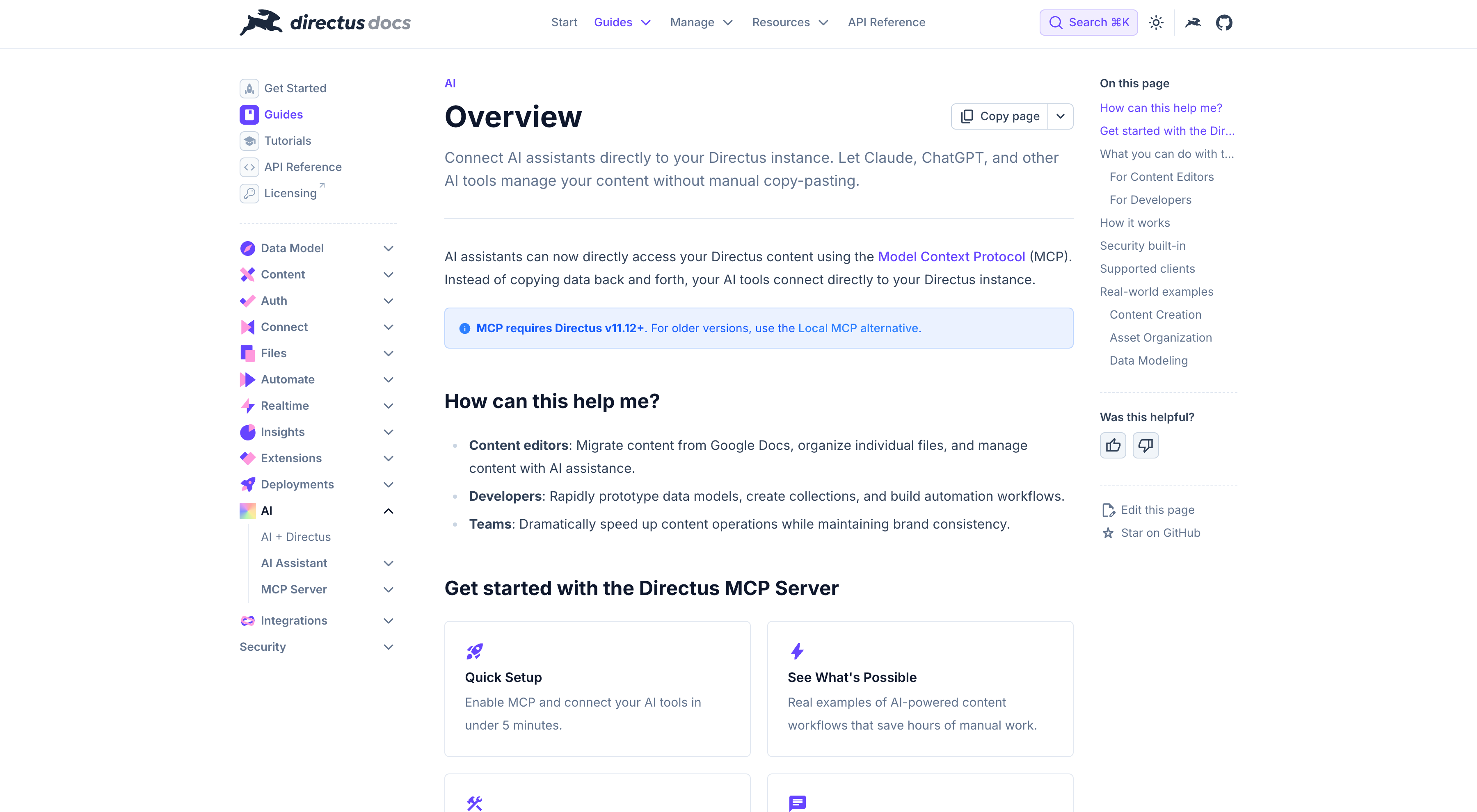
Directus already provides an MCP Server, allowing AI tools such as Claude, ChatGPT, and Cursor to connect to Directus. AI can create, edit, and manage content within the existing permission system, without copying data elsewhere or bypassing Directus permission controls.
What you can build with Codex and Directus
Codex and Directus are suitable for quickly building internal data backends and API layers on top of existing databases, such as customer data management, order data management, content management, product catalog management, operations configuration backends, and data review systems.
The value of this combination is clear: Directus connects the database, generates APIs, provides the admin panel, and handles permissions. Codex understands business requirements, designs data structures, writes extension logic, Hooks, Custom Endpoints, data scripts, and frontend integration code.
The advantage is that developers do not need to rewrite existing databases or backends. Directus provides the data layer and admin panel, while Codex accelerates business logic and extension development. This makes the combination suitable for teams that already have a database but need to quickly add internal tool capabilities.
Suggested prompt
Help me design an internal admin panel for an existing order database based on Directus. It should include four data types: orders, customers, products, and payment records. Also configure basic permissions, list views, status update workflows, and a notification Hook after order status changes.
5. Supabase
Official website: https://supabase.com/
GitHub: https://github.com/supabase/supabase
GitHub Stars: 103k
Supabase probably needs little introduction.
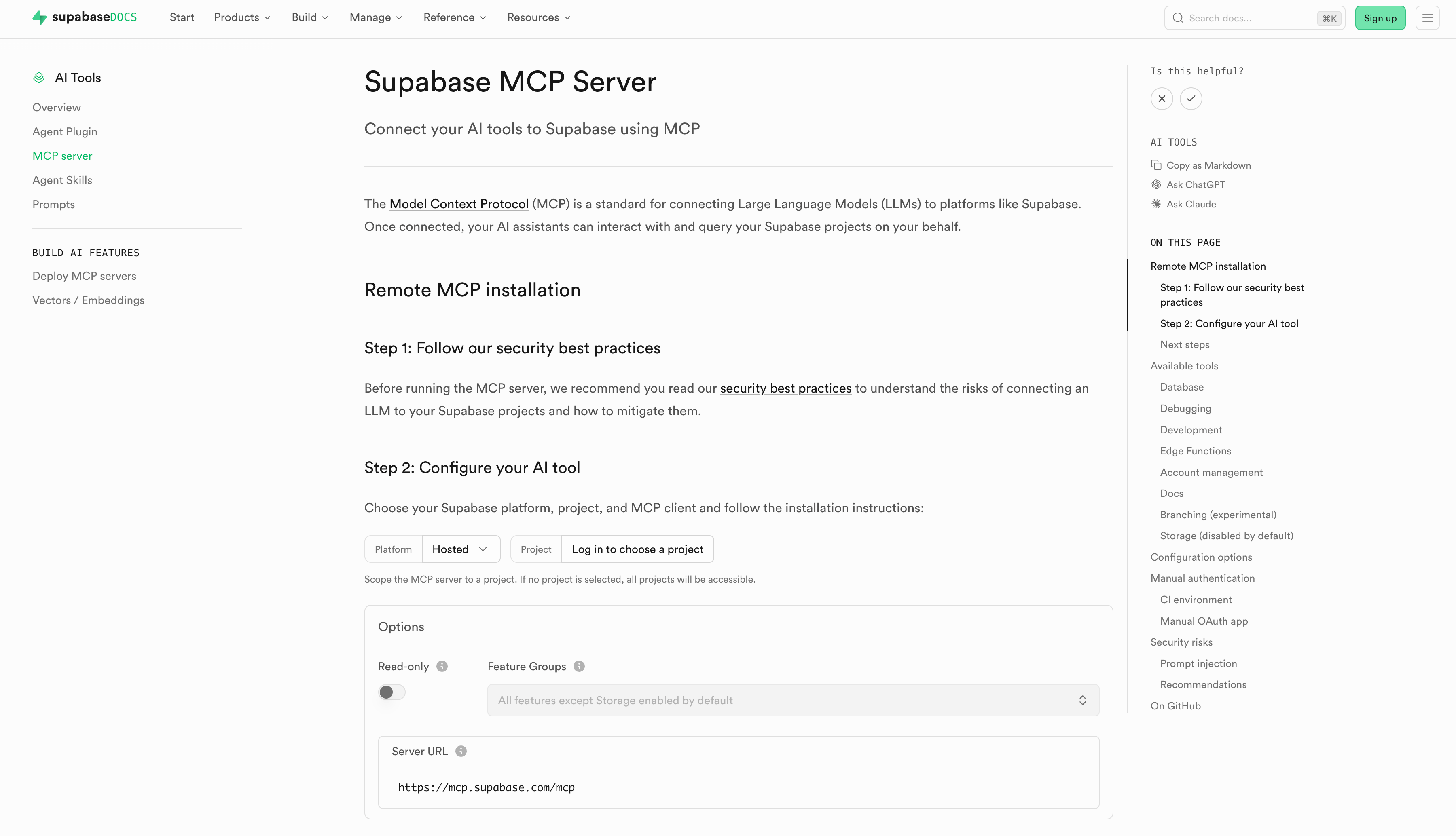
Supabase provides an official Supabase MCP Server that allows AI tools to connect to Supabase projects and query or operate on them within the allowed permission scope. Supabase also provides skills for AI agents, covering databases, Auth, Edge Functions, Realtime, Storage, Vectors, Cron, Queues, CLI, MCP, schema changes, migrations, RLS policies, security audits, and more.
What can you build with Codex and Supabase?
Codex and Supabase are suitable for quickly building the backend layer of internal tools. Supabase provides the database, authentication, API, storage, and function runtime environment. Codex designs schemas based on business requirements, writes SQL, configures RLS permissions, generates Edge Functions, and helps the frontend call Supabase APIs.
For example, if you want to build a customer management backend, Codex can design Postgres tables, field relationships, indexes, and RLS policies based on requirements such as customers, contacts, follow-up records, sales opportunities, contracts, and attachments. Supabase provides the database, authentication, automatic APIs, and permission enforcement. Later, if you need automatic customer assignment, external data synchronization, or AI summary generation, you can continue using Codex to write Edge Functions or database functions.
Suggested prompt
Help me design the backend for a customer management system based on Supabase. It should include tables for customers, contacts, opportunities, contracts, follow_ups, and attachments. Please generate SQL migration, basic indexes, RLS policies, authentication and permission design, and an Edge Function for automatically assigning sales owners.
6. Windmill
Official website: https://www.windmill.dev/
GitHub: https://github.com/windmill-labs/windmill
GitHub Stars: 16.5k
Windmill is an open source platform for developers. It can quickly turn scripts written in Python, TypeScript, Go, Bash, SQL, and other languages into APIs, background tasks, workflows, and internal apps. It is suitable for building automation workflows, data processing tasks, operations tools, background task management, internal script platforms, and lightweight admin interfaces.
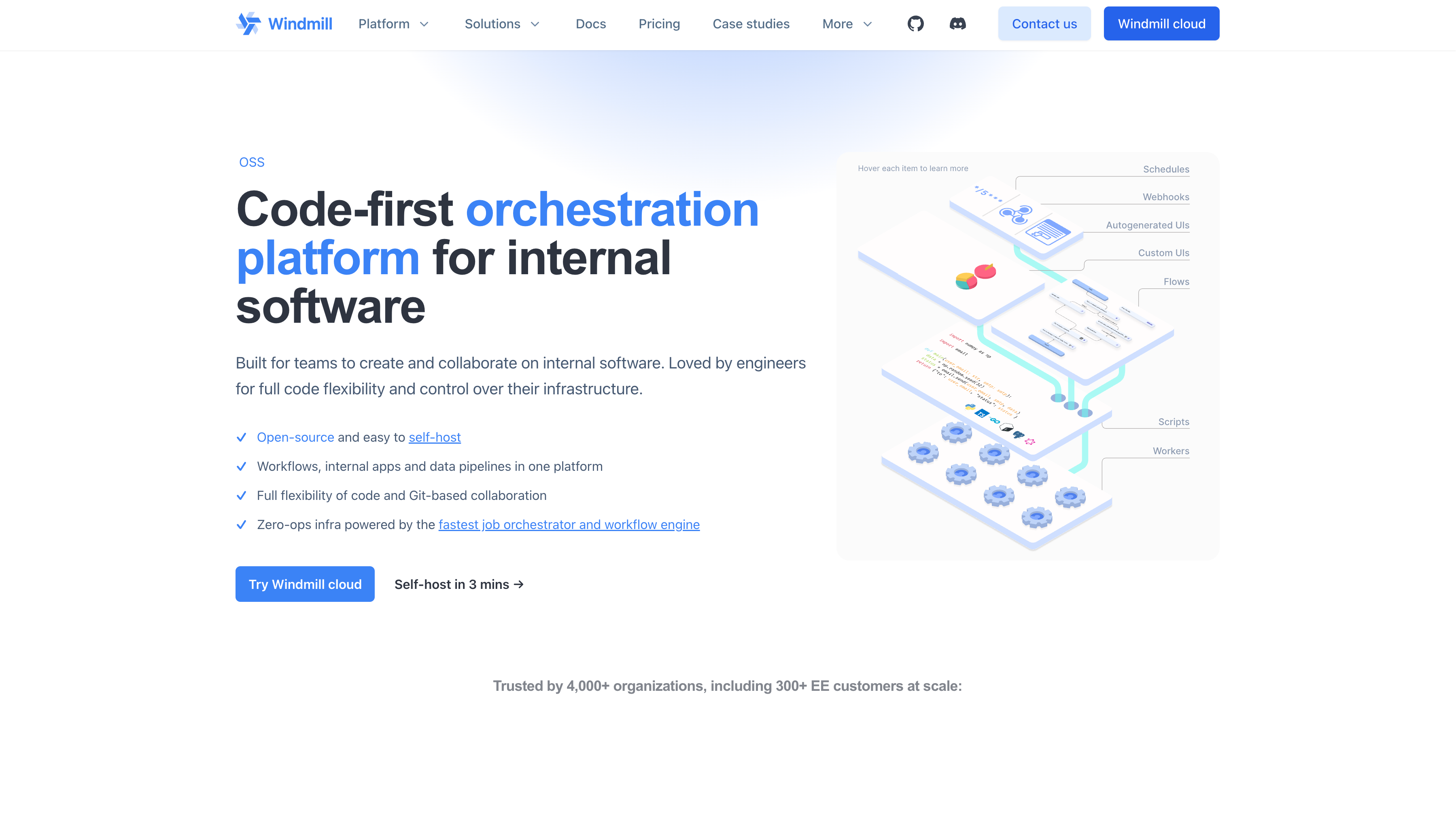
With its CLI and built-in AI skills, Windmill lets developers use Claude Code or Codex locally, then deploy to a remote workspace through wmill sync push. In this setup, Codex writes scripts and workflow logic, while Windmill handles execution, scheduling, permissions, logs, and visual operation interfaces.
What you can build with Codex and Windmill
Codex and Windmill are especially suitable for turning developer-written scripts into internal tools that the whole team can use. Examples include data synchronization, report generation, batch import and export, Webhook processing, scheduled tasks, customer data cleaning, order status synchronization, Slack / Email notifications, and AI data processing workflows.
For example, if you want to build an internal workflow that syncs CRM customer data every night and generates an exception report, Codex can help write scripts for reading, cleaning, comparing, and reporting data. Windmill can configure the workflow as a scheduled task, record execution logs, and provide an internal page where the team can manually trigger the workflow or view the results.
Suggested prompt
Help me create a customer data synchronization workflow based on Windmill: read customer data from PostgreSQL every night, clean duplicate records, identify abnormal emails, generate an exception report, and notify the operations team through Slack. Please write the script in TypeScript and explain how to configure the scheduled task and input parameters.
Final thoughts
AI Coding Agents like Codex are changing how developers build internal tools.
NocoBase, Refine, Payload, Directus, Supabase, and Windmill each provide a clearer engineering foundation from different angles, including business systems, frontend frameworks, data backends, backend services, and script automation.
The value of Codex is that it improves development efficiency on top of these foundations: it helps you break down requirements, generate code, configure resources, write scripts, design workflows, handle integrations, and troubleshoot issues.
A better development approach is:
Choose the right open source infrastructure first, then let Codex complete the specific implementation within a clear structure.
Internal tools built this way are easier to maintain, extend, and put into real use.
Related reading
- After Claude Code: 6 Open-Source Tools You Should Know
- Top 10 Open-Source AI And No-Code Tools for Enterprise Software Development
- 8 Open-Source AI Agent Platforms for Building Internal Tools
- The Best Enterprise-Grade Self-Hosted CRMs with RBAC, AI, and Open API Support
- 6 Best Open-Source Tools to Replace Custom Integration Middleware
- Replace Excel with NocoBase or Airtable? A Cost-by-Cost Comparison
- 4 Ways to Quickly Build Web Apps from Excel Data
- Not Just PostgreSQL: Comparing 5 No-Code/Low-Code Platforms with External Database Support
- Open Source Project Management Tool Selection Guide, 2026 Edition
- How to Build a Custom CRM with PostgreSQL
- Top 20 AI Projects on GitHub to Watch in 2026: Not Just OpenClaw