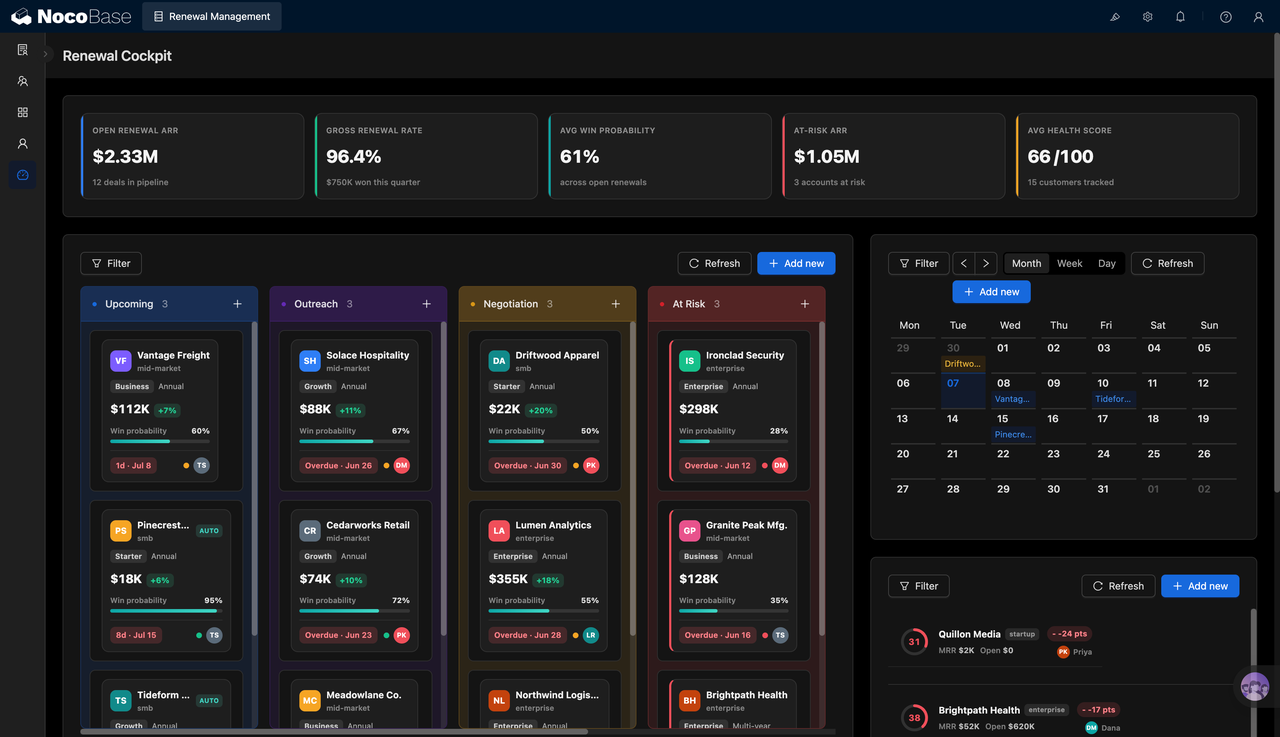
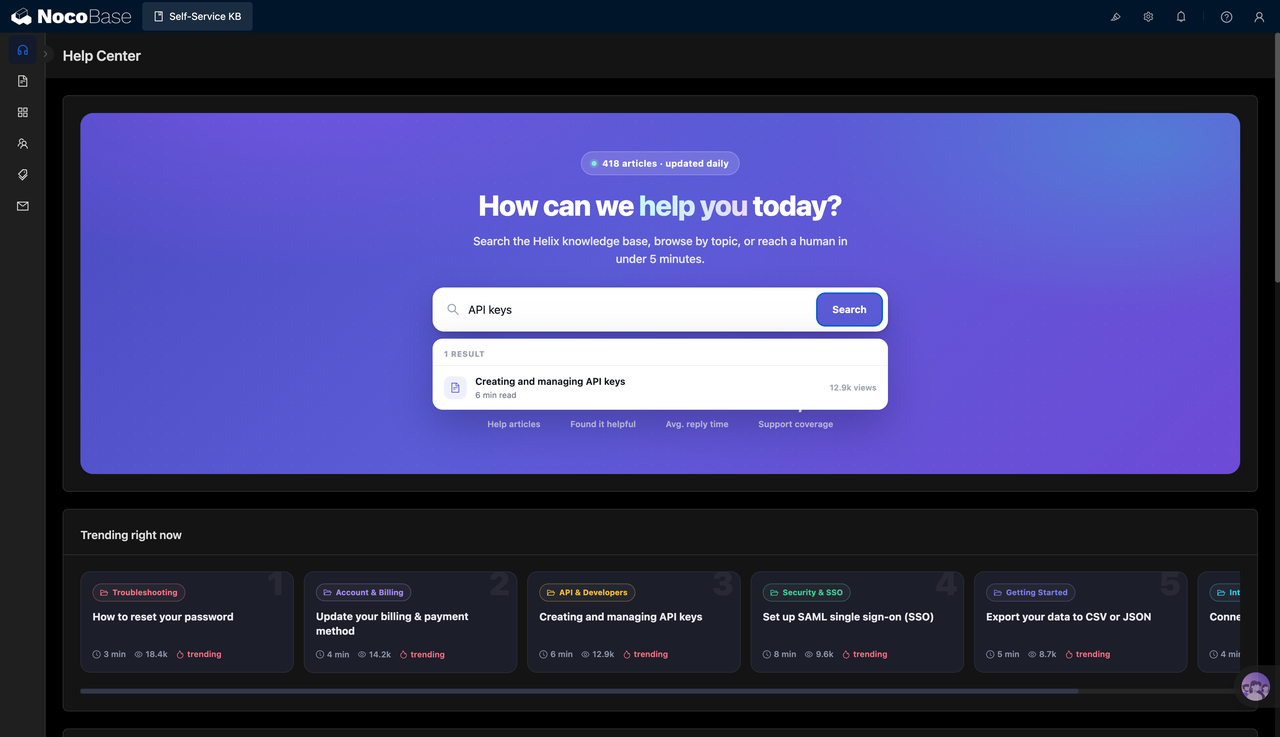
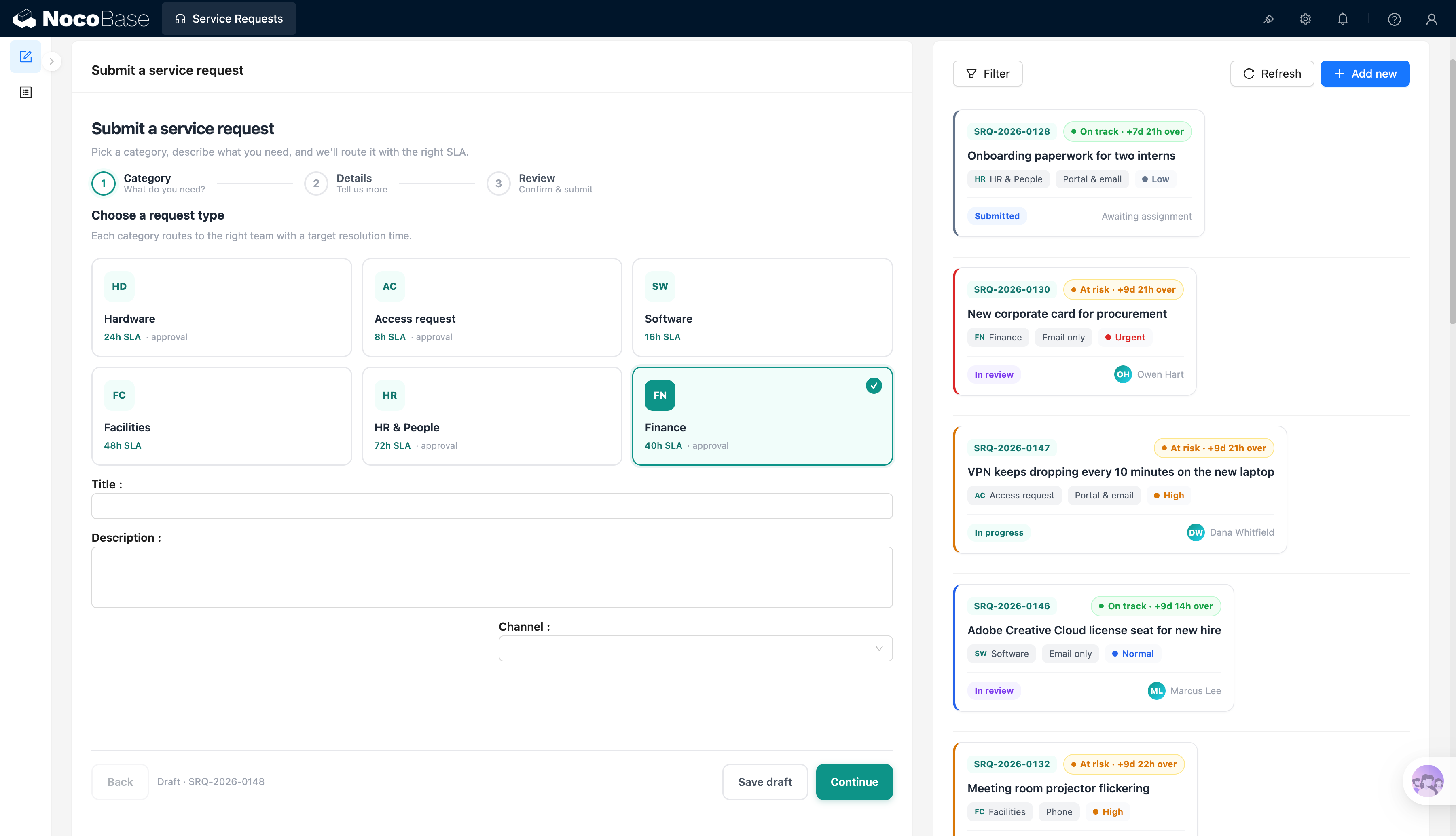
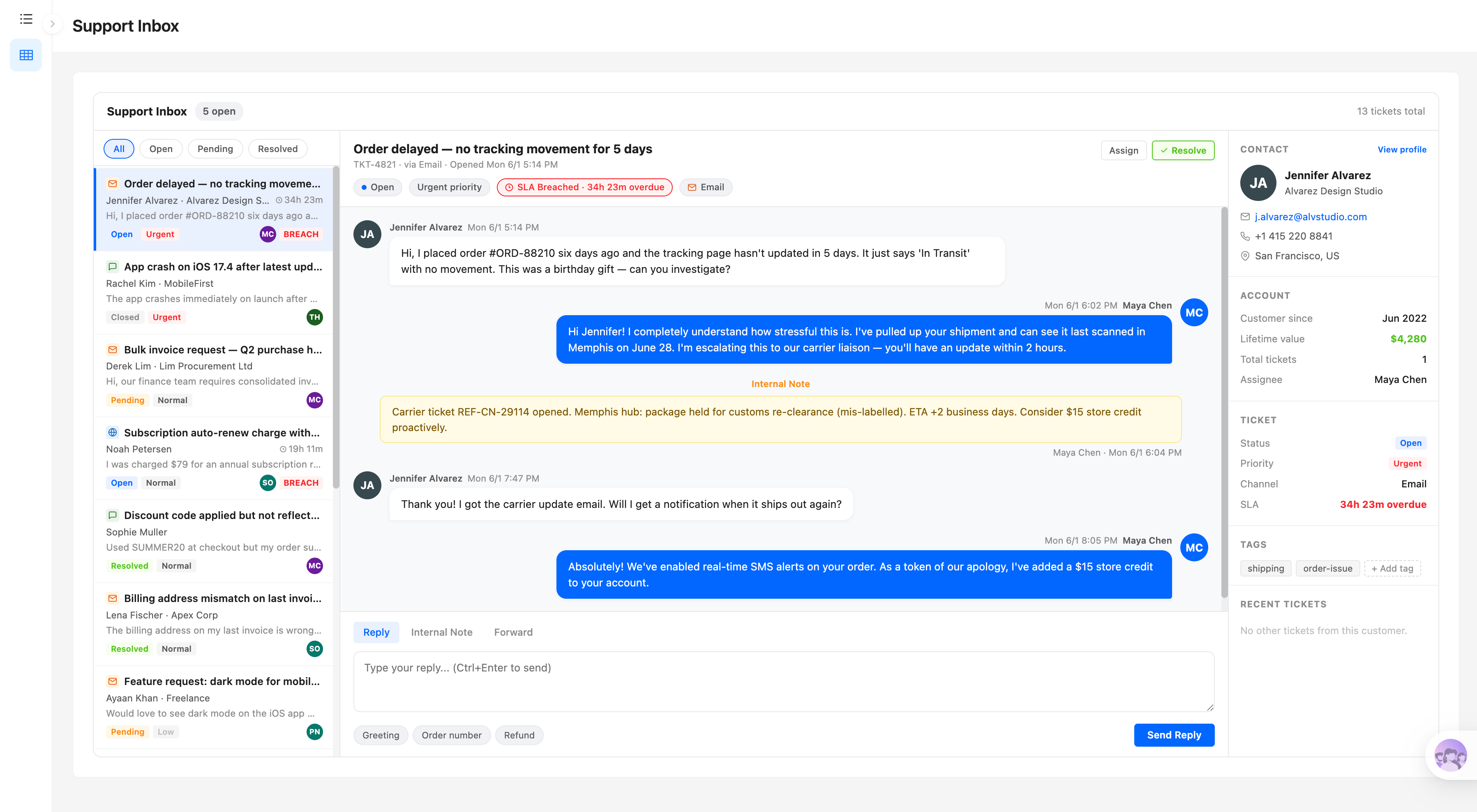
Build it with your AI agent
Build a NocoBase app — Customer Feedback Management System: an NPS overview dashboard, sentiment filtering, and an AI feedback analysis report. Match the layout and signature visuals of this reference prototype: https://static-docs.nocobase.com/solution/templates/27-customer-feedback.html
The prototype link (HTML) in the prompt is a design we pre-made, only to demonstrate the capability; NocoBase doesn't recommend generating a whole system from a single prompt. When you build with it, pair it with the “prototype reproduction” skill (nocobase-prototype-repro) in NocoBase Skills to get a good result.
Before you start, follow the AI agent quick start to install NocoBase and connect your agent. AI results can vary; depending on the model and system complexity, some fine-tuning or extra rounds may be needed.
Introduction
A customer feedback management system centralizes the collection, review, and analysis of customer feedback, helping teams quickly understand customer satisfaction, pending issues, and key improvement areas.
These records can also be managed as a NocoBase-based internal business system, with customer feedback, channels, ratings, product suggestions, issue categories, response status, and feedback analysis organized through configurable data models, role permissions, views, workflows where needed, and operation history.
You can connect AI Agents such as Claude Code, Codex, Cursor, or OpenCode to NocoBase to quickly generate a similar customer feedback management system, then use NocoBase’s no-code capabilities to adjust fields, pages, filters, and analytical views.
This system is suitable for customer success, product, operations, after-sales, and management teams, especially for companies that need to continuously track customer voices, prioritize issues, and produce feedback analysis reports.
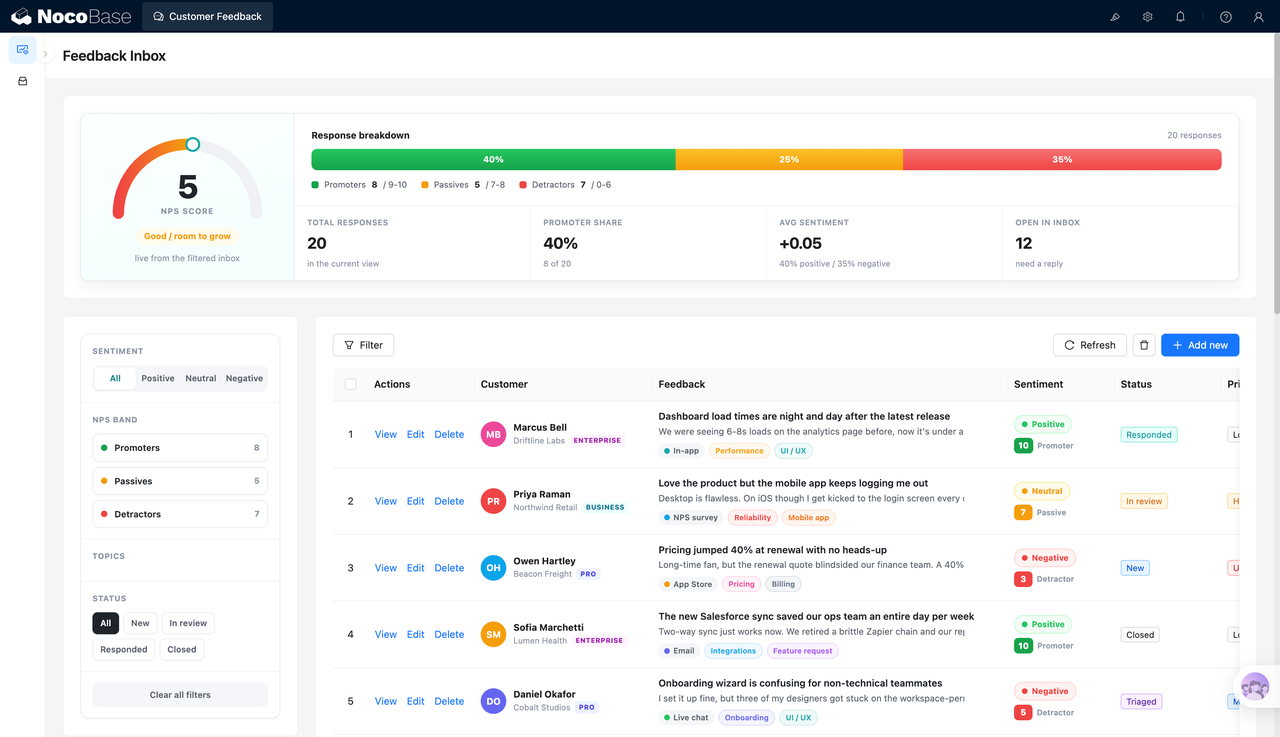
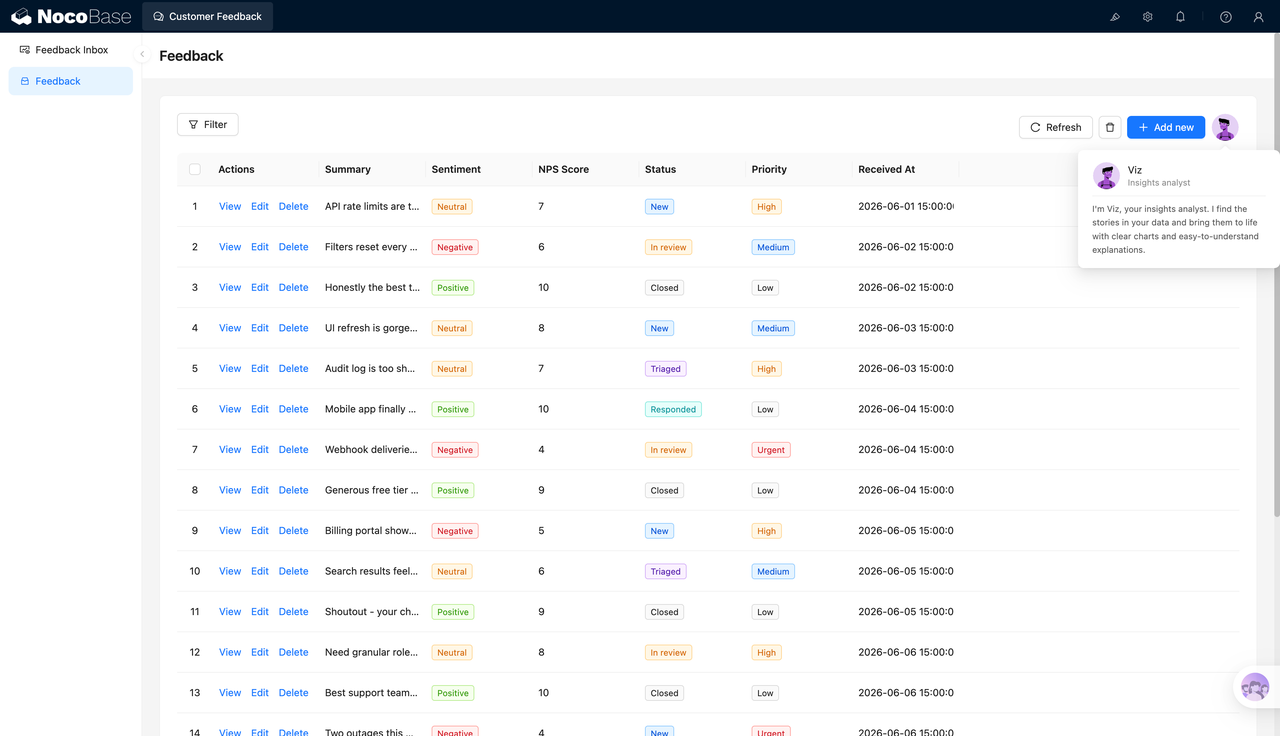
Customer feedback overview:
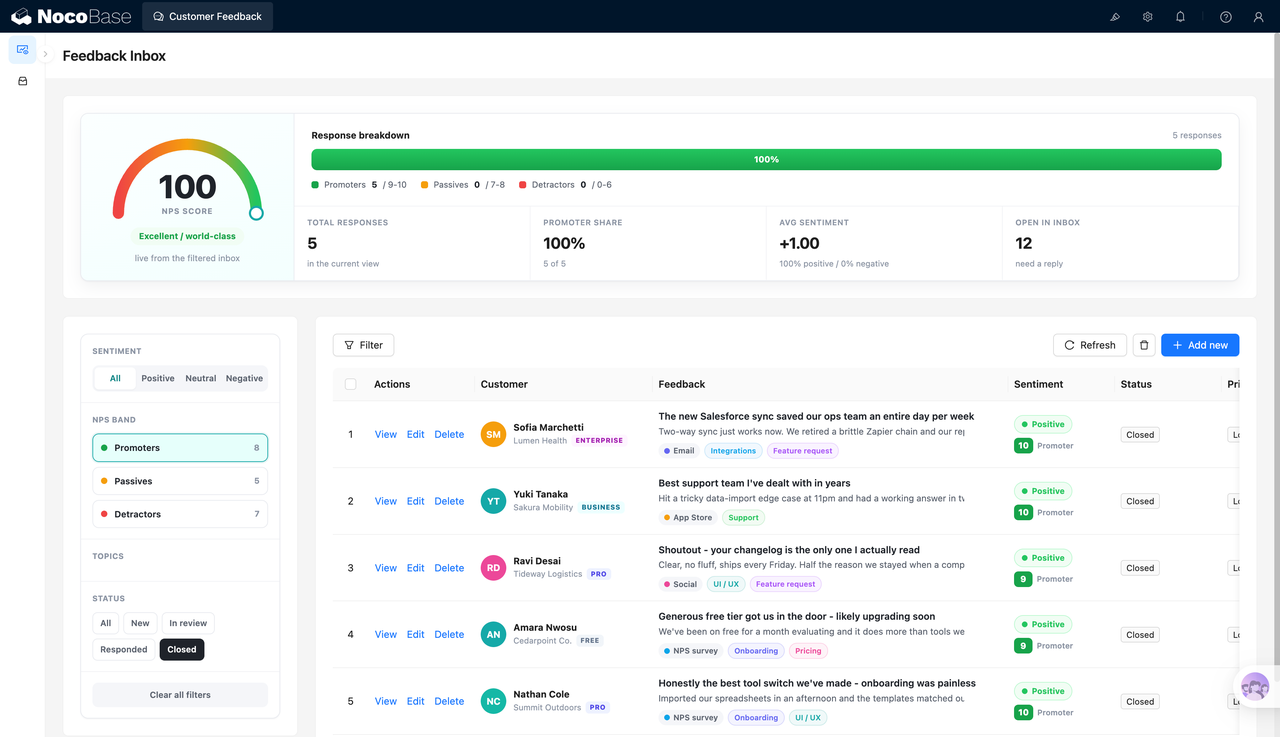
Feedback list filtered by promoters and closed status:
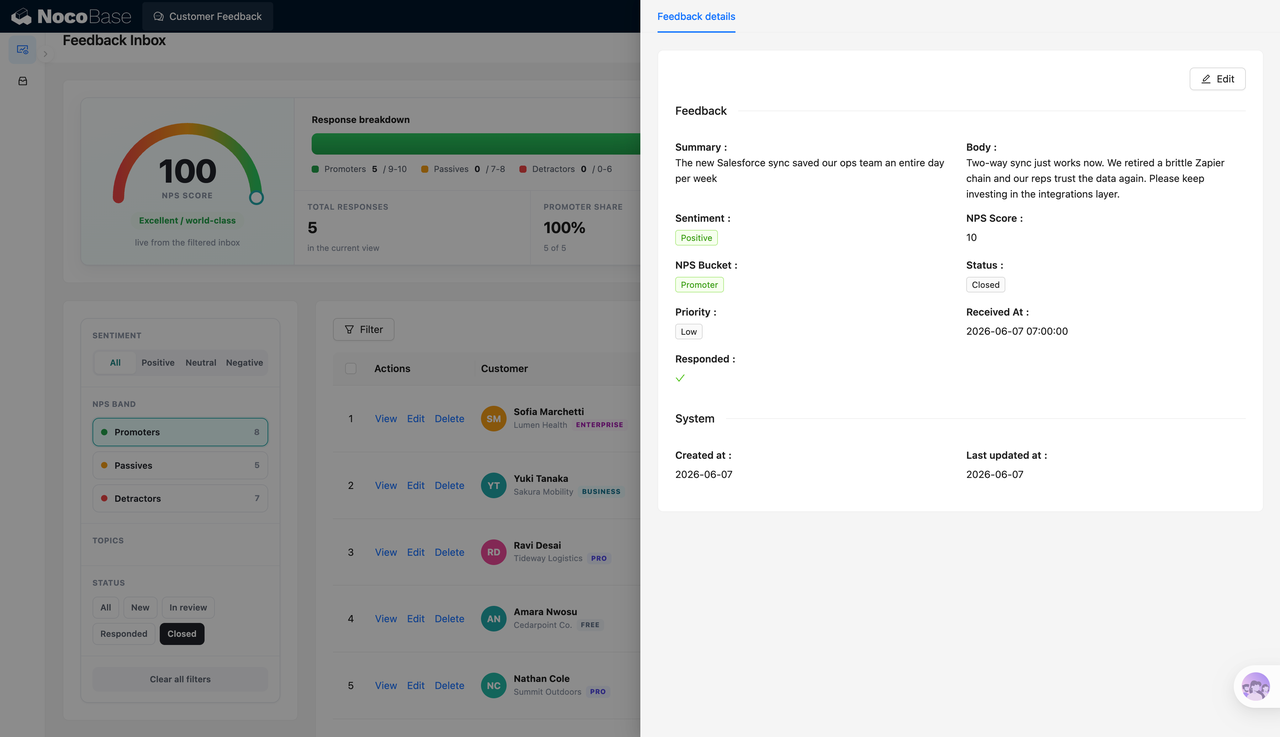
Feedback detail page showing the summary, full feedback text, sentiment, NPS score, and more:
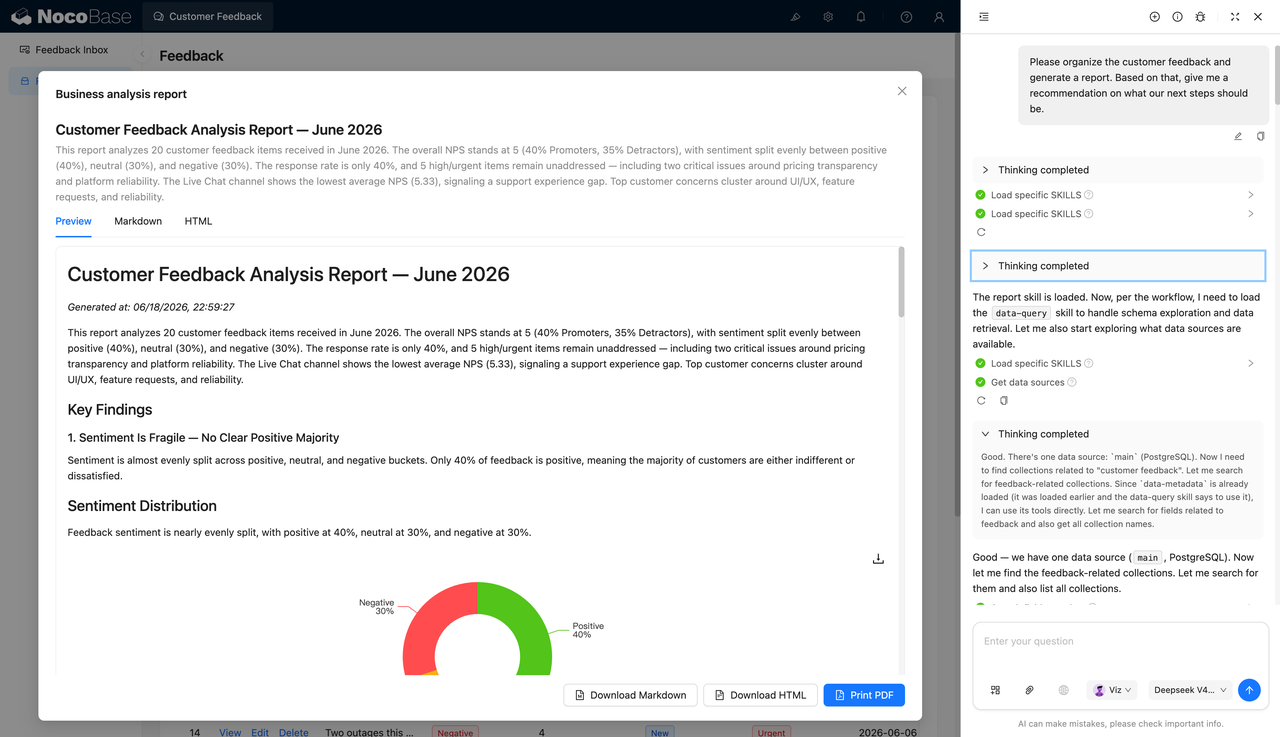
AI-generated customer feedback analysis report:
What Problems Can a Customer Feedback Management System Solve?
When customer feedback is scattered across emails, chat records, forms, and support systems, it becomes difficult for teams to decide which issues are most urgent or continuously track changes in customer satisfaction.
This system uses an NPS dashboard to show the overall feedback situation in one place, including total feedback count, promoter ratio, average sentiment, pending replies, and the distribution of promoters, passives, and detractors.
The list and detail pages help teams follow up on feedback item by item. Each feedback record can store the customer, summary, full text, sentiment, NPS score, status, priority, received time, and reply status, making follow-up work easier to manage.
AI analysis reports can turn scattered feedback into readable business insights, helping teams quickly identify recurring topics such as UI/UX, performance, reliability, pricing, billing, mobile apps, integrations, and feature requests.
Key Features
Customer feedback overview dashboard
- NPS score: Display the NPS score for the current feedback scope through a dashboard.
- Response composition: Separate promoters, passives, and detractors, and show their proportions.
- Key metrics: Show total feedback count, promoter ratio, average sentiment, and pending replies.
- Filter-linked dashboard: Dashboard data changes with the current filters, making it easy to analyze different feedback groups.
- Satisfaction status: The page can show a status hint such as “room for improvement” or “excellent performance.”
Filtering and categorized views
- Filter by sentiment: View all, positive, neutral, or negative feedback.
- Filter by NPS group: View promoters, passives, and detractors separately.
- Filter by status: Support statuses such as new, in progress, replied, and closed.
- Topic tags: Feedback can be tagged with themes such as performance, UI/UX, reliability, mobile app, pricing, billing, integration, and feature request.
- Clear filters: Reset to the default view with one action and return to the full feedback list.
Feedback detail management
- Feedback summary: Record the core point of each feedback item, making it easier to understand the issue quickly.
- Full feedback text: Keep the complete customer description so important context is not lost.
- Processing status: Track statuses such as new, in progress, replied, and closed.
- Priority: Mark each feedback item as low, medium, high, or urgent.
- System records: Show created time, updated time, received time, and whether the feedback has been replied to.
AI customer feedback analysis
- Natural language questions: Ask AI to analyze feedback and generate next-step suggestions.
- Data context reading: AI can generate reports based on the current feedback data.
- Role-based assistant: In the example, the AI assistant acts as an “insight analyst” and explains the data in an accessible way.
- Decision support: Help teams identify which customer feedback items should be handled first.
- Multi-format export: Support Preview, Markdown, HTML, and PDF output for sharing and archiving.
Why Build a Customer Feedback Management System with AI and NocoBase?
A customer feedback management system is more than a single form or a static list. In real use, teams need to manage customer information, NPS scores, sentiment categories, feedback topics, processing statuses, priorities, reply records, and analysis reports, while keeping the data consistent across customer success, product, operations, and management teams.
Pure Vibe Coding can quickly generate a feedback list or submission page, but long-term maintenance soon becomes more complex. Negative feedback needs timely follow-up, different teams may only be allowed to view the data they own, replied and pending statuses must be updated continuously, and feedback topics will keep changing as products and services evolve. As feedback volume grows, permissions, workflows, history records, and analysis views all become harder to maintain.
When this type of system is built in NocoBase, the team can reuse foundational capabilities such as data models, access control, workflows, operation history, audit logs, notifications, single sign-on, page building, and plugin extensions. Instead of rebuilding enterprise application basics from scratch, the team can focus on feedback categories, handling processes, and analysis reports.
AI does more than speed up page generation. It can help break down the feedback management process, generate fields and page structures, organize sentiment categories and topic tags, read current feedback data, extract recurring issues, and create analysis reports for business reviews.
The result is not just a page for collecting comments, but an enterprise business system for continuously tracking customer satisfaction, identifying recurring problems, and driving follow-up improvements.
FAQ
1.Can the customer feedback management system show overall satisfaction?
Yes. The system can show customer satisfaction through the NPS score, promoter ratio, average sentiment, and response composition.
2.Does the system support promoters, passives, and detractors?
Yes. The system can classify feedback into promoters, passives, and detractors based on NPS scores and show these groups in the dashboard and filters.
3.Can customer feedback be filtered by sentiment?
Yes. The screenshots show filters for positive, neutral, negative, and all feedback, helping teams quickly review feedback by sentiment type.
4.Can each feedback item have a detail page?
Yes. The detail page can show the feedback summary, full text, sentiment, NPS score, NPS group, status, priority, received time, and reply status.
5.Can the system track feedback processing status?
Yes. Feedback statuses can include new, in progress, replied, and closed, allowing teams to follow up based on handling progress.
6.Does the system support priority management?
Yes. Each feedback item can be marked as low, medium, high, or urgent, helping the team handle the most important issues first.
7.Can AI generate customer feedback analysis reports?
Yes. AI can organize customer feedback and generate analysis reports covering key findings, sentiment distribution, and next-step suggestions.
8.Can AI reports be exported?
Yes. The screenshots show support for Preview, Markdown, HTML, and PDF output, making it easier to share internally, archive, or include in business reviews.
9.Can Claude Code, Codex, Cursor, or OpenCode help build this system?
Yes. These AI Agents can connect to NocoBase to help generate pages, fields, forms, lists, and analytical views, and the team can continue adjusting them in NocoBase.
10.How is this different from building with pure Vibe Coding?
Pure Vibe Coding is better suited for quickly generating page prototypes. NocoBase provides the data models, permissions, workflows, audit capabilities, notifications, and plugin extensions needed by enterprise systems, making it more suitable for long-term use.
11.Does the customer feedback management system support access control?
Yes. Access control can be configured in NocoBase. For example, different teams can only view the feedback they own, or editing, deleting, and exporting actions can be restricted.
12.Can fields and workflows be adjusted later?
Yes. Feedback fields, statuses, filters, page layouts, and analysis reports can all be adjusted later without rebuilding the entire system.
13.Which teams is this system suitable for?
It is suitable for customer success, after-sales, product, operations, and management teams, especially teams that need to continuously organize customer voices and follow up on issues.