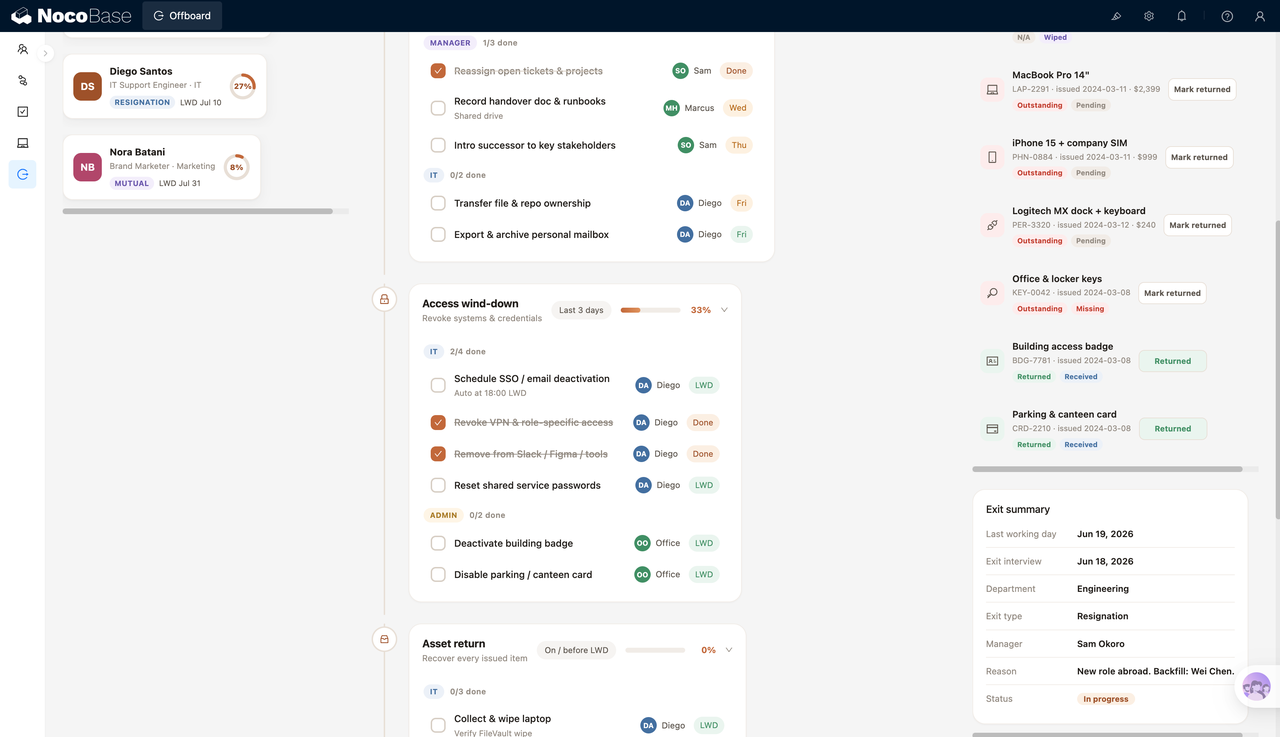
Construa com o seu agente de IA
Build a NocoBase app — Employee Onboarding Checklist System: an onboarding journey with progress tracking and a checklist dialog. Match the layout and signature visuals of this reference prototype: https://static-docs.nocobase.com/solution/templates/08-onboarding-checklist.html
O link do protótipo (HTML) no prompt é um design que preparamos previamente, apenas para demonstrar a capacidade; o NocoBase não recomenda gerar um sistema inteiro a partir de um único prompt. Ao construir com ele, combine-o com a skill “prototype reproduction” (nocobase-prototype-repro) das NocoBase Skills para obter um bom resultado.
Antes de começar, siga o início rápido do agente de IA para instalar o NocoBase e conectar o seu agente. Os resultados de IA podem variar; dependendo do modelo e da complexidade do sistema, alguns ajustes ou rodadas adicionais podem ser necessários.
Introdução
Use o seu AI agent favorito e o NocoBase para criar rapidamente uma lista de verificação de integração de colaboradores personalizável, confiável e continuamente evolutiva, para gerenciar perfis de colaboradores, etapas de integração, responsáveis por tarefas, prazos, status das tarefas e o progresso geral de conclusão.
Você pode copiar o prompt abaixo e deixar o seu AI agent gerar a base de um sistema de integração de colaboradores no NocoBase e, em seguida, ajustar campos, páginas e disposição de tarefas pela interface sem código.
Este sistema é ideal para equipes de RH, gestores de área, equipes de TI e responsáveis por treinamentos gerenciarem juntos a integração de novos colaboradores, ajudando a equipe a avançar nas tarefas por etapas como pré-admissão, primeira semana, segunda semana e primeiro mês.
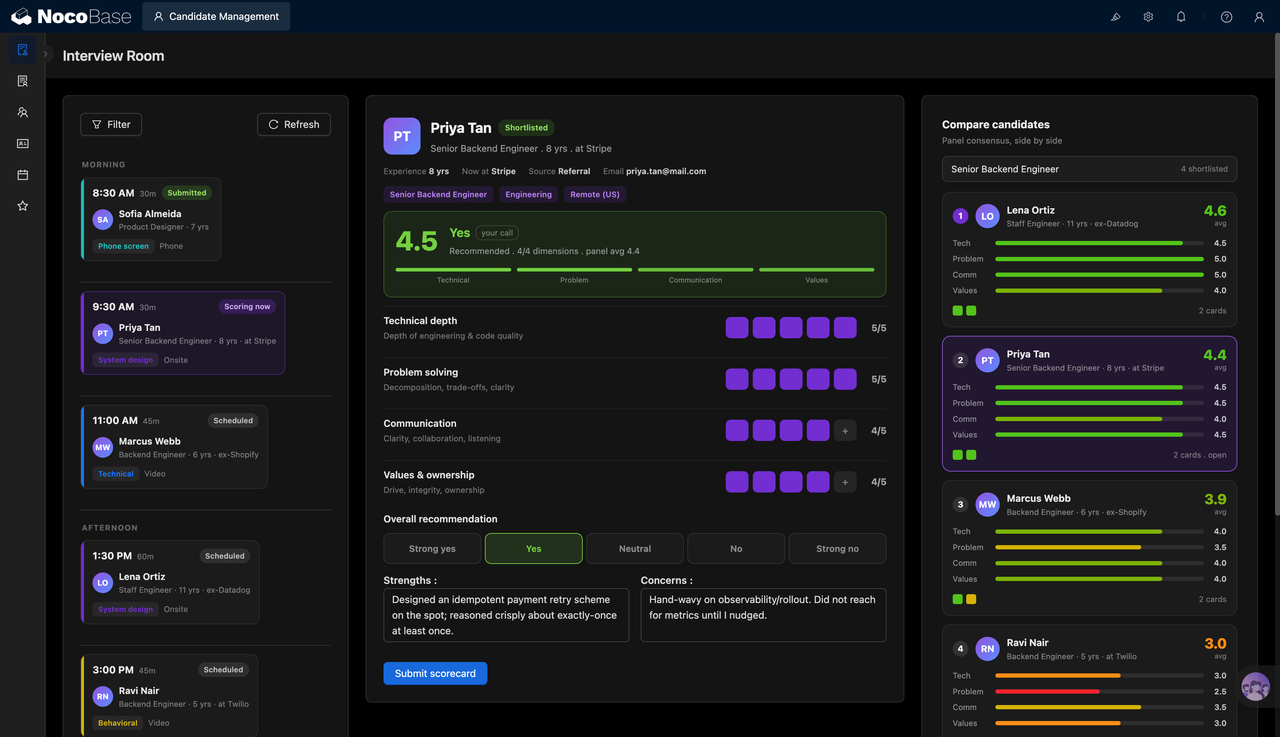
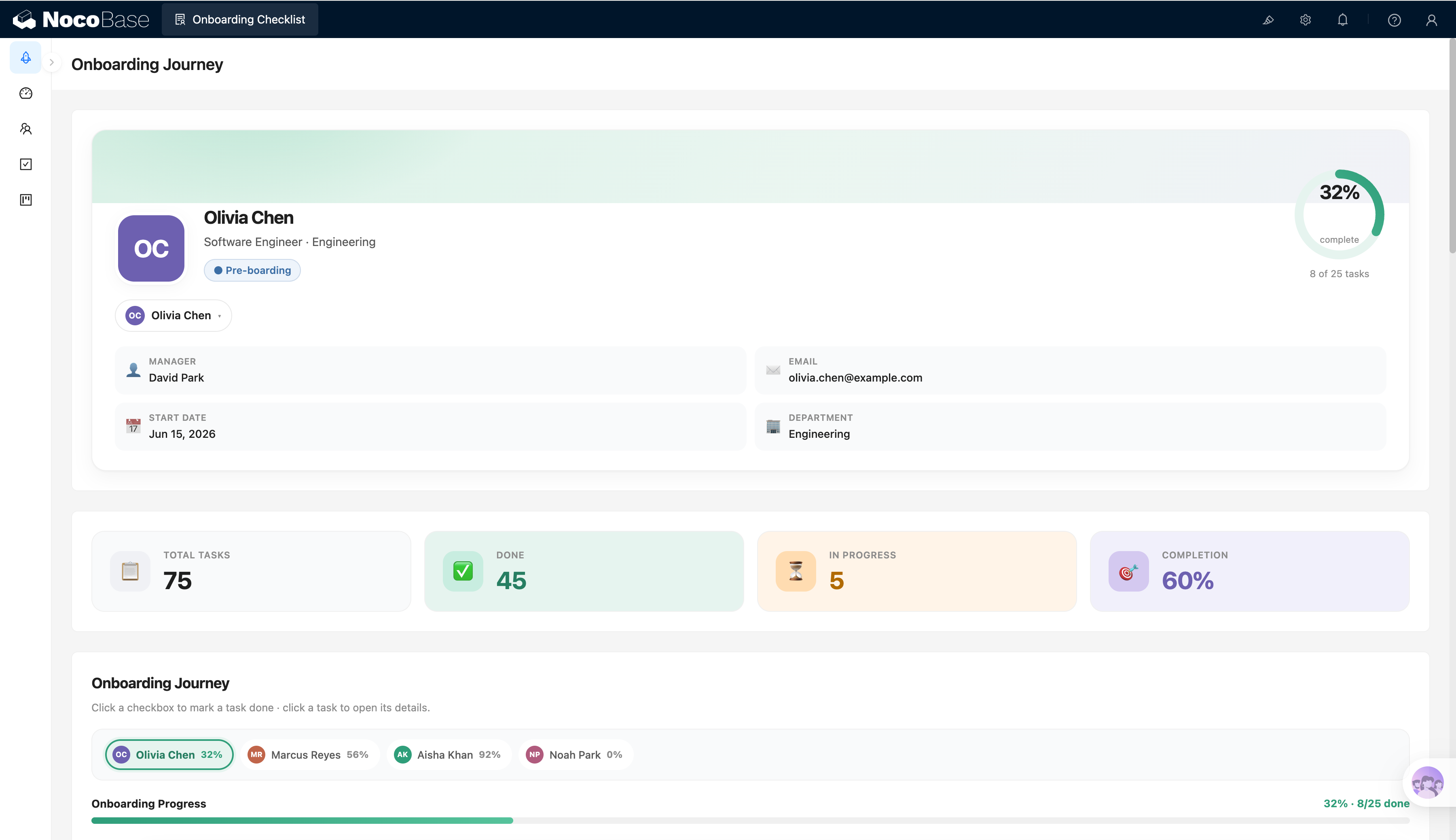
Visão geral do progresso de integração do colaborador:
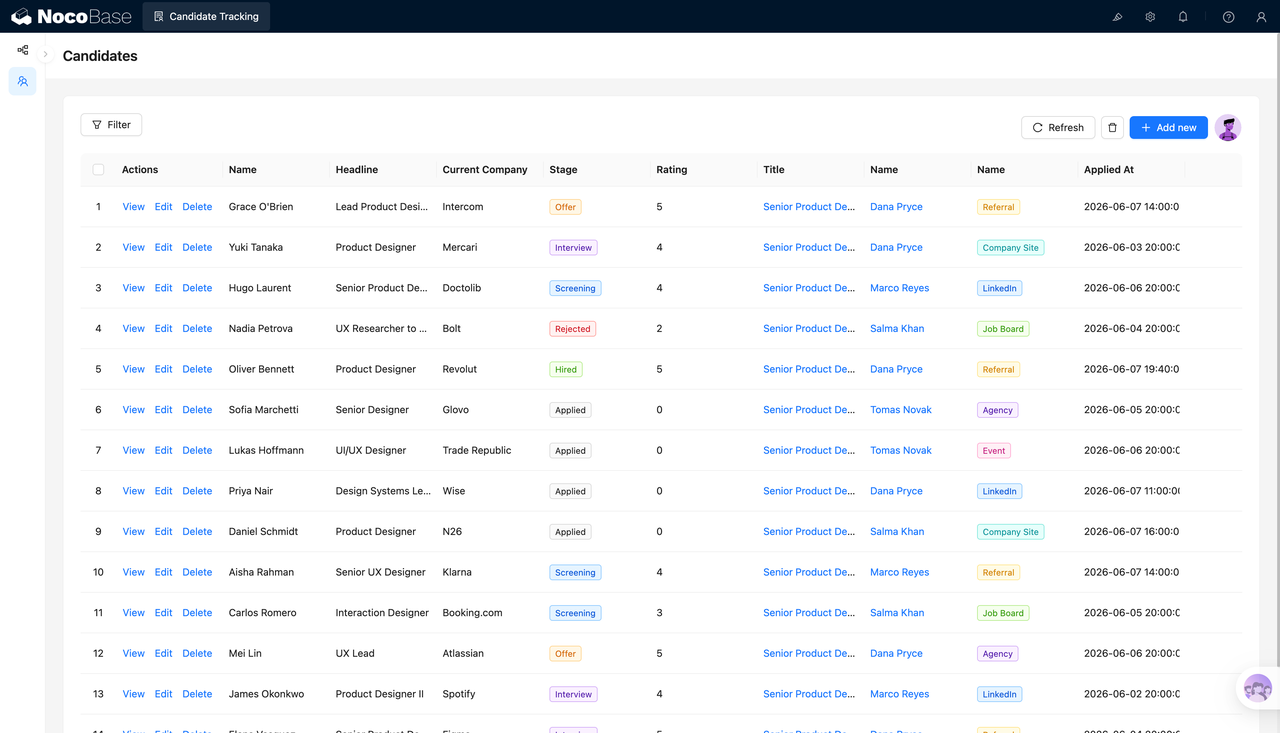
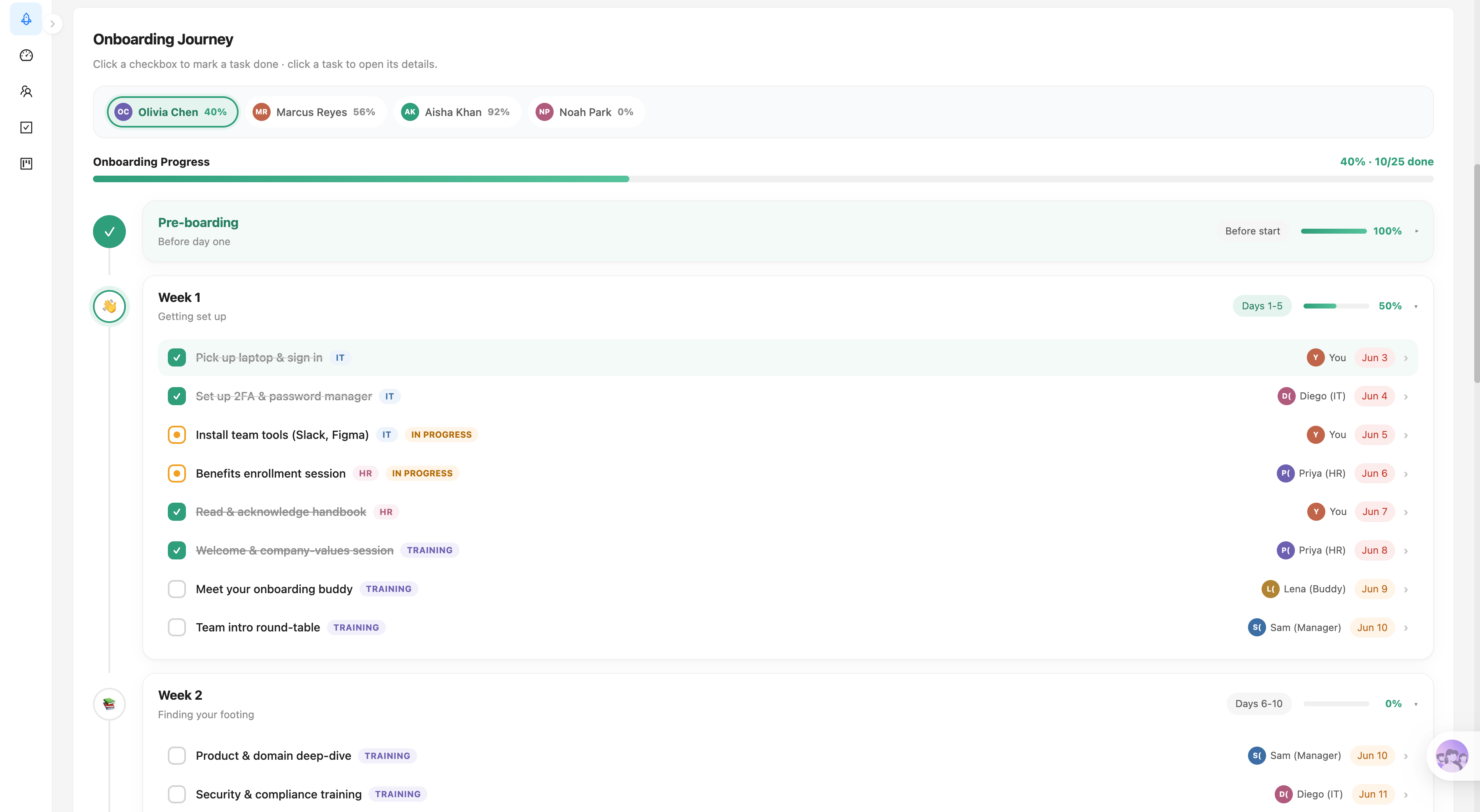
Lista de tarefas de integração por etapa:
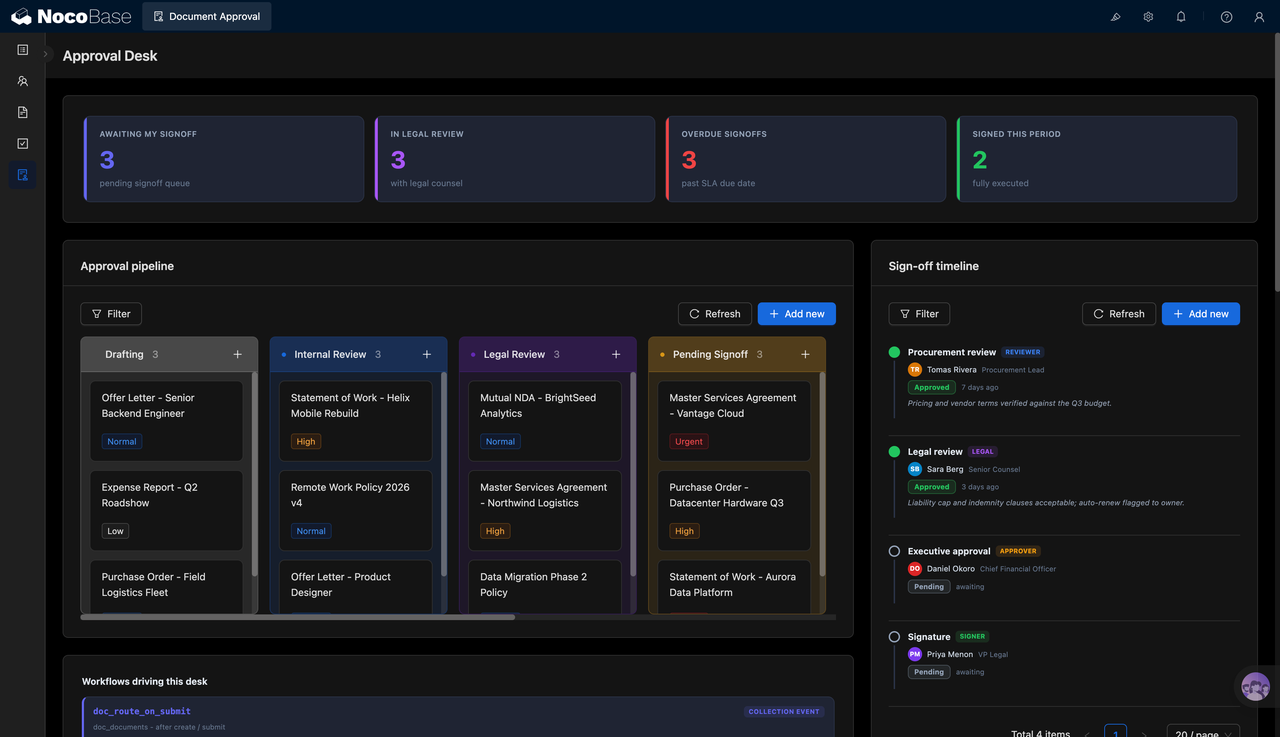
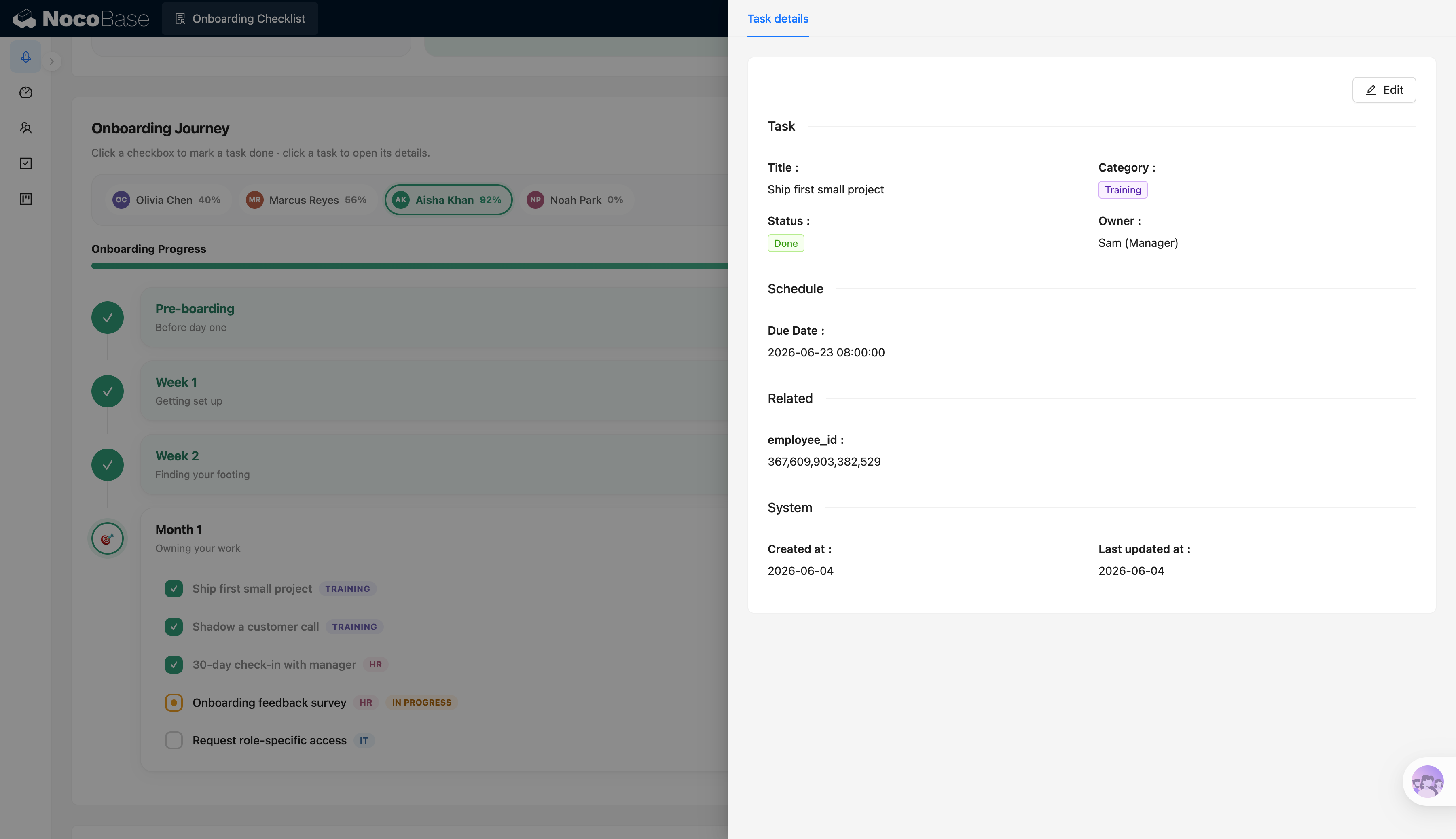
Detalhes da tarefa de integração:
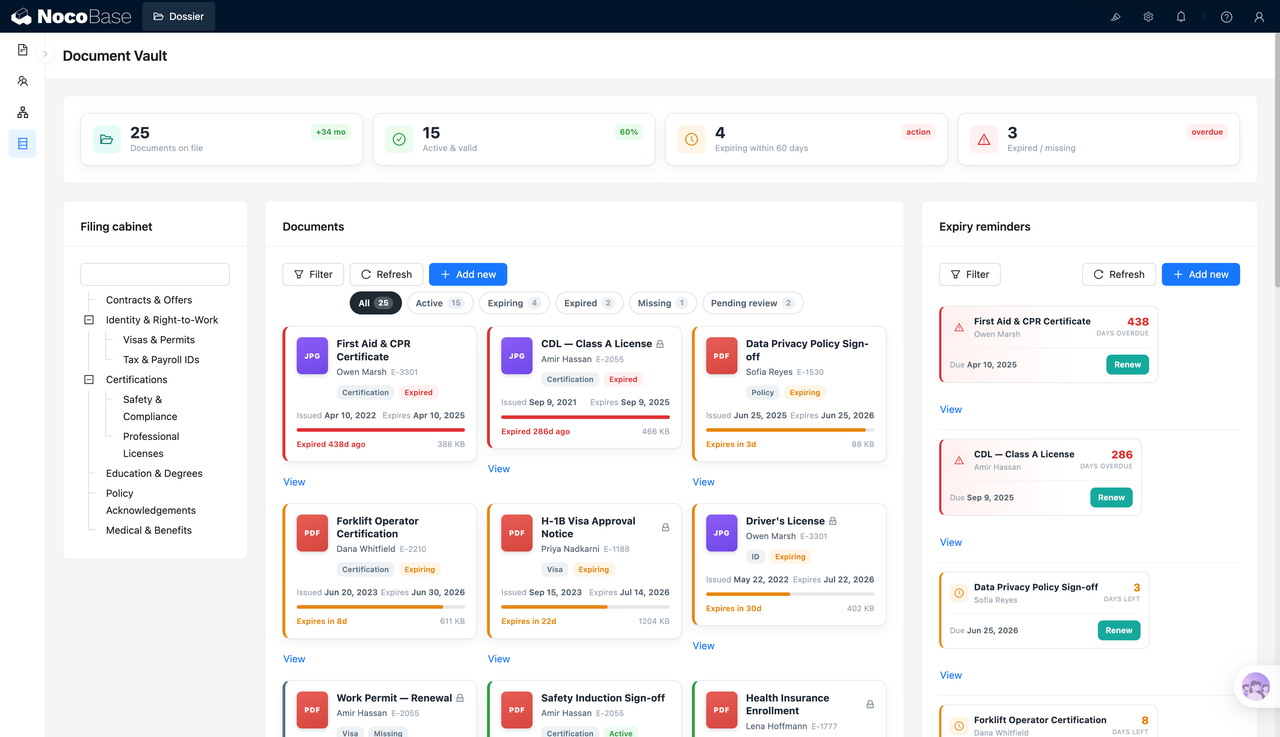
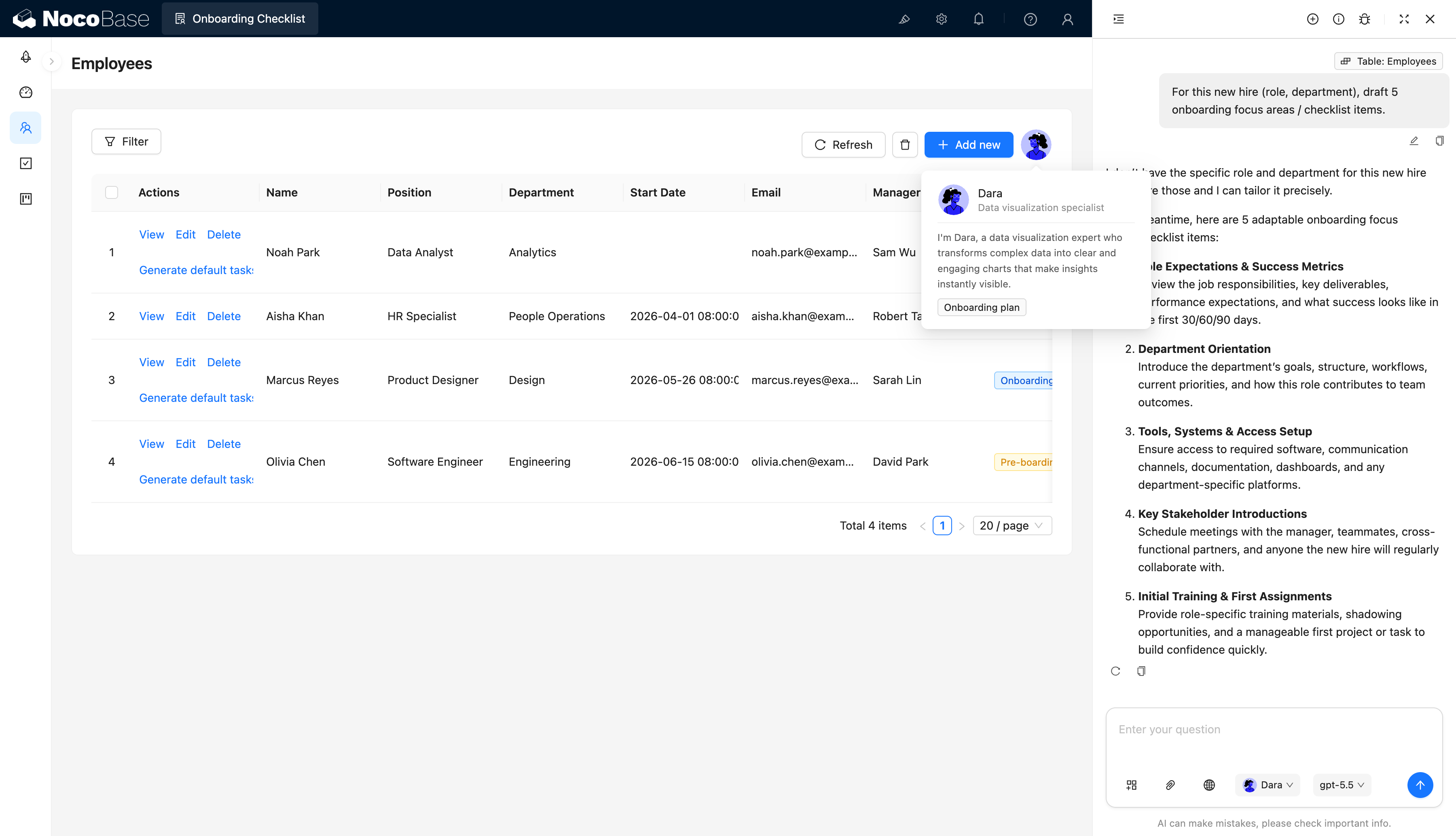
IA assistindo na geração de destaques de integração e itens da lista de verificação:
Que problemas uma lista de verificação de integração resolve?
A integração de colaboradores geralmente envolve simultaneamente RH, gestores diretos, TI e instrutores. As tarefas a realizar podem incluir preparação de equipamentos, criação de contas, configurações de segurança, confirmação do manual do colaborador, apresentações da equipe e treinamento de cargo. Quando essas tarefas estão dispersas em e-mails, conversas e planilhas, surgem esquecimentos, atrasos e falta de clareza sobre os responsáveis.
Com este sistema, você pode criar um perfil de integração individual para cada novo colaborador, registrando nome, cargo, departamento, gestor direto, e-mail e data de início, e configurar uma lista completa de tarefas de integração para cada um.
As tarefas podem ser organizadas em etapas como pré-admissão, primeira semana, segunda semana e primeiro mês. Cada tarefa pode ter uma categoria, um responsável, um prazo e um status atual. Colaboradores e gestores podem ver diretamente quais tarefas estão concluídas, em andamento ou não iniciadas, além da taxa geral de conclusão da integração.
O sistema também permite alternar rapidamente entre colaboradores, facilitando para o RH ou gestores a comparação do progresso de integração entre novos colaboradores e a identificação de tarefas pendentes em tempo hábil.
Funcionalidades principais
Perfis de integração de colaboradores
- Dados básicos do novo colaborador: Mantenha nome, cargo, departamento, e-mail, data de início e status atual de integração em um único lugar.
- Vínculo com o gestor direto: Associe cada novo colaborador a um gestor direto para que o principal responsável pelo processo de integração fique claro.
- Alternância de perfil: Alterne entre diferentes novos colaboradores para visualizar as tarefas e o progresso de conclusão de cada um.
Planos de integração por etapas
- Organização de tarefas por etapa: Organize os itens da lista de verificação por pré-admissão, primeira semana, segunda semana e primeiro mês.
- Exibição do progresso por etapa: Acompanhe a contagem de tarefas e a conclusão por etapa para identificar rapidamente as áreas pendentes.
- Ajustes flexíveis do plano: Configure planos de integração diferentes para colaboradores distintos com base em cargo, departamento e data de início.
Tarefas de integração e colaboração
- Gestão de informações da tarefa: Registre título, categoria, responsável, prazo e status atual da tarefa.
- Atribuição de tarefas a múltiplos perfis: Atribua tarefas como preparação de equipamentos, criação de contas, apresentação de políticas e treinamentos ao RH, TI, gestores ou instrutores.
- Rastreamento do status da tarefa: Use status como não iniciado, em andamento e concluído para mostrar claramente o andamento de cada tarefa.
Visão geral do progresso de integração
- Indicadores-chave: Exibe o total de tarefas, a contagem de concluídas, a contagem em andamento e a taxa geral de conclusão.
- Progresso por colaborador: Visualize a jornada completa de integração de cada novo colaborador e identifique tarefas esquecidas ou atrasadas em tempo hábil.
- Visualização de detalhes da tarefa: Veja a categoria, o responsável, o prazo, o status e a hora de atualização da tarefa em um único lugar para facilitar o acompanhamento.
Assistência por IA
- Destaques de integração gerados por IA: Resume o que um novo colaborador deve priorizar no início com base em seu cargo e departamento.
- Itens de lista de verificação recomendados pela IA: Gera automaticamente tarefas sugeridas como responsabilidades do cargo, apresentações do departamento, configuração de ferramentas e acesso ao sistema.
- Planos de treinamento gerados por IA: Preenche treinamentos iniciais, principais colaboradores e metas por etapa para ajudar o RH a criar listas de verificação de integração personalizadas rapidamente.
Por que criar uma lista de verificação de integração de colaboradores com IA e NocoBase?
A integração de colaboradores não é uma lista de tarefas universal. Cargos, departamentos e equipes diferentes precisam de tarefas distintas. Por exemplo, engenheiros precisam configurar ferramentas de desenvolvimento e verificação de segurança, profissionais de RH precisam conhecer as políticas para colaboradores, e designers podem precisar de acesso a softwares de design e bibliotecas de assets.
O NocoBase reúne perfis de colaboradores, etapas de integração, listas de tarefas, responsáveis, prazos e visualizações de progresso em um único sistema. As equipes podem configurar categorias de tarefas e páginas de acordo com o processo real de integração, em vez de forçar todos os colaboradores a seguir exatamente o mesmo template.
A IA reduz ainda mais o custo de criação de planos de integração. Com base no cargo e no departamento de um novo colaborador, você pode fazer a IA gerar destaques de integração e tarefas sugeridas, que o RH ou os gestores revisam e adicionam à lista de verificação.
Isso mantém a integração padronizada enquanto permite ajustar rapidamente o conteúdo para diferentes cargos. Após o sistema entrar em produção, você pode continuar modificando tarefas, etapas, campos e páginas, sendo ideal para manutenção e iteração de longo prazo.
FAQ
- Em que isso difere de uma lista de tarefas comum ou de uma ferramenta de integração gerada por vibe coding?
Uma lista de tarefas comum geralmente registra apenas nomes de tarefas e status de conclusão, e o vibe coding é mais adequado para produzir rapidamente um formulário ou uma página de tarefas. Uma vez que o sistema é realmente usado dentro de uma empresa, você também precisa de perfis de colaboradores, etapas de integração, categorias de tarefas, responsáveis, prazos, permissões, histórico de operações e manutenção de longo prazo.
O NocoBase organiza colaboradores, tarefas e progresso de integração em um único sistema, e permite ativar fluxos de trabalho, gestão de permissões, log de auditoria, login único e extensões por plugins conforme necessário, para que você não precise adicionar repetidamente capacidades básicas corporativas posteriormente.
- Colaboradores diferentes podem ter tarefas de integração diferentes?
Sim. Cada colaborador pode ter sua própria lista de tarefas de integração. As equipes podem organizar tarefas, etapas, responsáveis e prazos diferentes com base no cargo, departamento e data de início de cada colaborador.
Por exemplo, engenheiros podem receber tarefas adicionais de configuração de ambiente de desenvolvimento e conta, enquanto profissionais de marketing podem receber tarefas de treinamento em marca, conteúdo e canais.
- A IA pode gerar um plano de integração com base no cargo e departamento de um colaborador?
Sim. A IA pode gerar destaques de integração e itens de lista de verificação sugeridos com base no cargo e departamento de um novo colaborador — como metas do cargo, apresentações do departamento, configuração de ferramentas, colaboradores-chave e tarefas de treinamento — que o RH ou os gestores revisam antes de adicionar à lista de verificação.
- As tarefas podem ser organizadas por etapa de integração?
Sim. As tarefas podem ser organizadas em etapas como pré-admissão, primeira semana, segunda semana e primeiro mês. Colaboradores, RH e gestores diretos podem ver claramente as tarefas, os responsáveis, os prazos e o status de conclusão de cada etapa.
Você também pode adicionar etapas posteriormente — como avaliações do período de experiência, acompanhamentos de 30 dias ou avaliações de 90 dias — para corresponder ao processo real da empresa.
- Posso controlar quem pode visualizar e editar quais informações de integração?
Sim. O NocoBase suporta permissões baseadas em perfis com escopos de dados.
Por exemplo:
- Novos colaboradores podem apenas visualizar e atualizar suas próprias tarefas;
- O RH pode manter perfis de colaboradores e todos os planos de integração;
- Gestores diretos podem visualizar o progresso de integração de seus subordinados;
- TI e responsáveis por treinamentos só podem lidar com as tarefas atribuídas a eles;
- Administradores podem configurar campos, páginas, fluxos e permissões.
- É possível integrar com o sistema de login existente da empresa?
Sim, conforme necessário. O NocoBase suporta a conexão a sistemas de identidade corporativa e login único por meio dos plugins correspondentes, para que os colaboradores continuem fazendo login com suas contas corporativas existentes.
Após o login, o sistema controla quais perfis de colaboradores, tarefas de integração e páginas administrativas cada usuário pode ver com base em seu perfil, sem a necessidade de manter um sistema de contas separado para a integração.
- É possível registrar histórico de operações e logs de auditoria para tarefas de integração?
Sim, ative conforme necessário. O sistema pode manter registros de alterações de status de tarefas, reatribuições de responsáveis, edições de campos e horários de conclusão, ajudando o RH a rastrear quem concluiu ou modificou uma tarefa e quando.
Para itens críticos de integração como criação de contas, entrega de equipamentos e treinamento de segurança, a auditoria e o histórico de operações também fornecem um registro claro de responsabilidade.
- Um sistema de integração criado com IA pode ser ajustado a longo prazo?
Sim. O que o AI agent gera é a base do sistema, não uma página estática de uso único.
Após entrar em produção, você pode continuar ajustando campos de colaboradores, etapas de integração, categorias de tarefas, regras de responsáveis, layouts de página, fluxos de trabalho, permissões e capacidades de plugins para se adaptar aos processos de integração em constante mudança de diferentes departamentos, cargos e políticas da empresa.
- Este sistema está pronto para uso interno real na empresa?
Sim. O NocoBase já fornece modelos de dados, gestão de permissões, fluxos de trabalho, histórico de operações, log de auditoria, login único, notificações, APIs e extensões por plugins que sistemas internos corporativos normalmente precisam, todos disponíveis conforme necessário.
As equipes podem começar criando rapidamente a lista de verificação de integração principal com um AI agent e depois gradualmente adicionar aprovações, lembretes, gestão de contas e integrações com sistemas — mais adequado para manutenção de longo prazo do que refazer tudo após cada mudança de requisito, como ocorre com o vibe coding típico.