Build it with your AI agent
Build a NocoBase app — Knowledge Base System: circular category cards with search-driven show/hide. Match the layout and signature visuals of this reference prototype: https://static-docs.nocobase.com/solution/templates/05-knowledge-base.html
The prototype link (HTML) in the prompt is a design we pre-made, only to demonstrate the capability; NocoBase doesn't recommend generating a whole system from a single prompt. When you build with it, pair it with the “prototype reproduction” skill (nocobase-prototype-repro) in NocoBase Skills to get a good result.
Before you start, follow the AI agent quick start to install NocoBase and connect your agent. AI results can vary; depending on the model and system complexity, some fine-tuning or extra rounds may be needed.
Introduction
Use your favorite AI Agent together with NocoBase to quickly build a customizable, reliable, and continuously evolvable enterprise knowledge base and help center system for managing product documentation, user guides, troubleshooting articles, API and integration docs, article publishing status, and content search.
You can copy the prompt below and let your AI Agent generate the basic data model and structure of the knowledge base system in NocoBase, then adjust fields, pages and workflows through the no-code interface.
This system is a great fit for customer service teams, IT support, product operations, internal training, open-source project communities, and cross-department knowledge sharing.
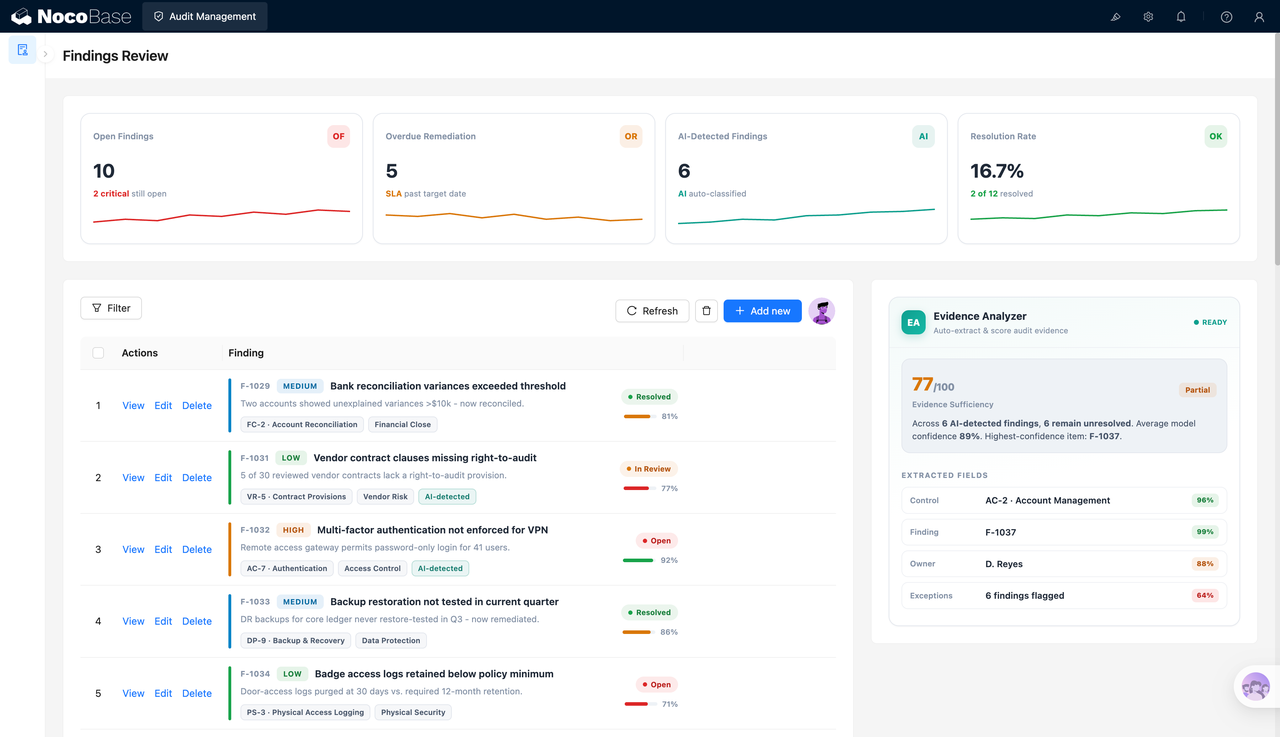
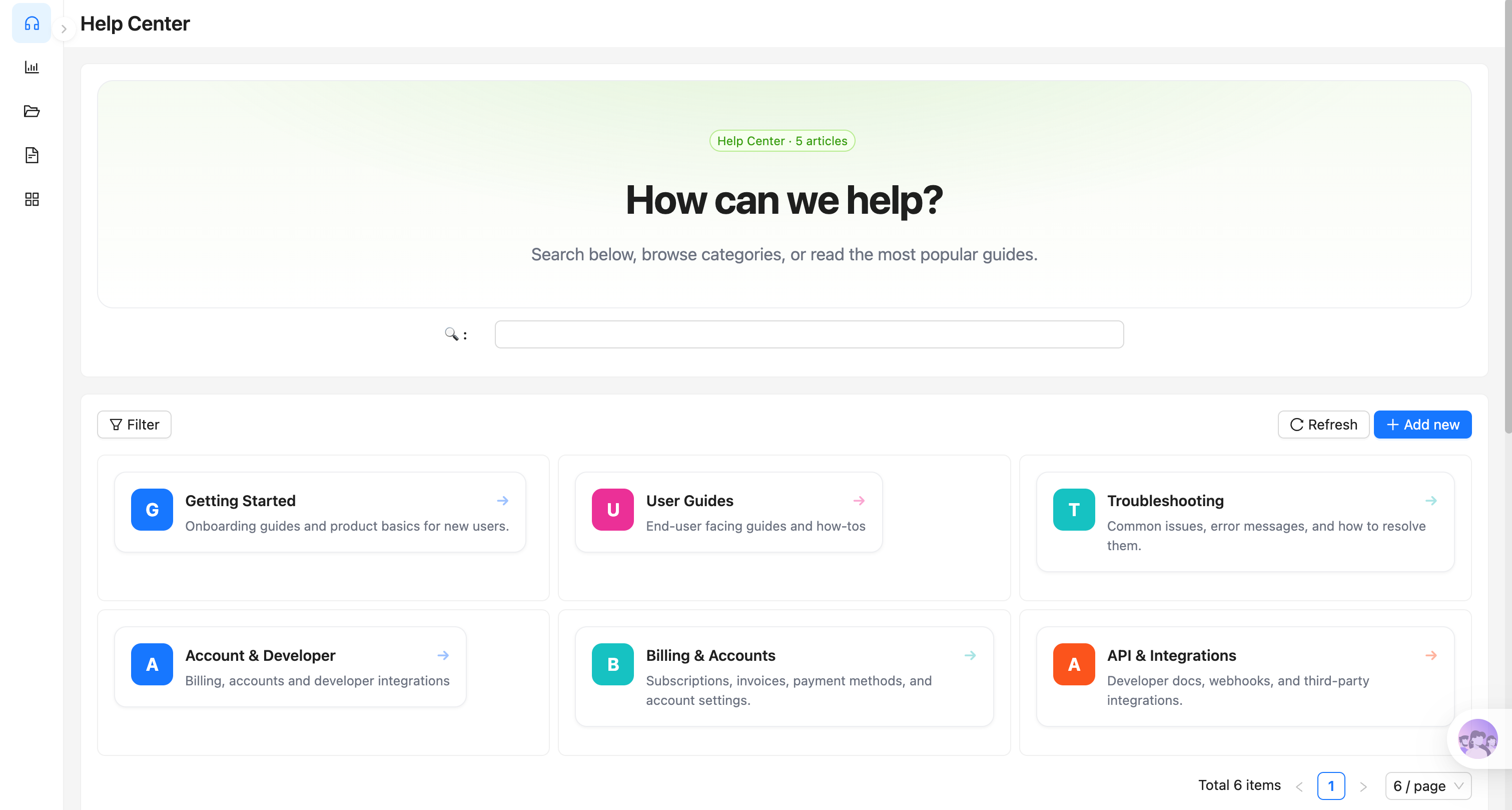
Help Center portal:
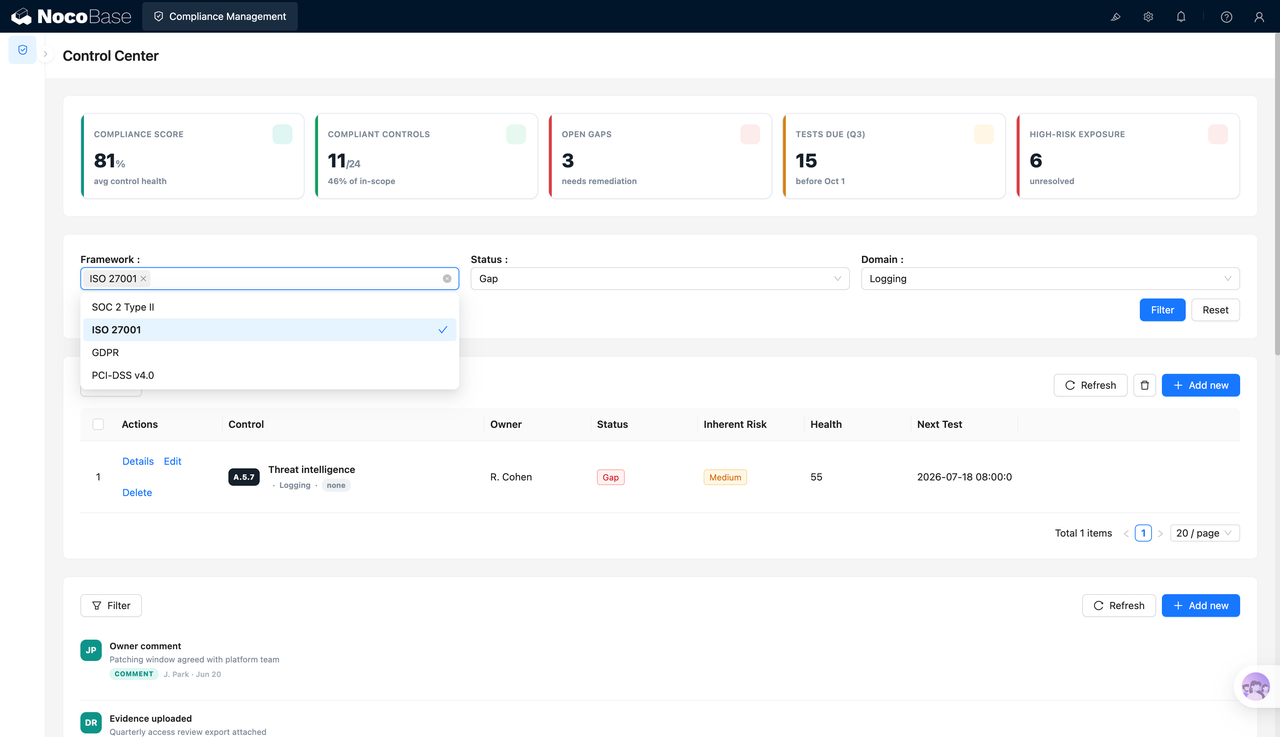
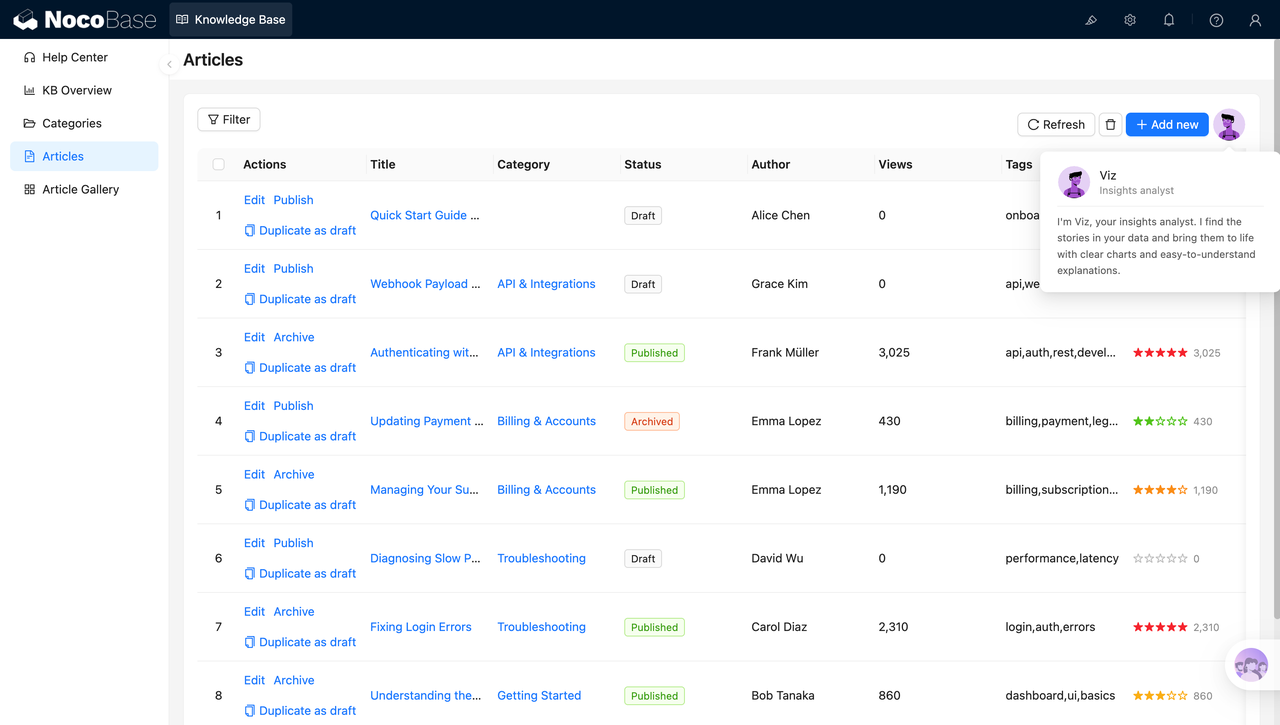
Article management list:
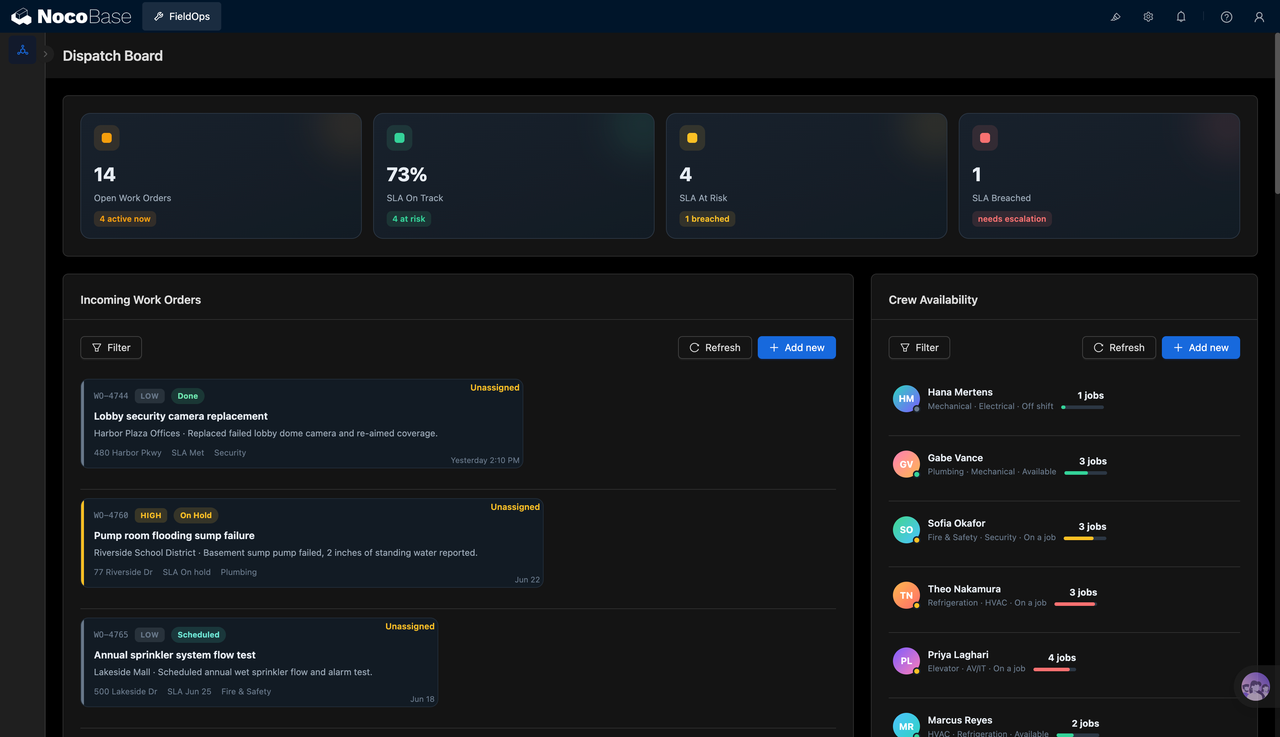
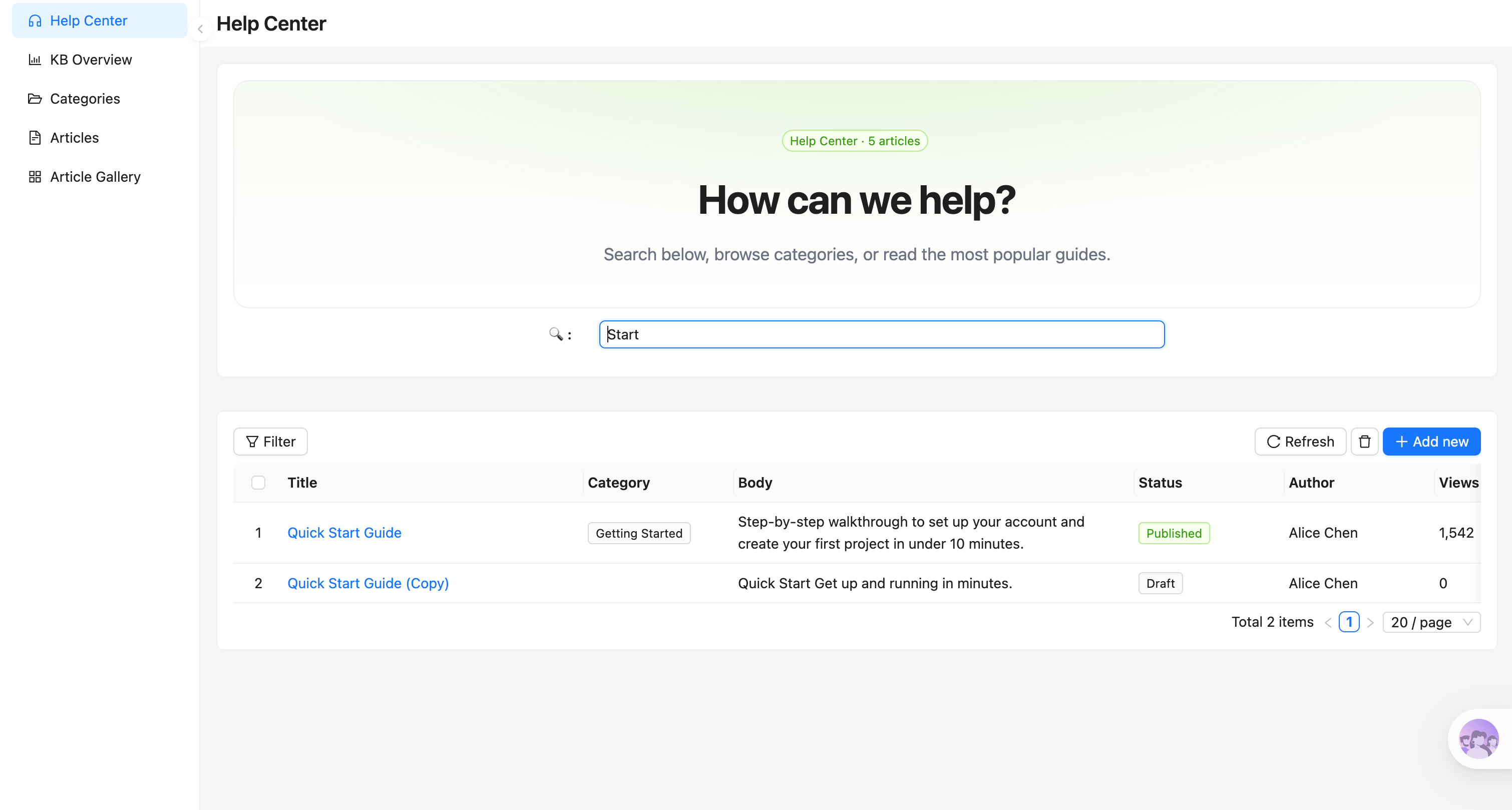
Knowledge category navigation:
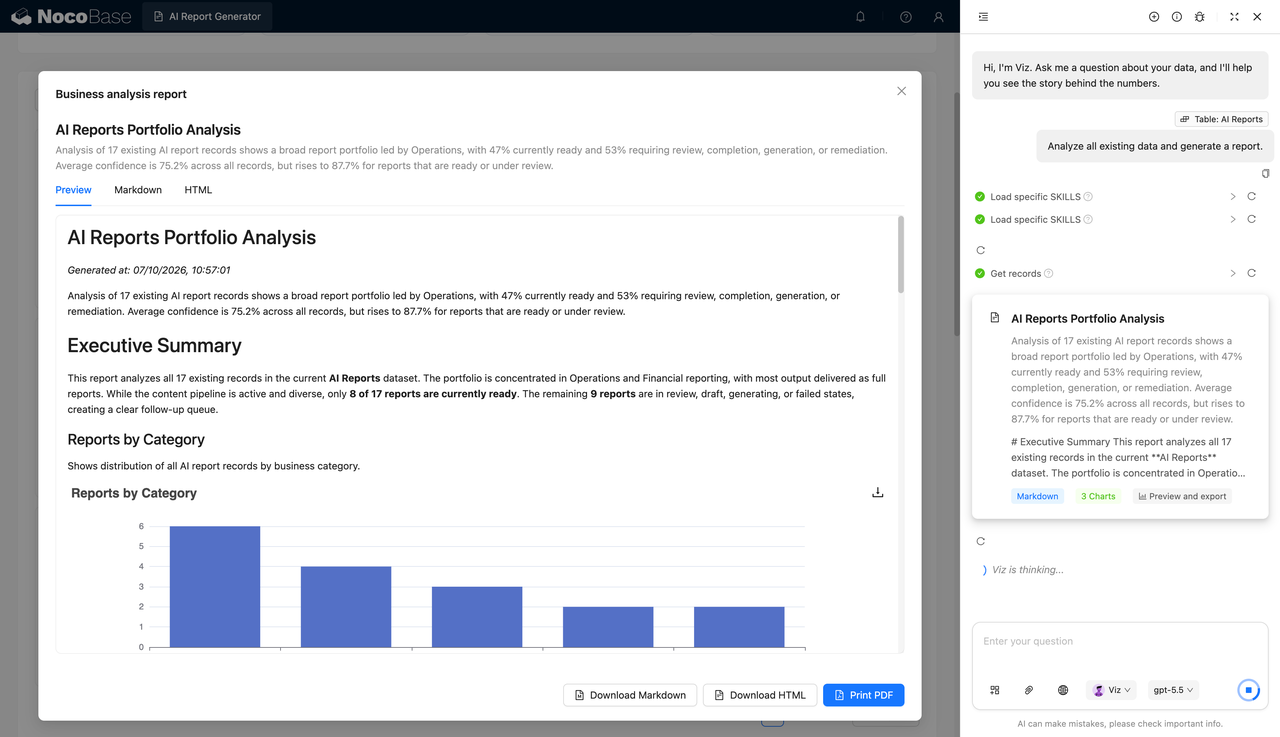
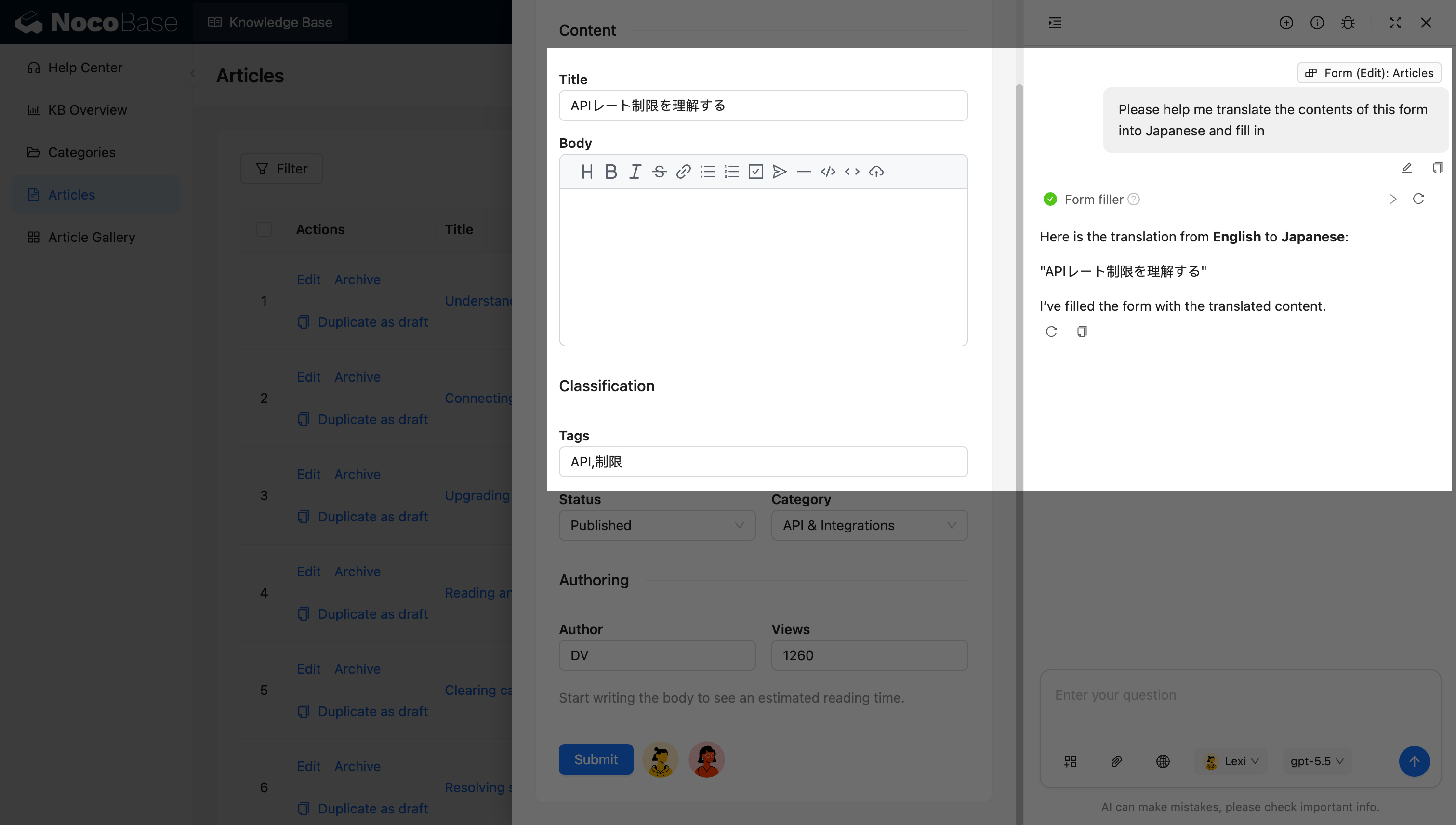
An AI employee translating content and filling it in automatically:
What problems does a knowledge base system solve?
When product docs, troubleshooting articles, API guides, internal SOPs, and customer-facing help content are scattered across tools, teams quickly face fragmented knowledge, repetitive customer questions, messy document versioning, and content feedback that cannot be measured.
With this system, you can archive structured company knowledge in one place. External users and internal staff can quickly contribute and find what they need through intuitive category cards (such as Getting Started, Billing, and API docs). Powerful real-time search matches keywords against article titles and body text, enabling true self-service.
Managers can also clearly see each article’s publishing status (draft, published, archived), author, category and view count from the admin side, and even introduce star ratings to quickly identify which documents truly solve users’ problems and improve content quality in a targeted way.
Core features
Help Center portal
- Structured category cards: present major categories such as Getting Started, User Guides, and Troubleshooting at a glance.
- Global smart search: real-time keyword-prefix and full-text matching that instantly lists matching articles.
- One portal, two audiences: works as an external-facing Help Center for customers and as an internal wiki for employees.
Document and article management
- Multi-status lifecycle: manage articles through Draft, Published, and Archived states.
- Quick version duplication: one-click “Duplicate as draft” makes document iteration easy.
- Multi-dimensional tracking: record article authors, category tags, real-time view counts, and user ratings.
AI assistance and data analysis
- AI insights employee: a built-in AI assistant (such as Viz) automatically analyzes reading trends and produces readable reports.
- AI tag extraction: automatically generate relevant tags from article content.
- AI summary generation: distill the key steps from long technical documents automatically.
Why build a knowledge base with AI and NocoBase?
Many off-the-shelf SaaS knowledge base tools (such as Zendesk, Intercom, and GitBook) work out of the box, but their formats are relatively fixed. As soon as a company needs custom review workflows, complex internal/external permission isolation, or deep integration between docs and internal ticketing systems and product assets, standard tools start to fall short.
NocoBase is better suited to internal knowledge base and help center scenarios that demand flexible customization. It is an open-source, self-hostable AI no-code platform, so companies can centrally manage core technical assets and confidential documents within their own secure environment, while configuring article fields, approval flows, dashboard pages, and reading permissions according to actual business needs.
AI further lowers the barrier to building the system. You can first use a prompt to have an AI Agent generate the basic data model and structure of the knowledge base (including article tables, category tables, search pages, and an admin backend), then continue fine-tuning layouts or adding custom fields through NocoBase’s no-code interface.
A knowledge base built this way is not a fixed content template but an internal system that keeps evolving as your business grows. For teams that value information asset security, flexible permission boundaries, and long-term maintainability, AI + NocoBase is the better choice.
FAQ
- How is this different from a knowledge base generated by ordinary Vibe Coding?
Ordinary Vibe Coding is great for quickly producing static Markdown web prototypes, but enterprise internal systems usually also need complex permission isolation (e.g. certain technical docs visible only to R&D), workflow auditing, single sign-on (SSO), and dynamic data statistics. NocoBase already provides these mature enterprise-grade foundations, so an AI Agent can build directly on the platform without repeated trial and error.
- Can a knowledge base built with AI be iterated on long-term?
Yes. NocoBase is not a one-off prototype generator but a continuously maintainable business system platform. After the system is generated, you can keep adjusting article fields, category structures, help center pages, search entry points, publishing flows, permissions, and plugin capabilities — it is built for long-term iteration.
- Can I manage article categories and publishing status?
Yes. You can manage different knowledge categories in NocoBase, such as Getting Started, User Guides, Troubleshooting, Billing & Accounts, and API & Integrations, and set article statuses like draft, published, and archived.
- Can I build a help center and an article search entry?
Yes. You can create a help center home page with article search, category navigation, and popular article entries, so users can find the help content they need faster.
- Can AI help maintain knowledge base content?
Yes. You can add AI employees to the system to generate help documents, summarize articles, rewrite complex explanations, analyze article traffic and ratings, and surface knowledge that needs to be added or updated.
- Can I adjust fields and pages to match my own knowledge management process?
Yes. NocoBase supports custom collections, data models, fields, pages, filters, category navigation, article lists, workflows, and permissions, making it well suited to building a knowledge base that matches how your team actually manages knowledge.
- Can I control reading and editing permissions for different users?
Yes. NocoBase has fine-grained, built-in role-based permission configuration. You can control which categories of documents each role can see. For example: anonymous external users can only view public articles in the Help Center, internal support staff can edit Troubleshooting documents, and the tech lead has management permissions across all categories.
- Can I set up automated workflows (such as document expiry reminders)?
Yes. You can use NocoBase workflows to automate knowledge base tasks. For example: when a technical document has not been updated for more than six months, the system can automatically remind the author to review it; or when an article’s status changes to “Published”, it can automatically trigger a webhook to sync the content to your company’s official app.
- How does the AI assistant Viz in the screenshots help manage the knowledge base?
The system supports seamlessly integrated AI sidebars or floating panels (like the Insights Analyst “Viz” in the screenshots). Acting as an AI employee, it can read knowledge base data directly. You can instruct it in natural language — “Analyze which Troubleshooting docs got the most views last month and suggest improvements” — and it will automatically produce clear charts and easy-to-understand explanations.