- Produk
-
- Sorotan NocoBase
- Sumber data
- Blok dan aksi
- Pegawai AI
- Izin
- Alur kerja
-
- Open source
- GitHub24k
- Awesome NocoBase
-
- Solusi
- Komunitas
- Sumber daya
- Harga
Siap dipakai langsung, dengan fleksibilitas kustomisasi yang kuat untuk menyesuaikan kebutuhan Anda. Perluas field, blok, dan halaman untuk membangun solusi yang pas bagi bisnis Anda, sambil tetap menjaga kendali penuh atas data.
Berbeda dari produk SaaS dan CRM tertutup lainnya, NocoBase CRM fleksibel dan sepenuhnya berada dalam kendali Anda
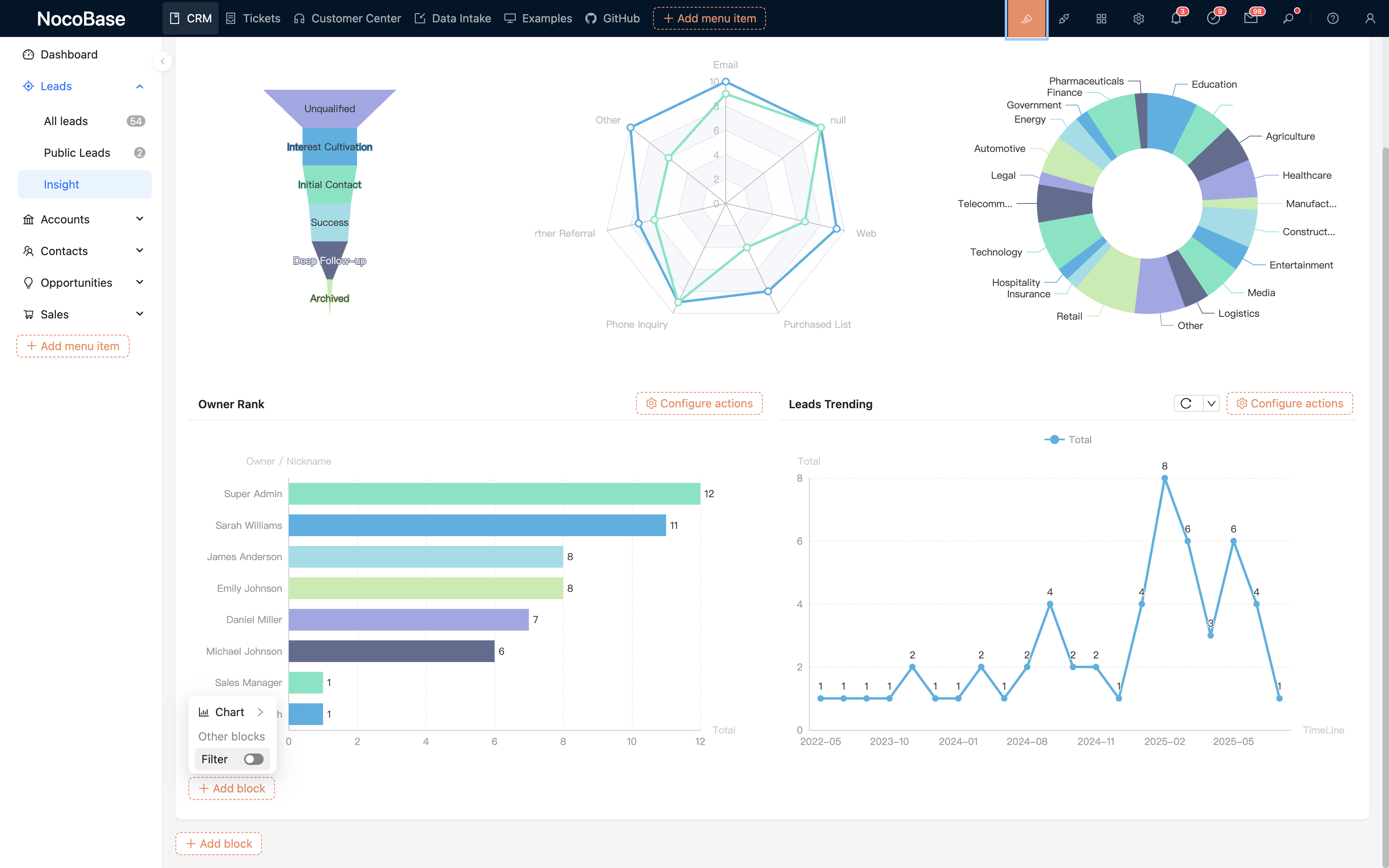
Tidak memerlukan kemampuan pemrograman untuk menyesuaikan CRM
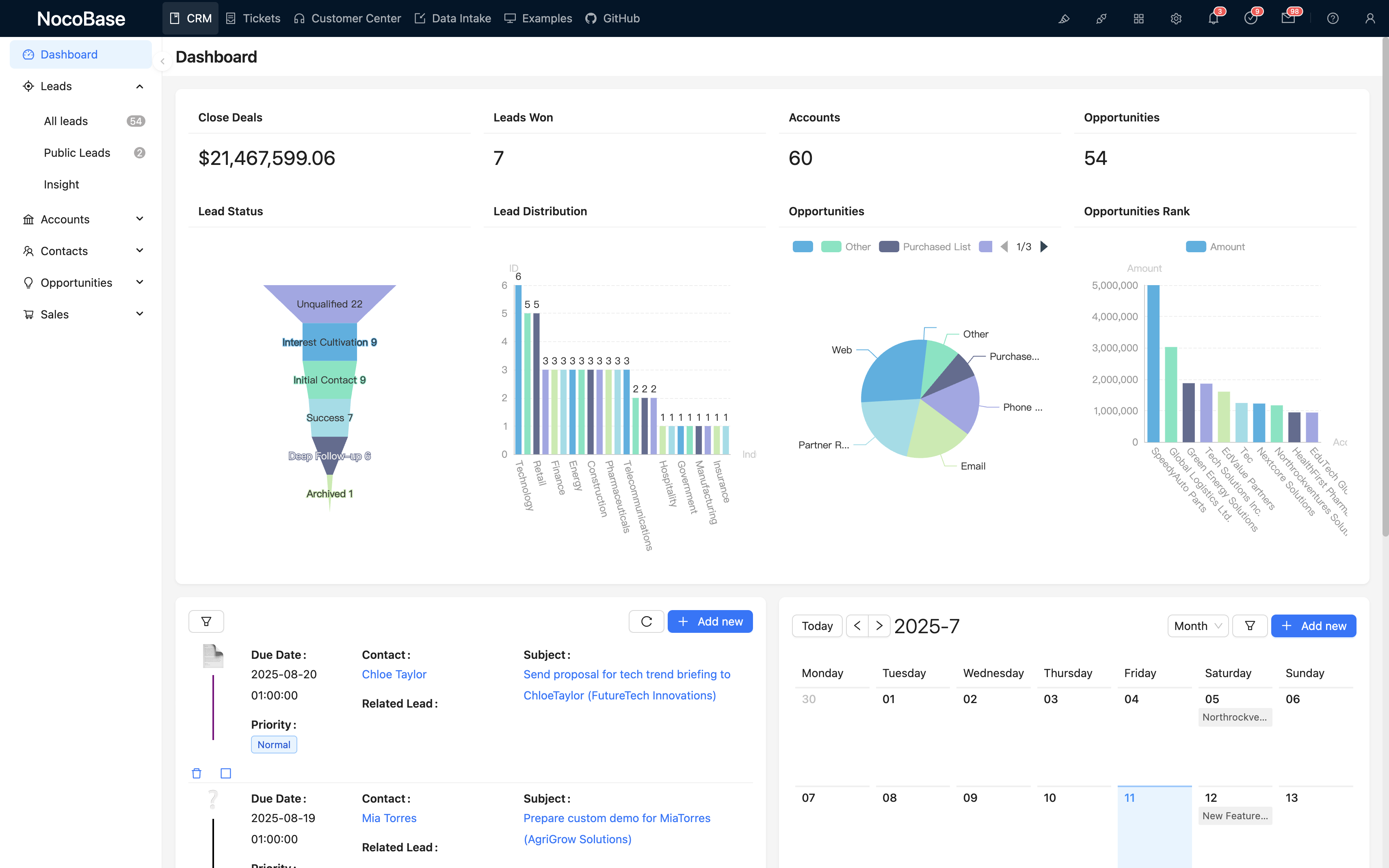
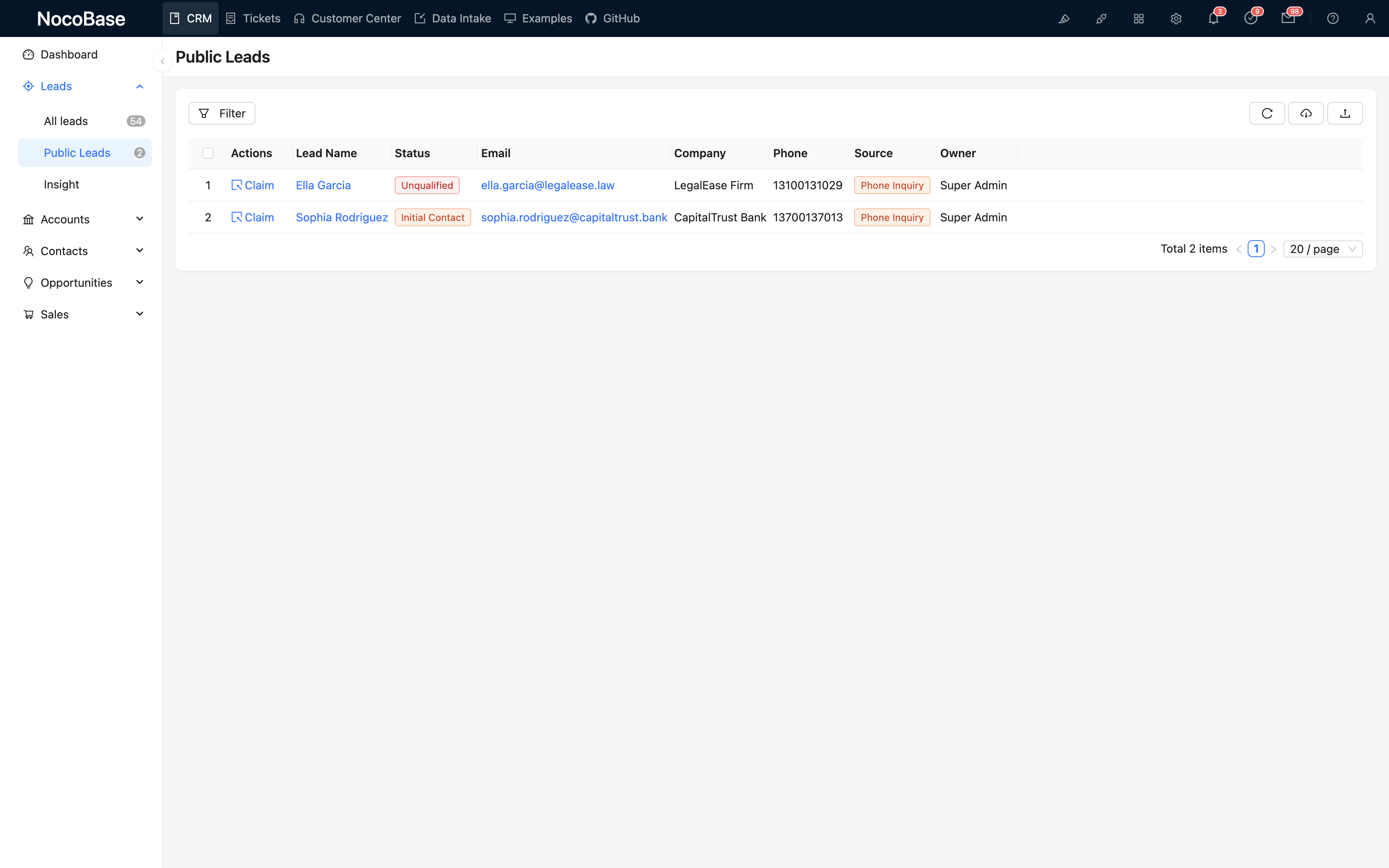
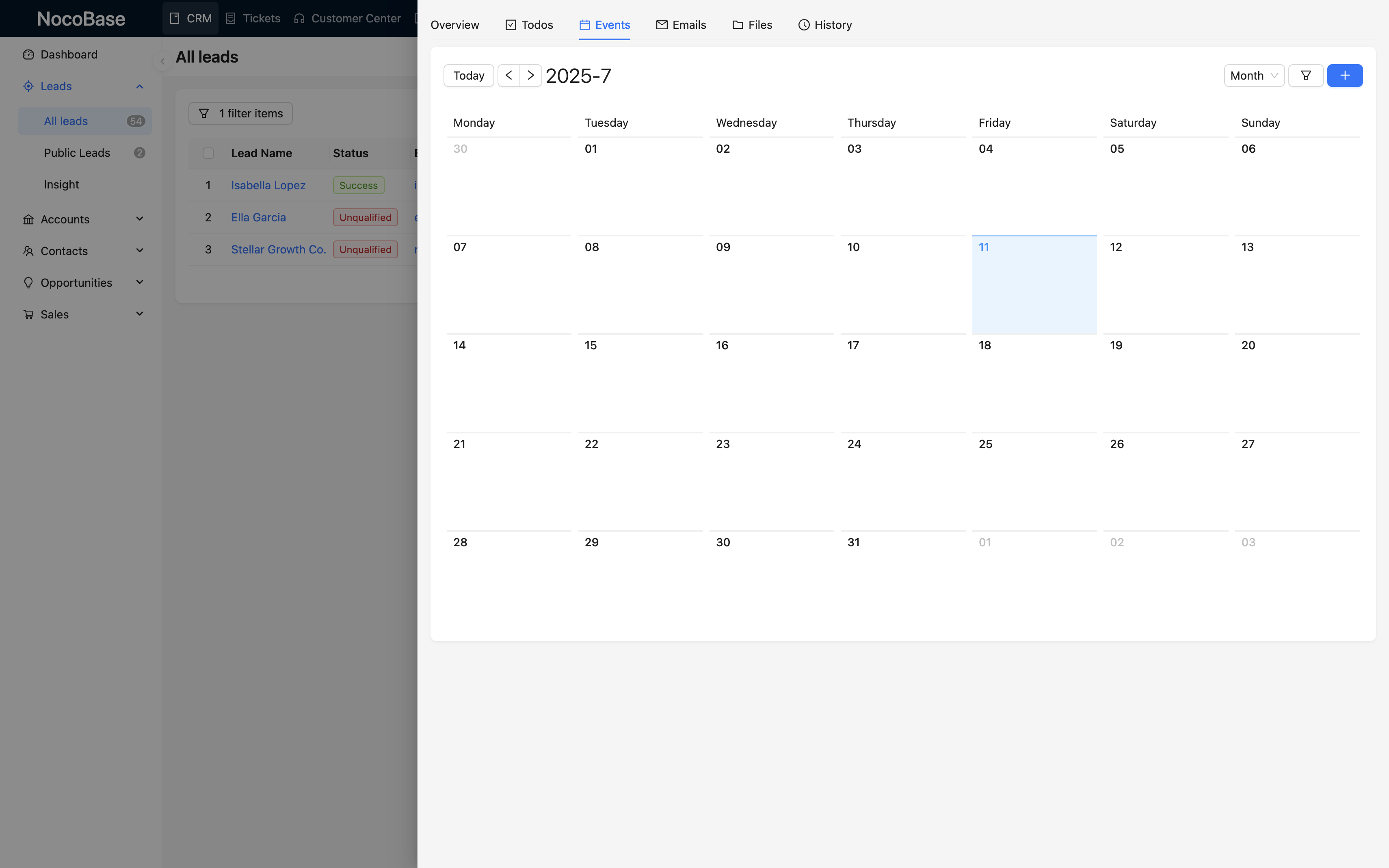
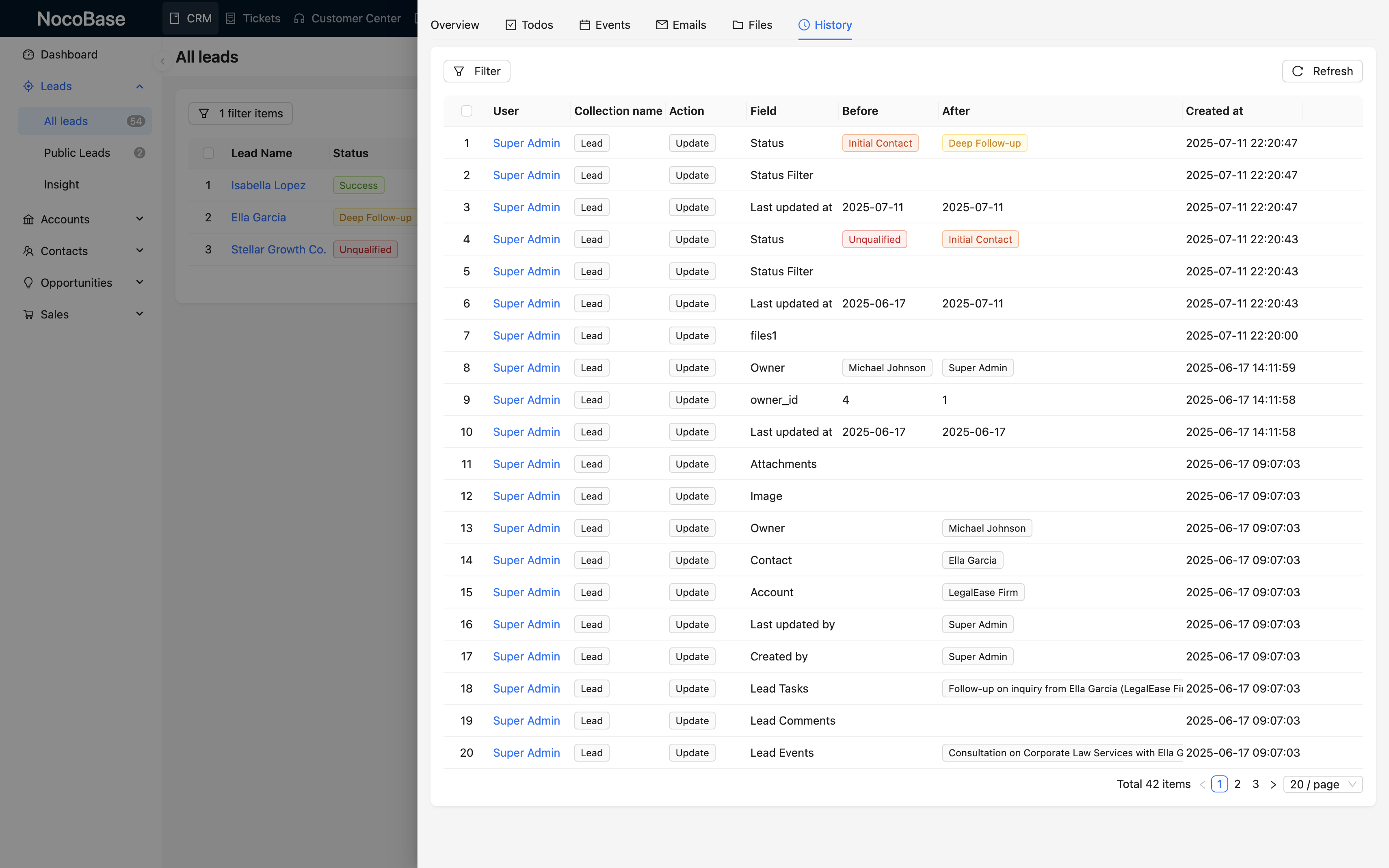
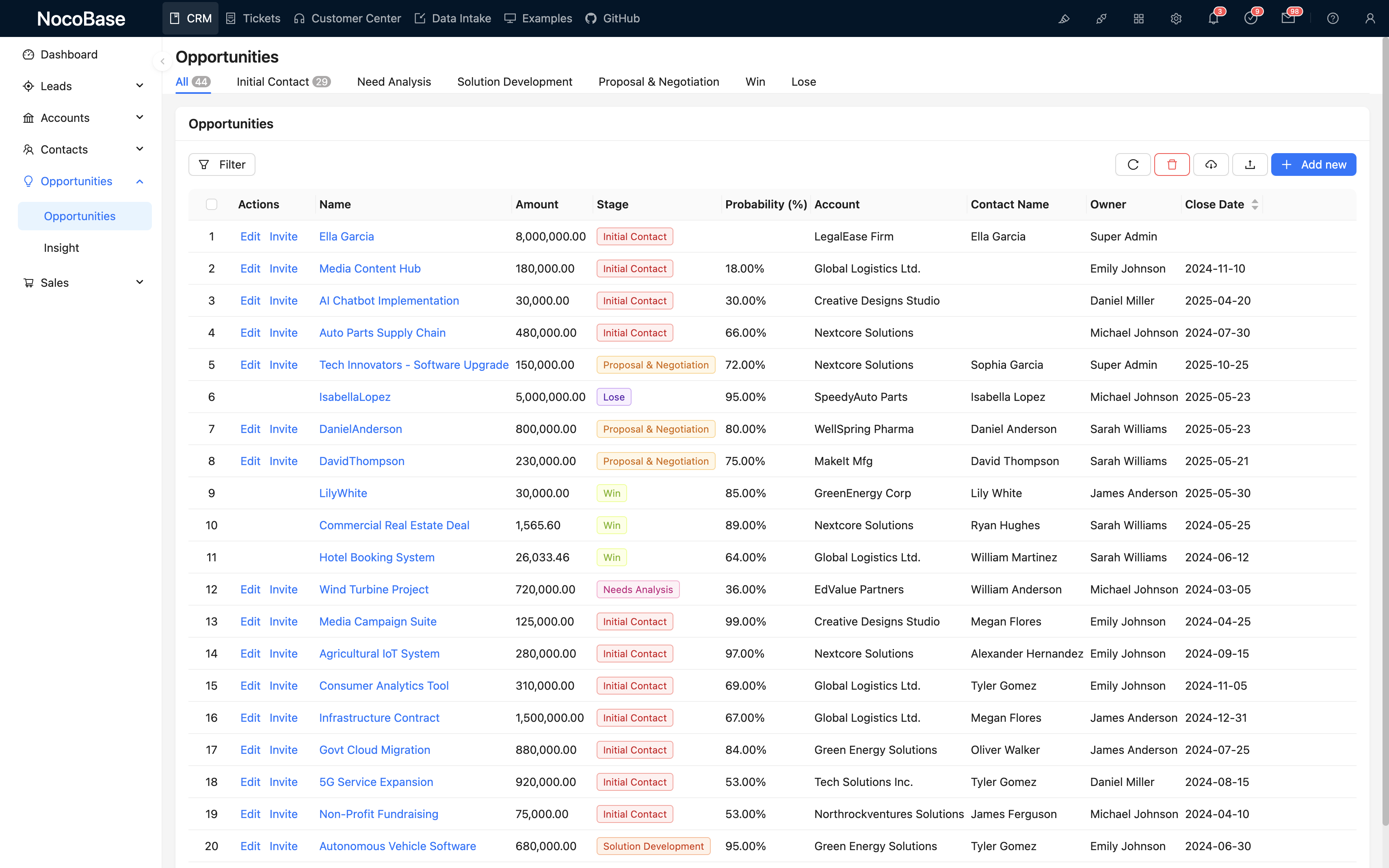
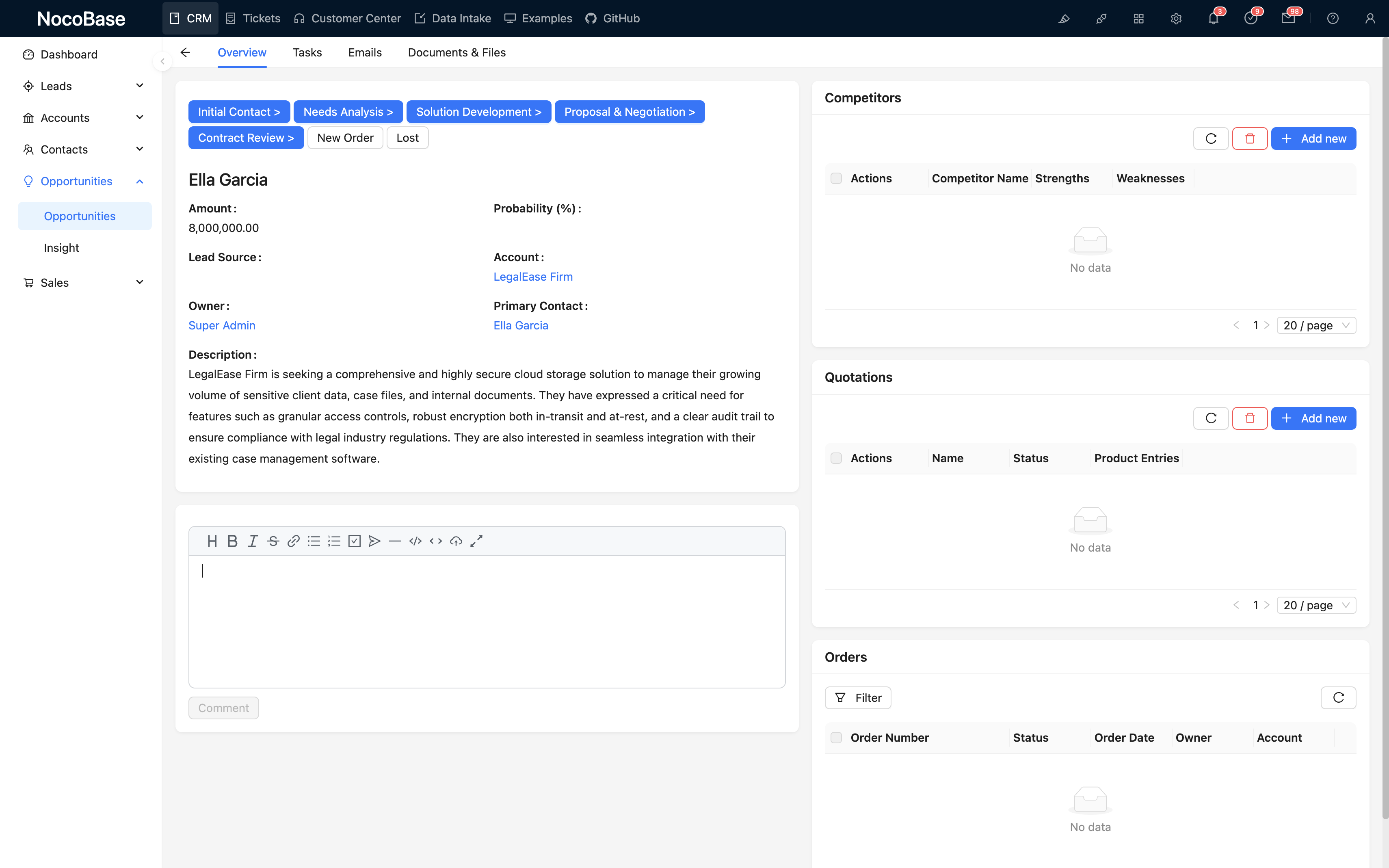
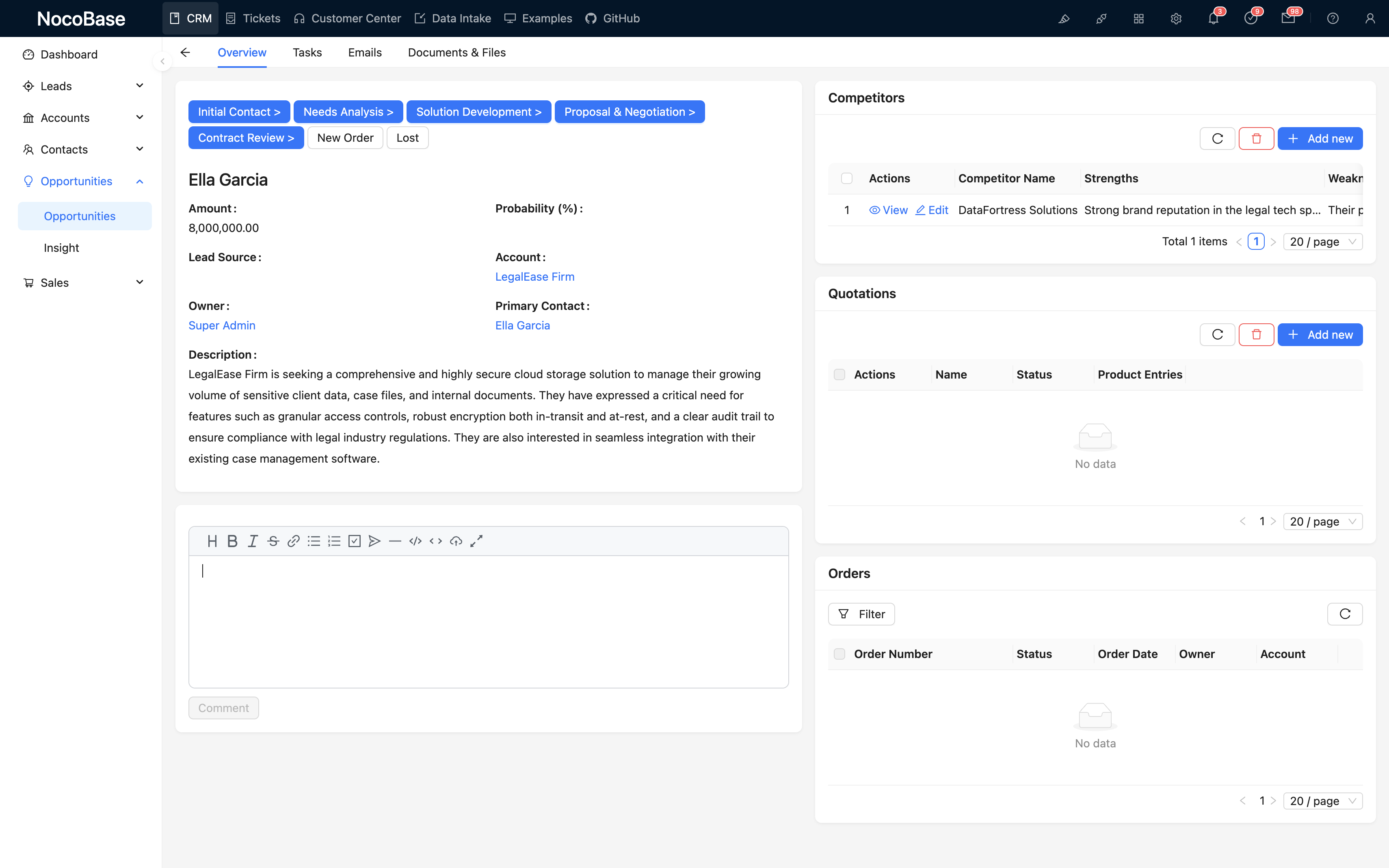
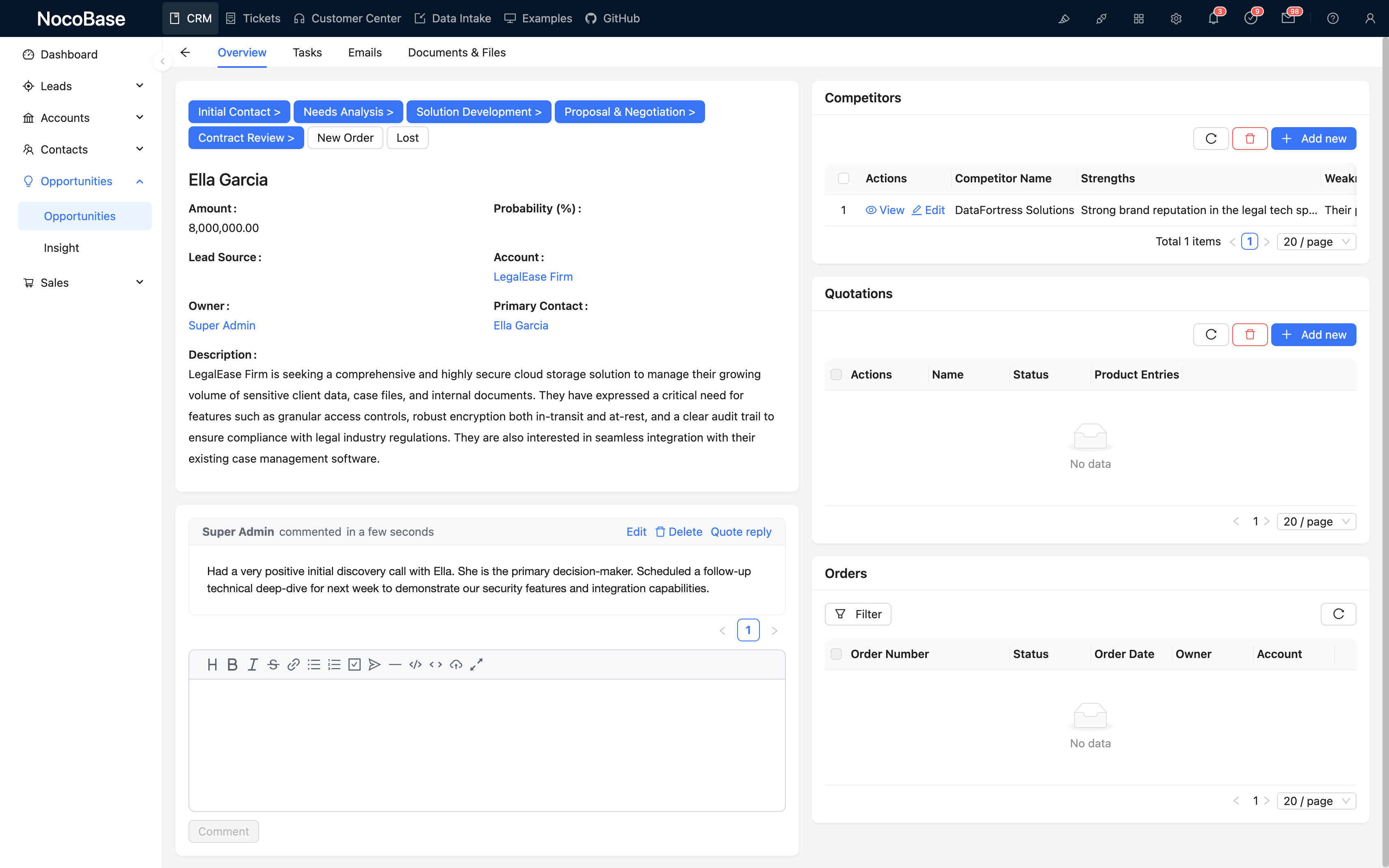
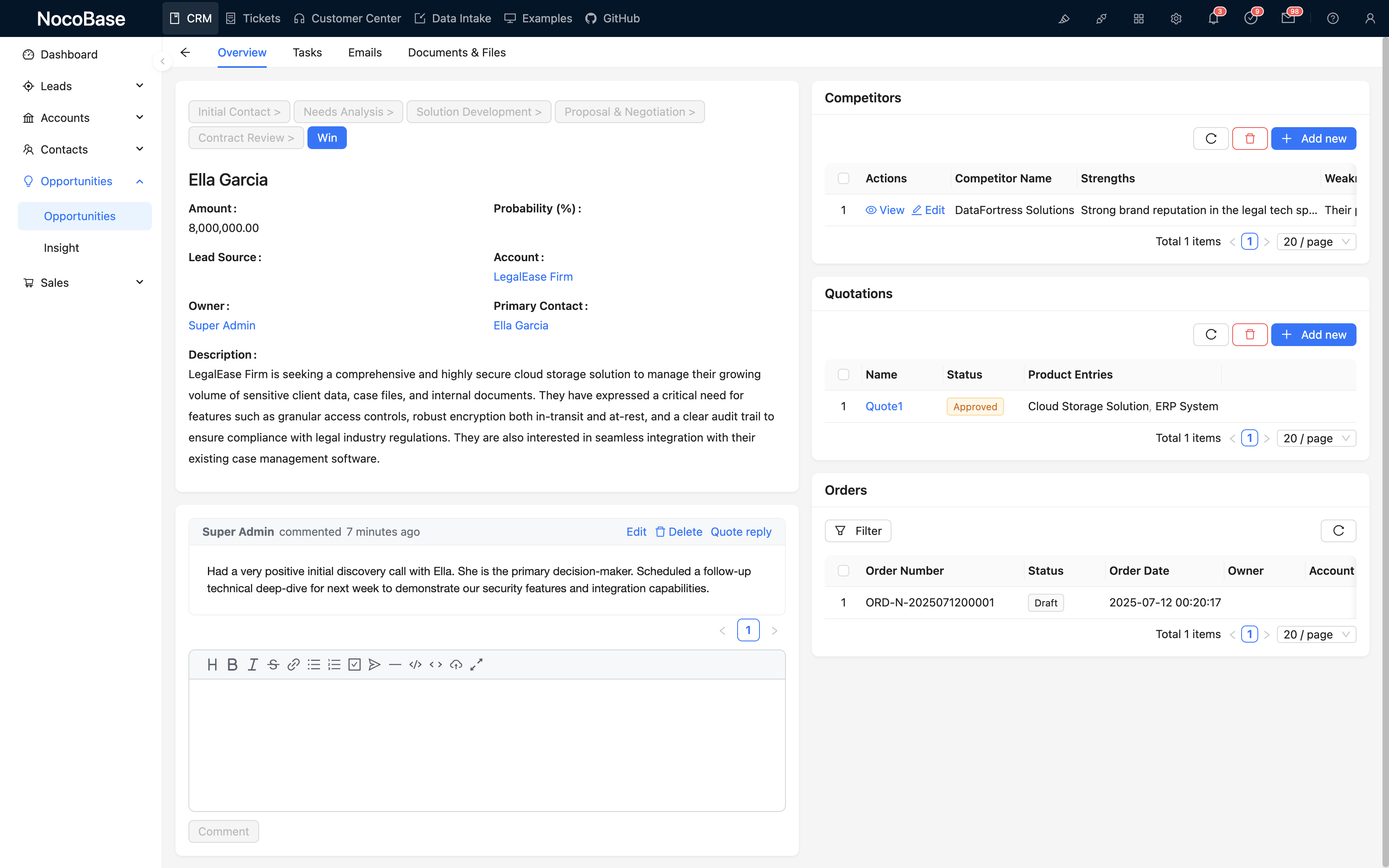
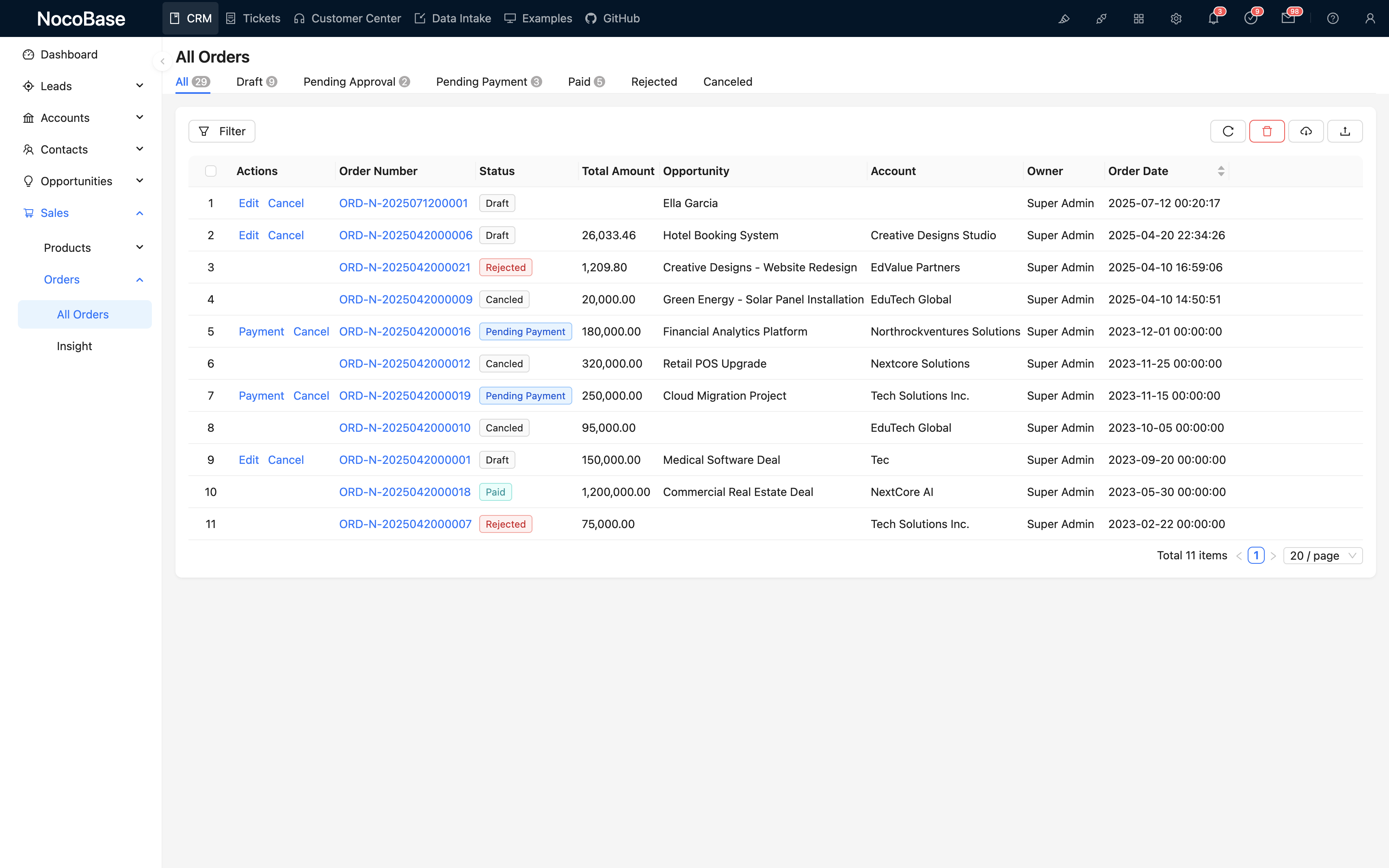
Manajemen pelanggan, pipeline penjualan, pelacakan peluang, kontak, komunikasi email, persetujuan, dan banyak lagi
Mendukung field kustom, proses, dan logika bisnis; arsitektur yang fleksibel memudahkan pengembangan lanjutan
Kendali penuh atas kode sistem dan data, untuk keamanan dan otonomi perusahaan yang lebih baik
Rasakan langsung hanya dengan beberapa klik
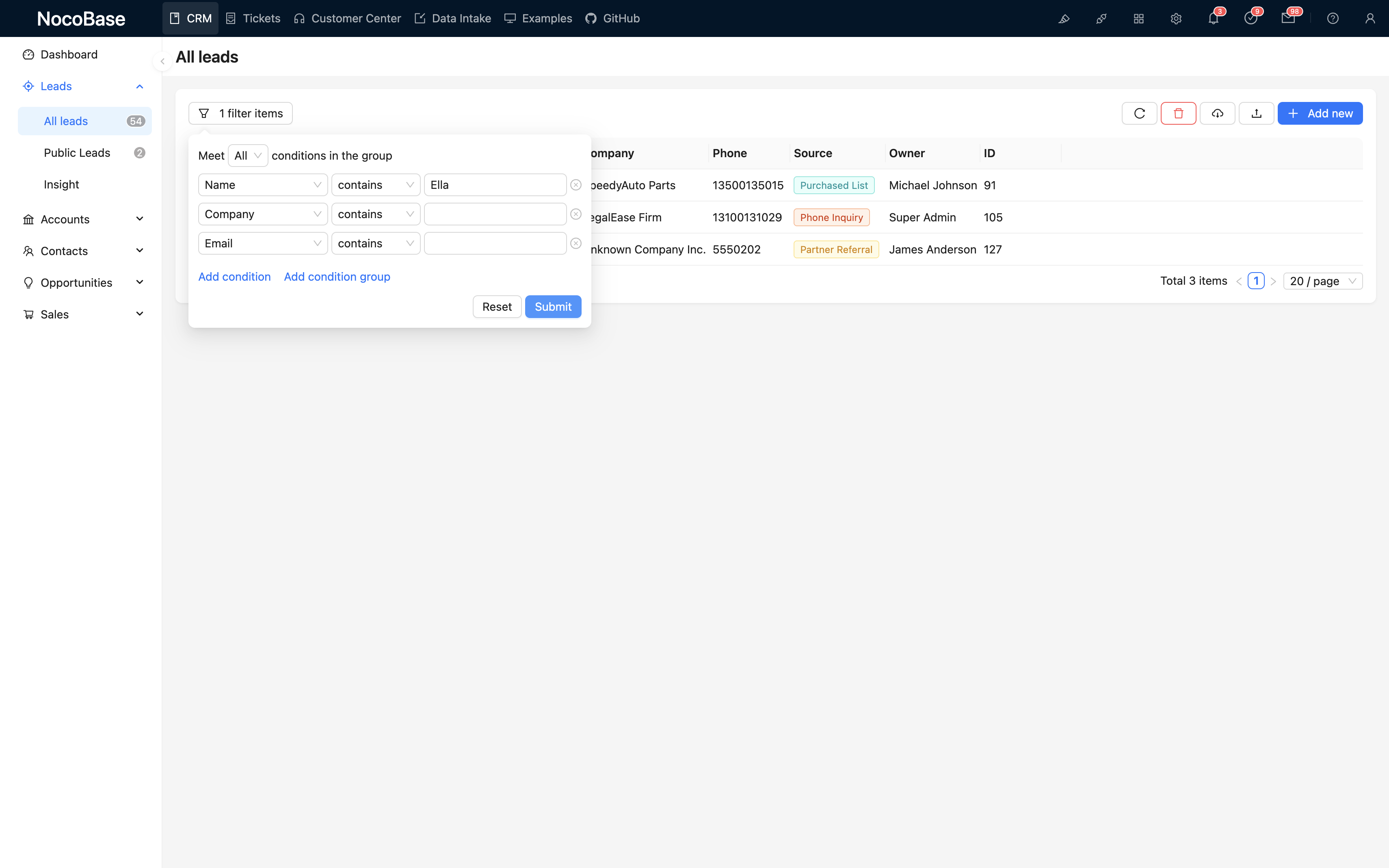
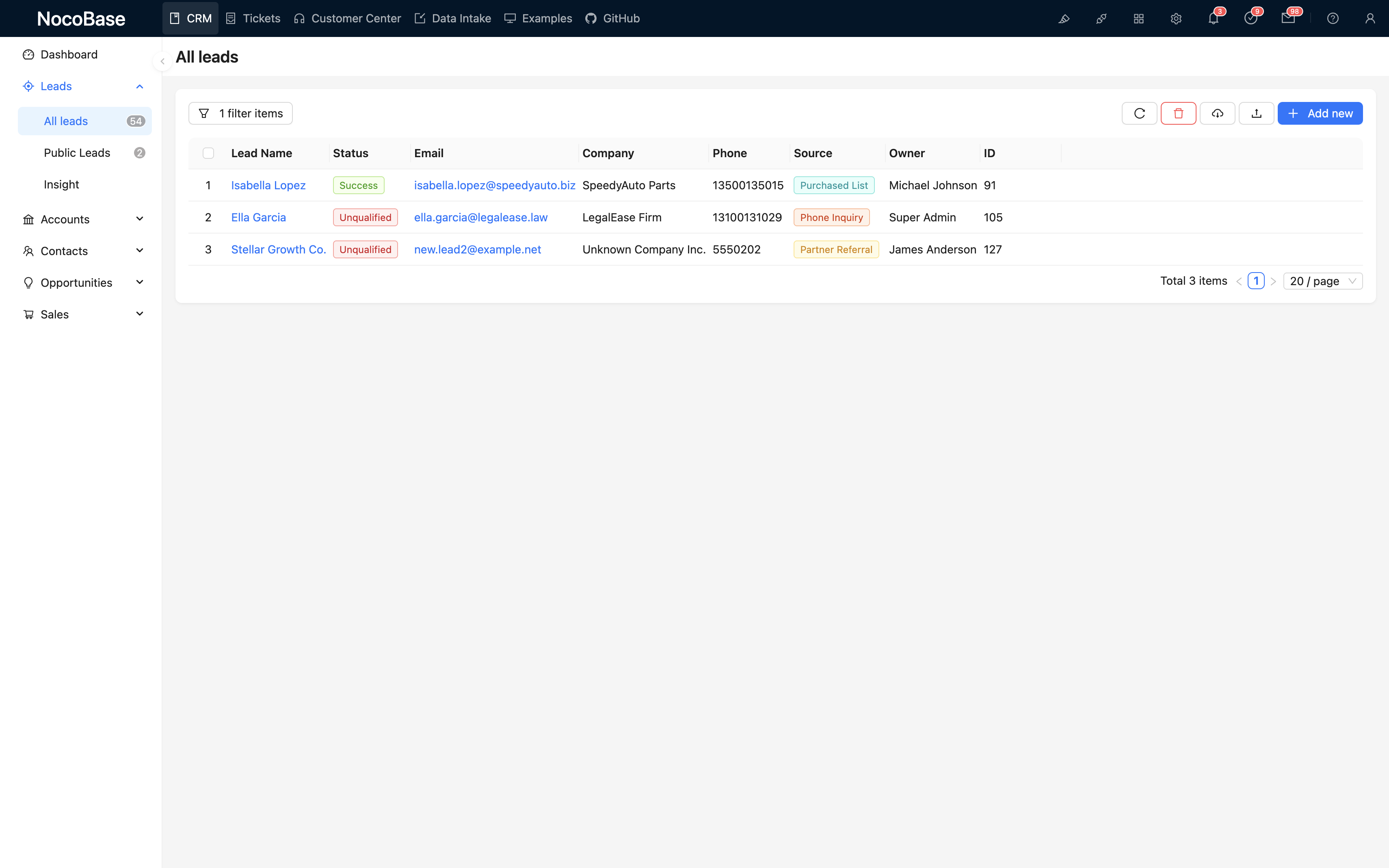
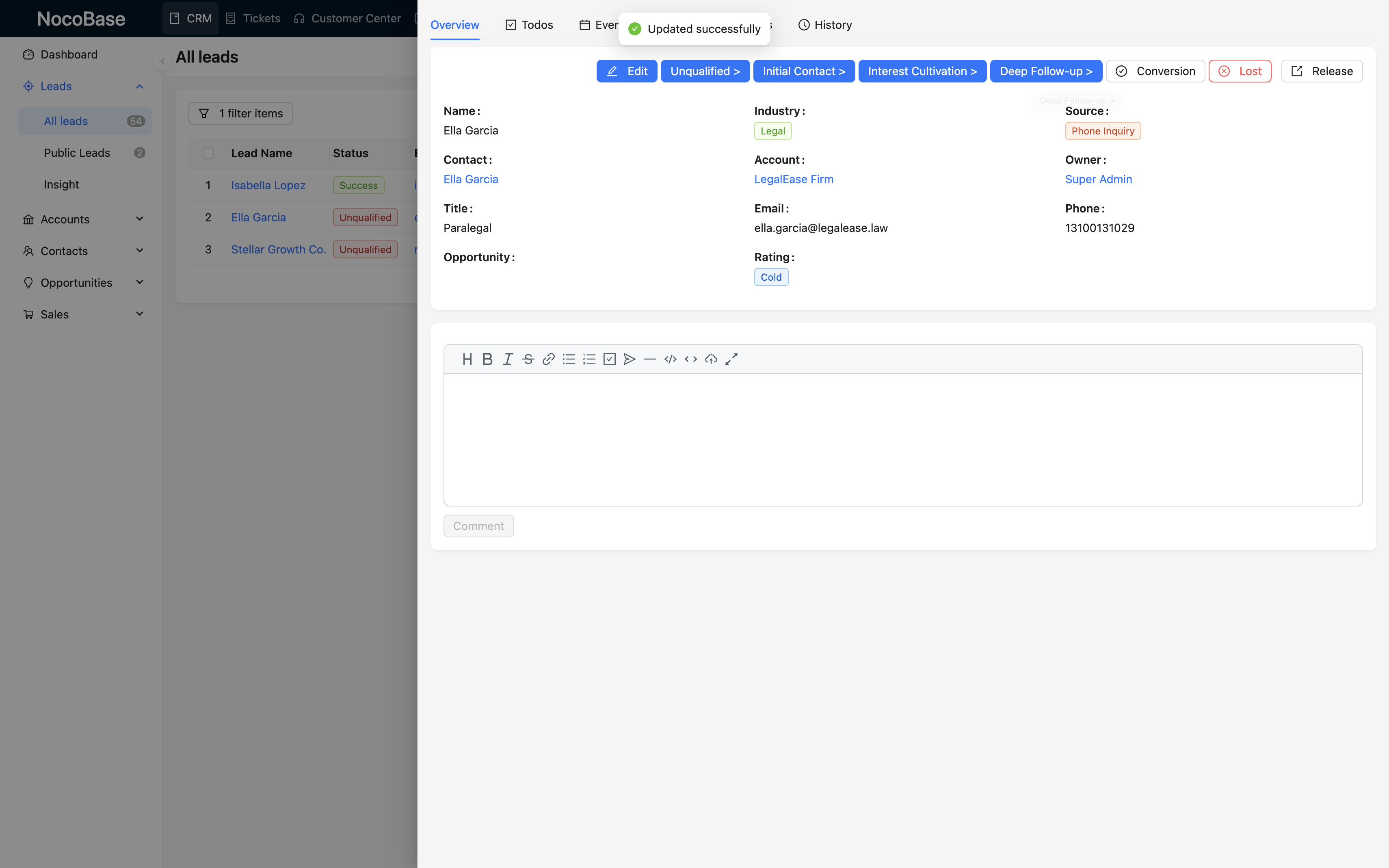
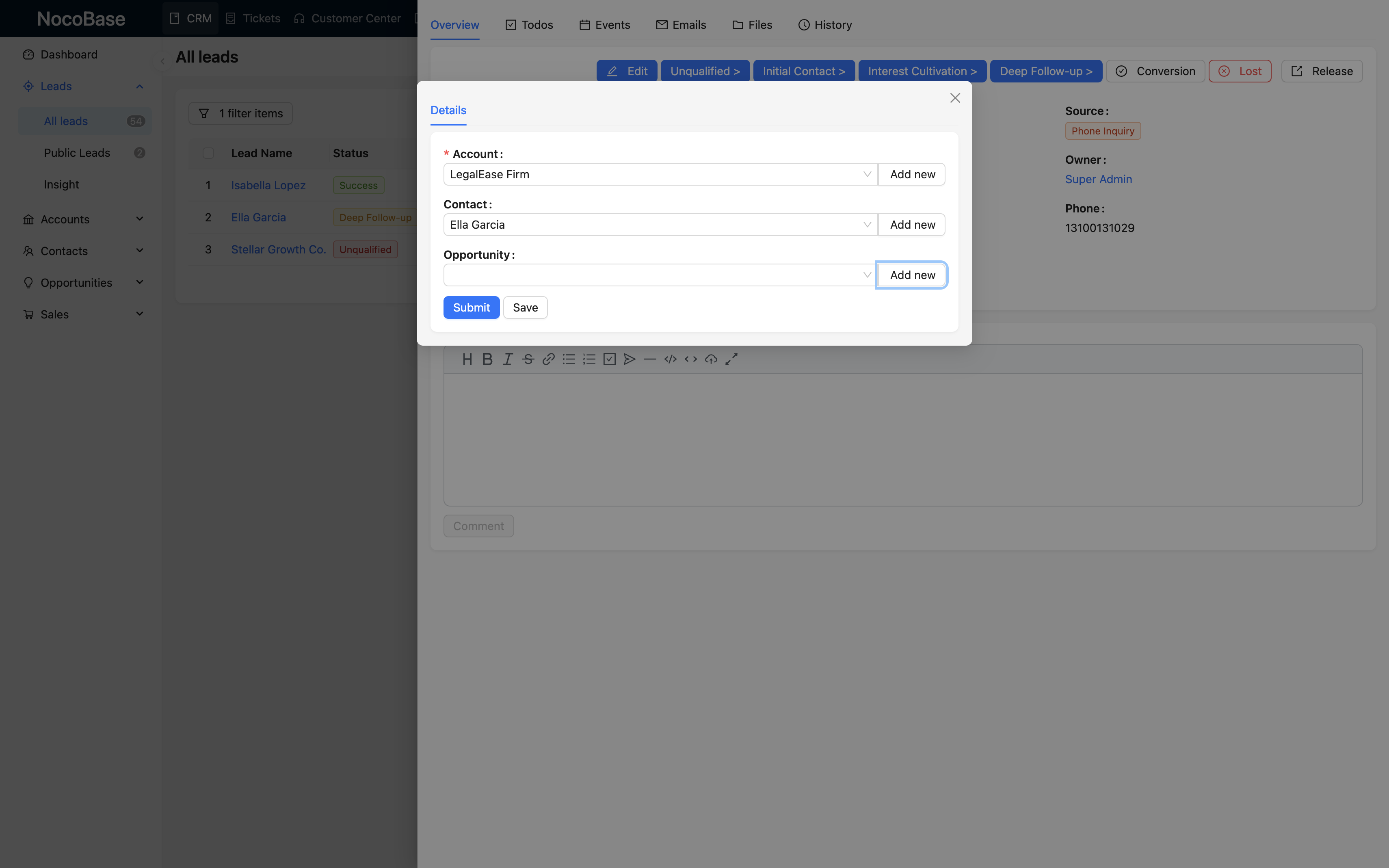
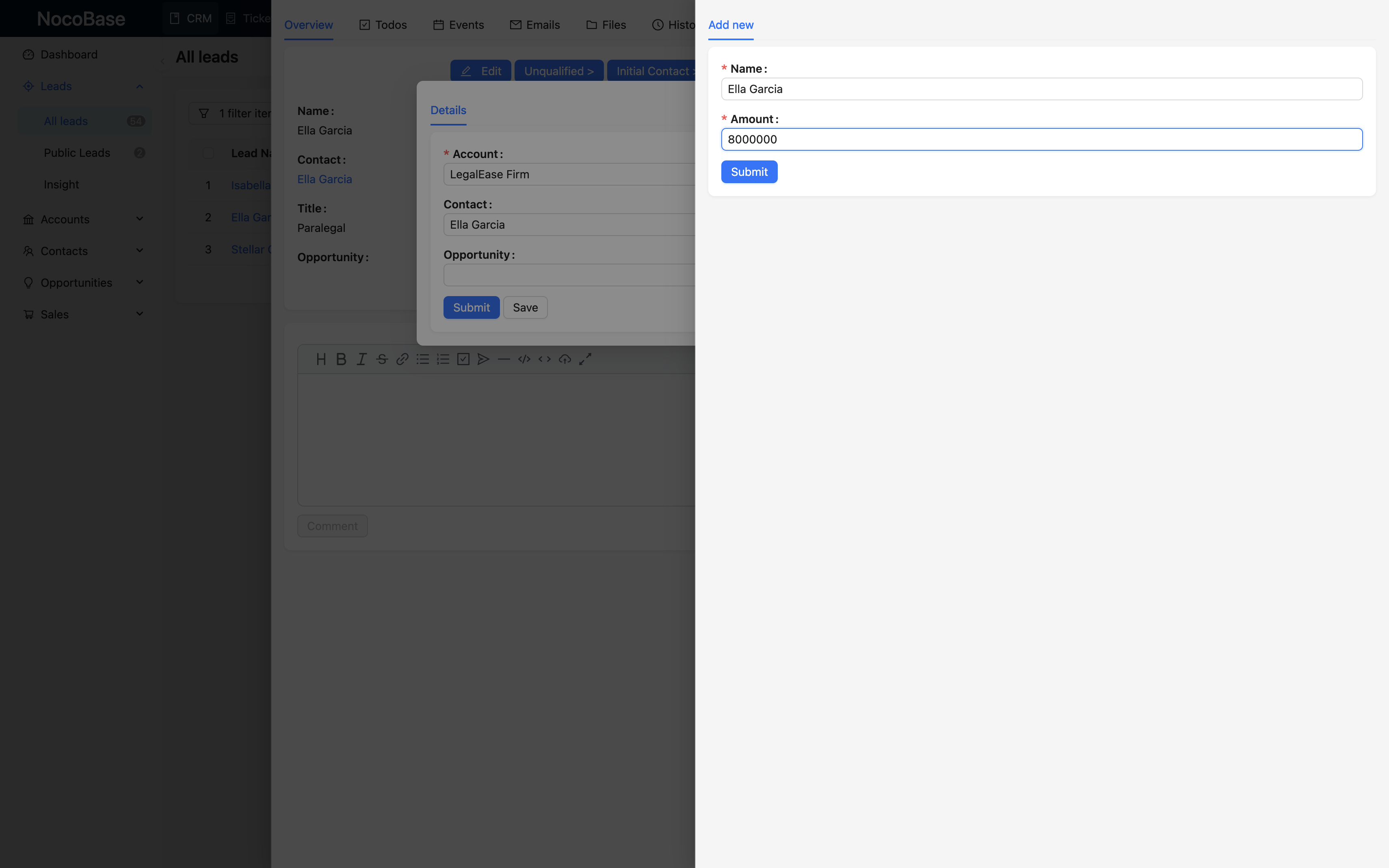
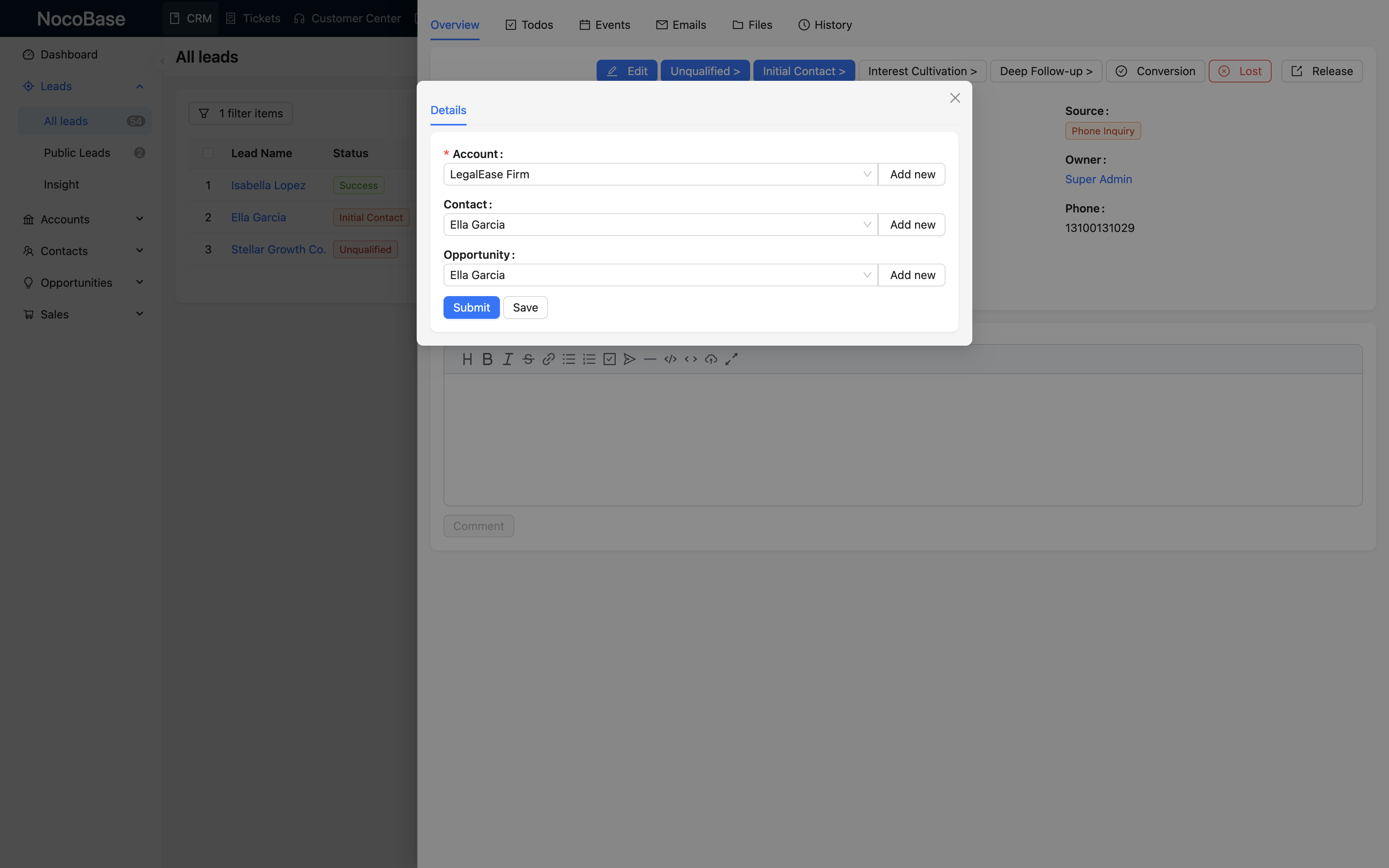
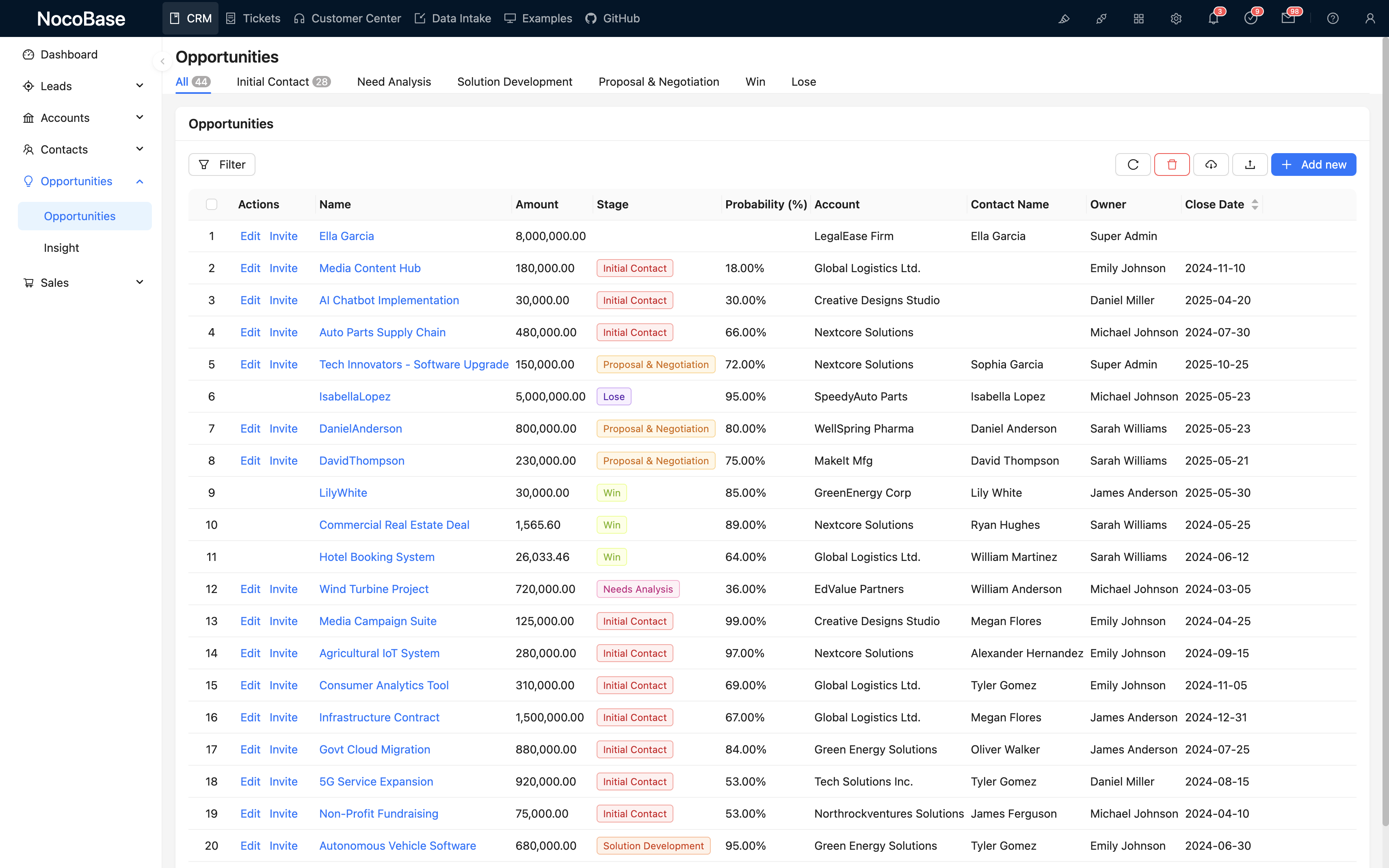
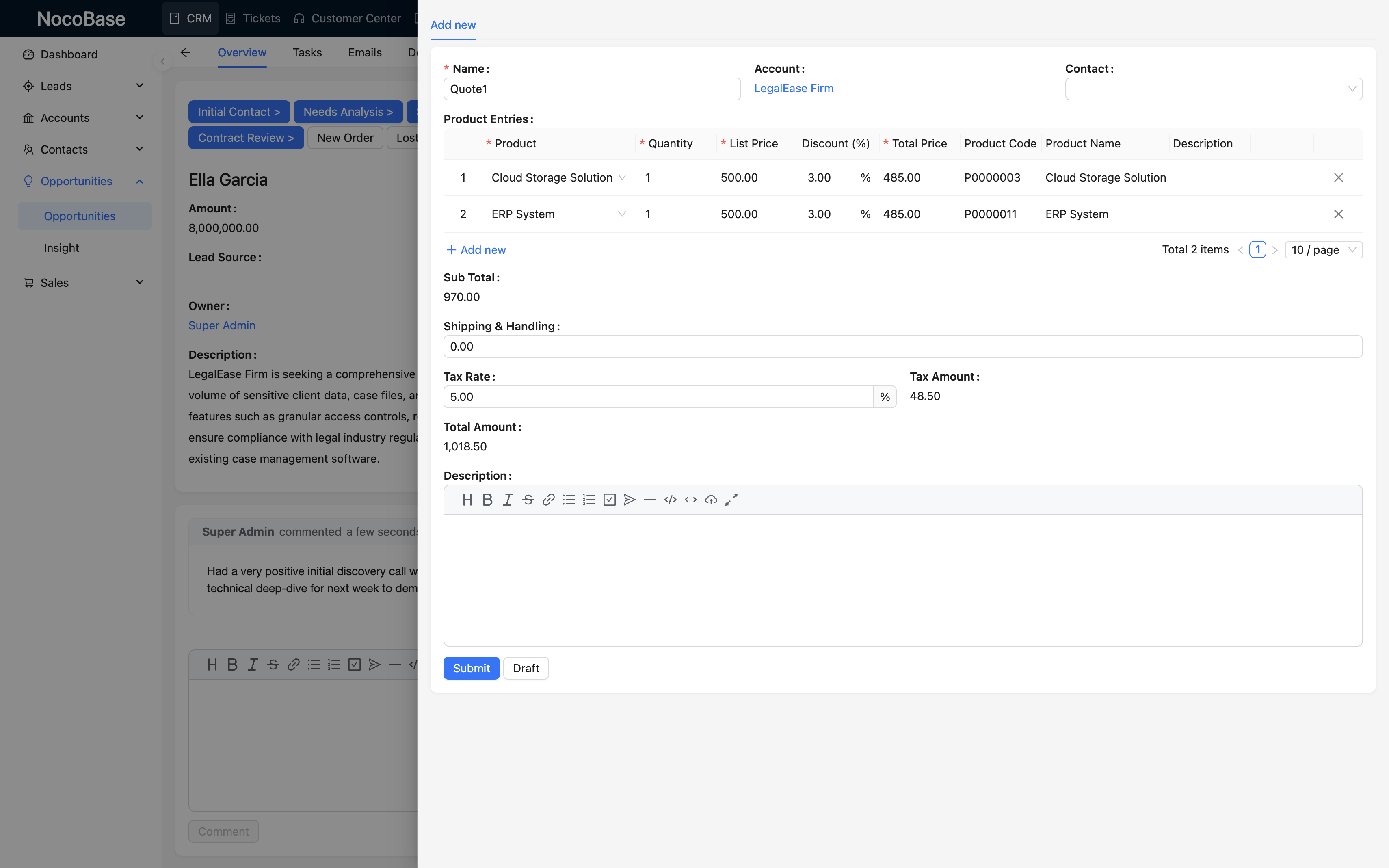
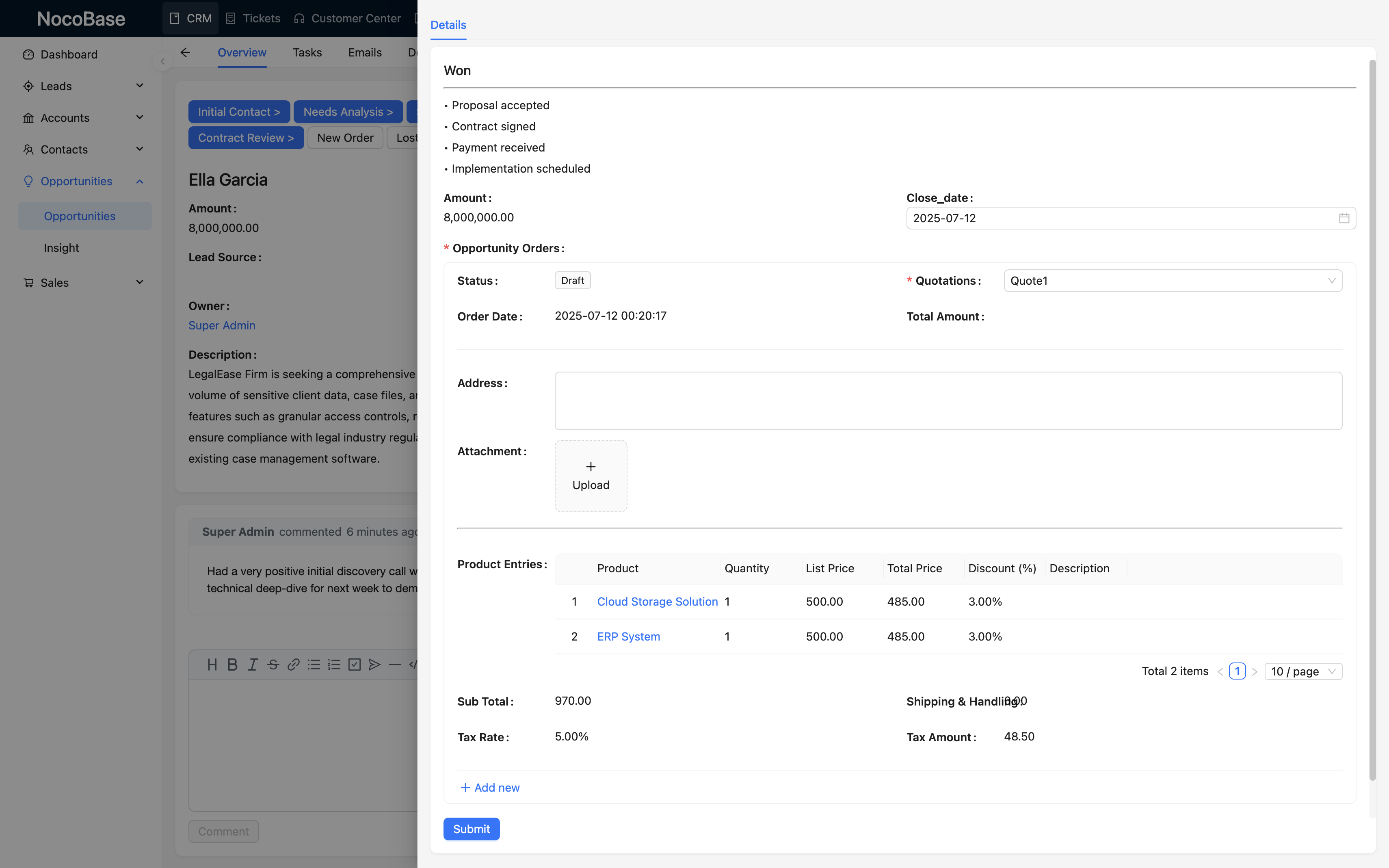
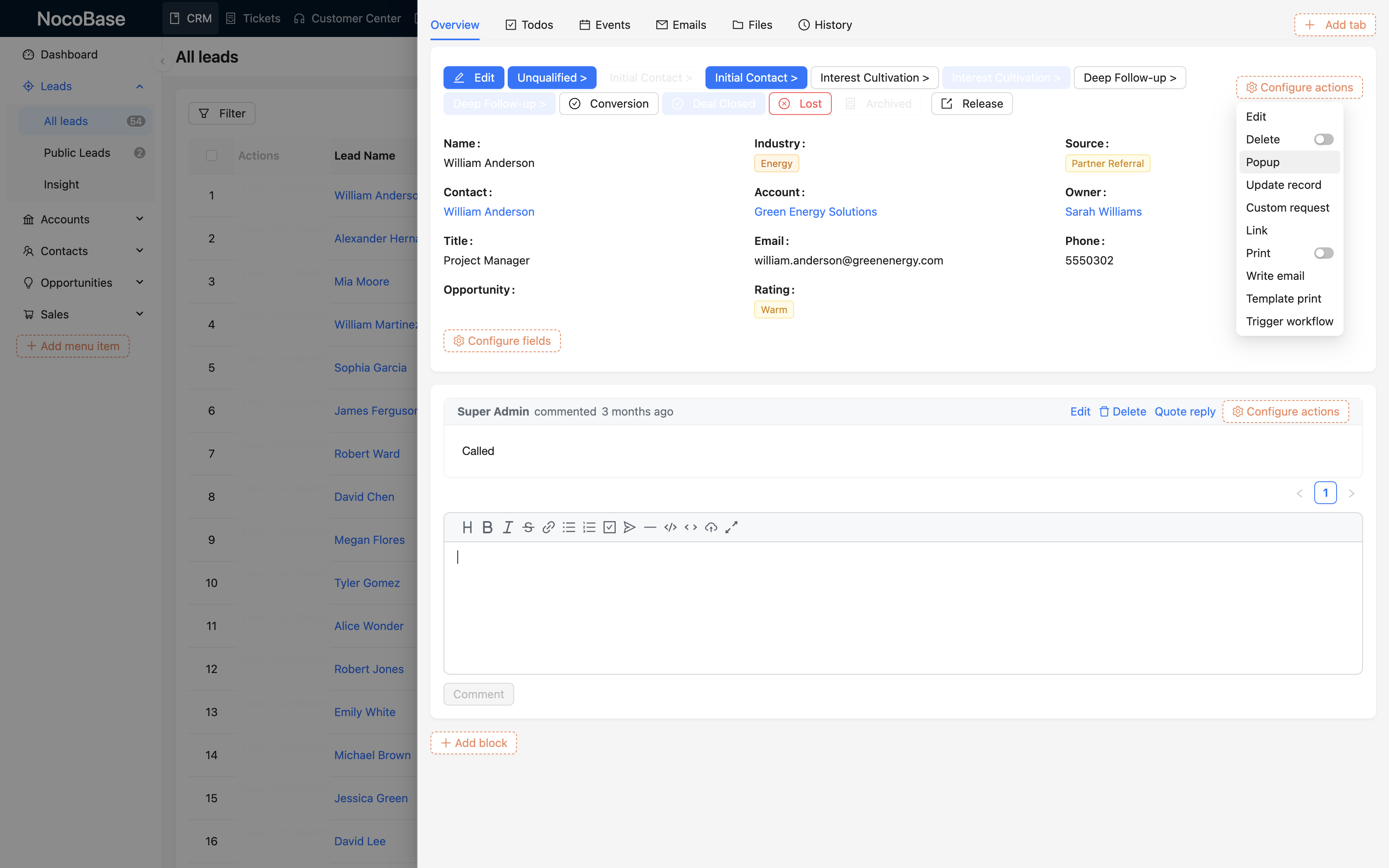
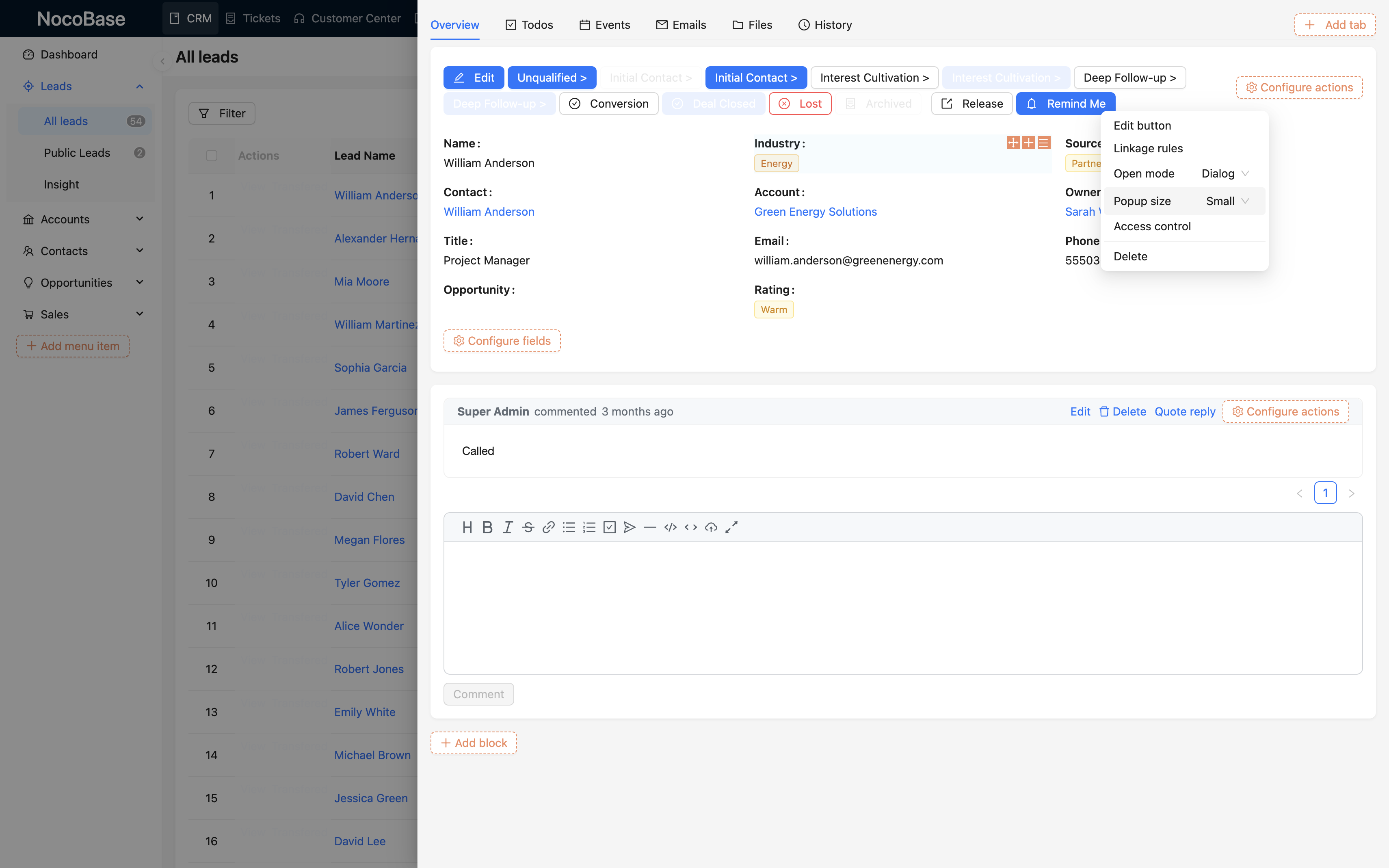
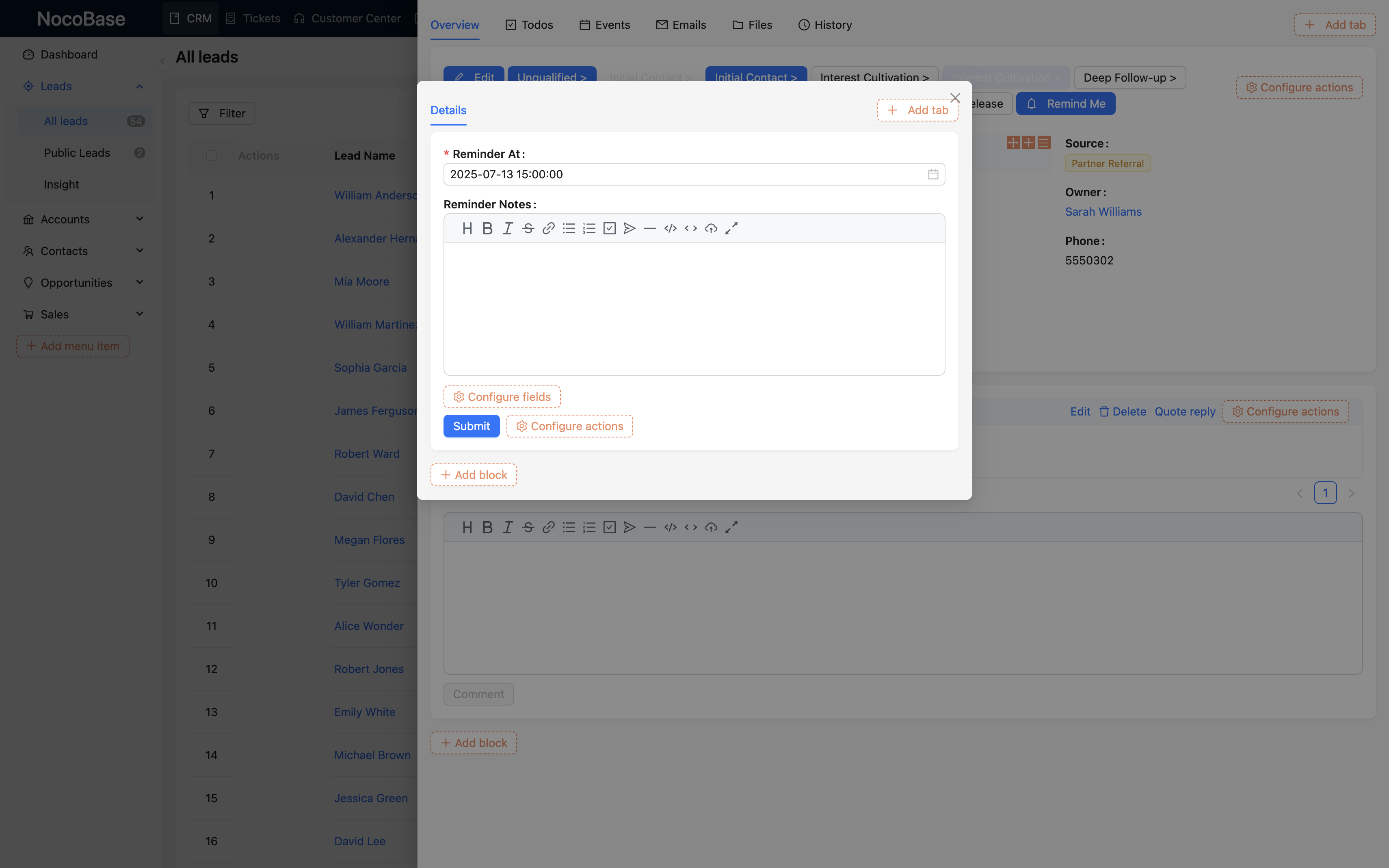
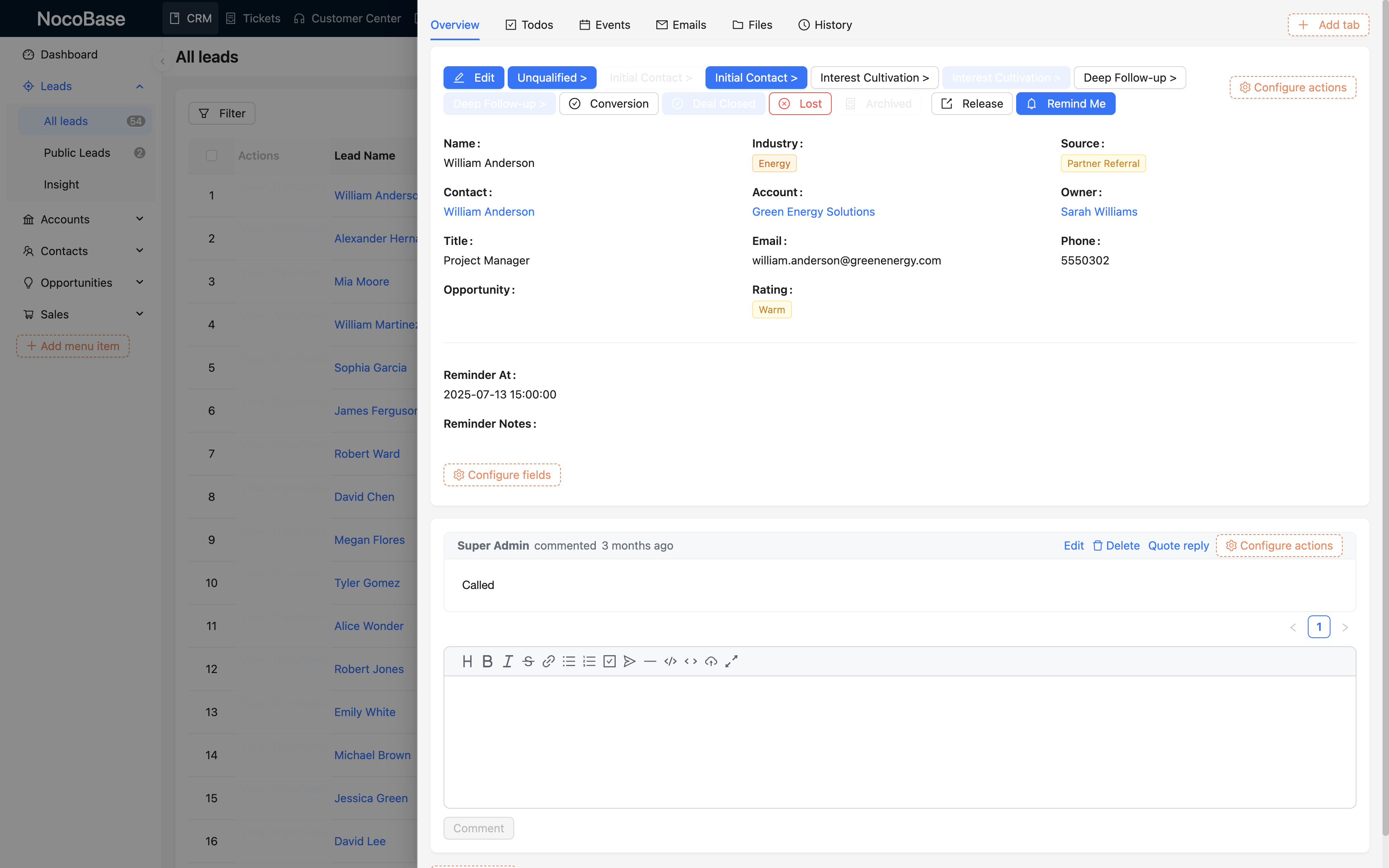
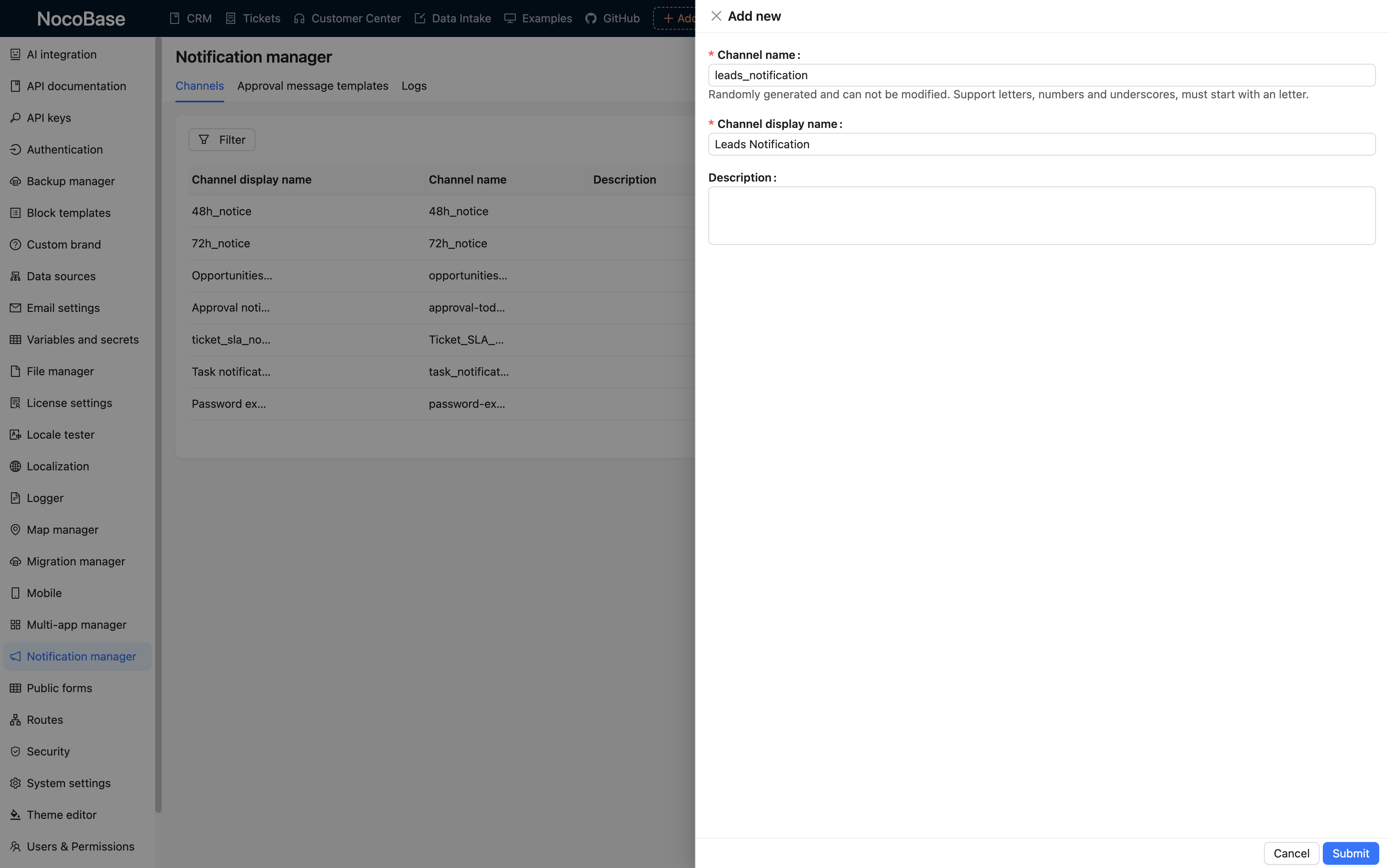
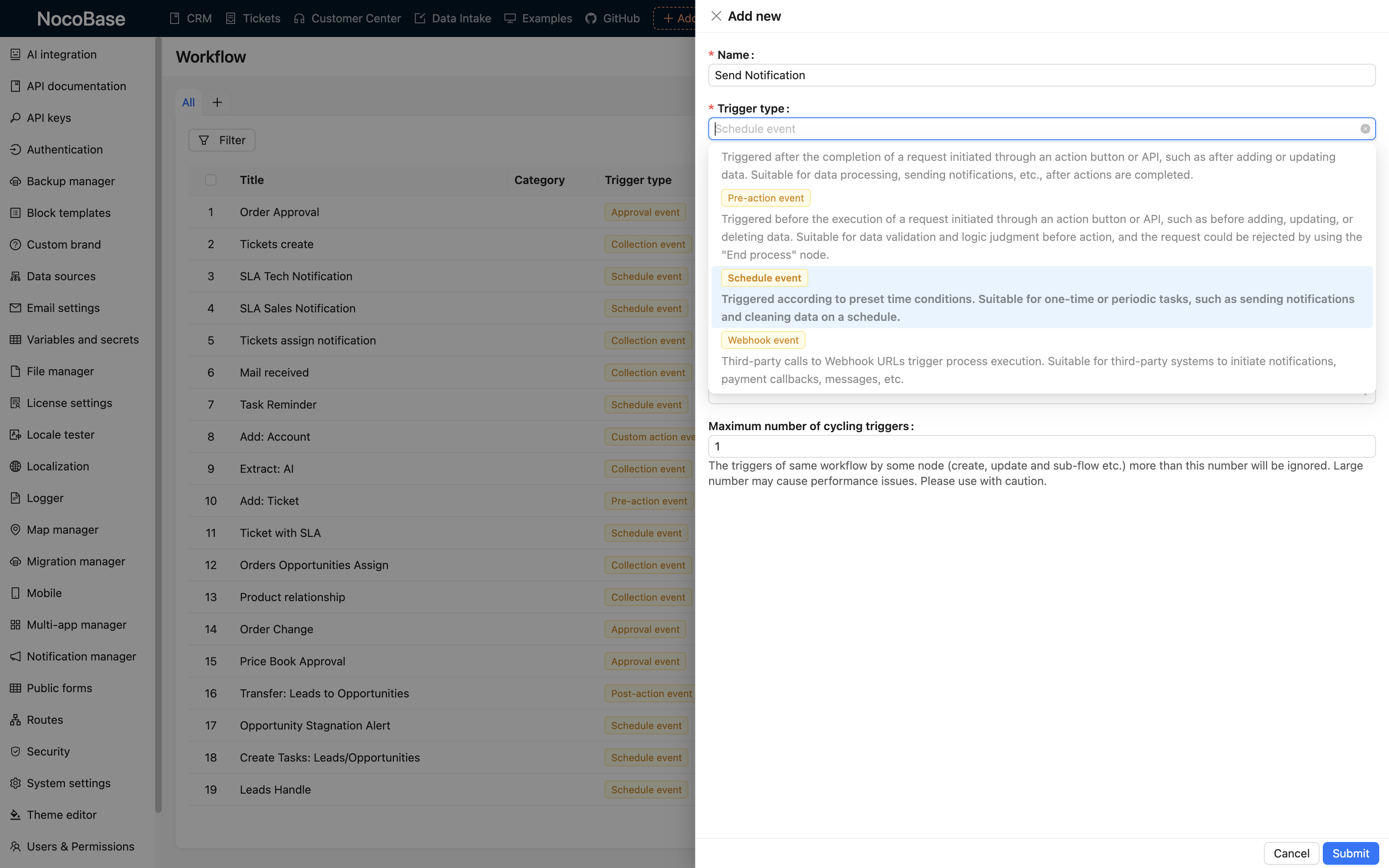
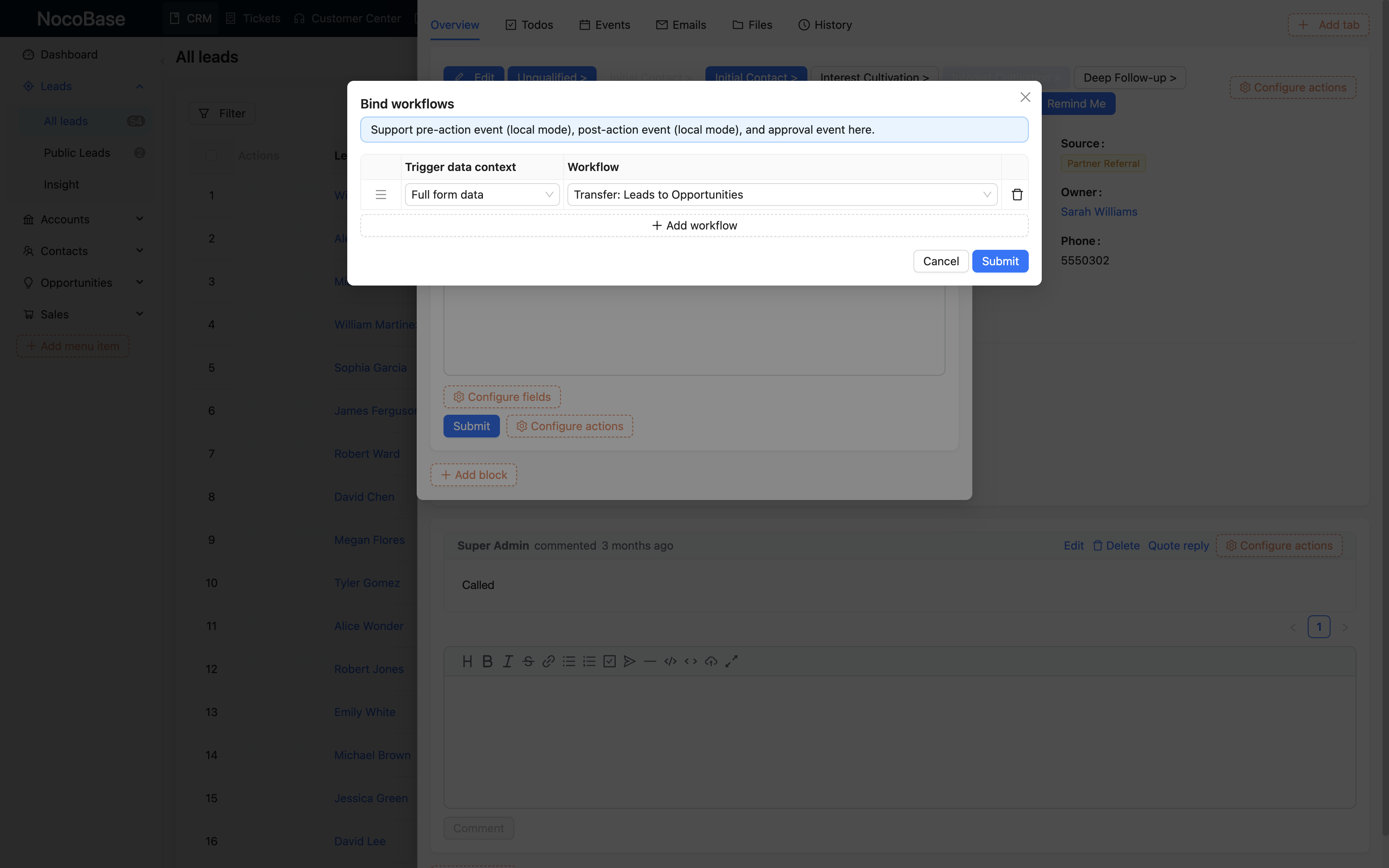
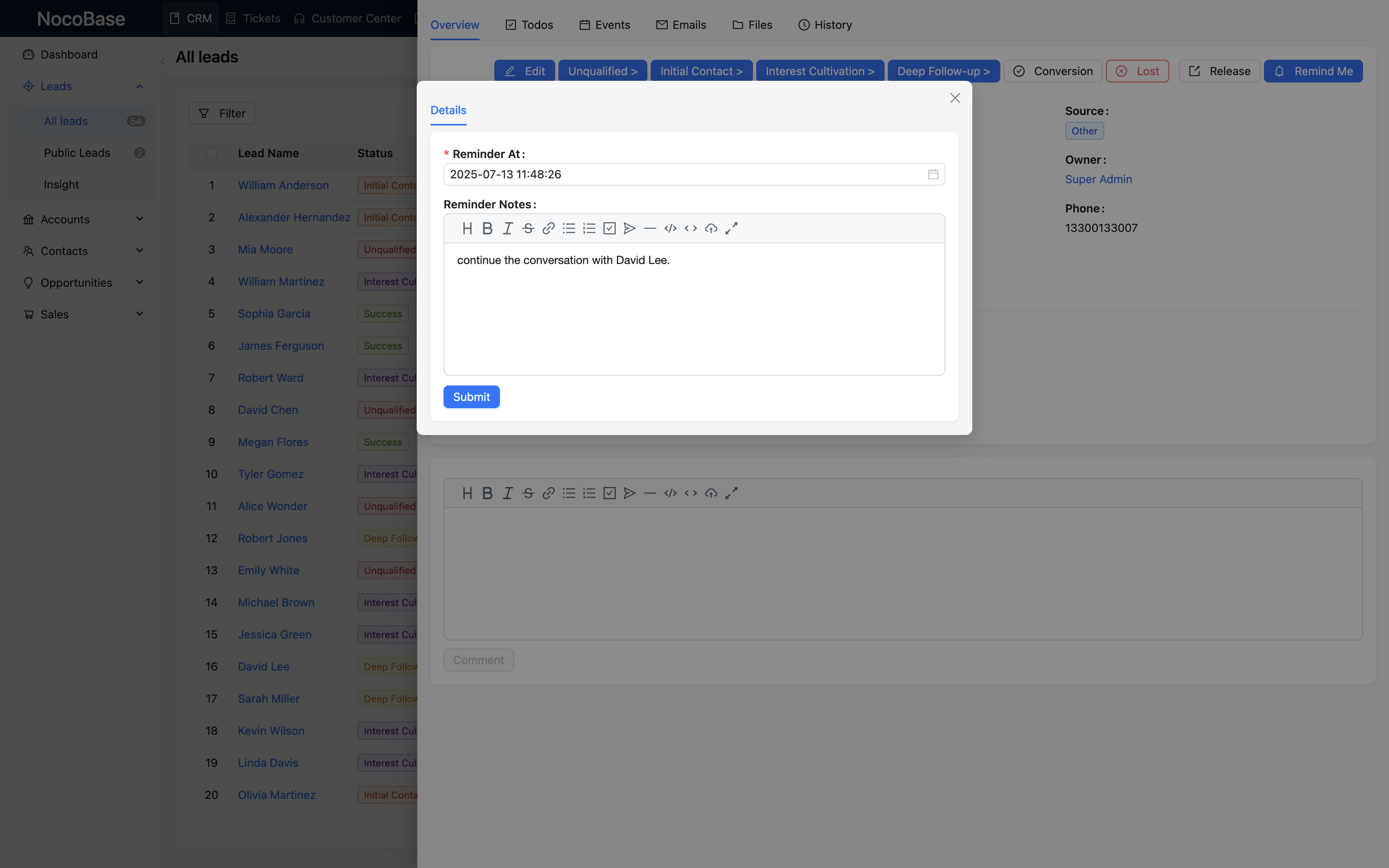
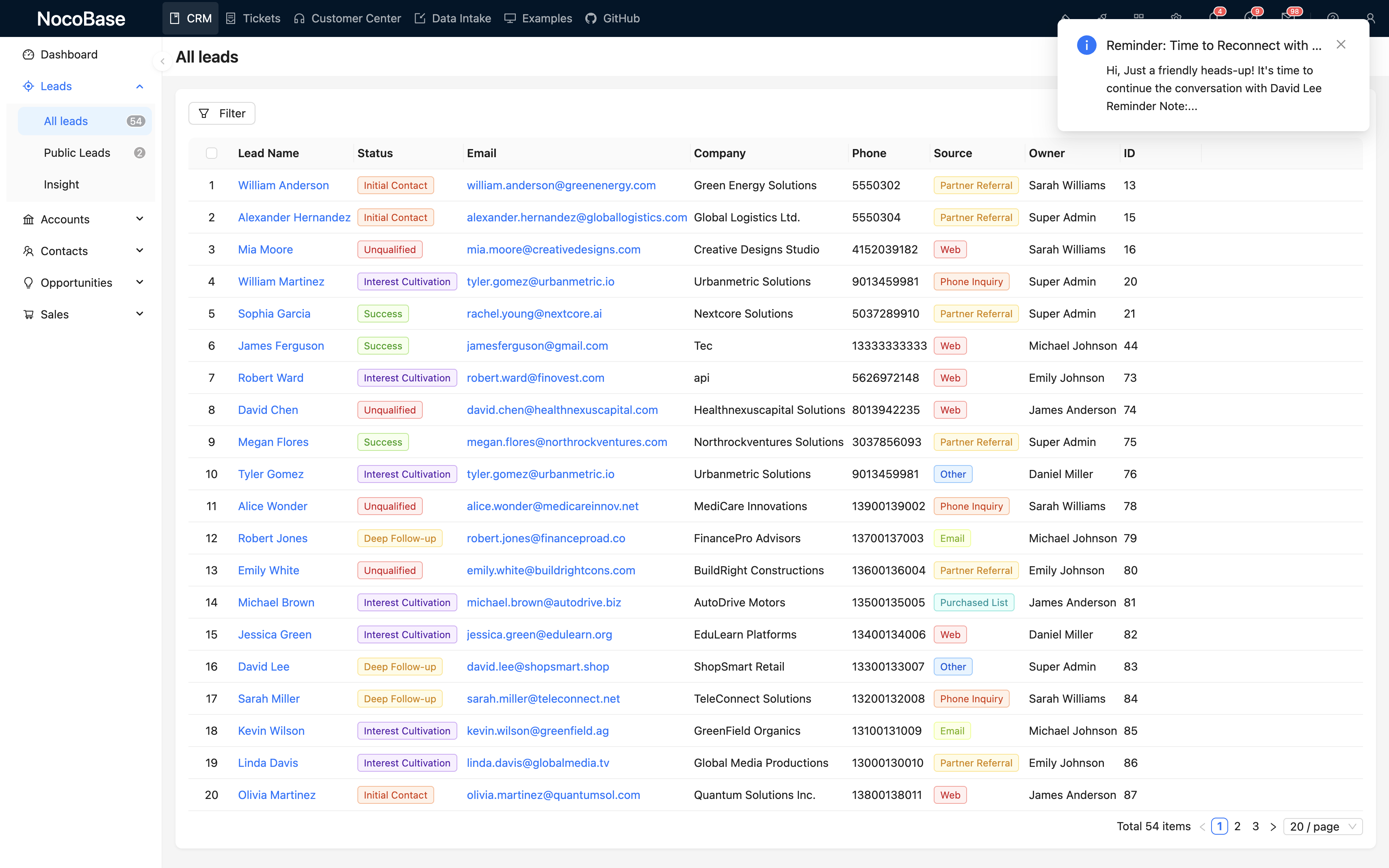
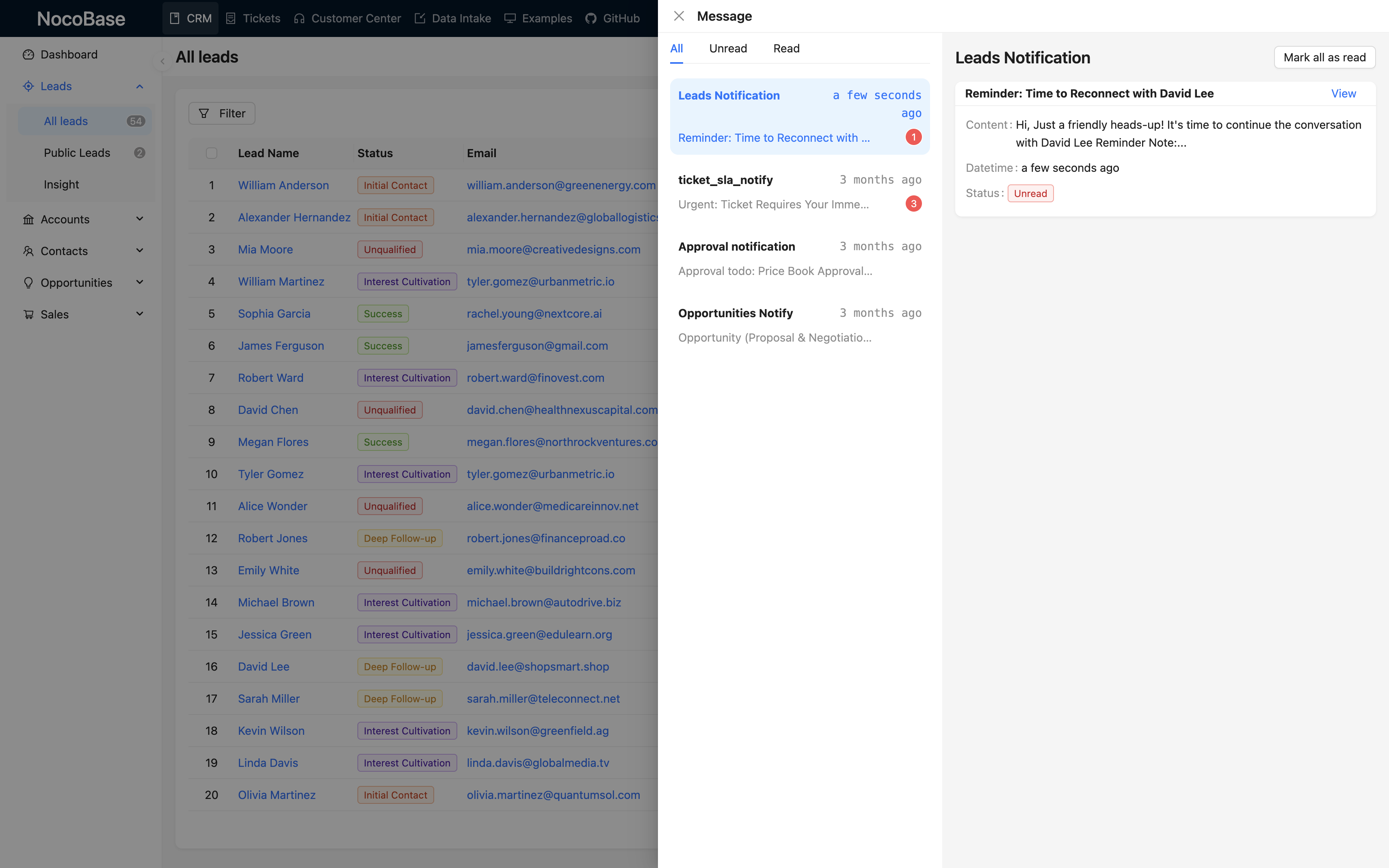
Using intelligent follow-up reminders as an example, experience how to implement feature extensions with no-code.
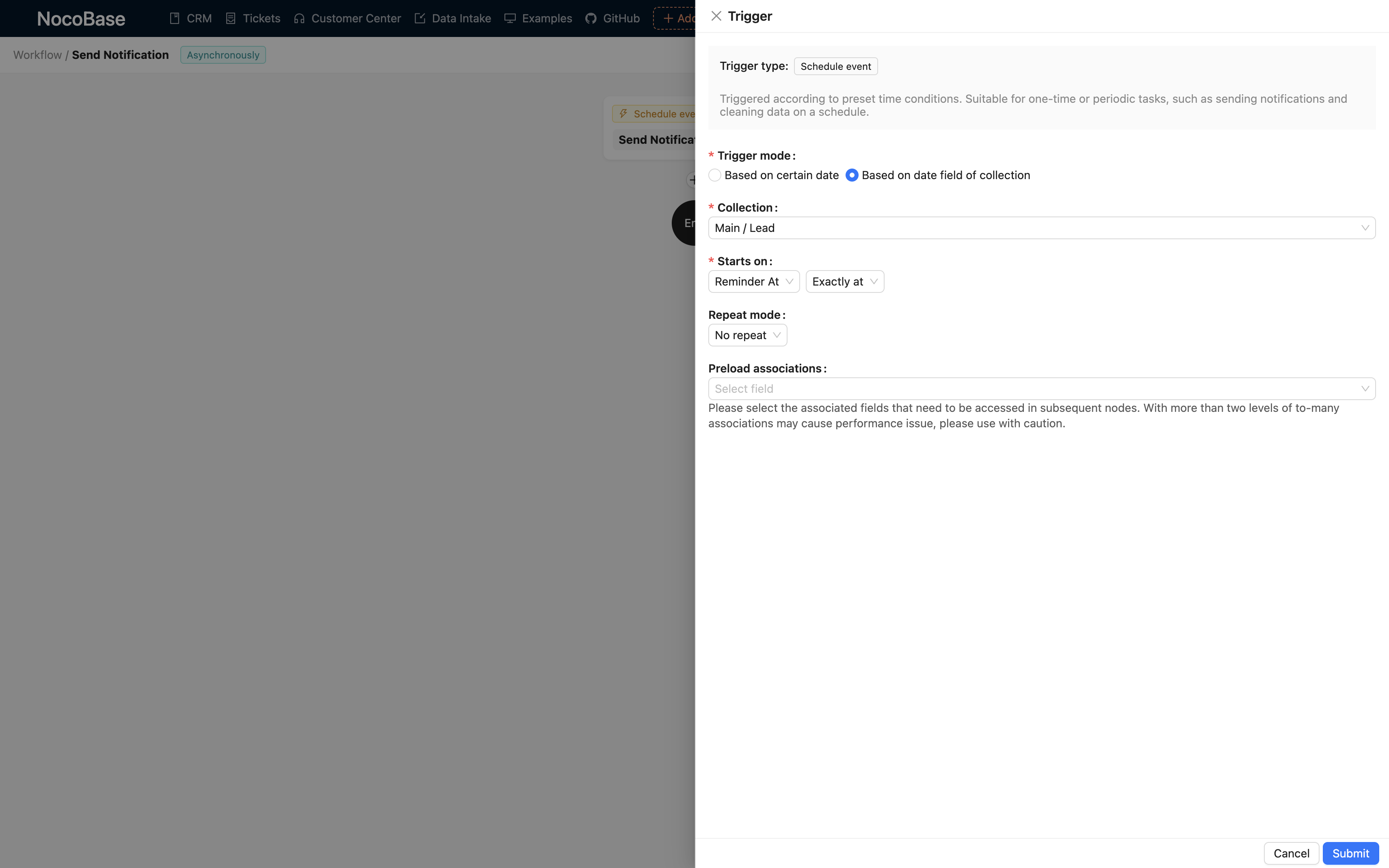
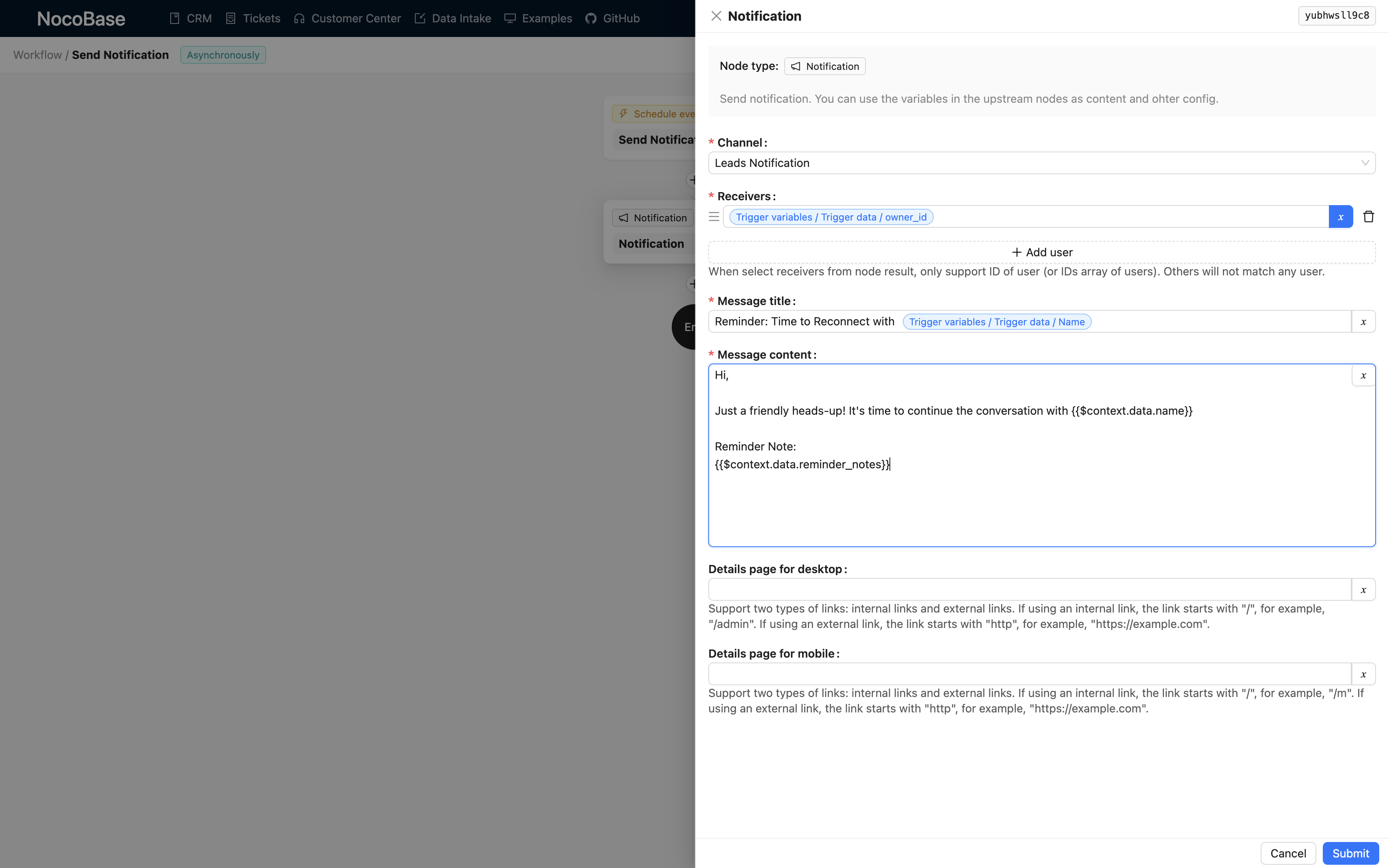
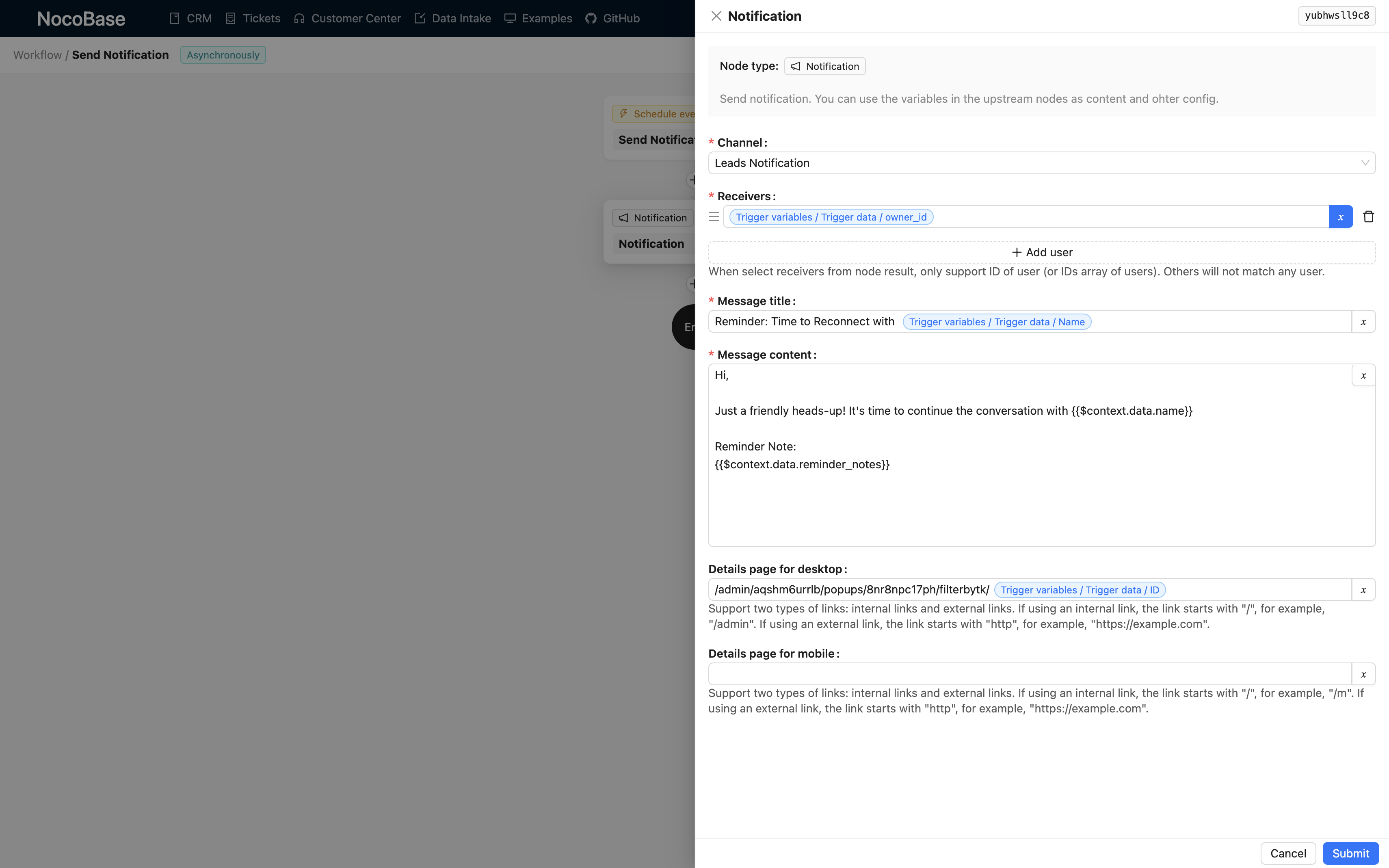
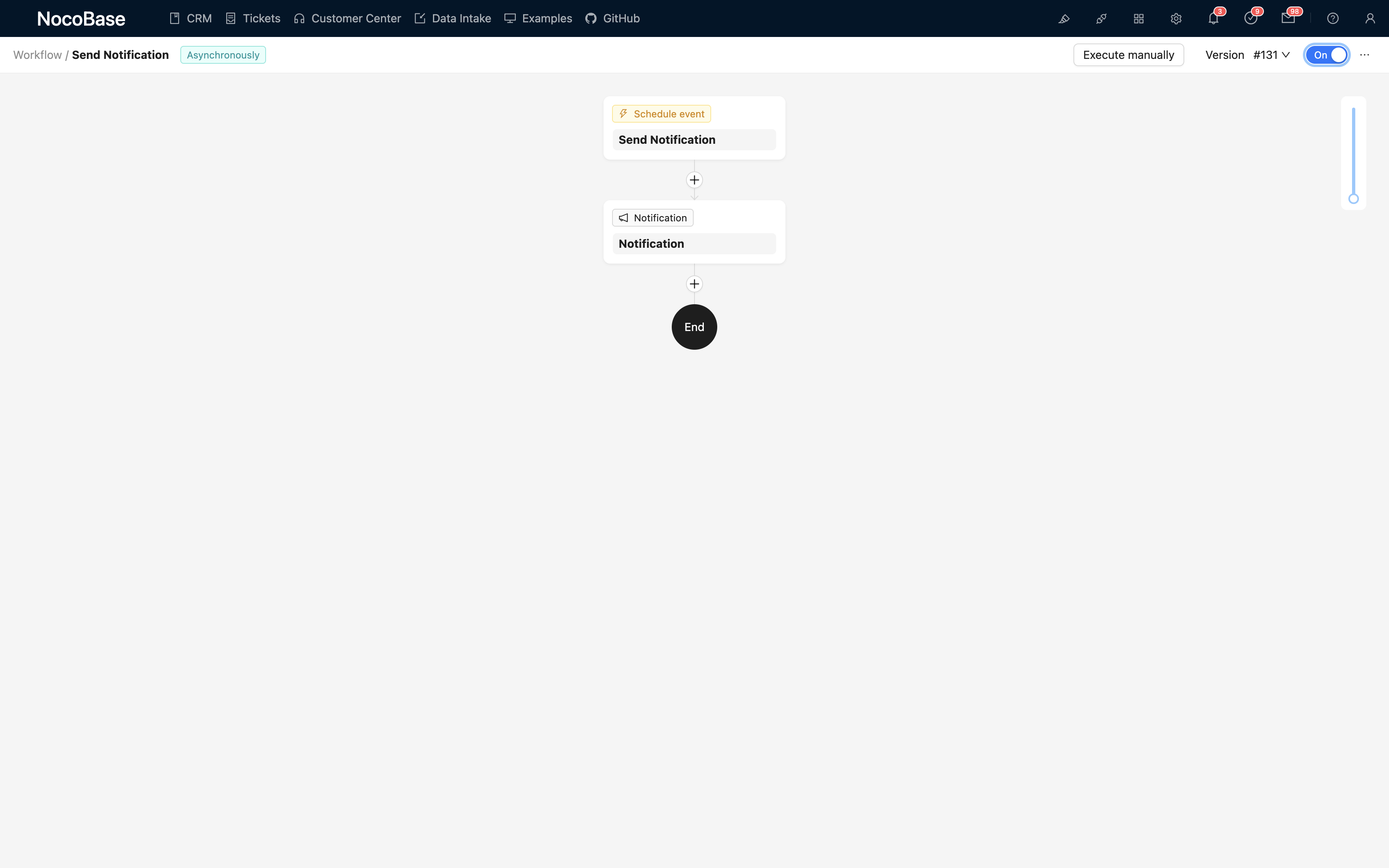
Learn how to use NocoBase to build and extend professional CRM systems
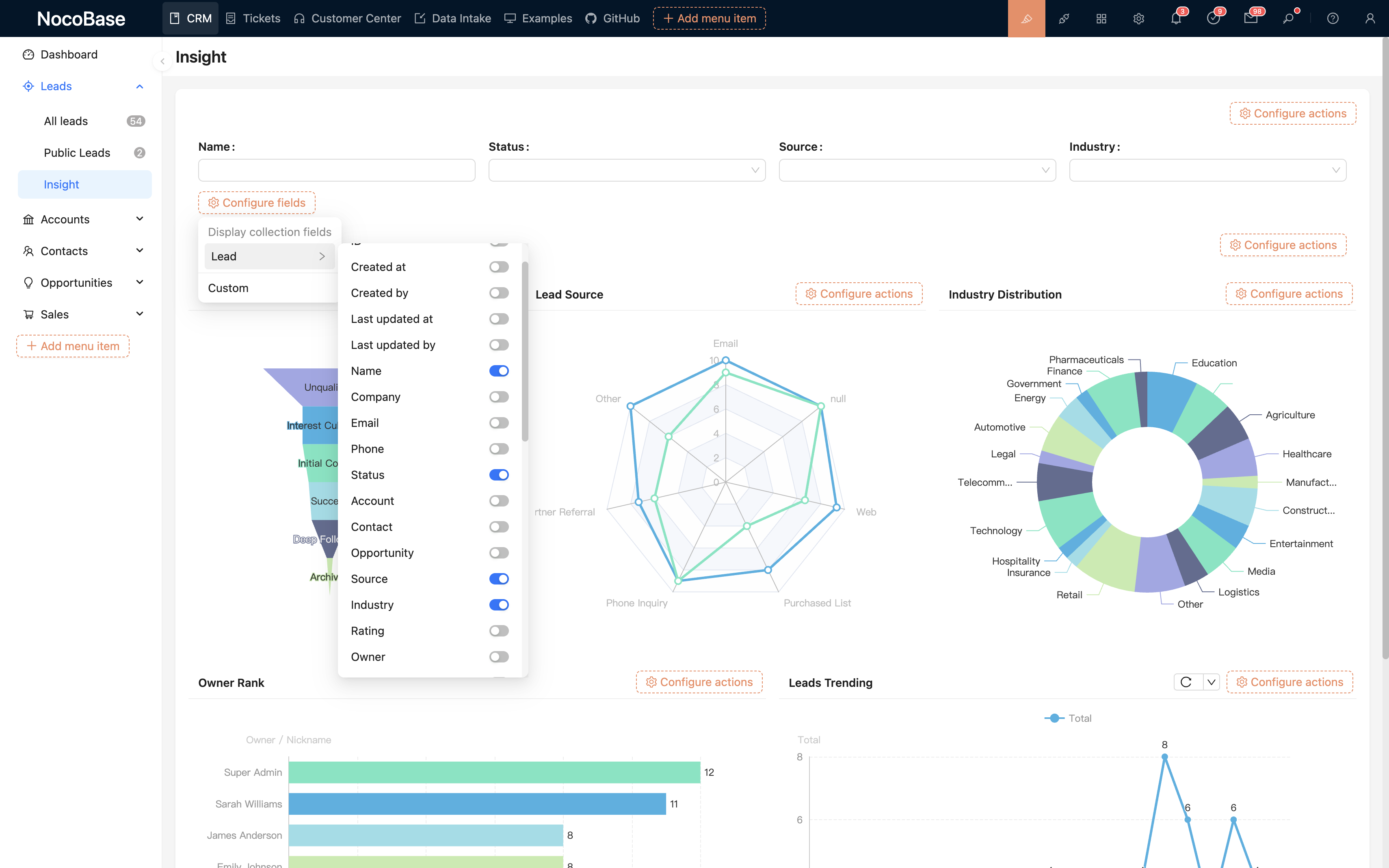
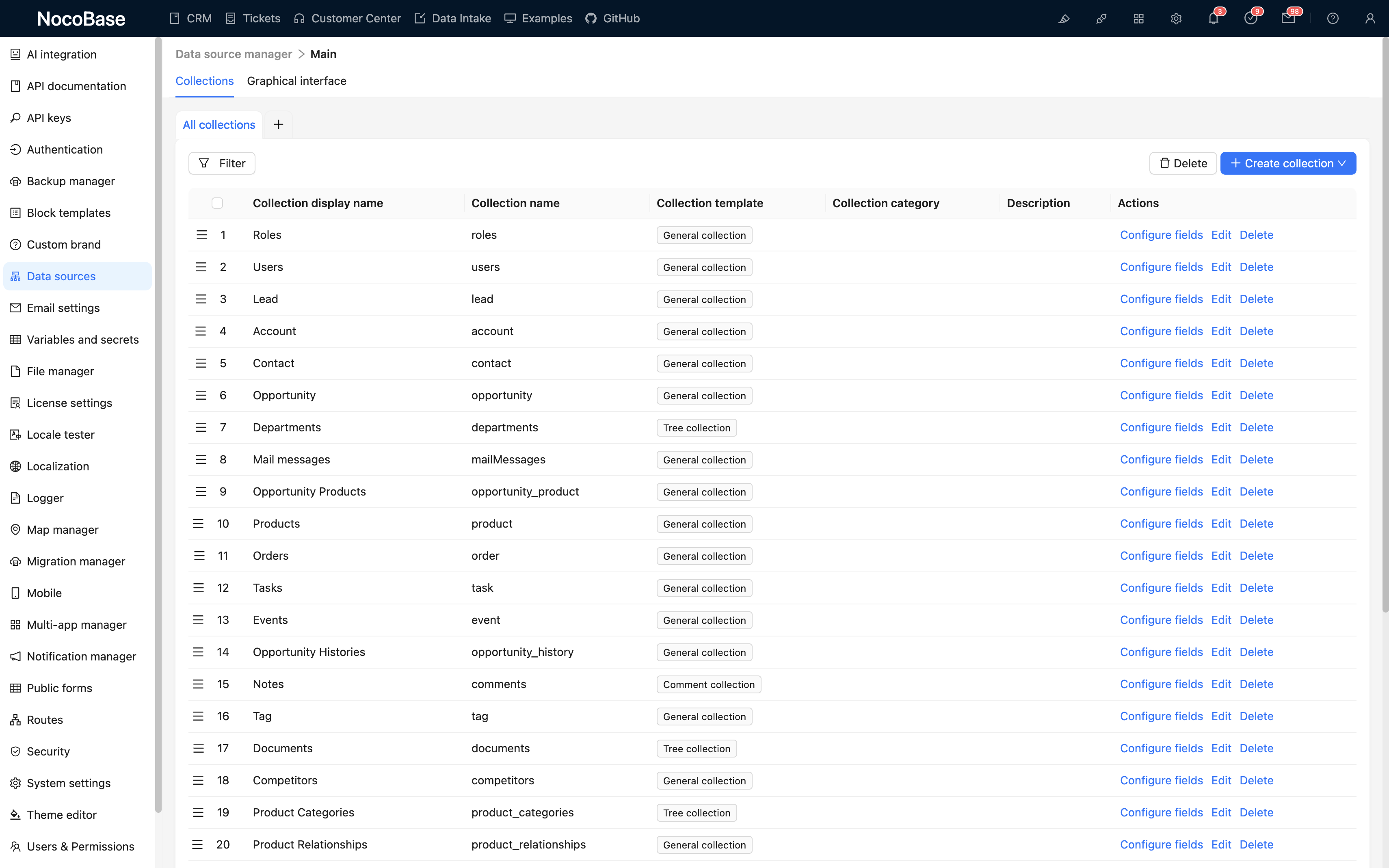
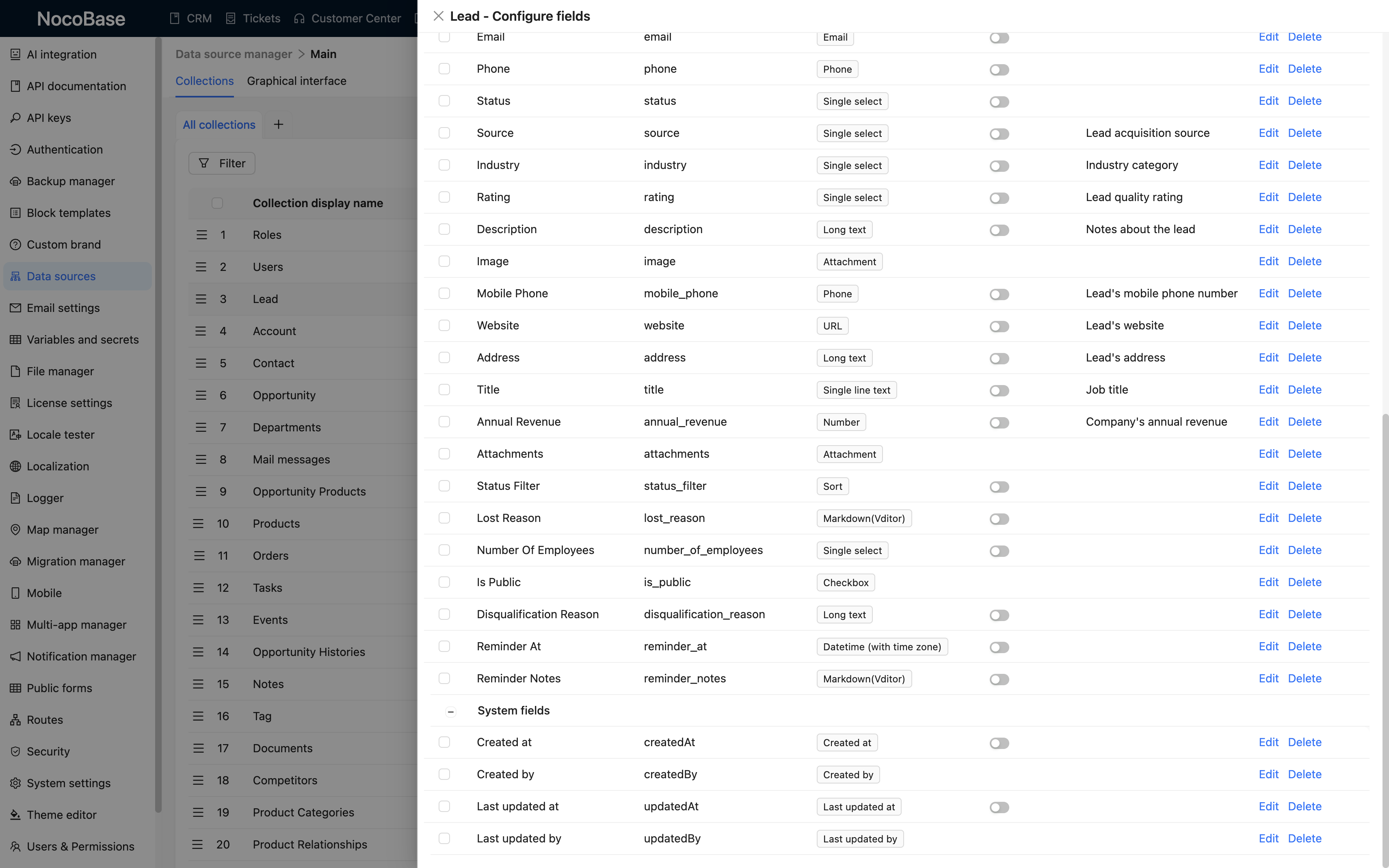
Learn to create data models, customize field relationships, configure permissions and interface layouts
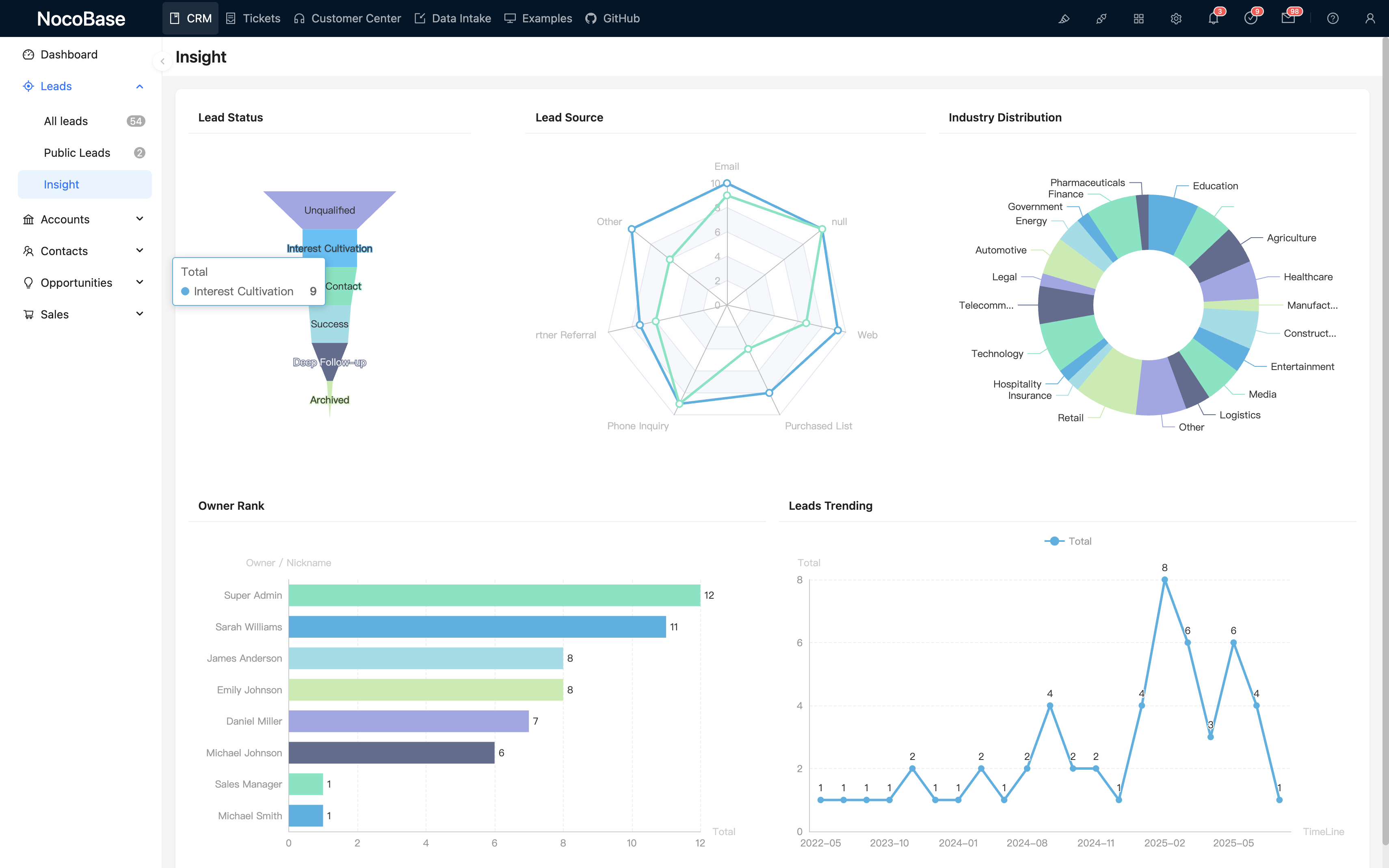
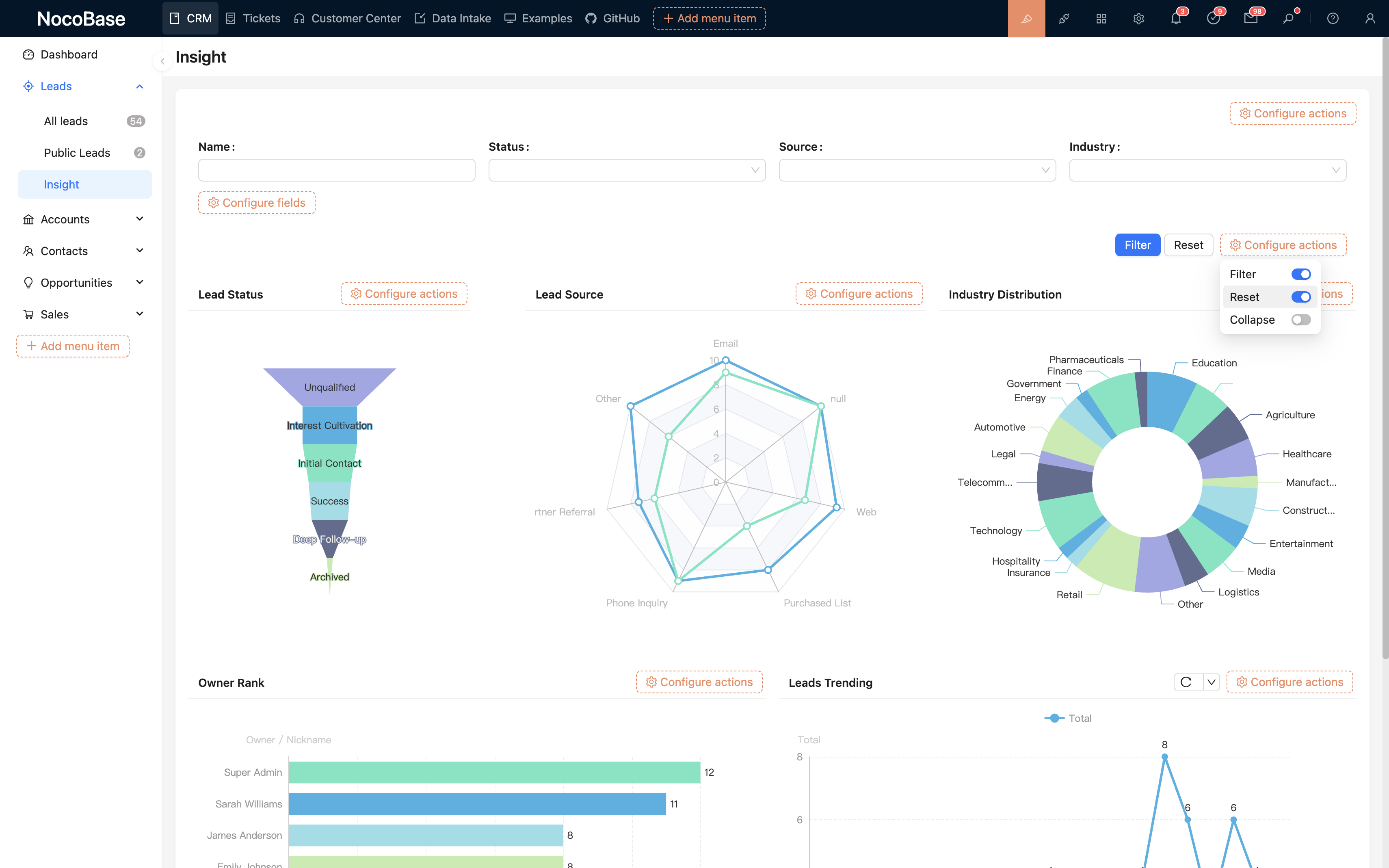
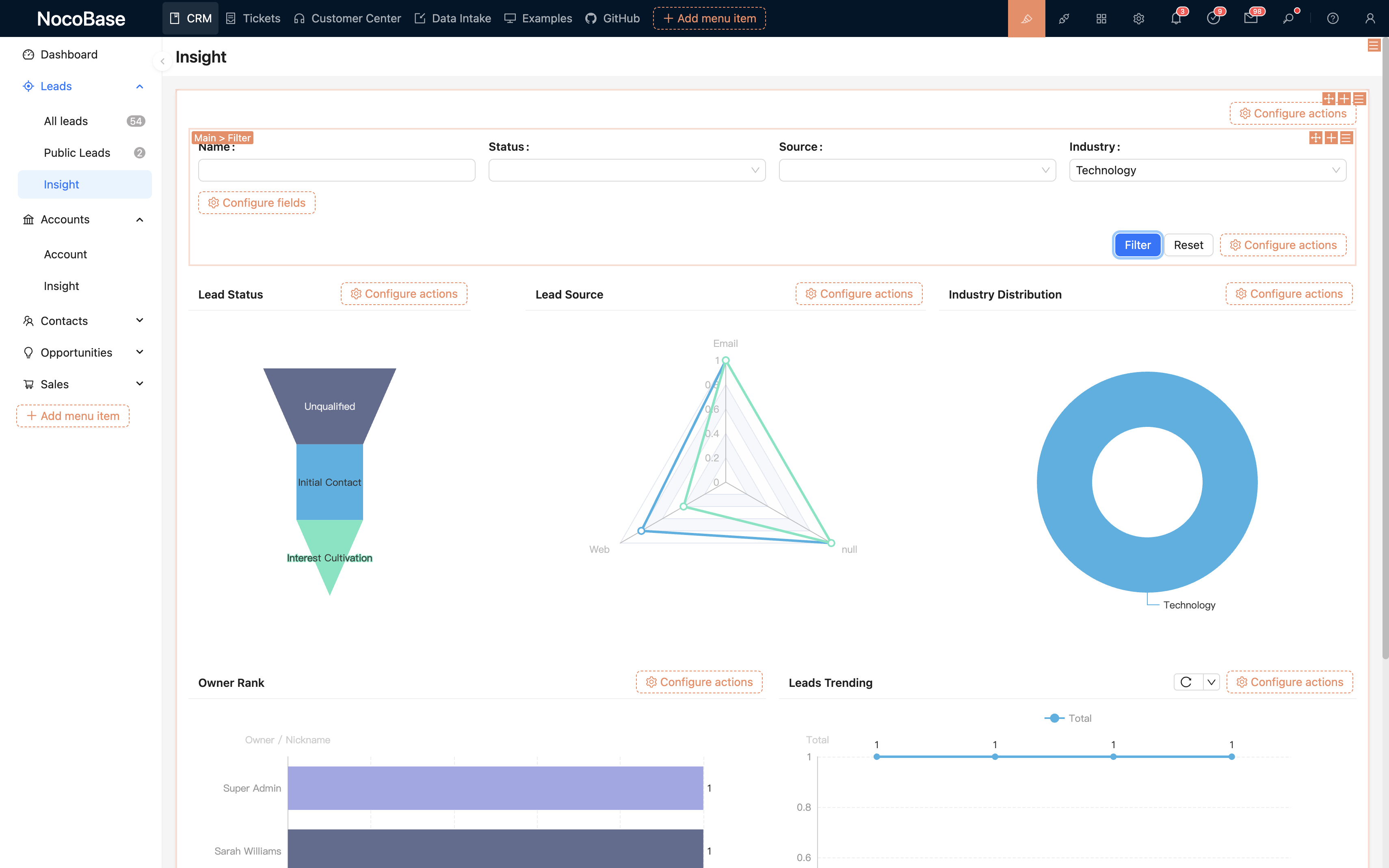
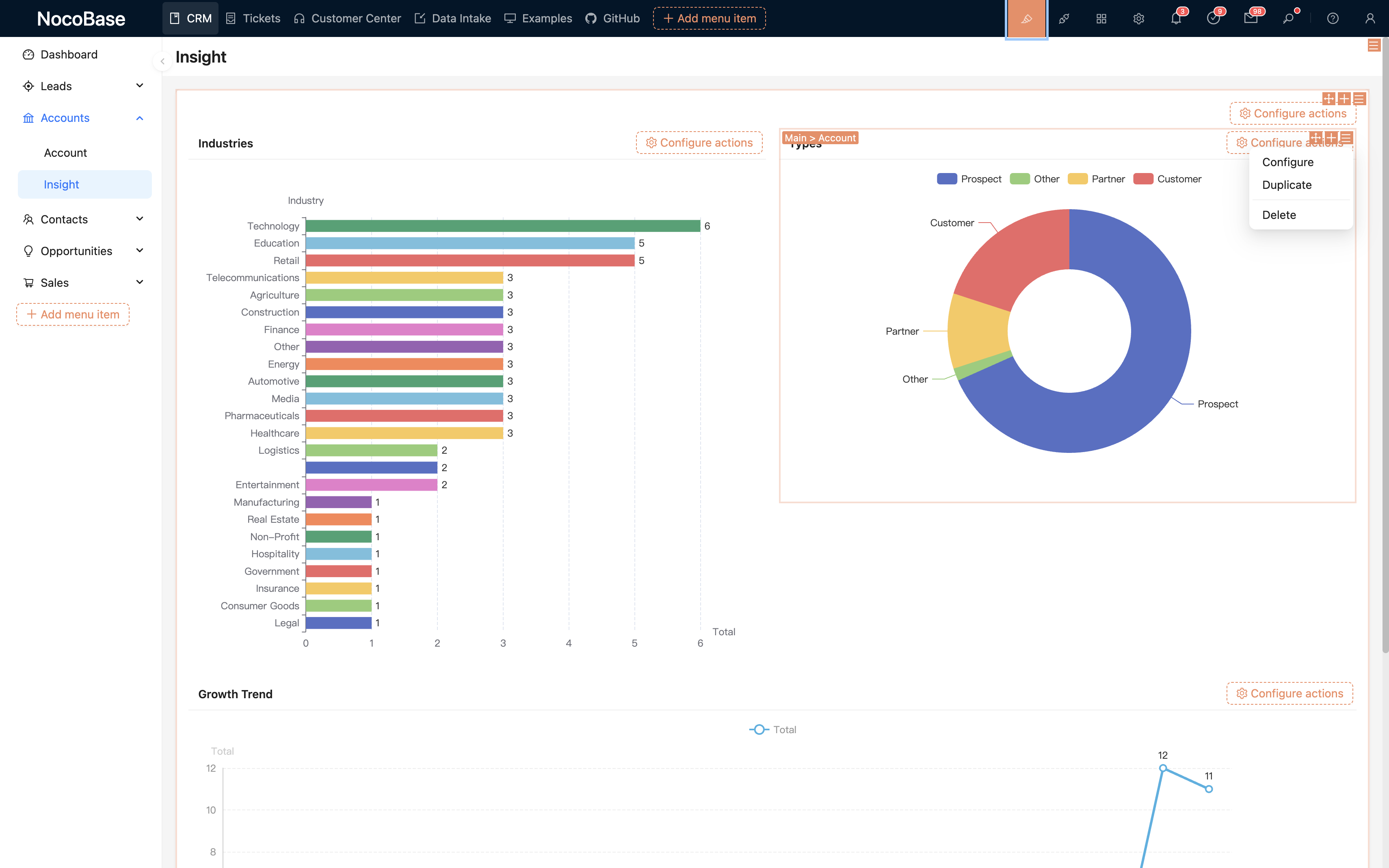
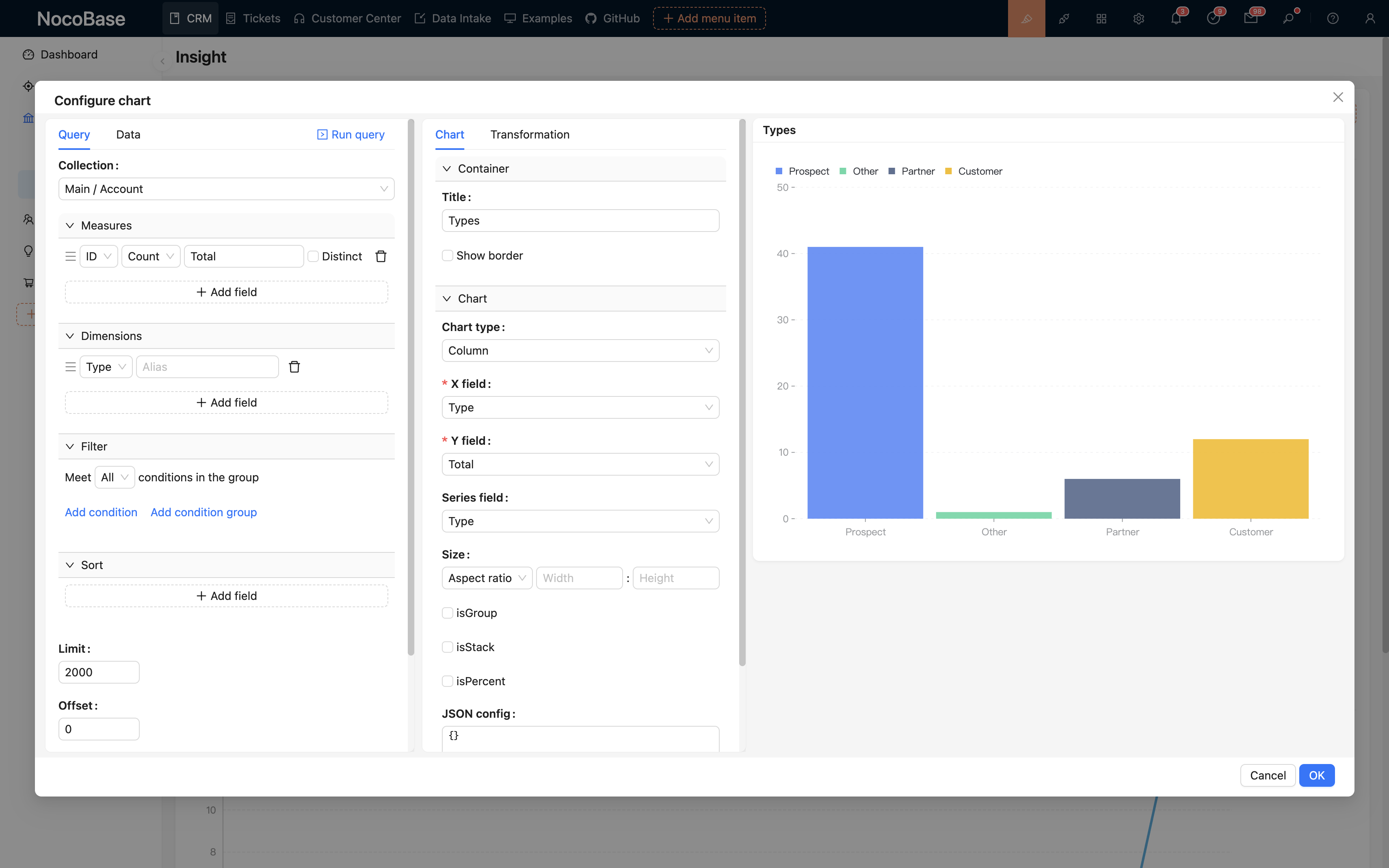
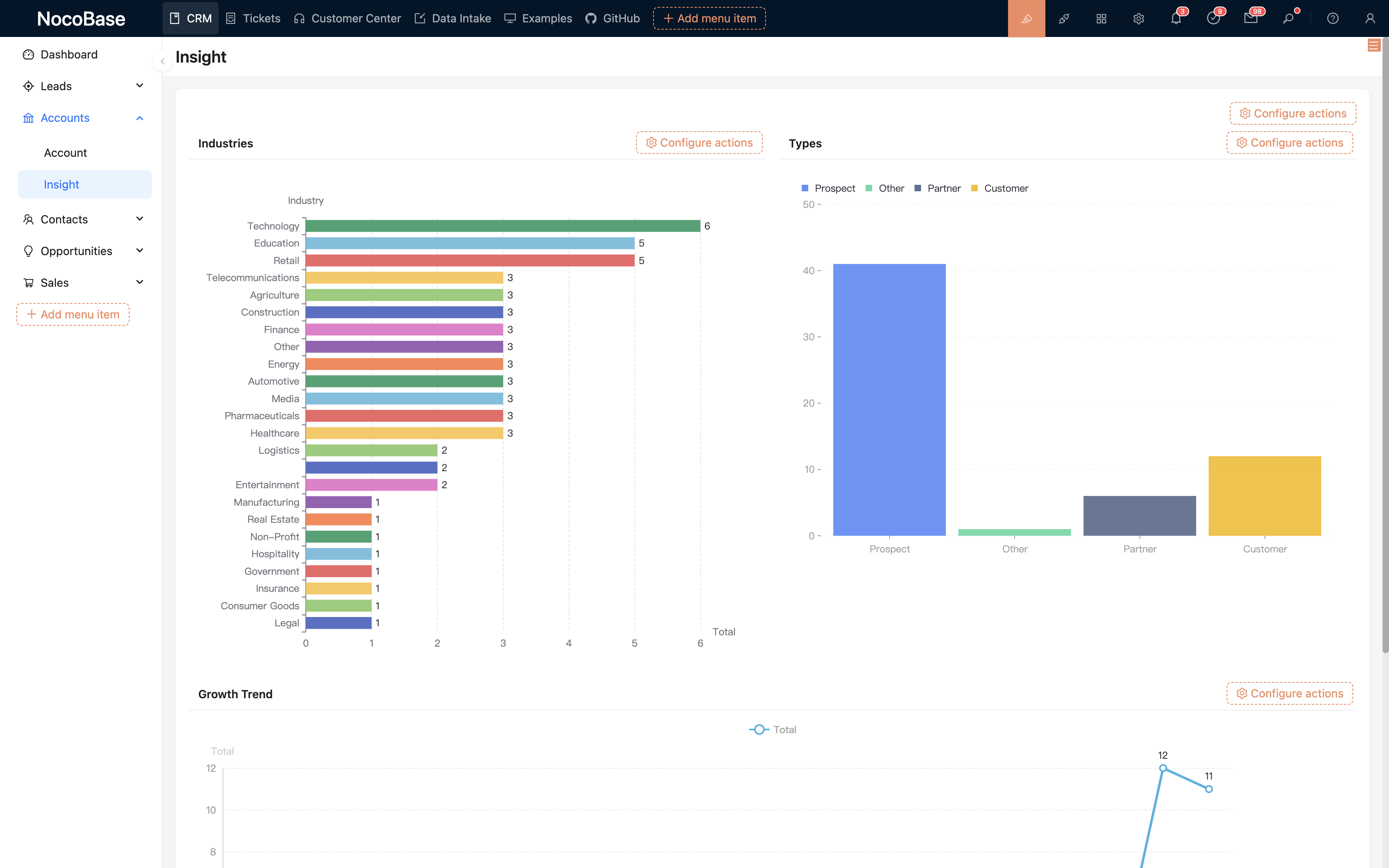
Build sales data analysis dashboards for performance monitoring and data visualization
Set up workflows to automate sales processes, approval workflows and business rules
Integrate third-party systems, mobile adaptation and other advanced extension features
CRM core is open source, commercial plugins enrich functionality
Utilize ECharts for data visualization, supporting more chart types and offering user-friendly configuration. Details
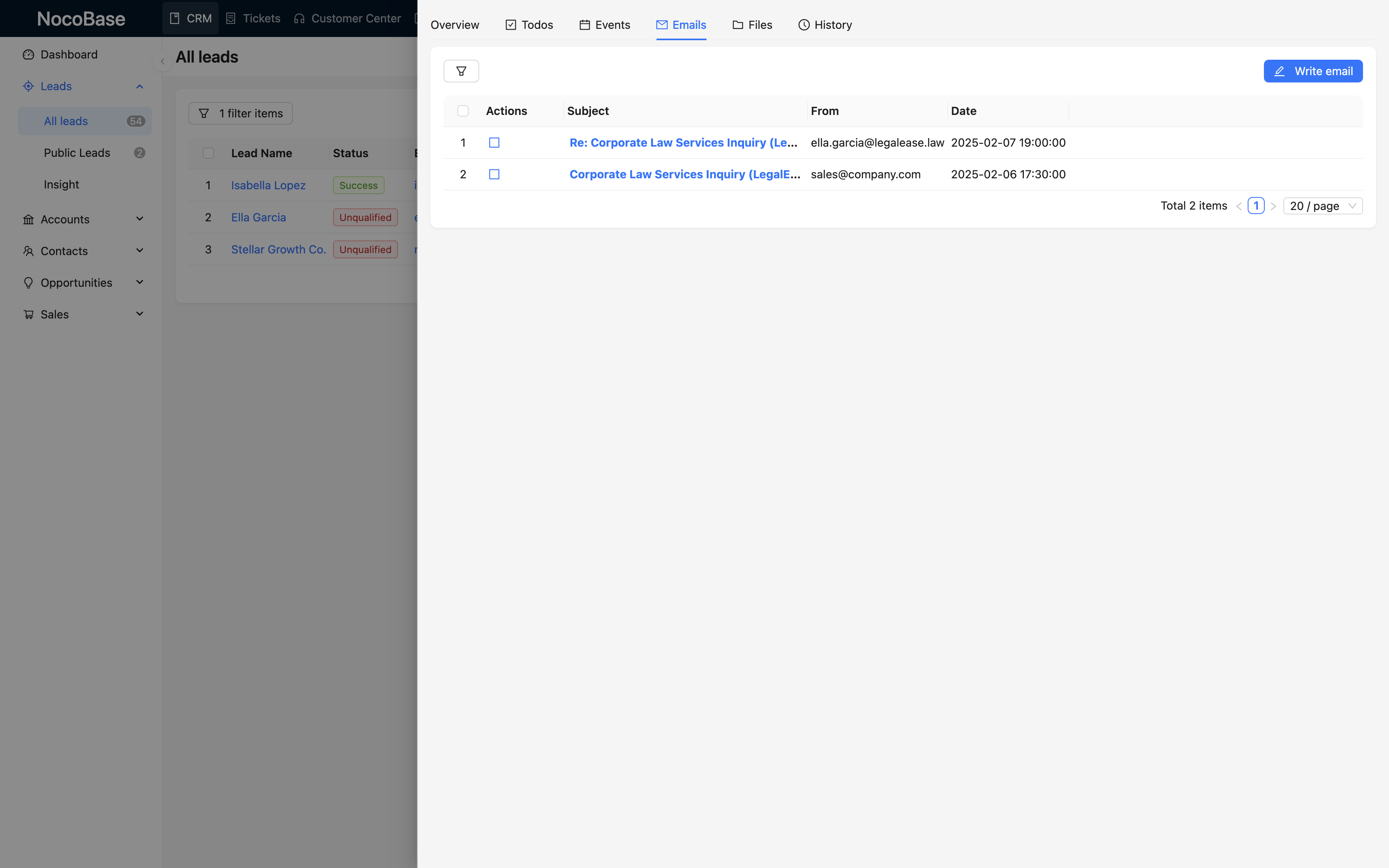
Connect NocoBase to corporate email accounts like Gmail and Outlook, and be able to receive and send emails just like in other CRM products. Details
Triggered when an approval request is initiated through an action button or API. Dedicated to the approval process, with exclusive approval node and block for managing documents and tracking processing processes. Details
Use the tree component to present data as filter blocks that can be connected to other data blocks. Details
Used for mapping any JSON data to structured variables for usage in subsequent nodes. Details
We are developing more useful commercial plugins, stay tuned
Three steps to quickly deploy NocoBase CRM to your environment
Follow our installation documentation to deploy NocoBase to your server
Get the complete template file for NocoBase CRM system, supporting two formats
Import the template file into your NocoBase system to complete deployment
Deploy a dedicated CRM demo in 1 minute. From configuring data structures to interface layouts to process logic, all of this is completed through NocoBase's visual configuration without writing a single line of code.