- San pham
-
- Diem noi bat cua NocoBase
- Nguon du lieu
- Khoi va hanh dong
- Nhan vien AI
- Quyen han
- Quy trinh
-
- Open source
- GitHub24k
- Awesome NocoBase
-
- Giai phap
- Cong dong
- Tai nguyen
- Bang gia
San sang de dua vao su dung ngay, dong thoi cho phep tuy bien manh me theo nhu cau rieng. Mo rong field, block va page de xay dung giai phap phu hop nhat cho doanh nghiep, trong khi ban van giu quyen kiem soat du lieu tron ven.
Khac voi cac san pham SaaS va CRM dong, NocoBase CRM linh hoat va nam hoan toan trong tay ban
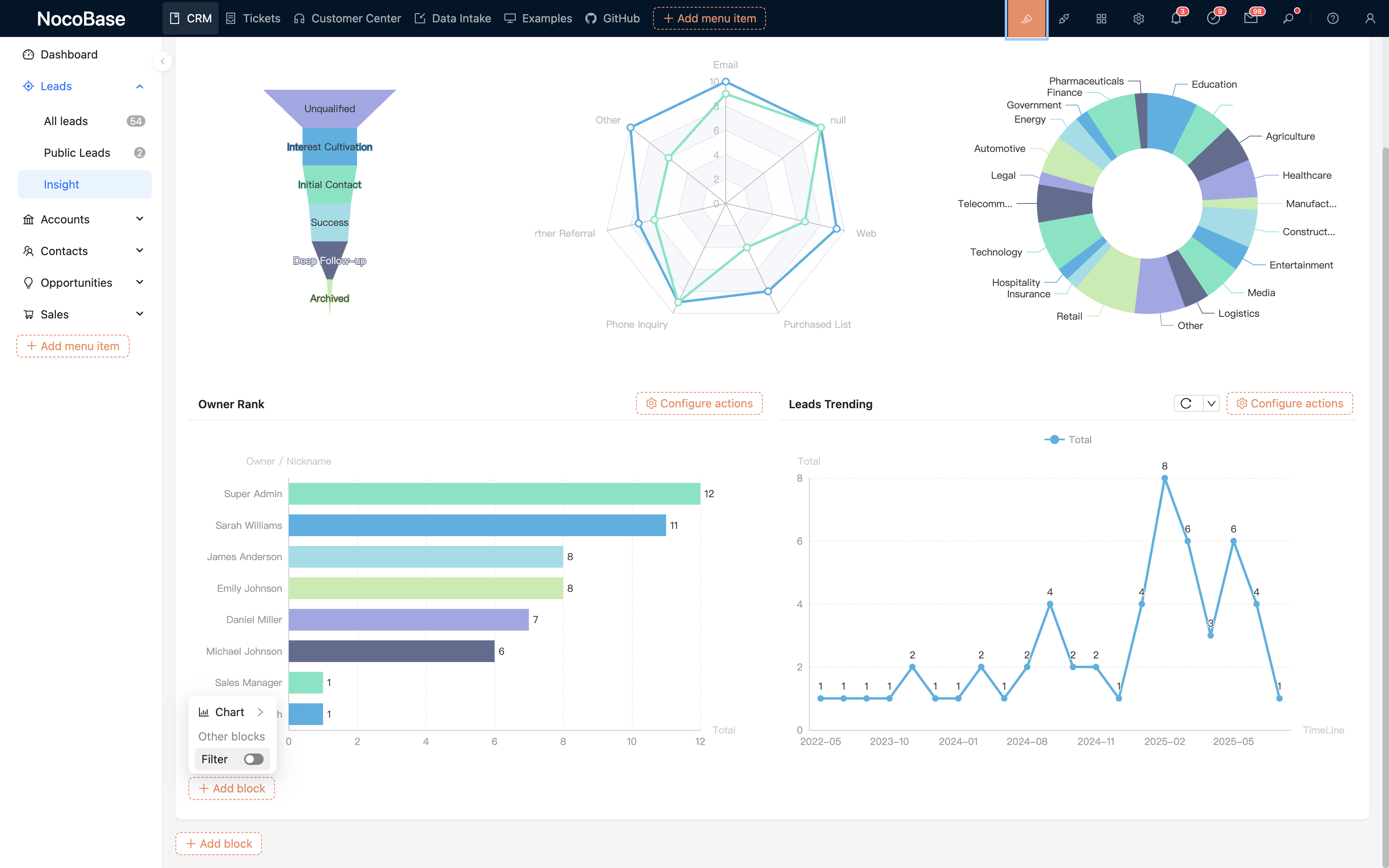
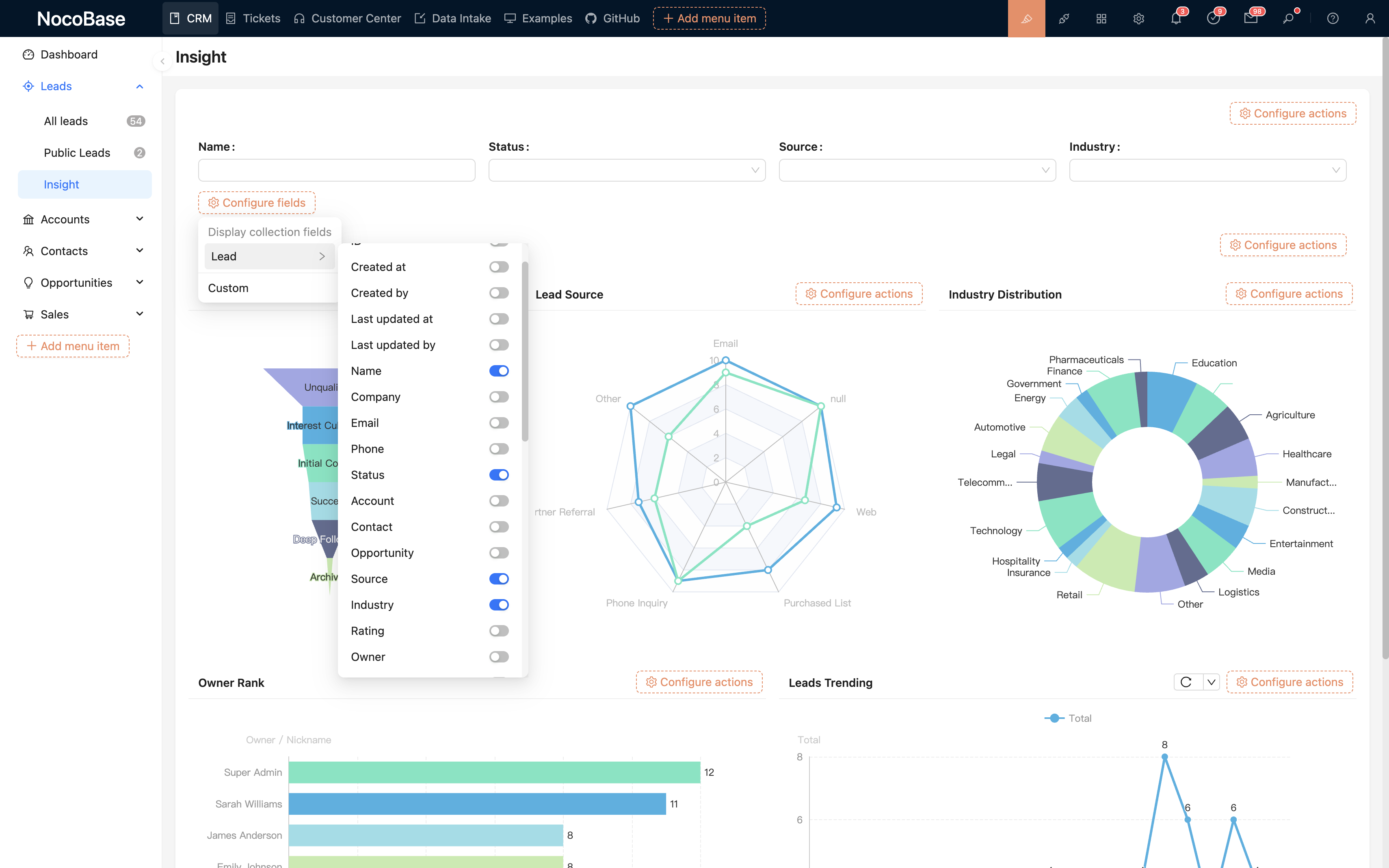
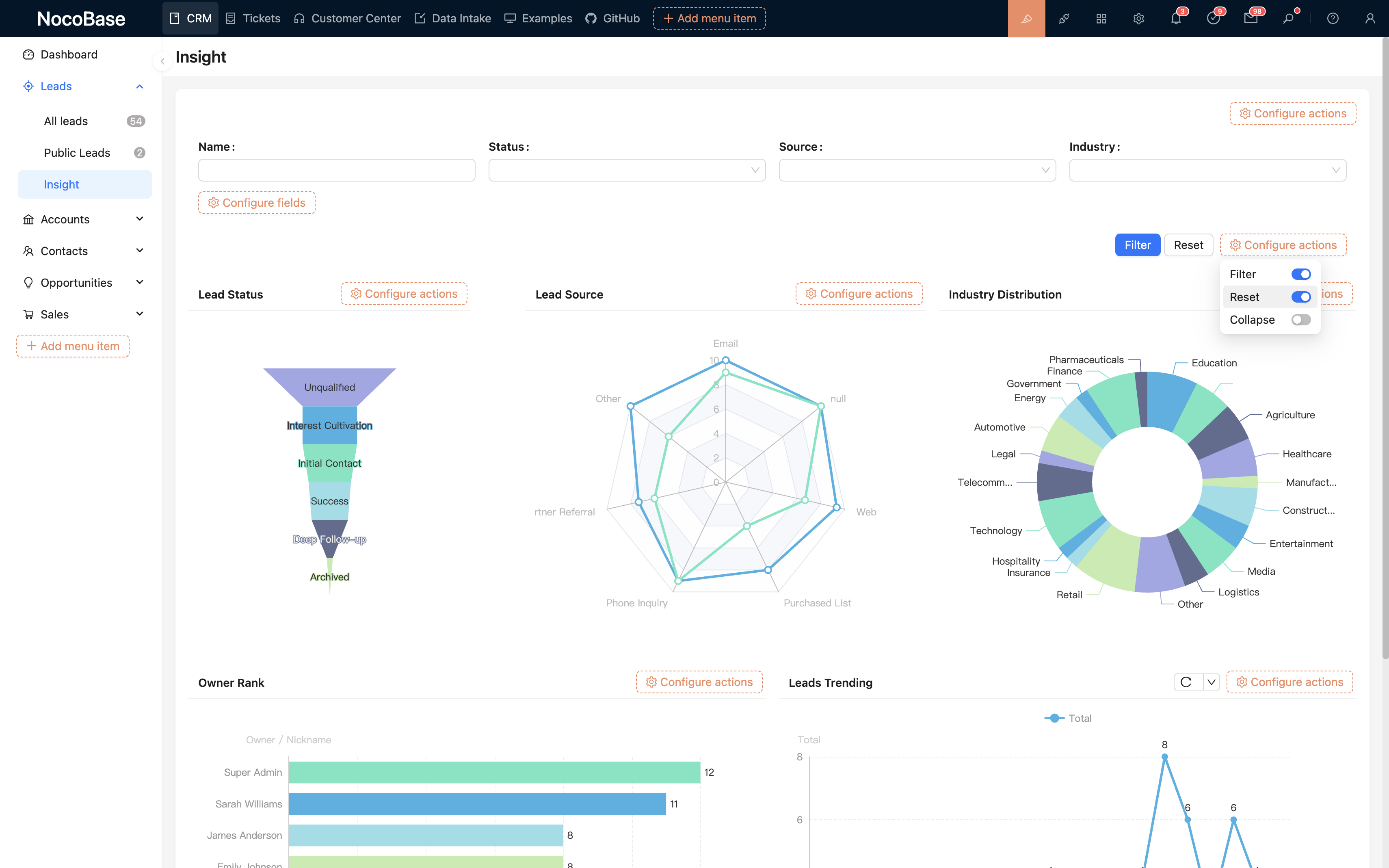
Khong can ky nang lap trinh de tuy chinh CRM
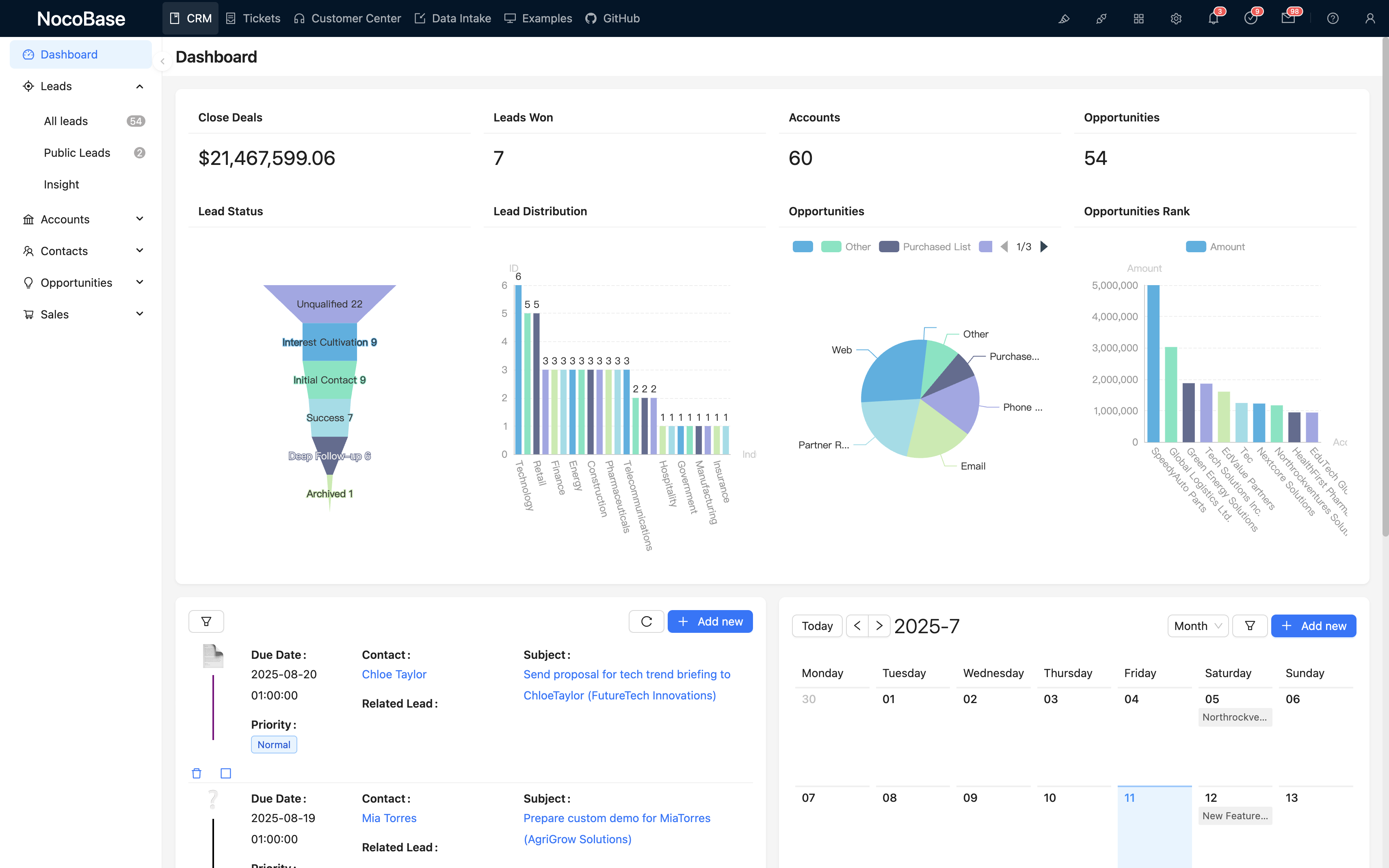
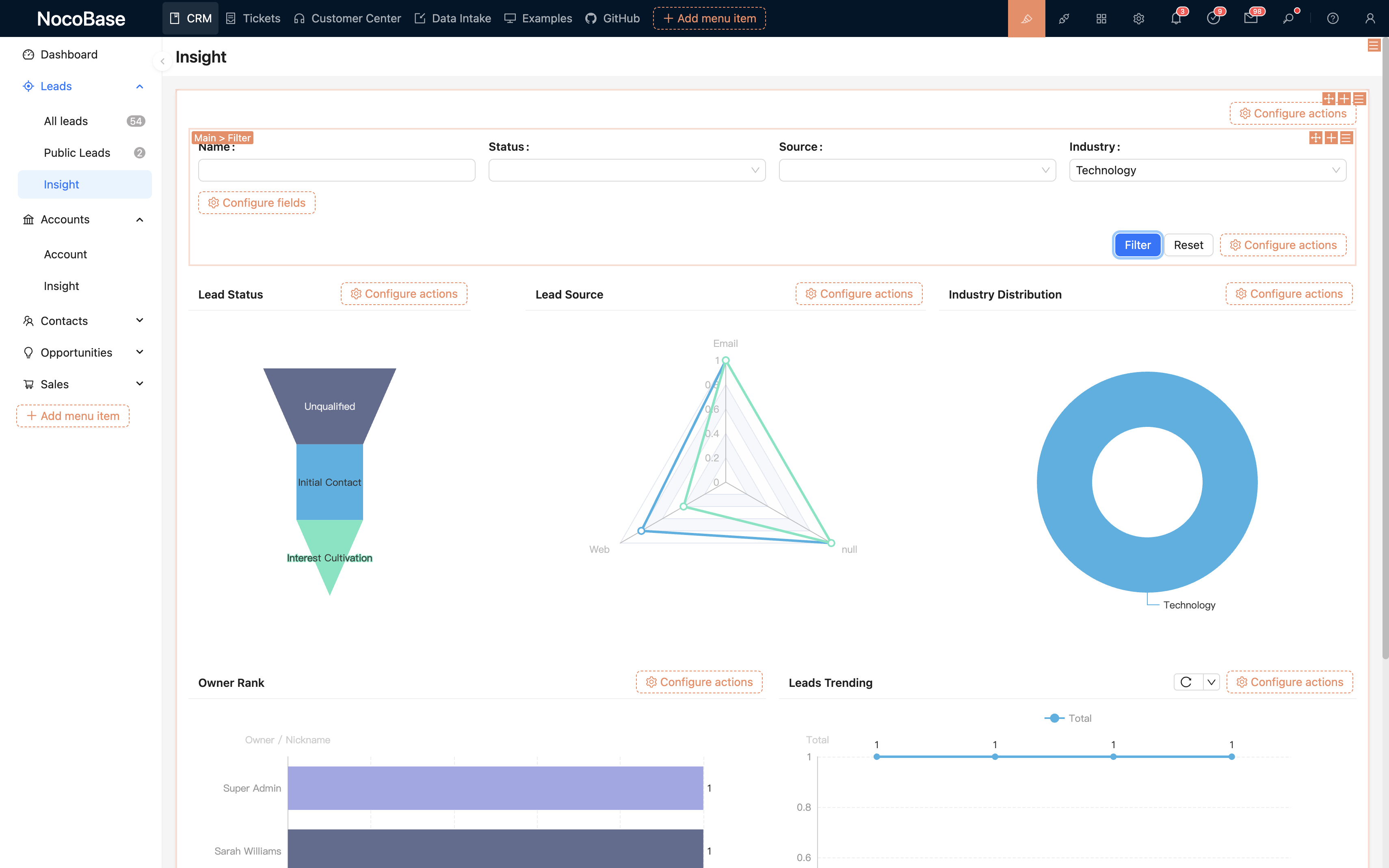
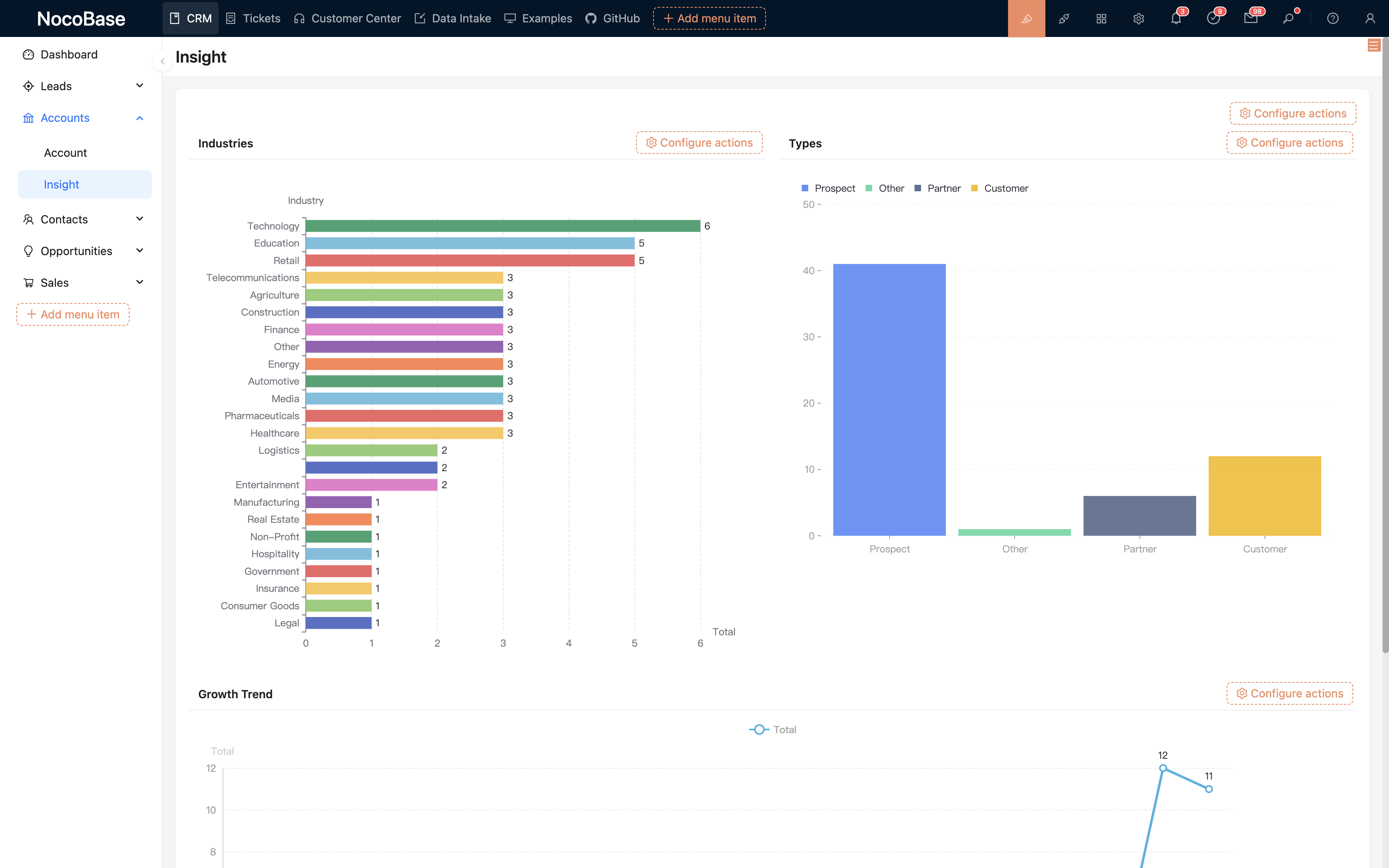
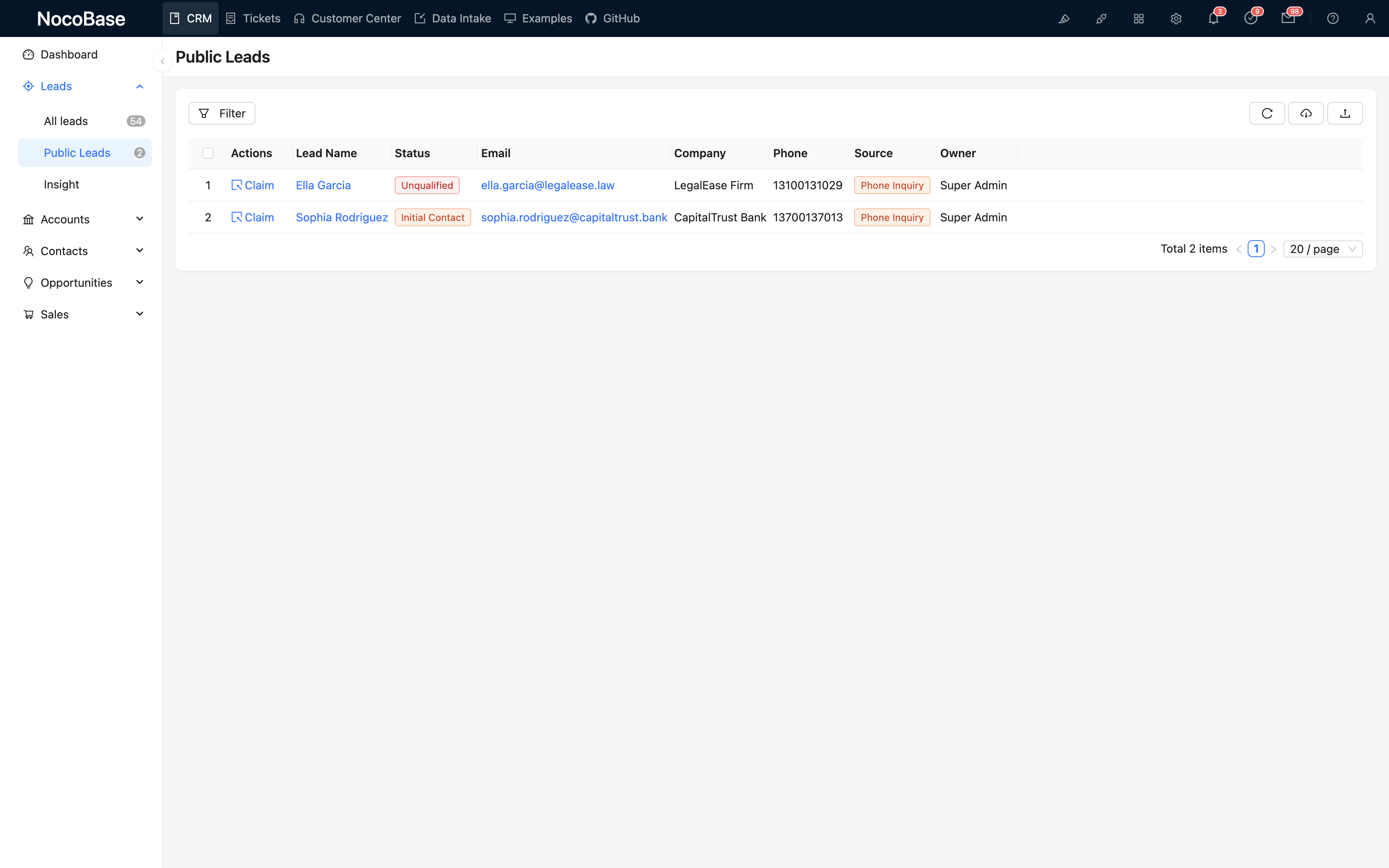
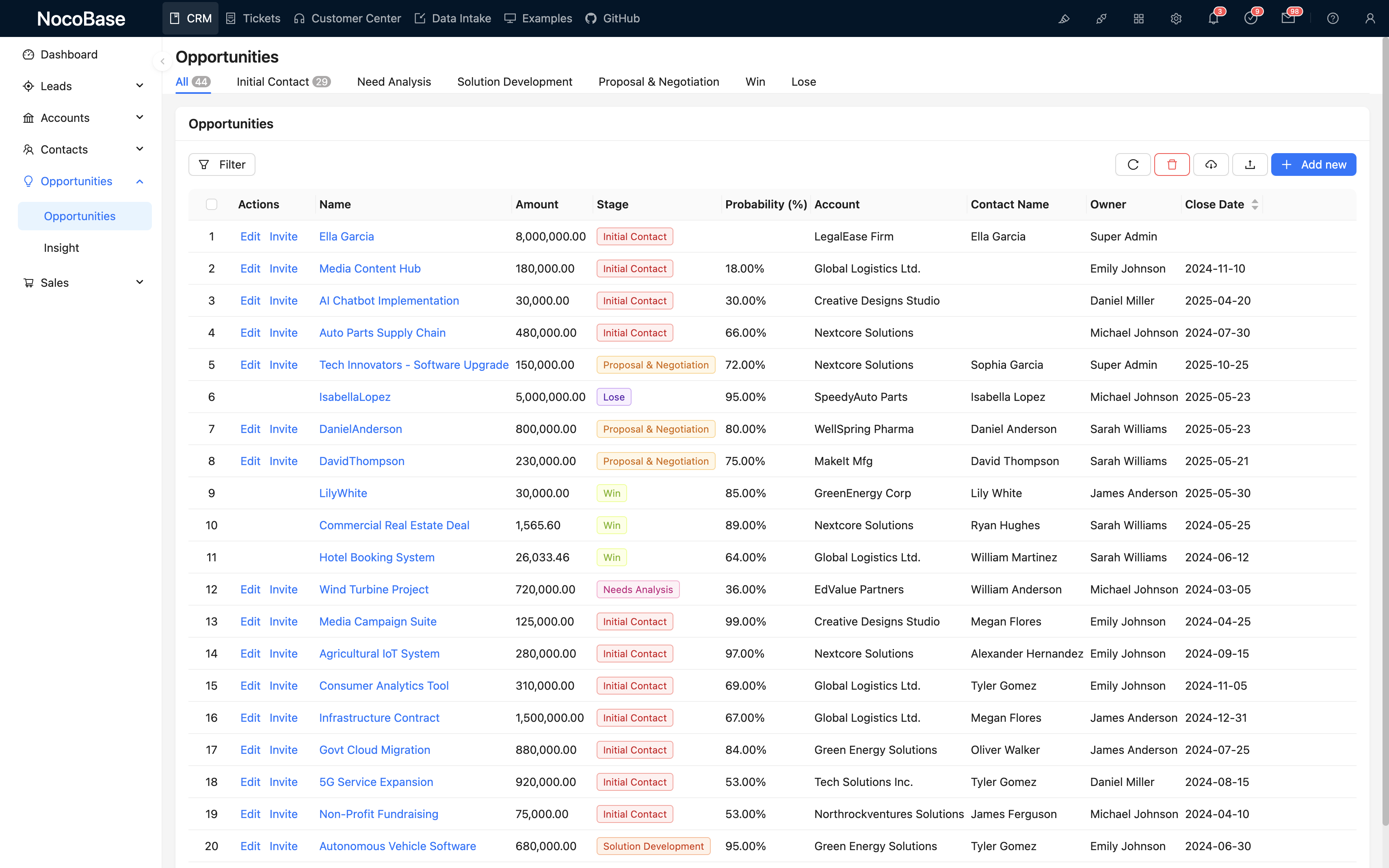
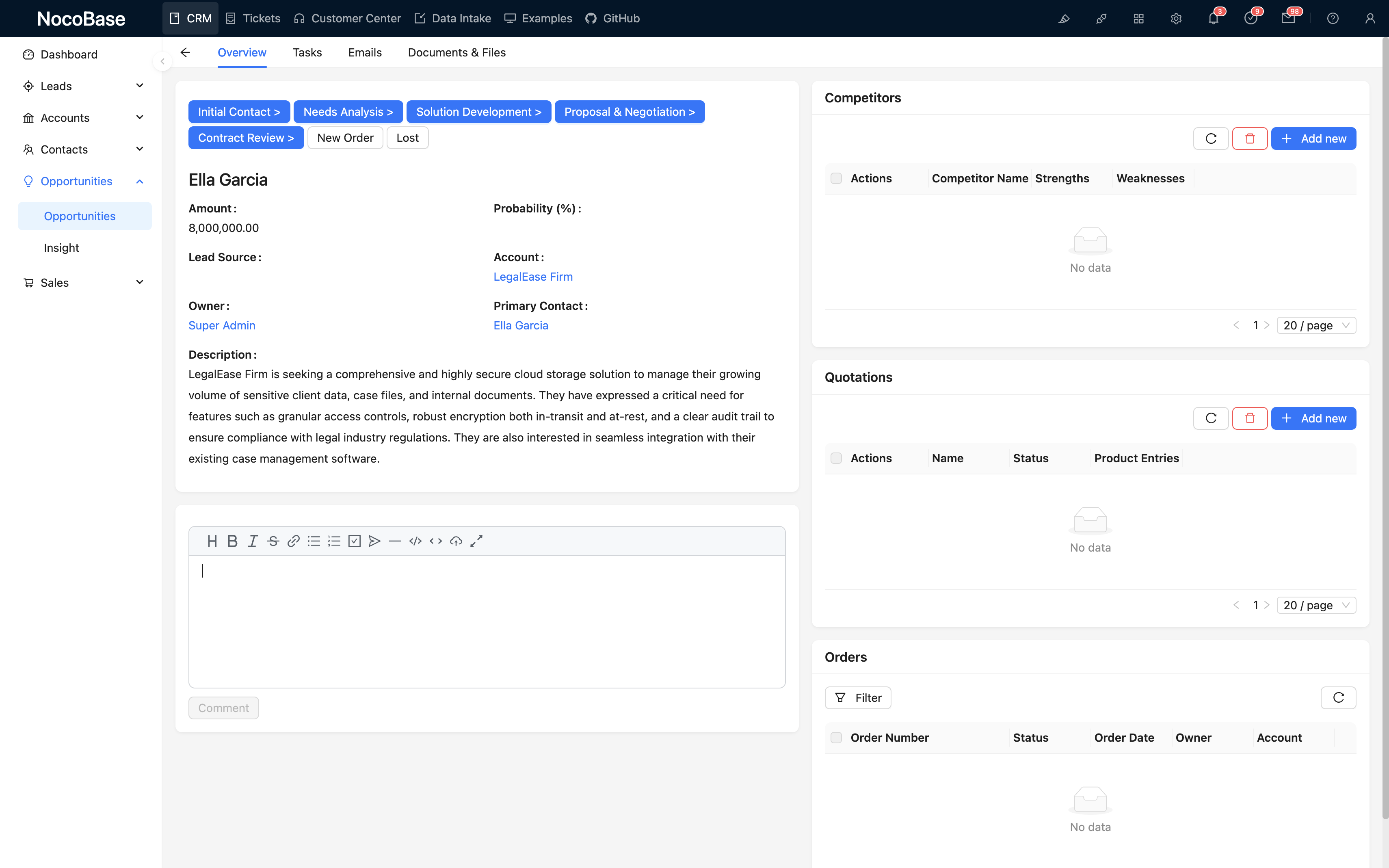
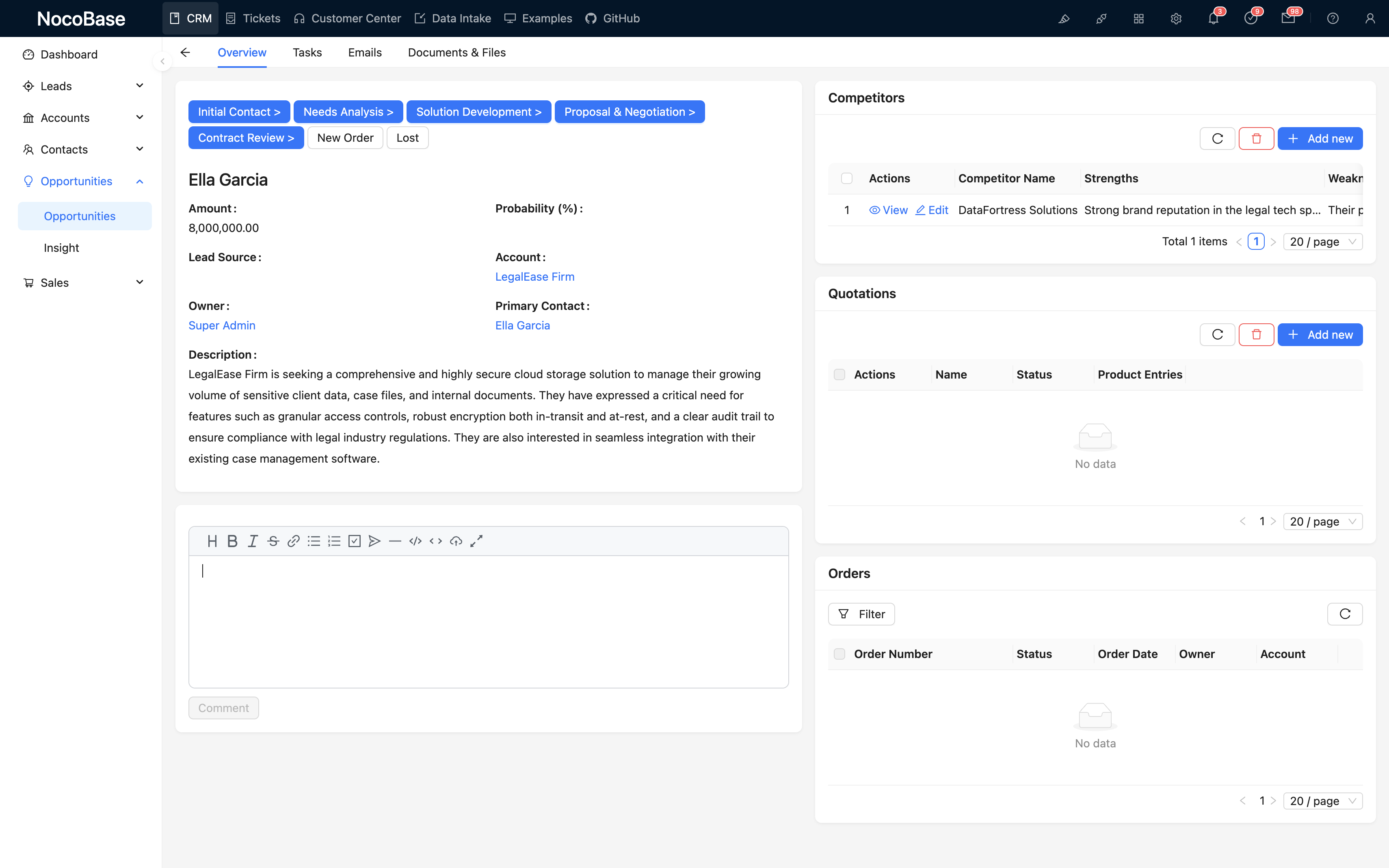
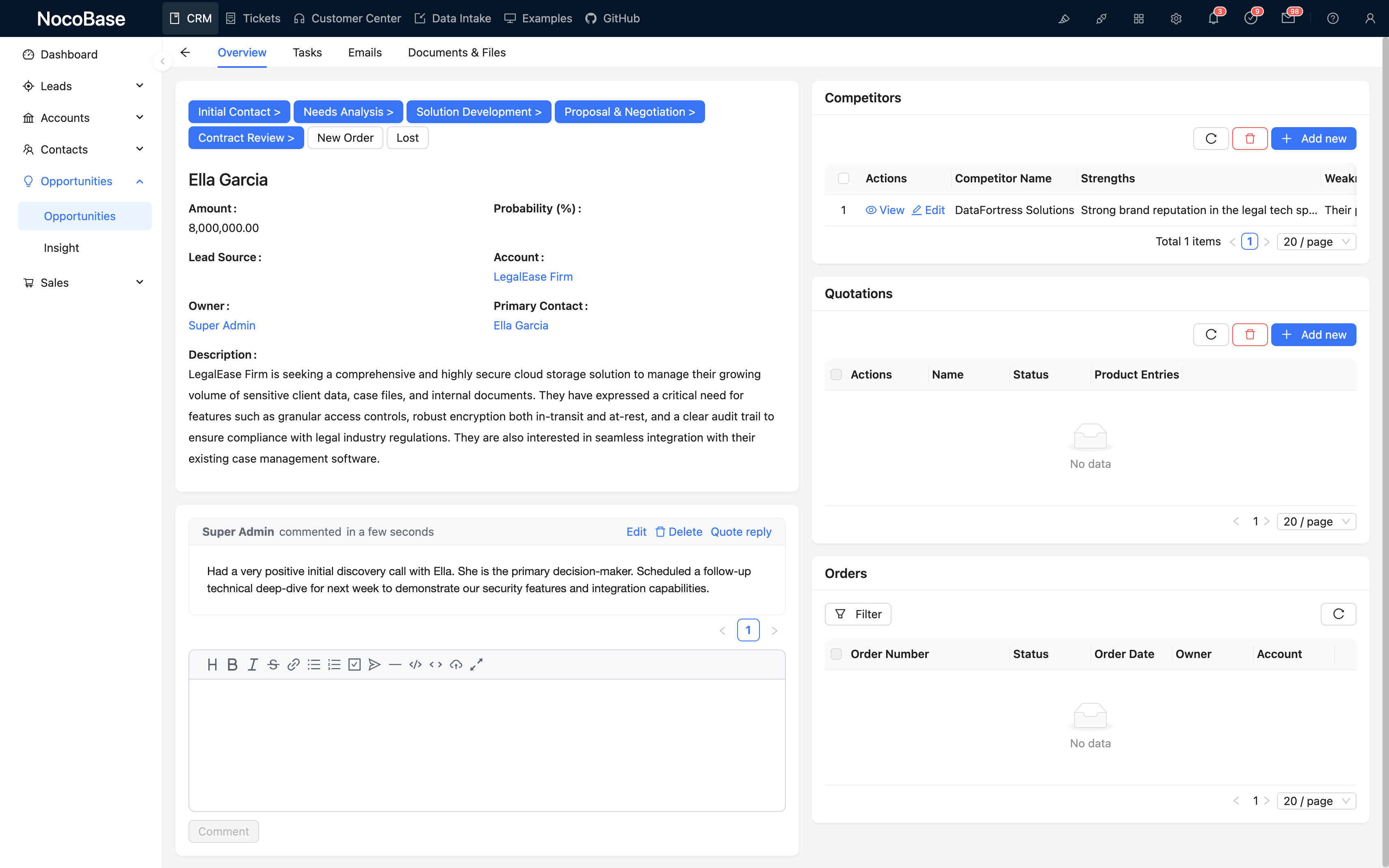
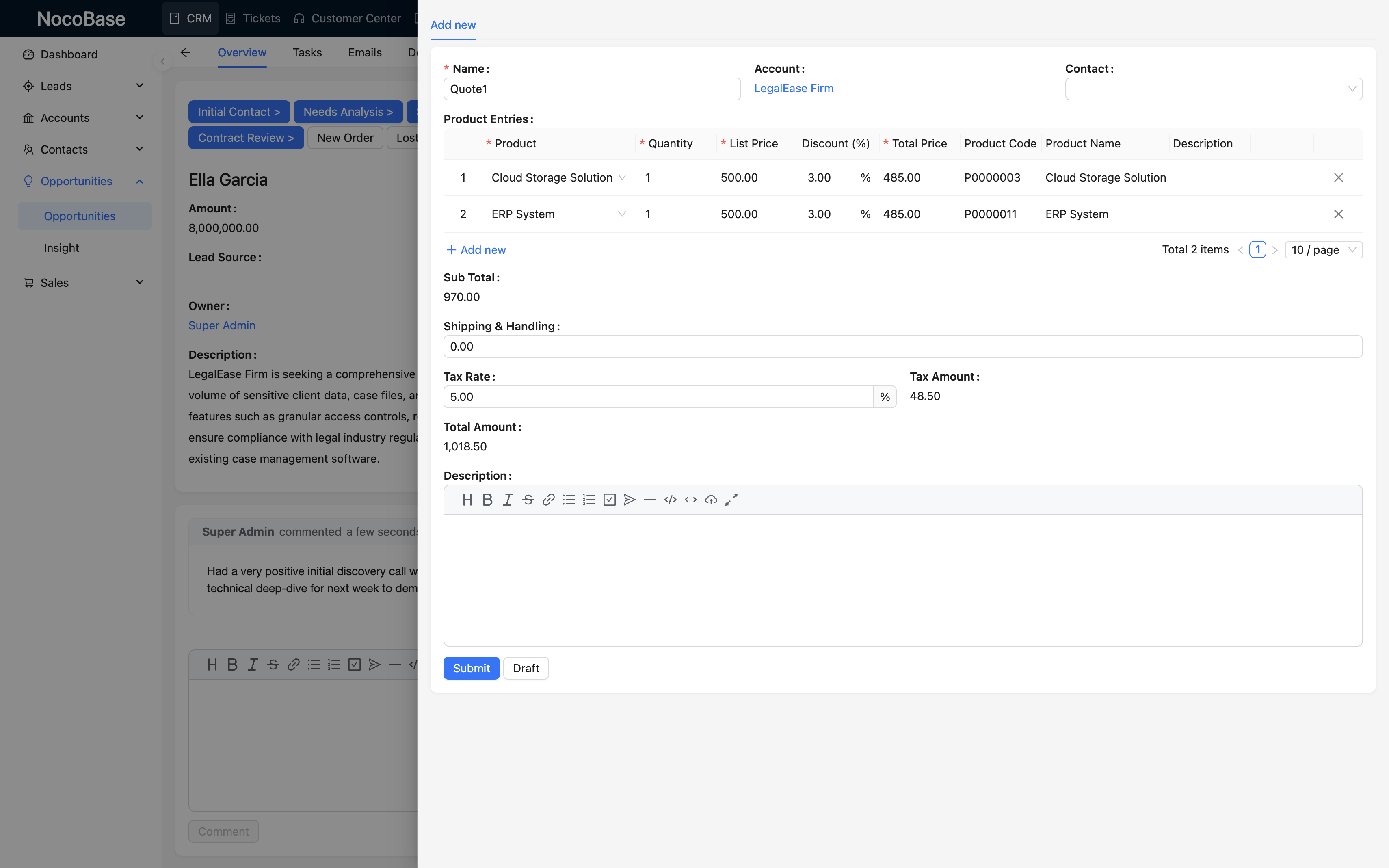
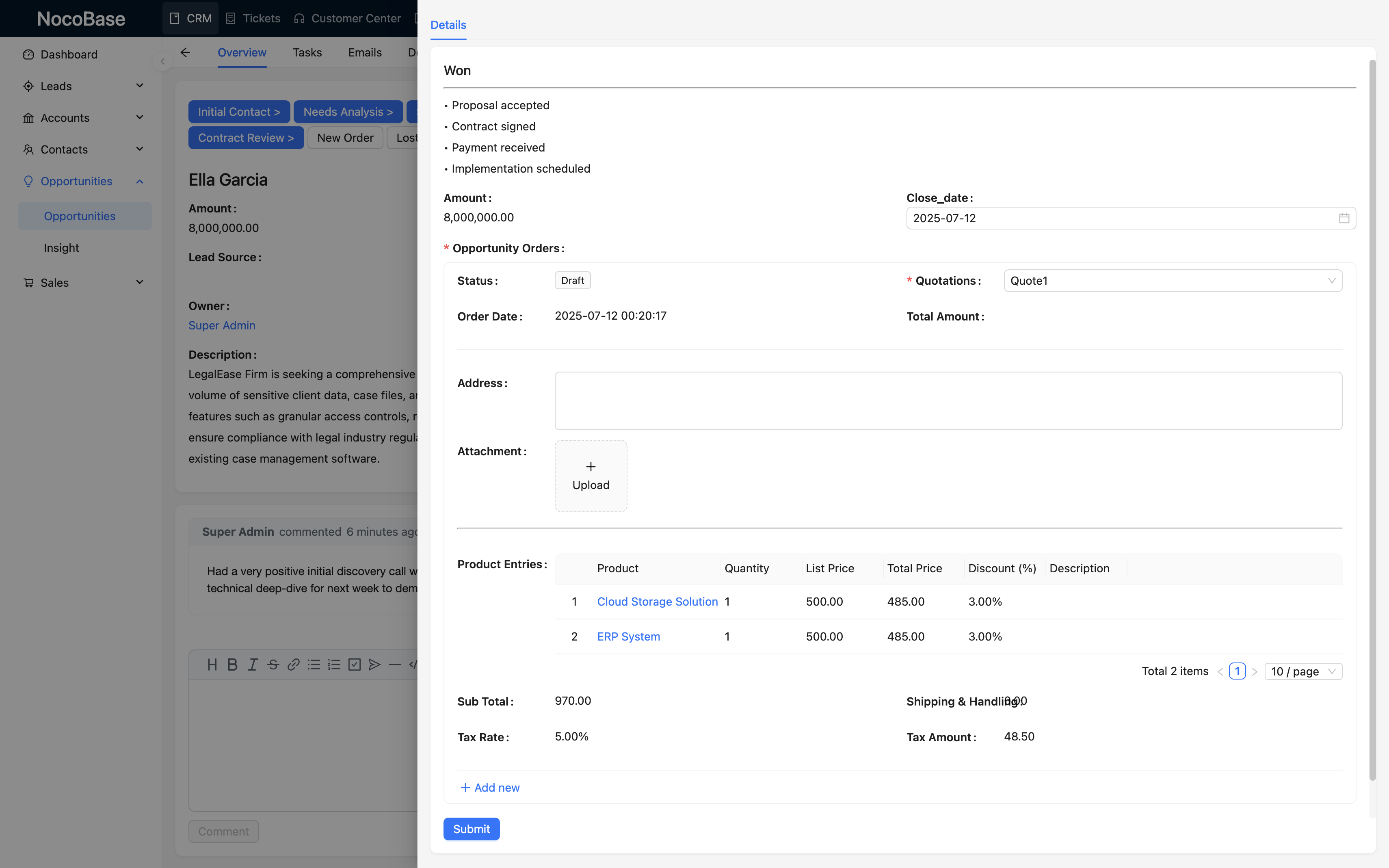
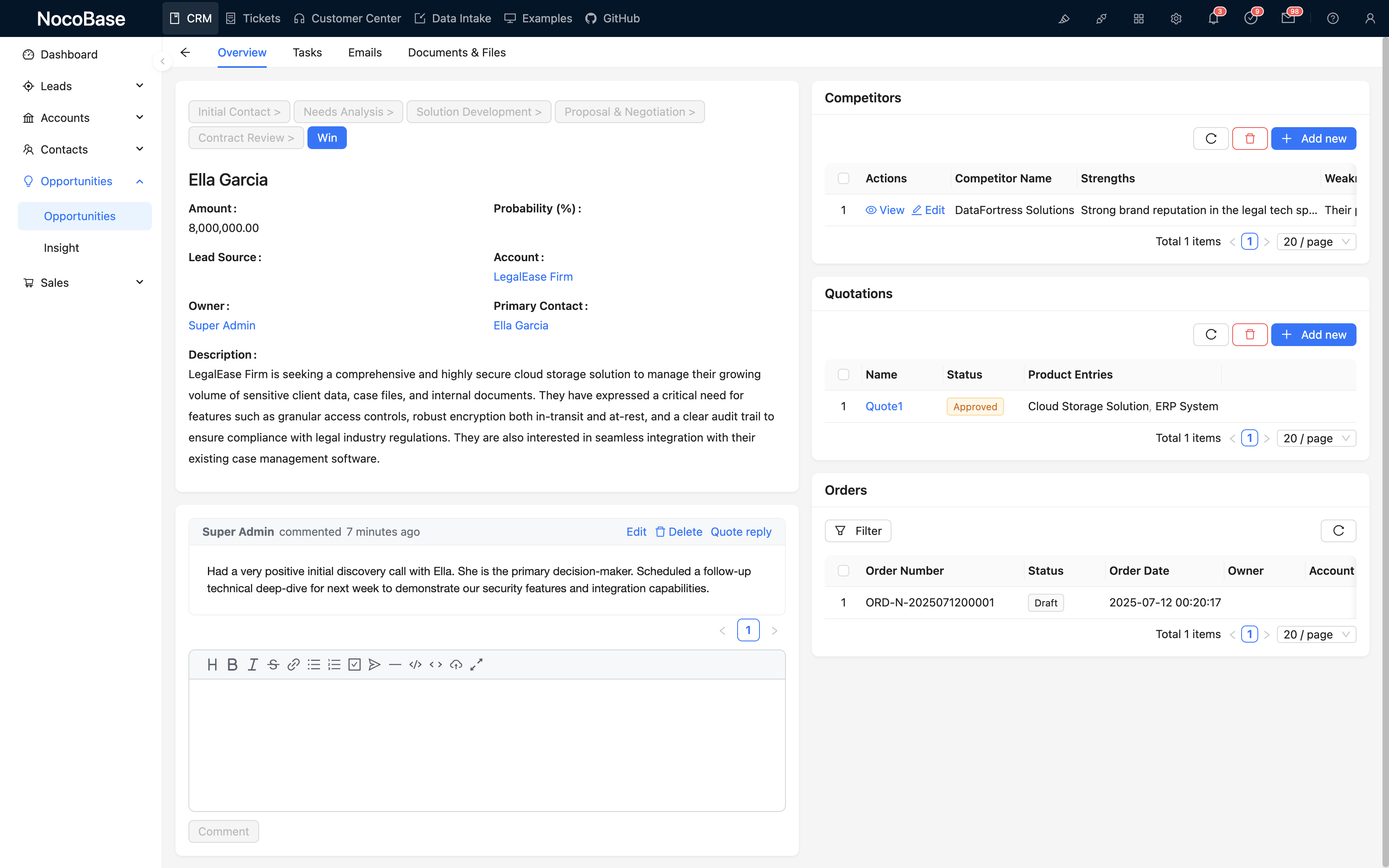
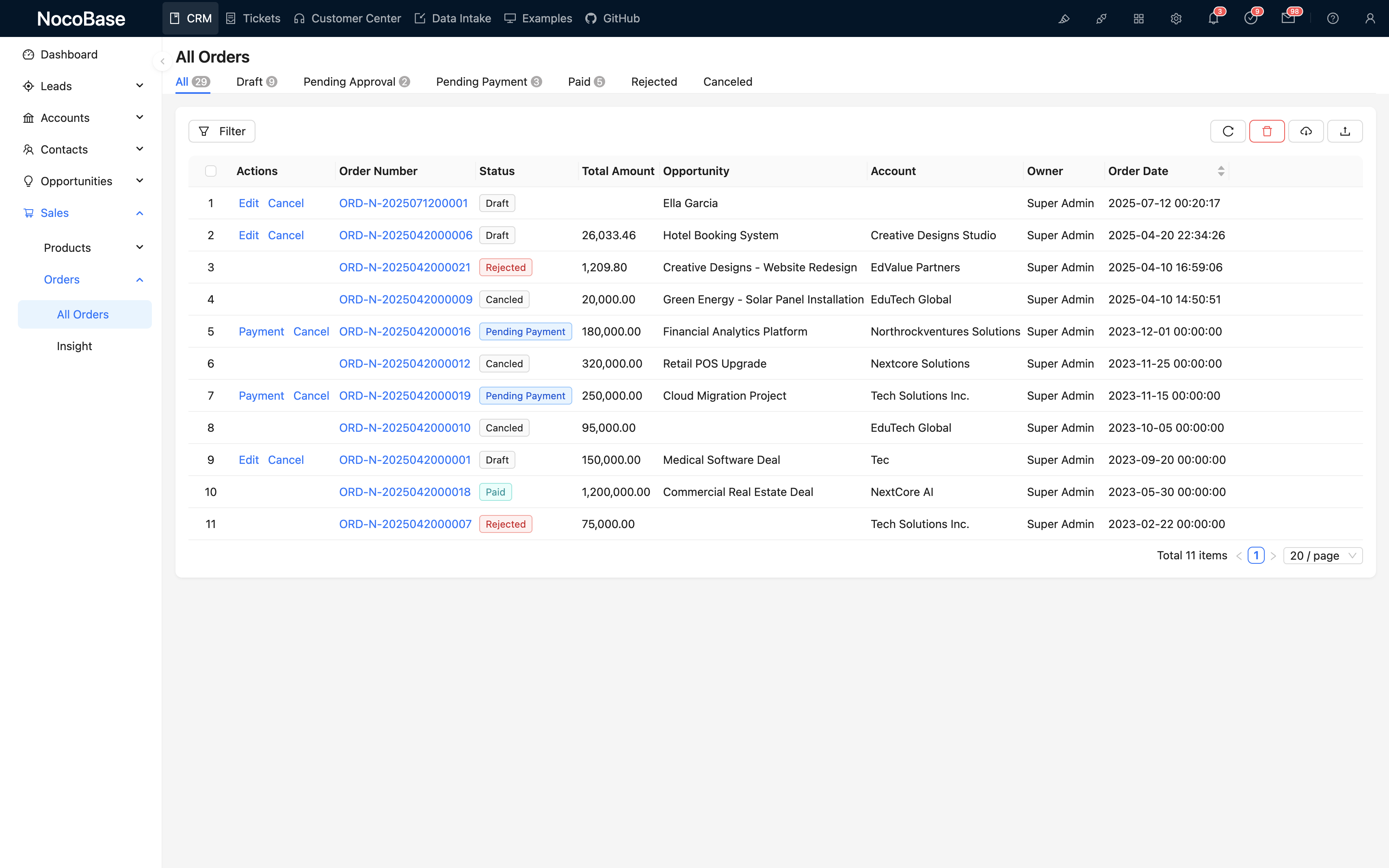
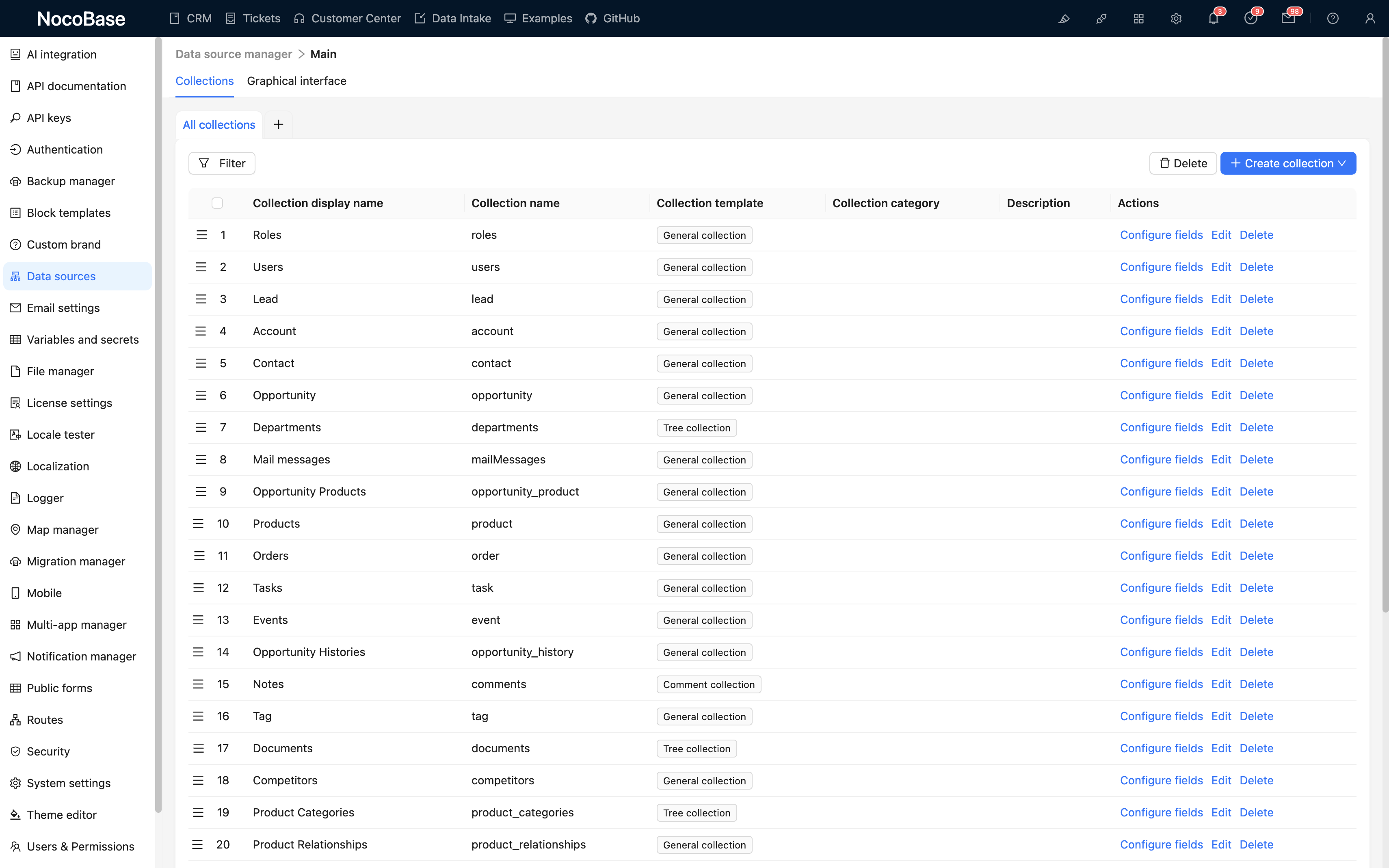
Quan ly khach hang, pipeline ban hang, theo doi co hoi, danh ba, email, phe duyet va nhieu hon nua
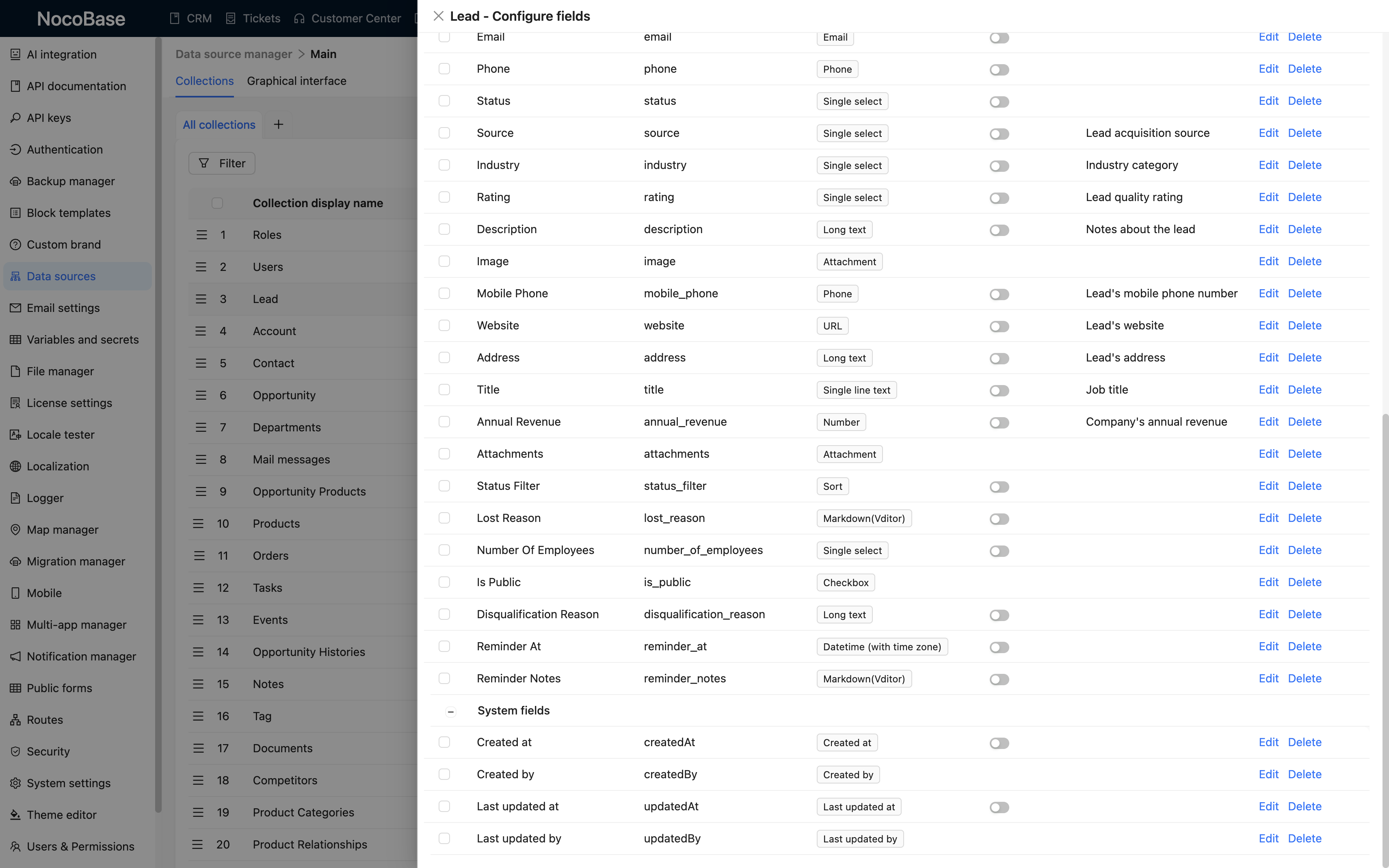
Ho tro field tuy chinh, quy trinh va logic nghiep vu; kien truc linh hoat giup viec phat trien bo sung tro nen don gian
Toan quyen kiem soat ma nguon he thong va du lieu, giup doanh nghiep chu dong hon ve bao mat
Trai nghiem nhanh chi voi vai thao tac
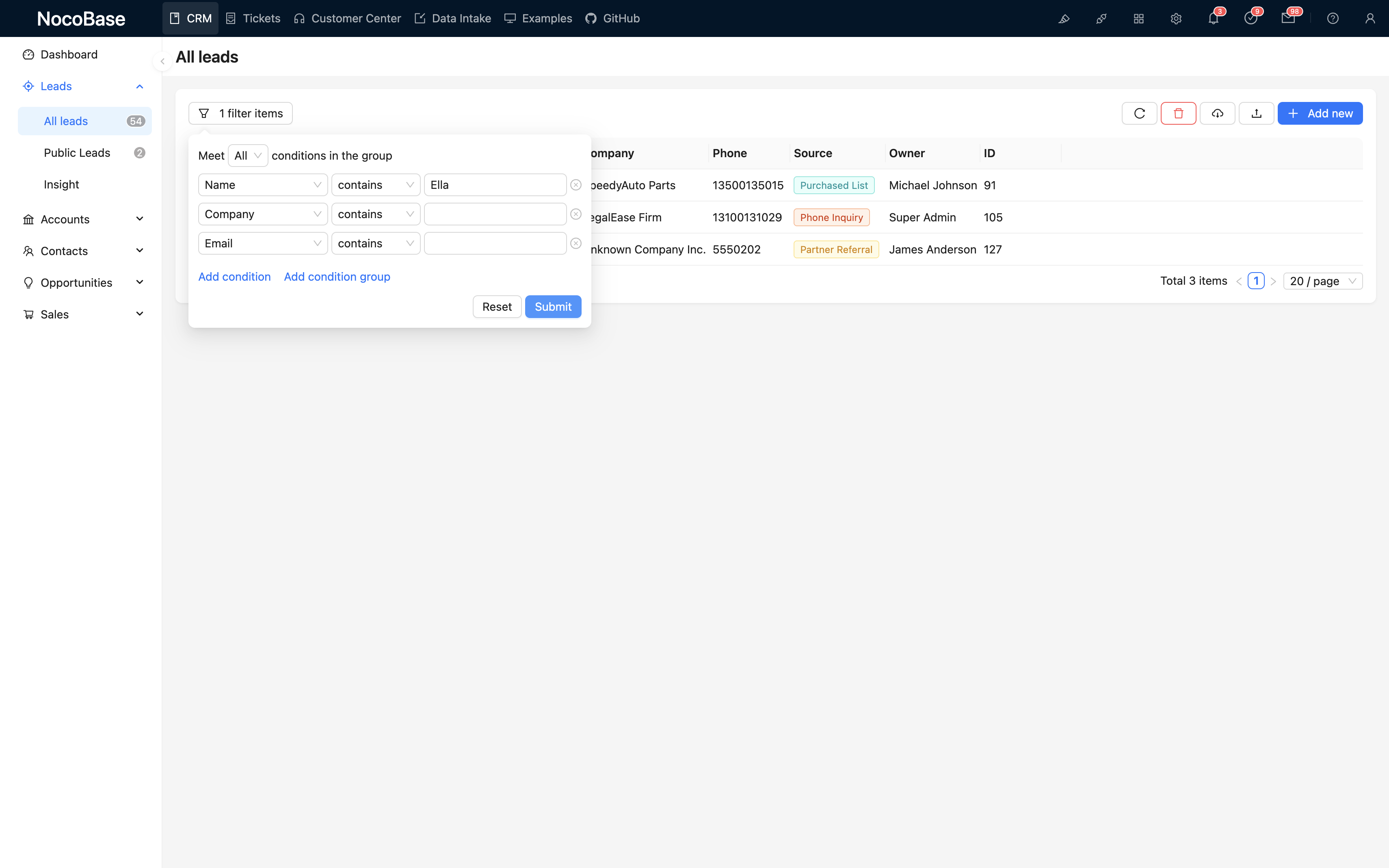
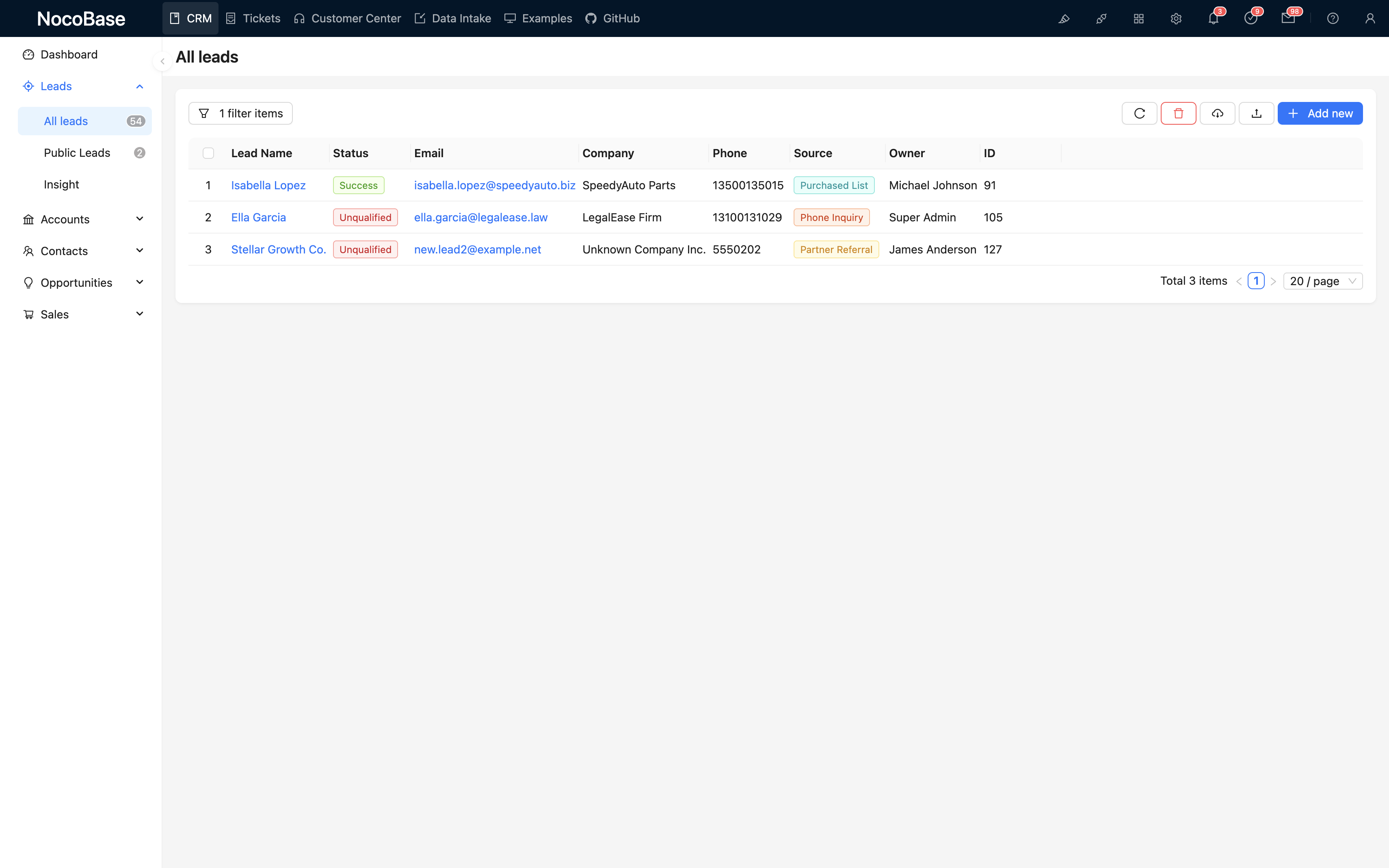
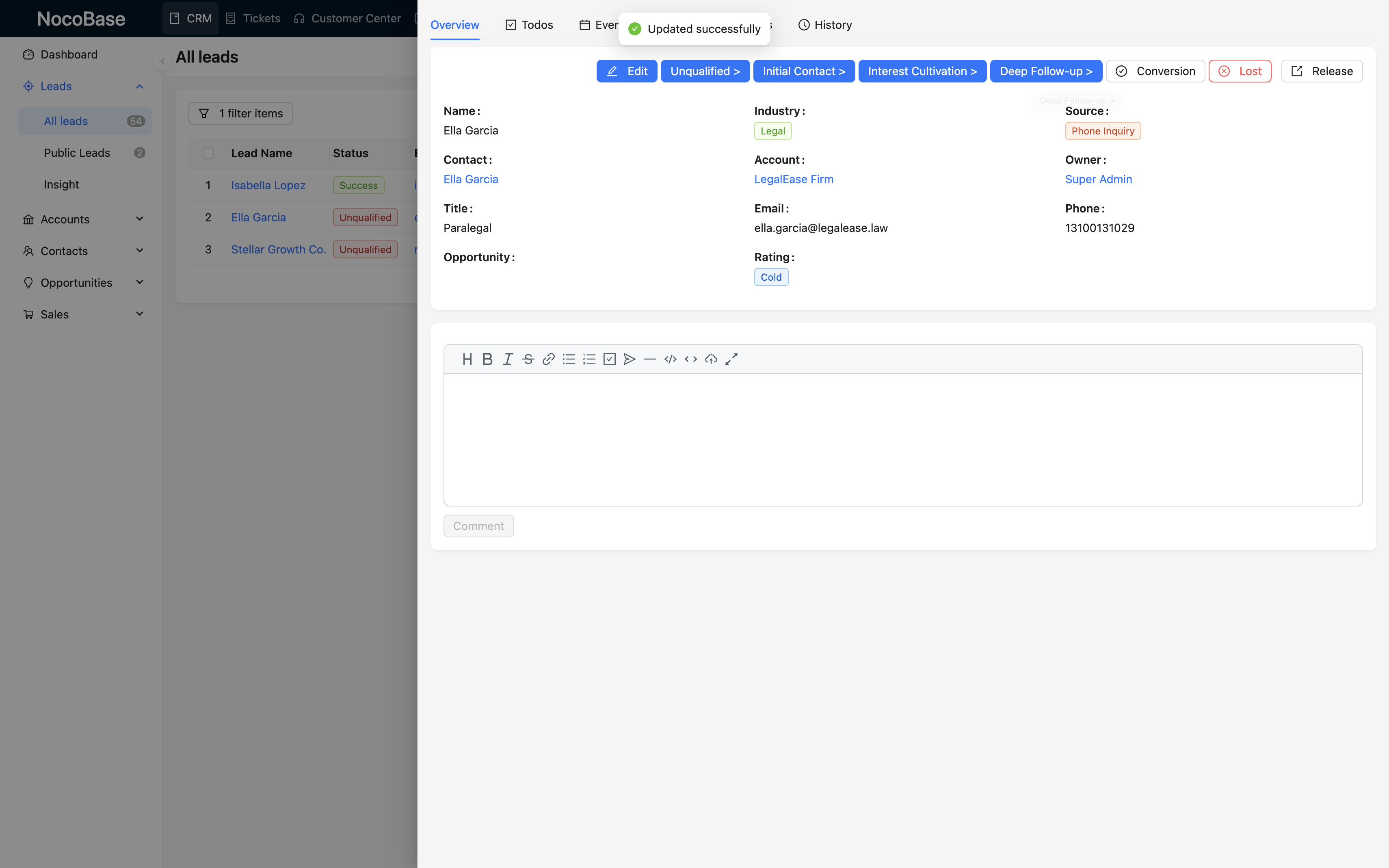
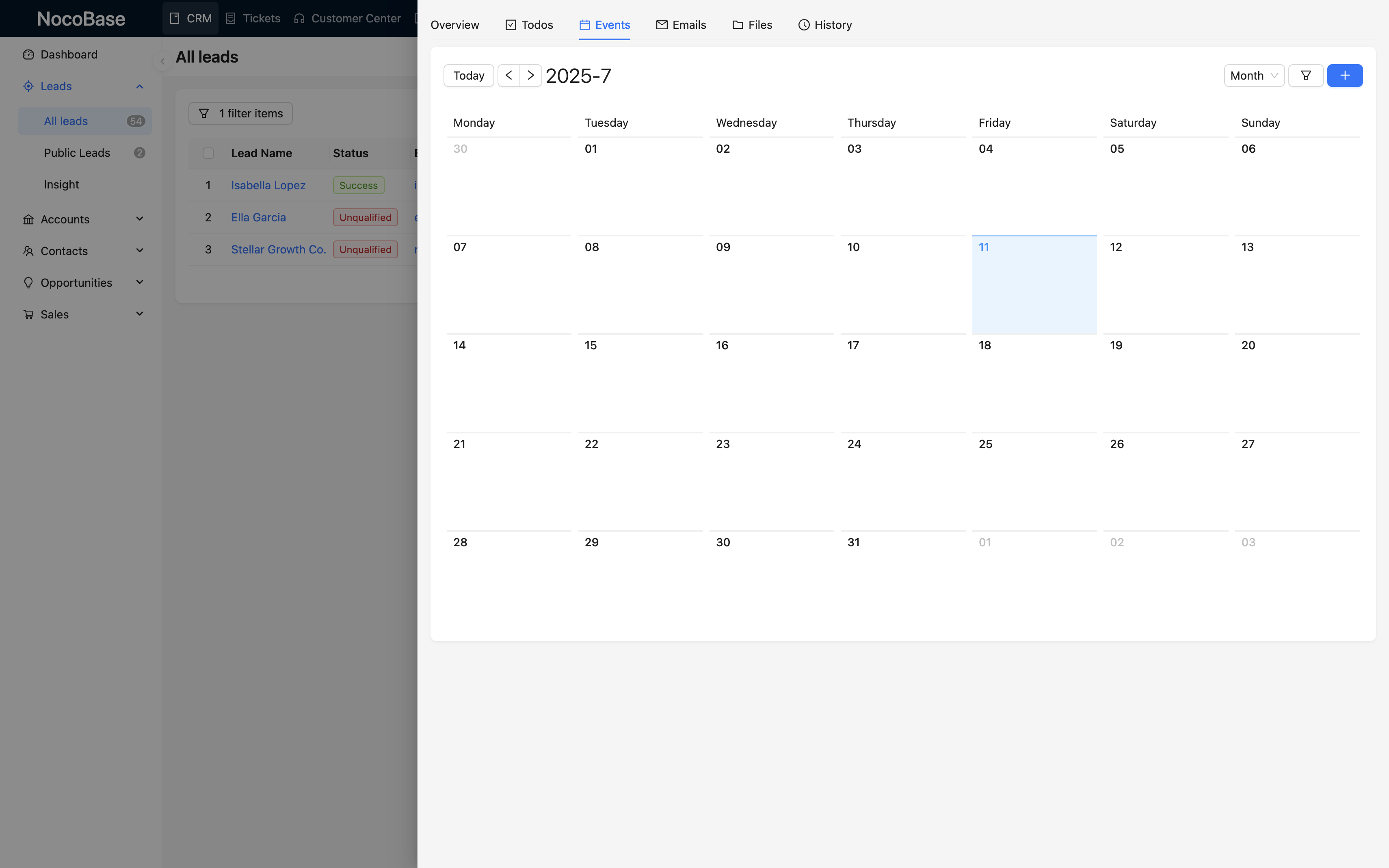
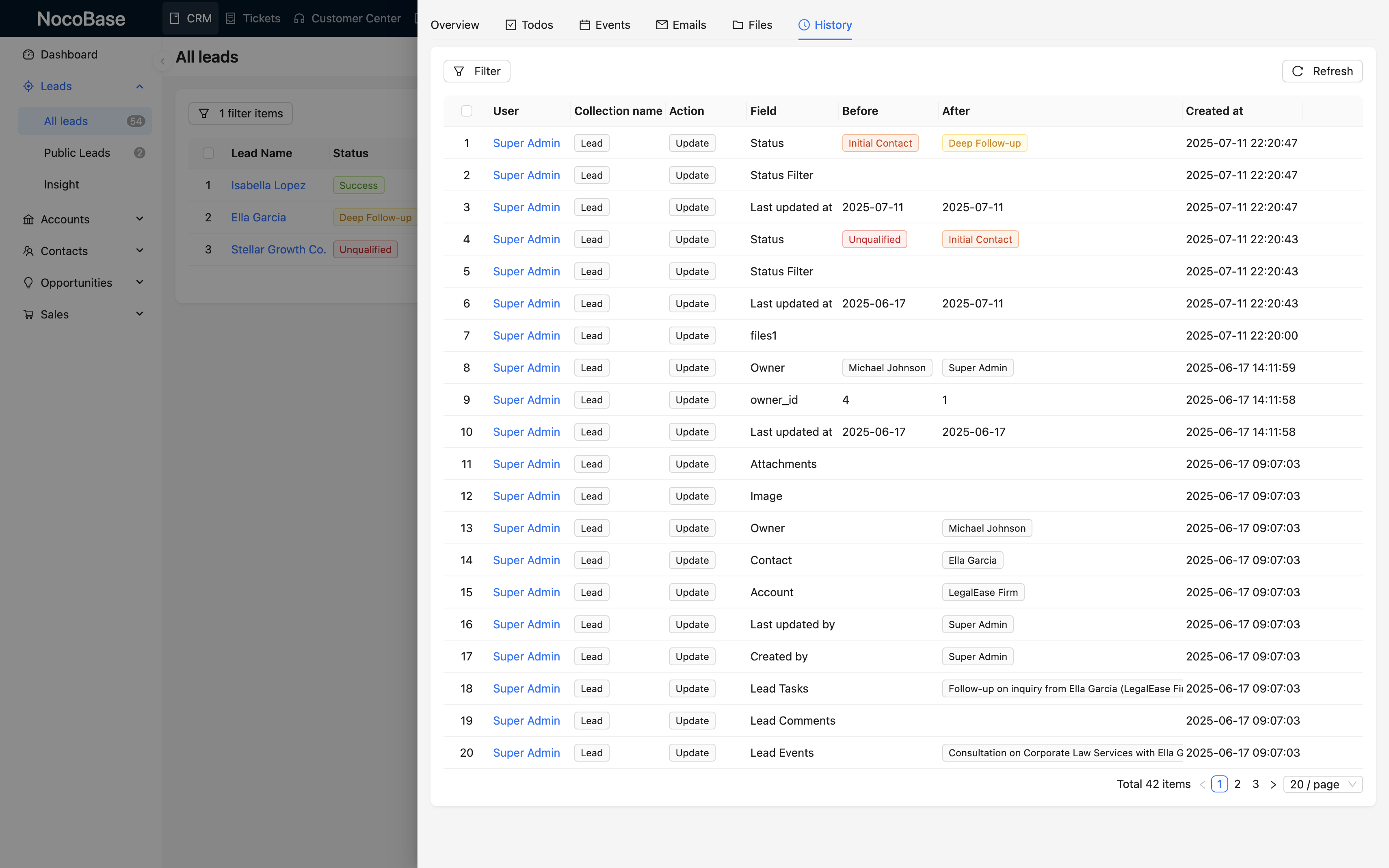
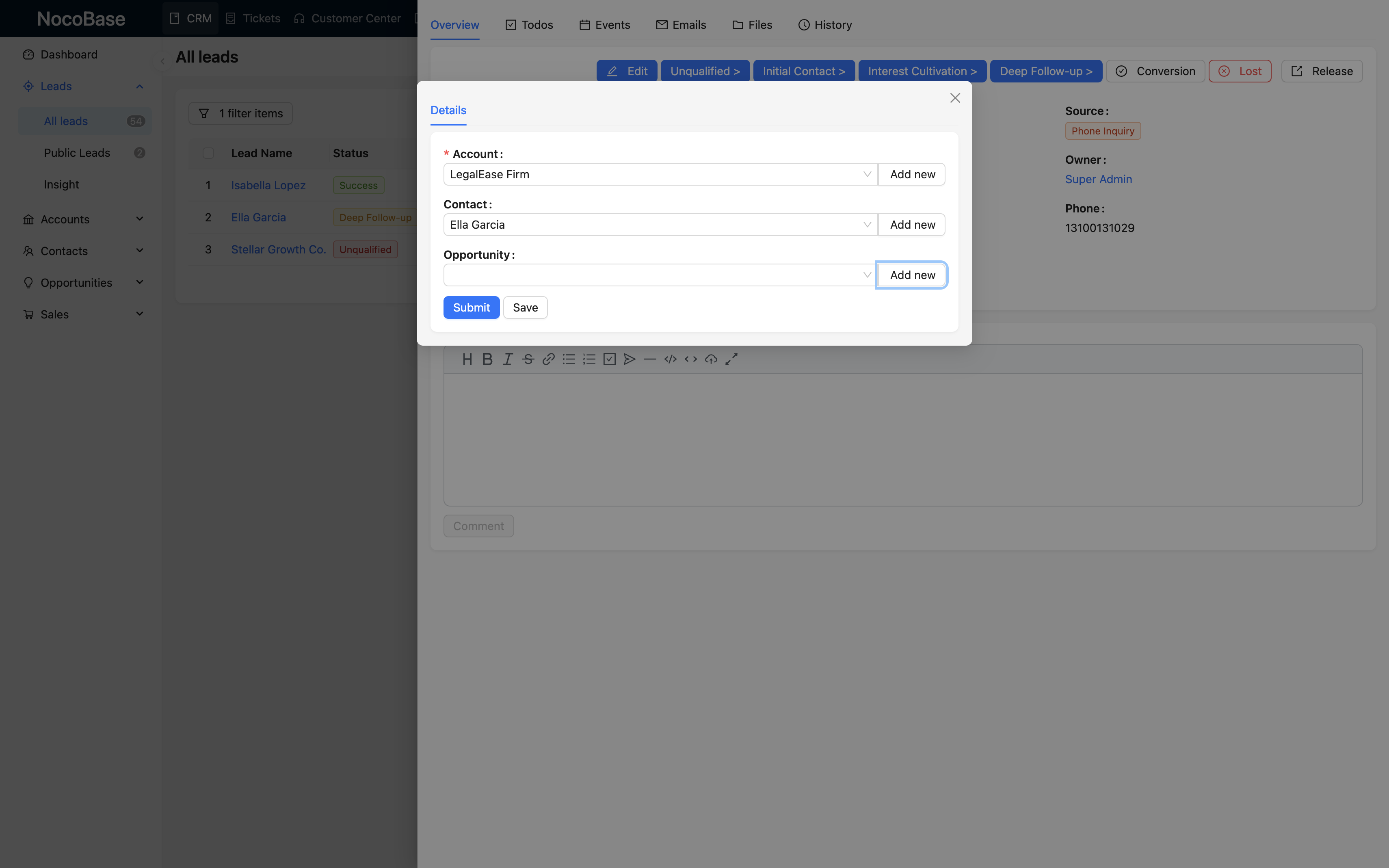
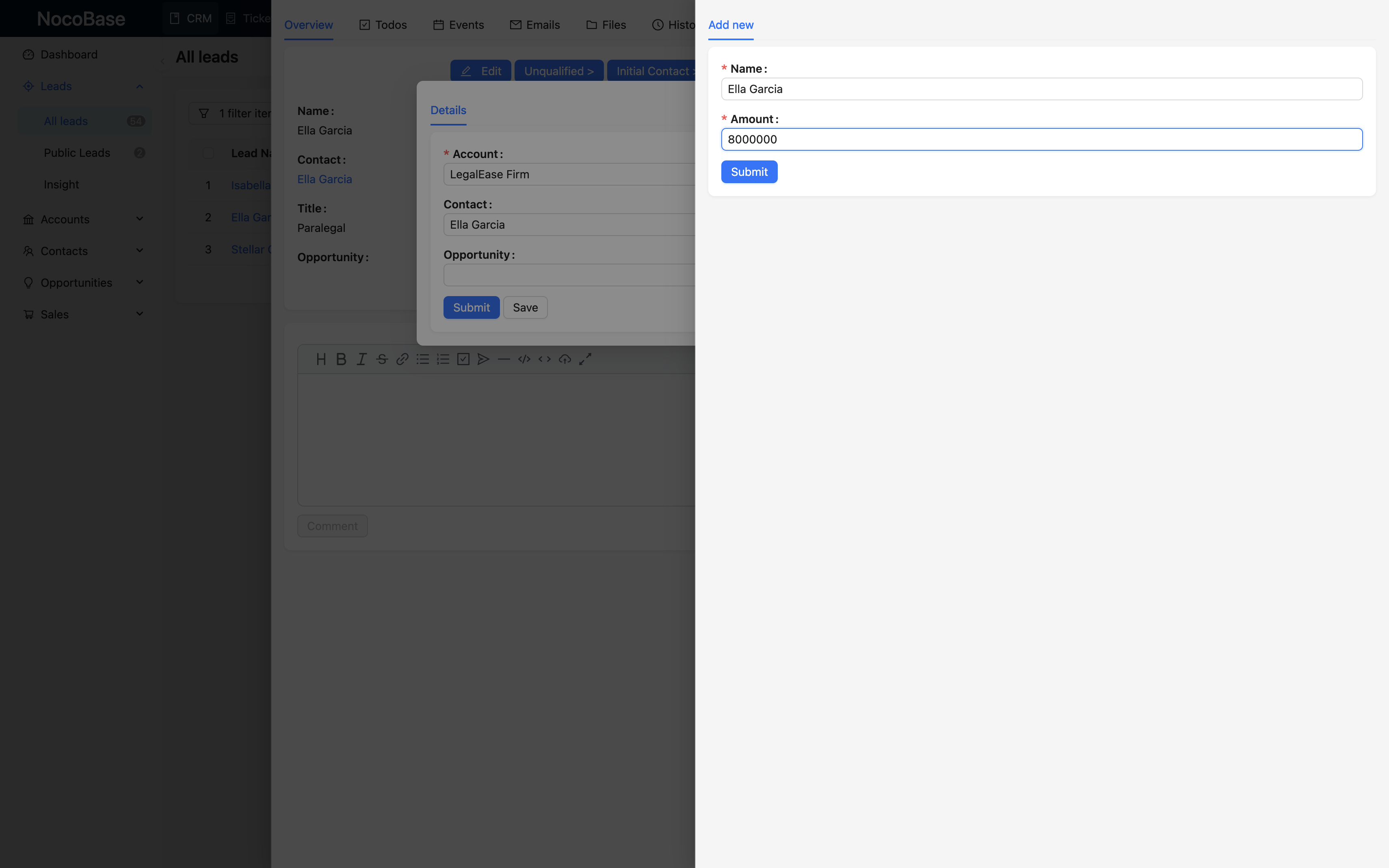
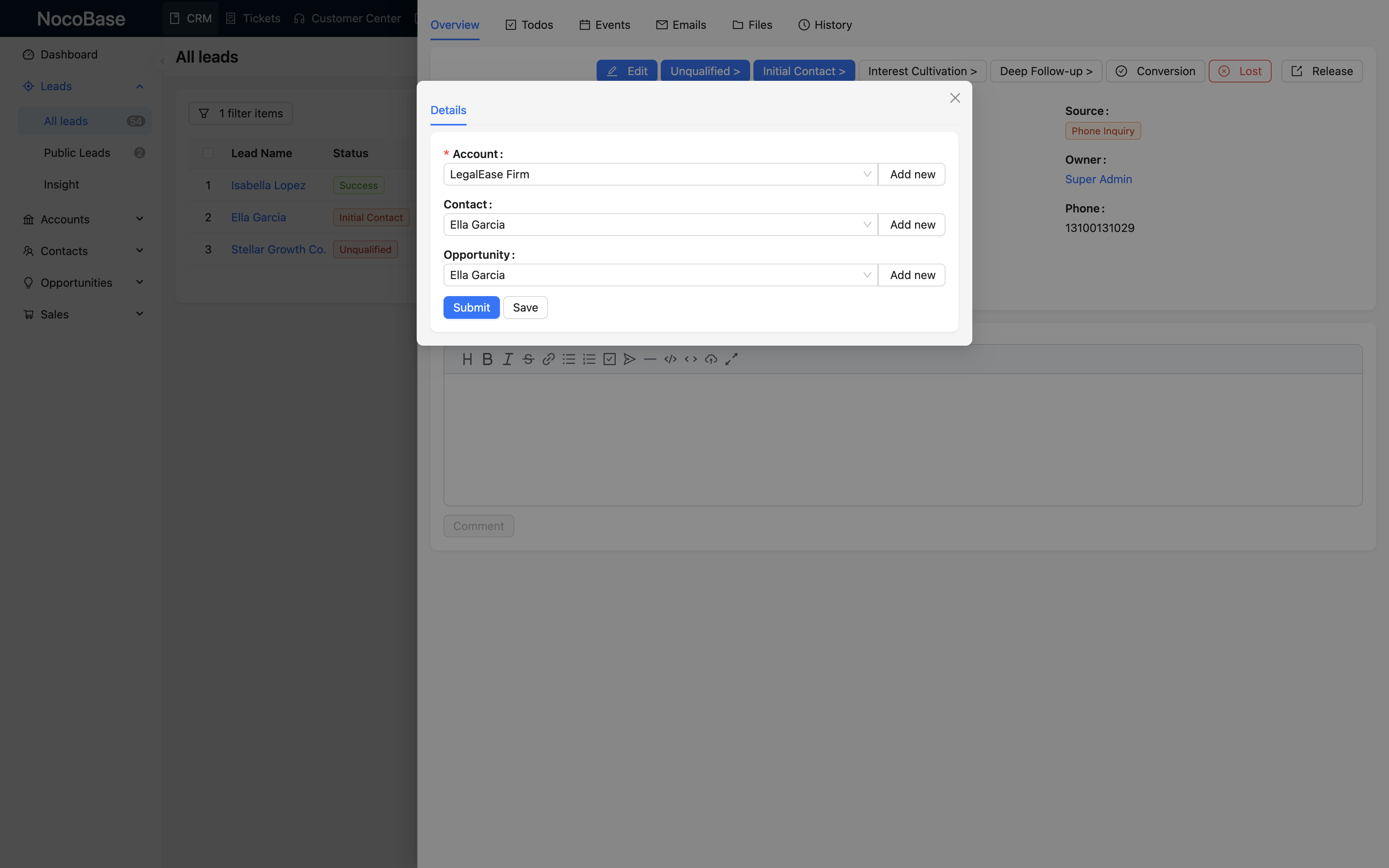
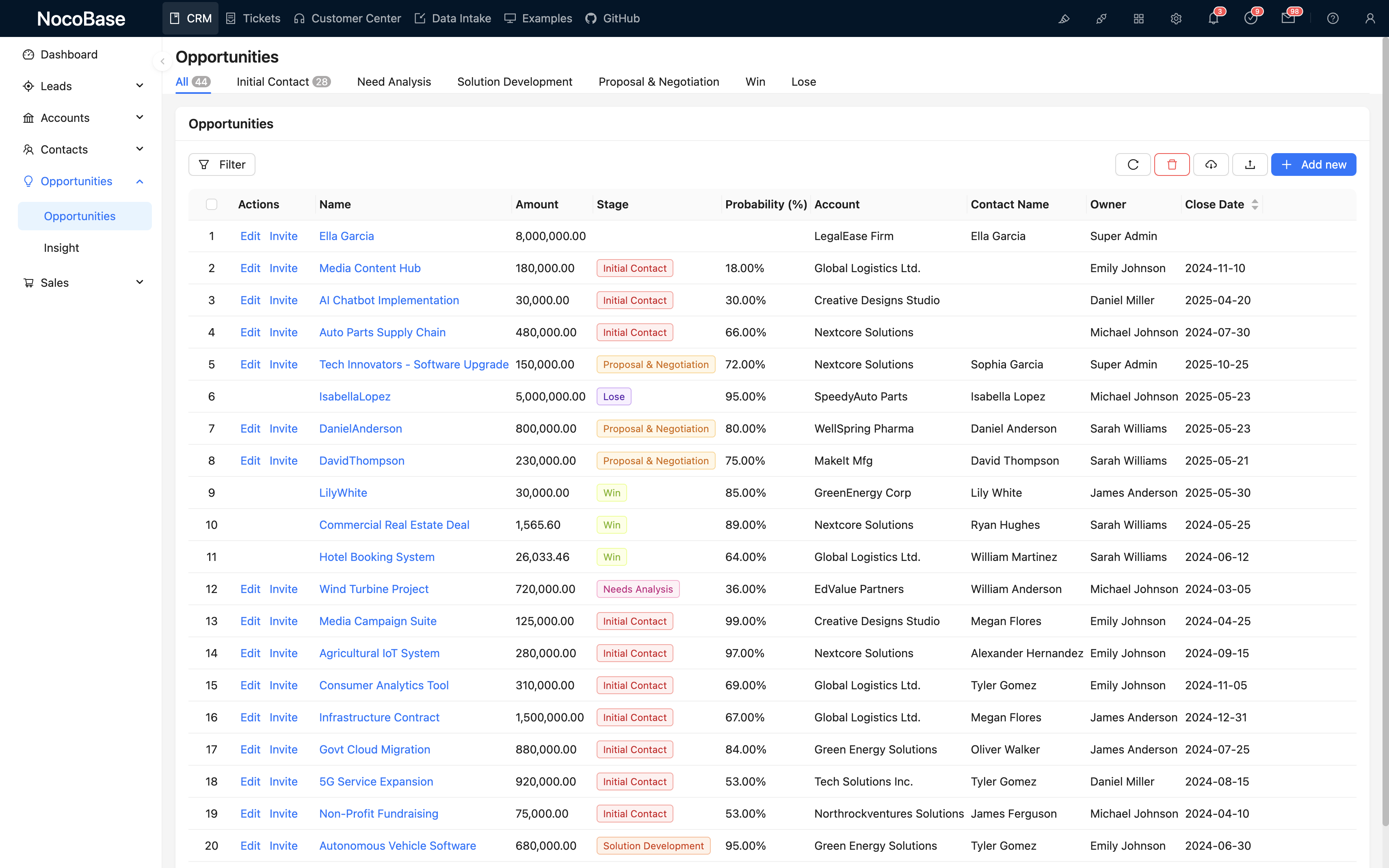
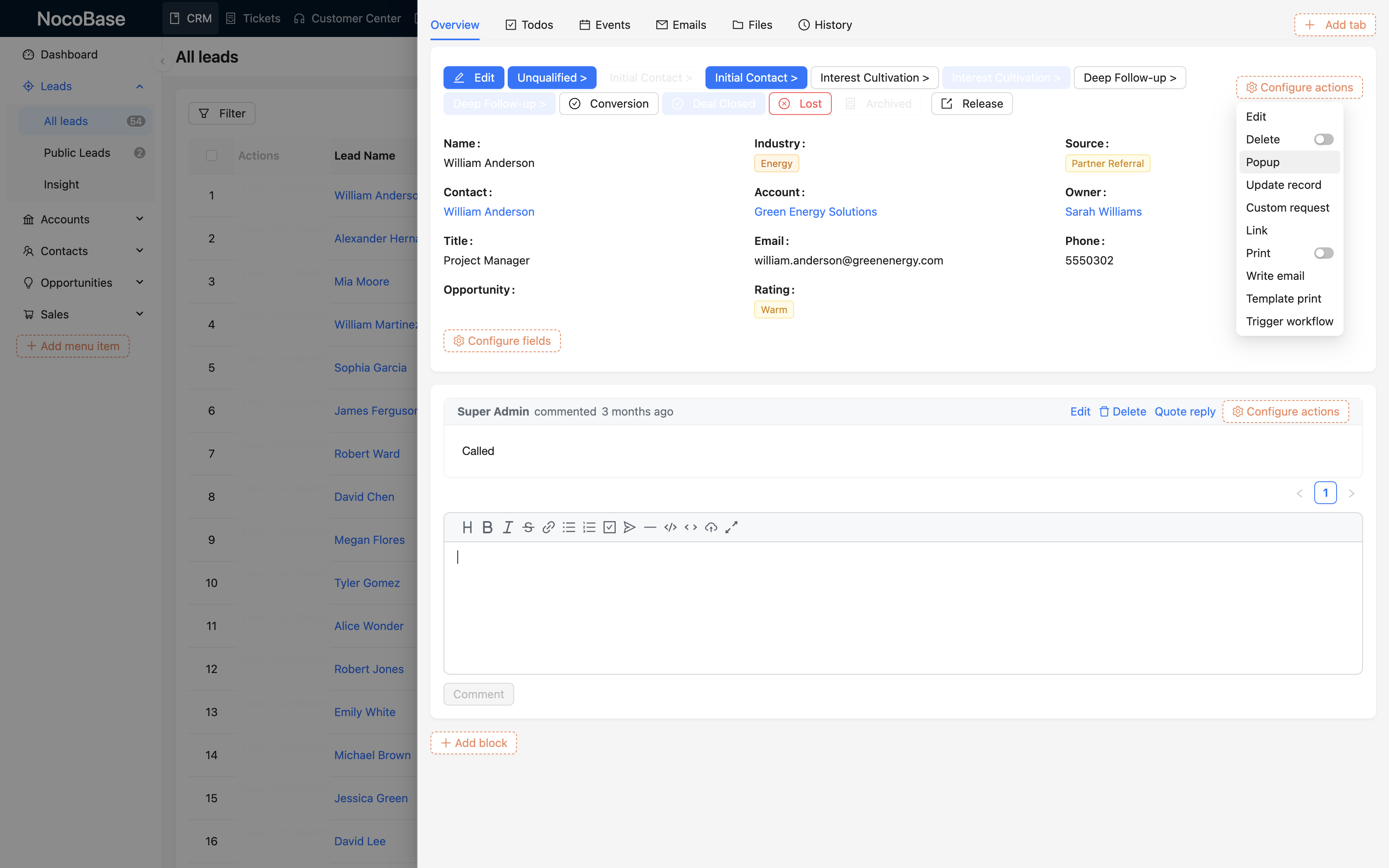
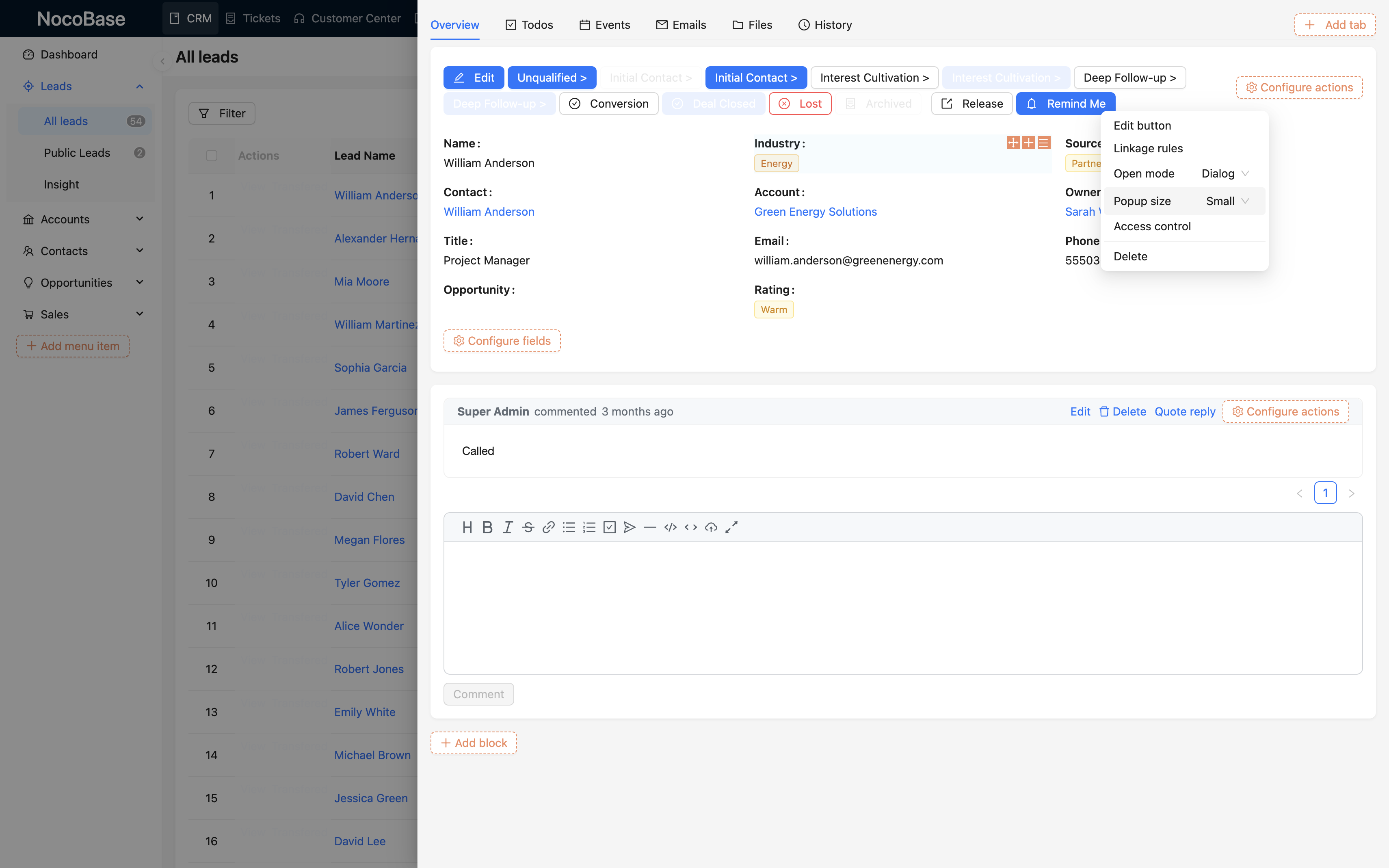
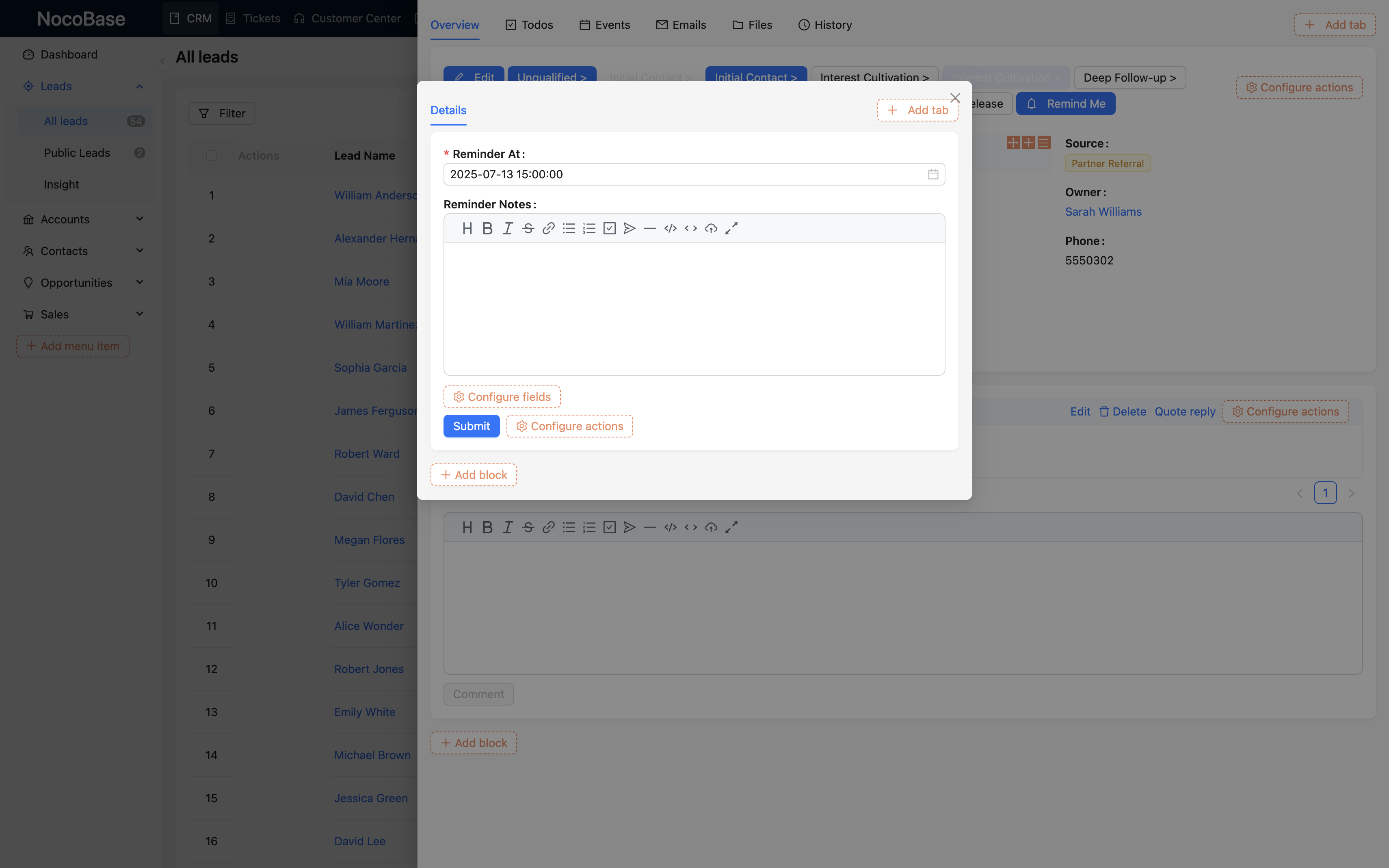
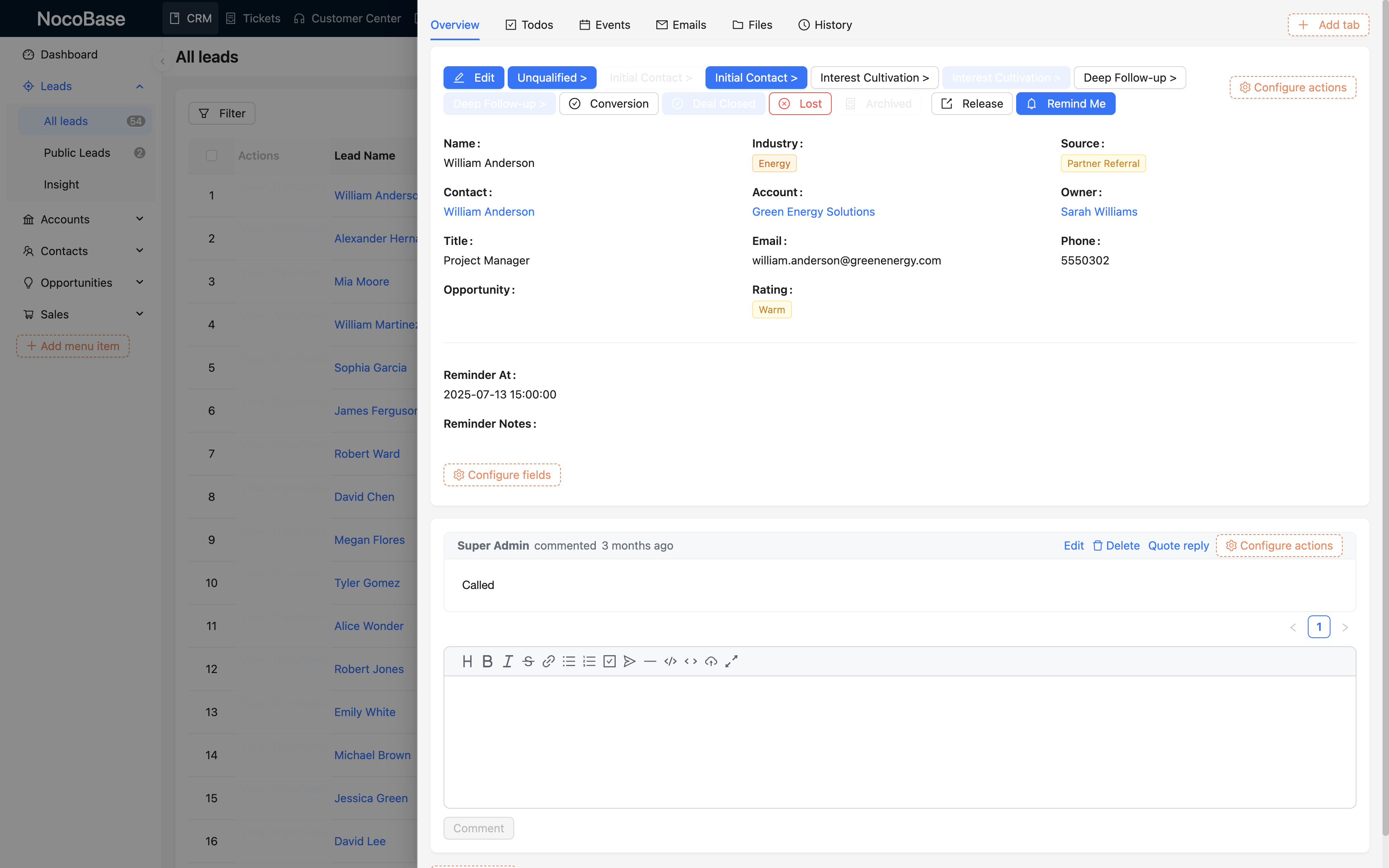
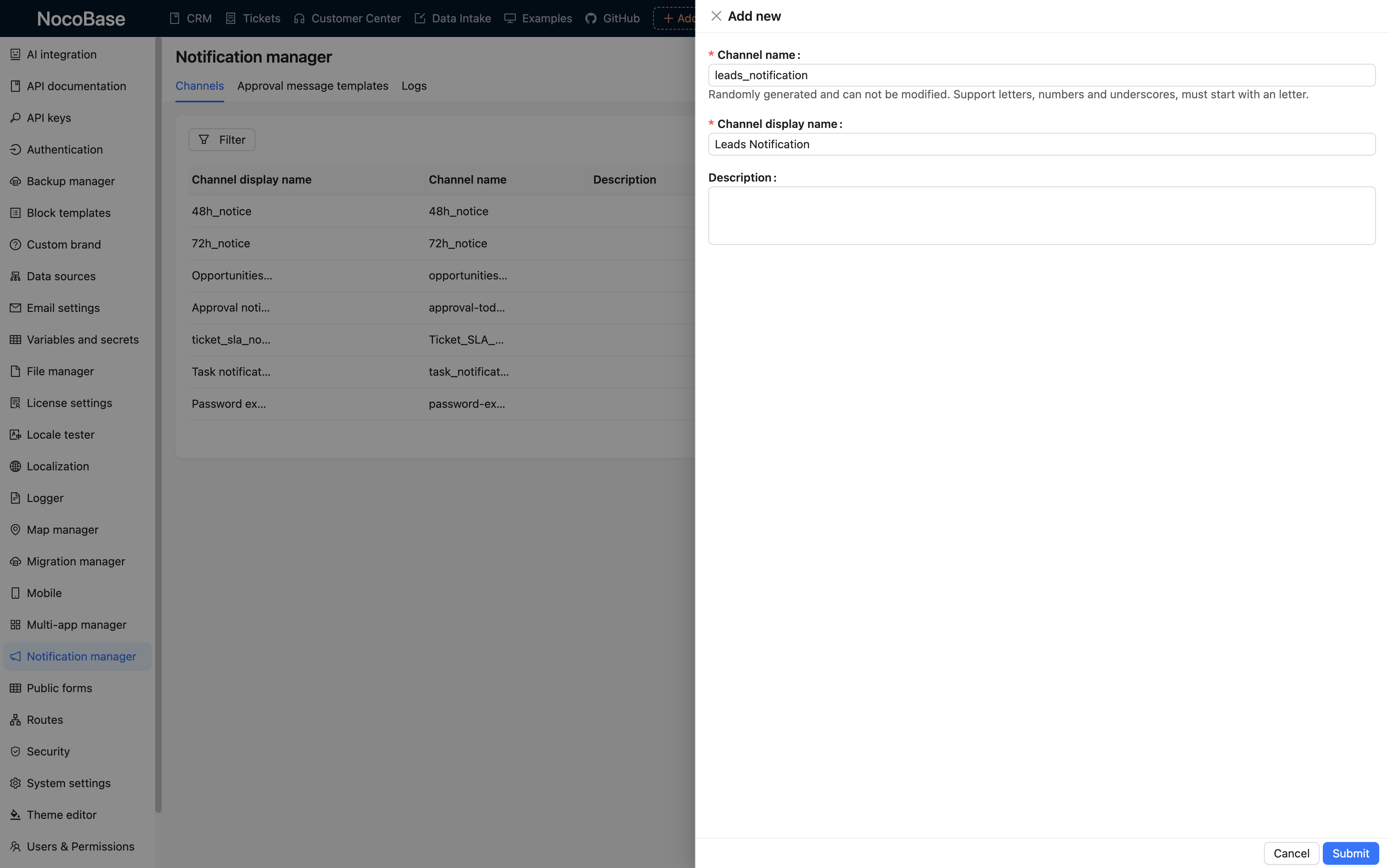
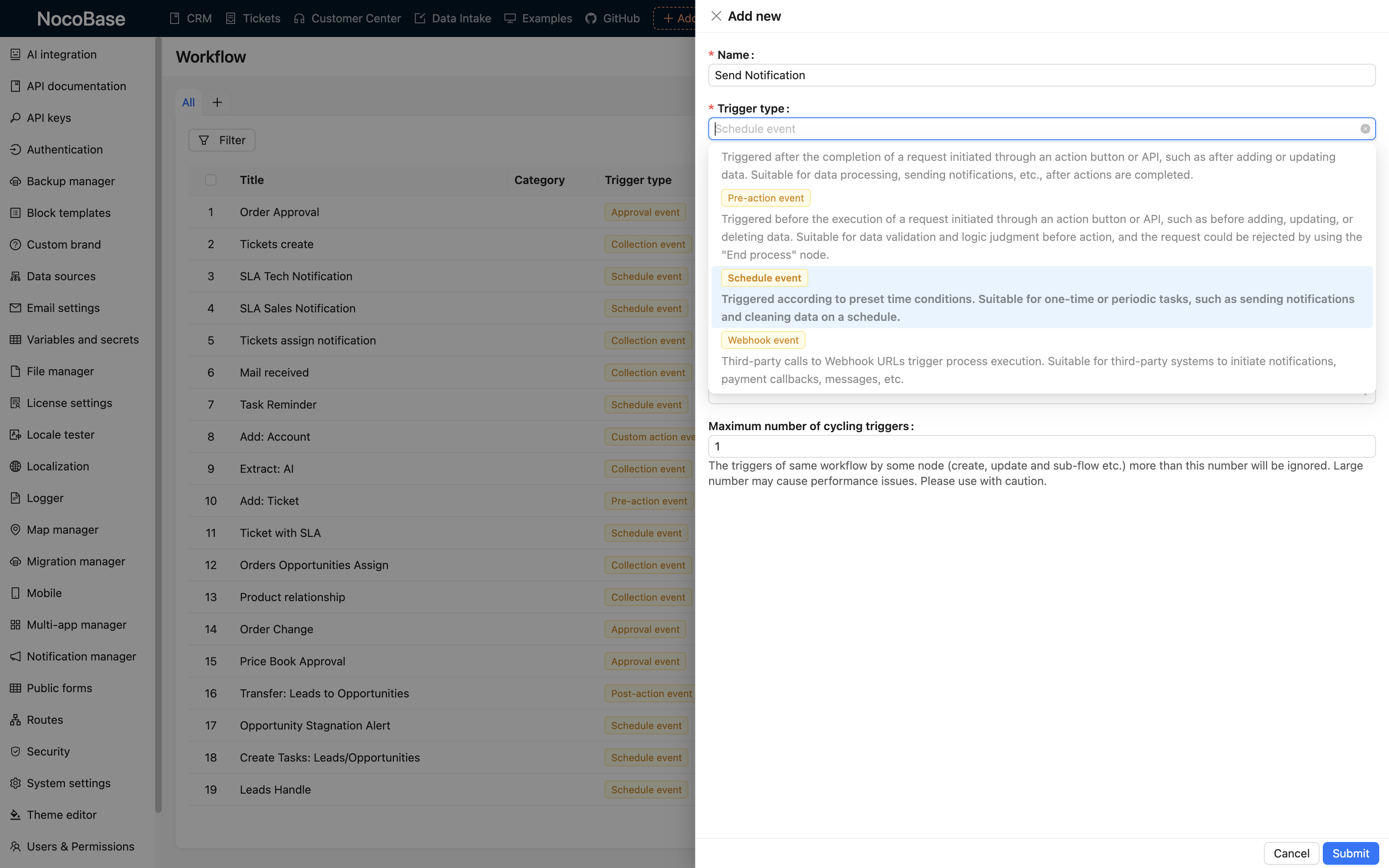
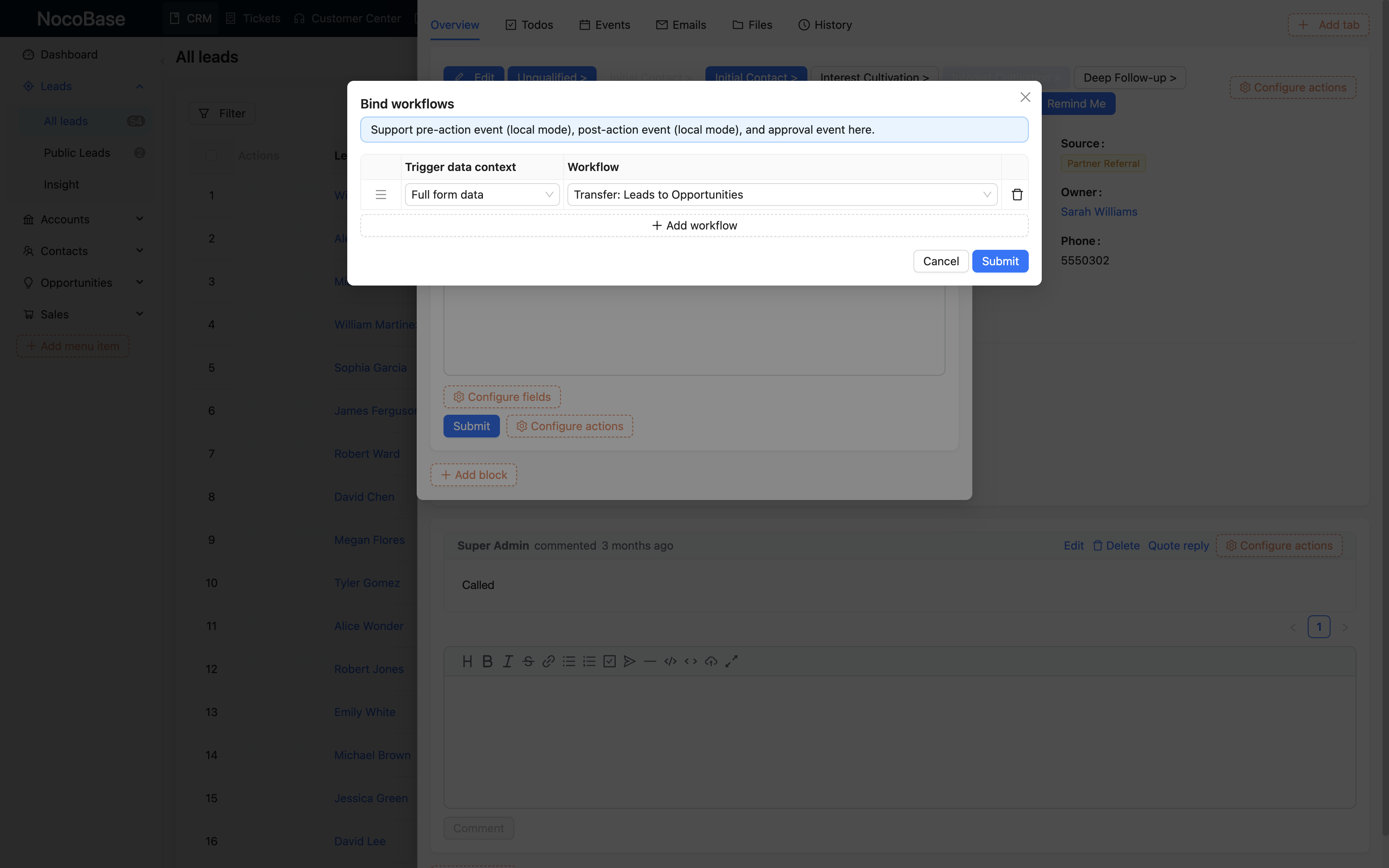
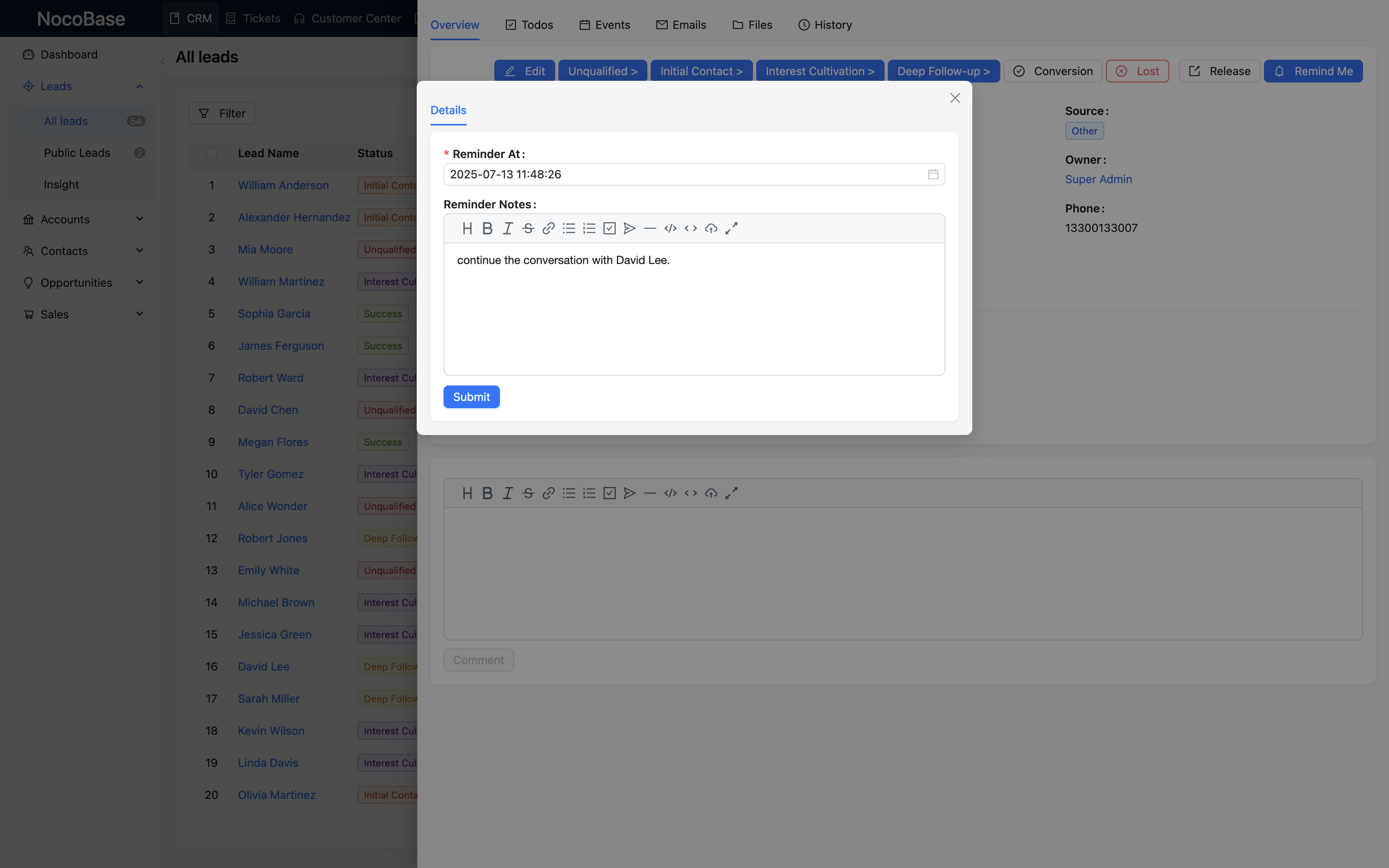
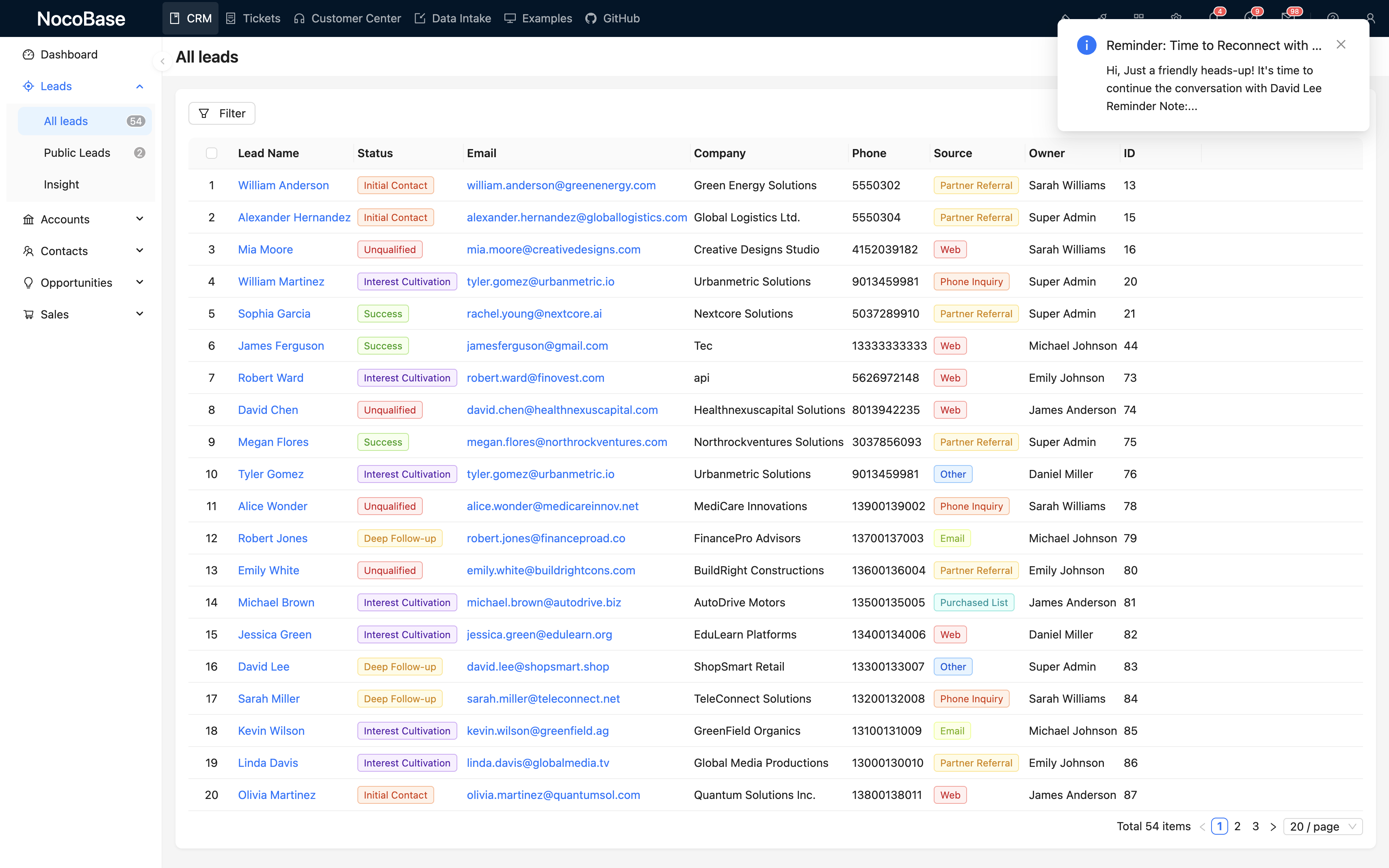
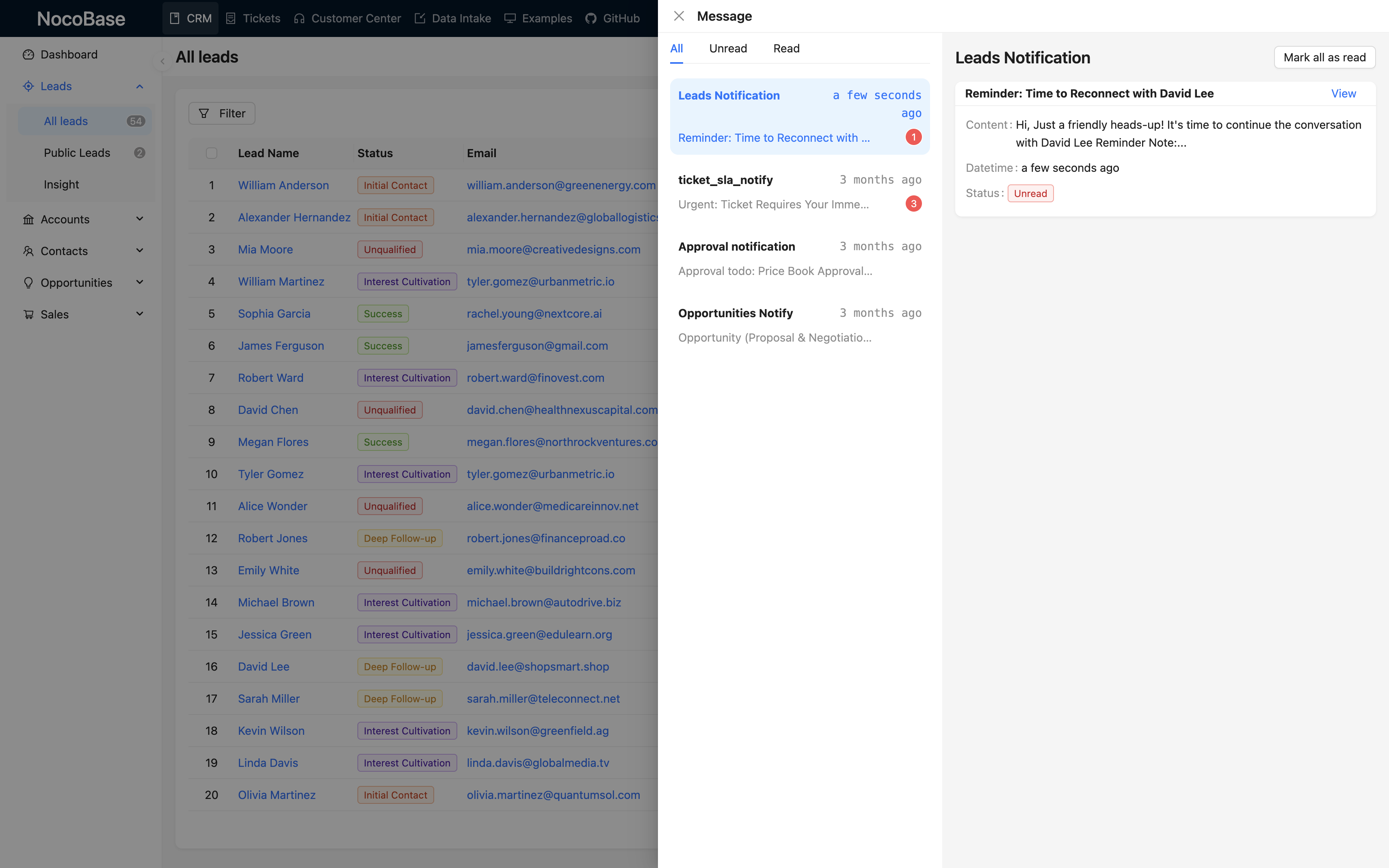
Using intelligent follow-up reminders as an example, experience how to implement feature extensions with no-code.
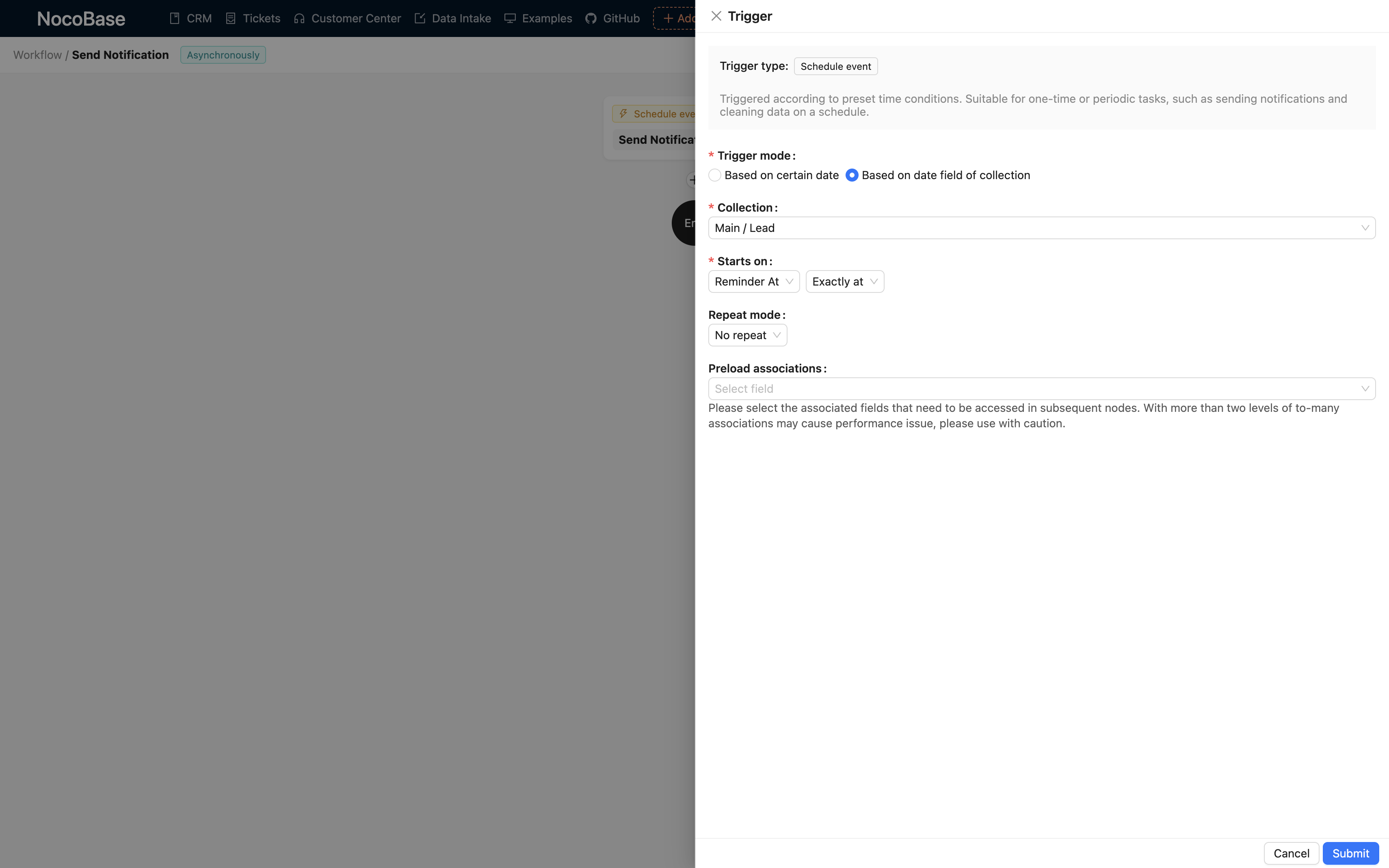
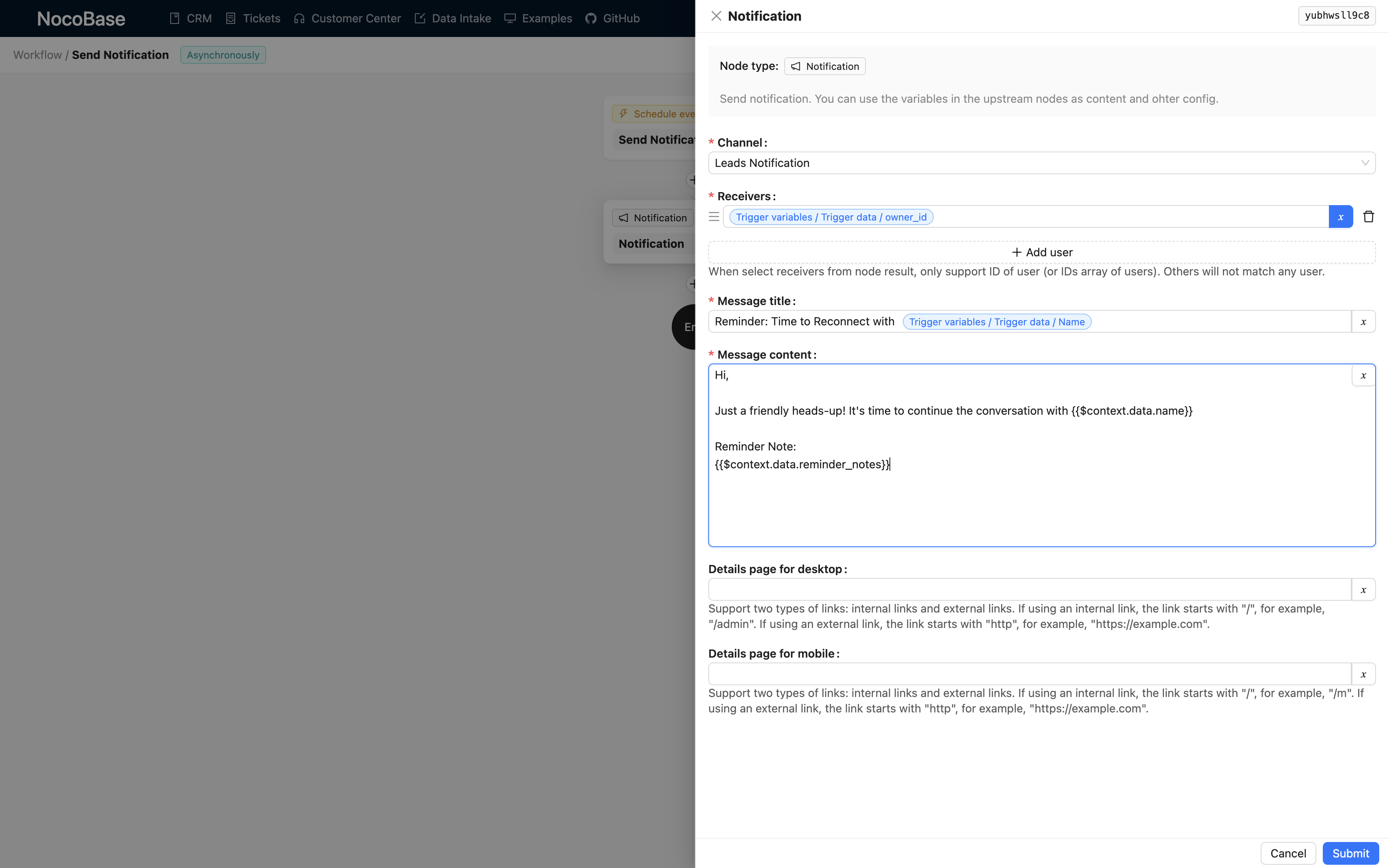
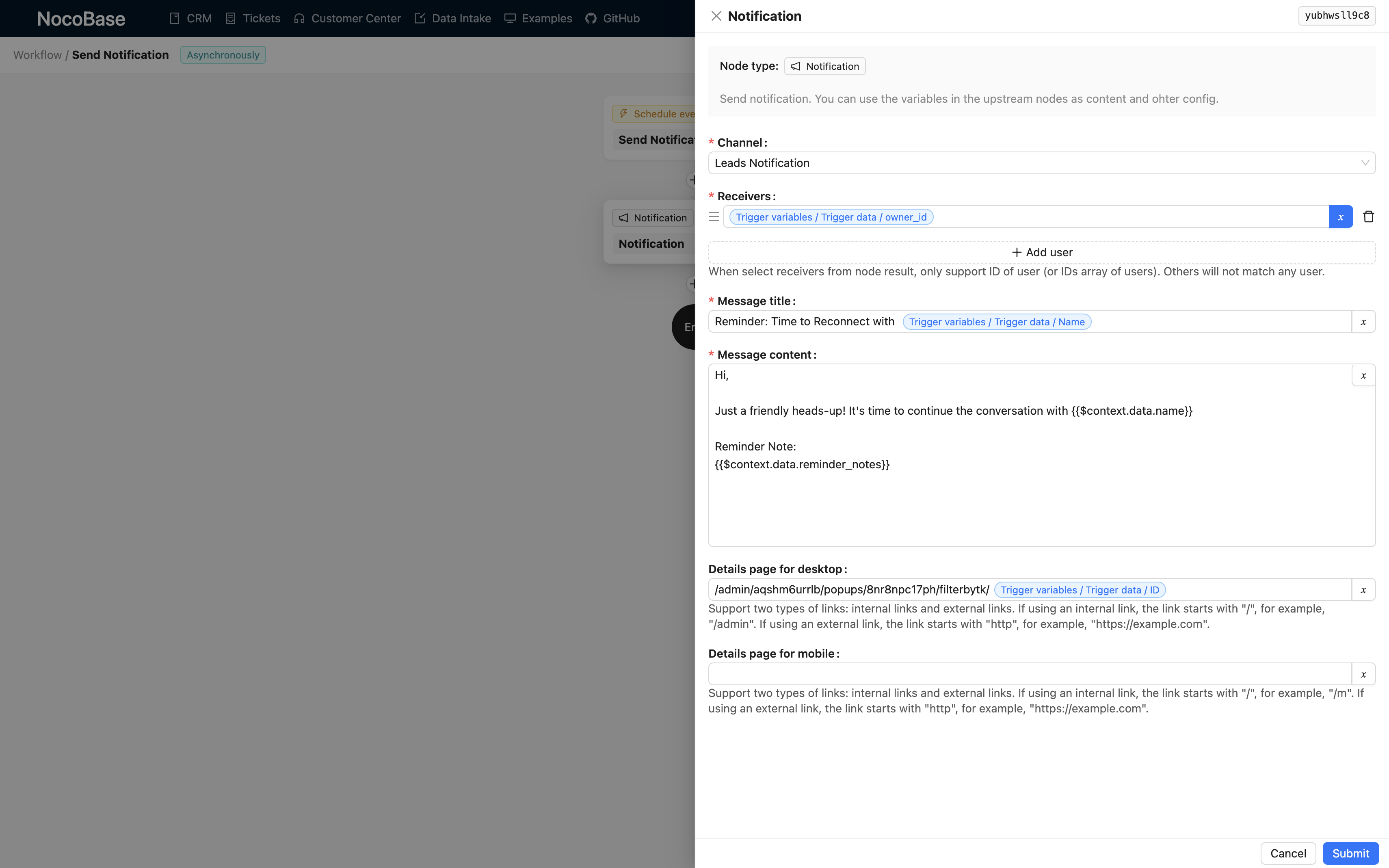
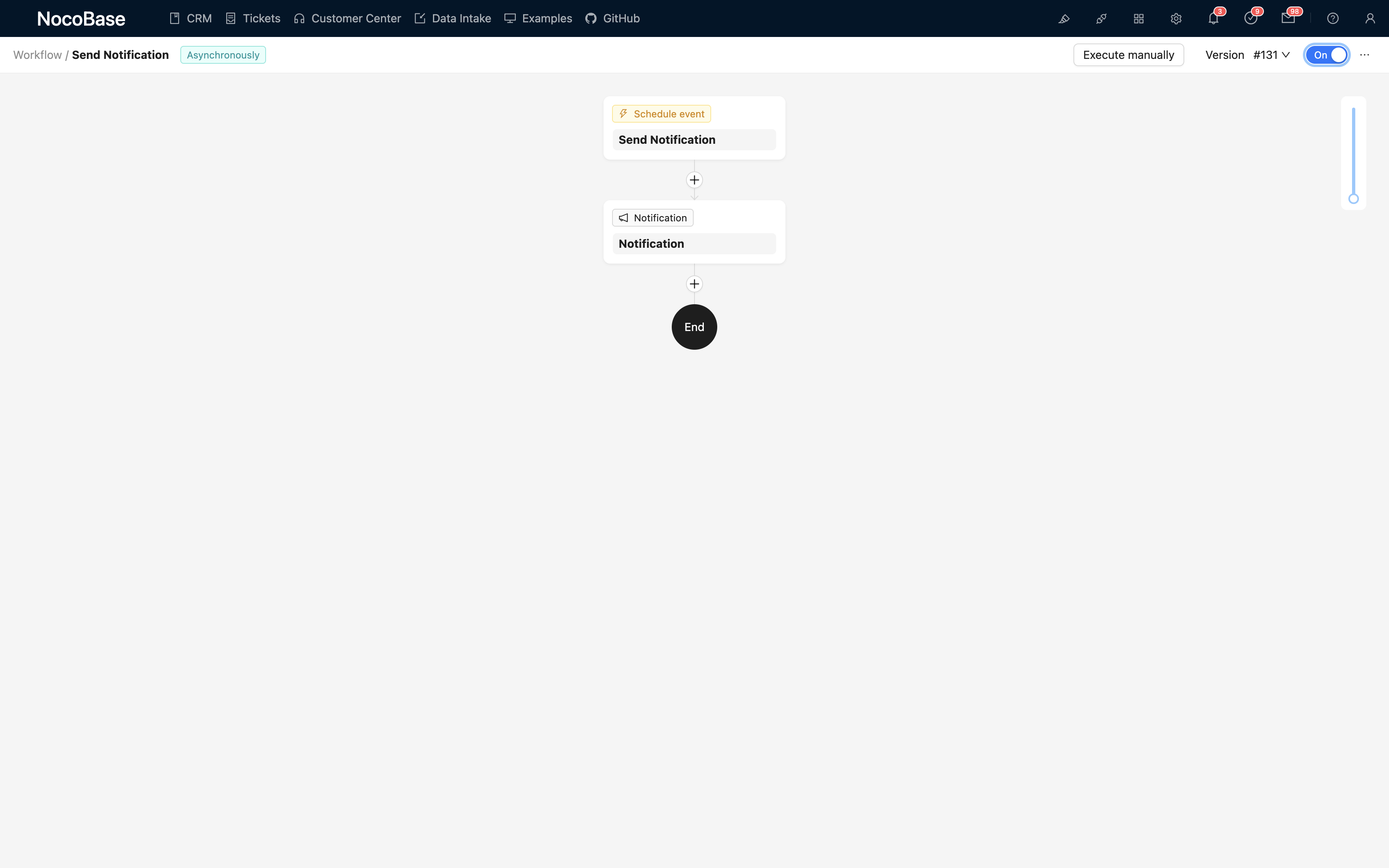
Learn how to use NocoBase to build and extend professional CRM systems
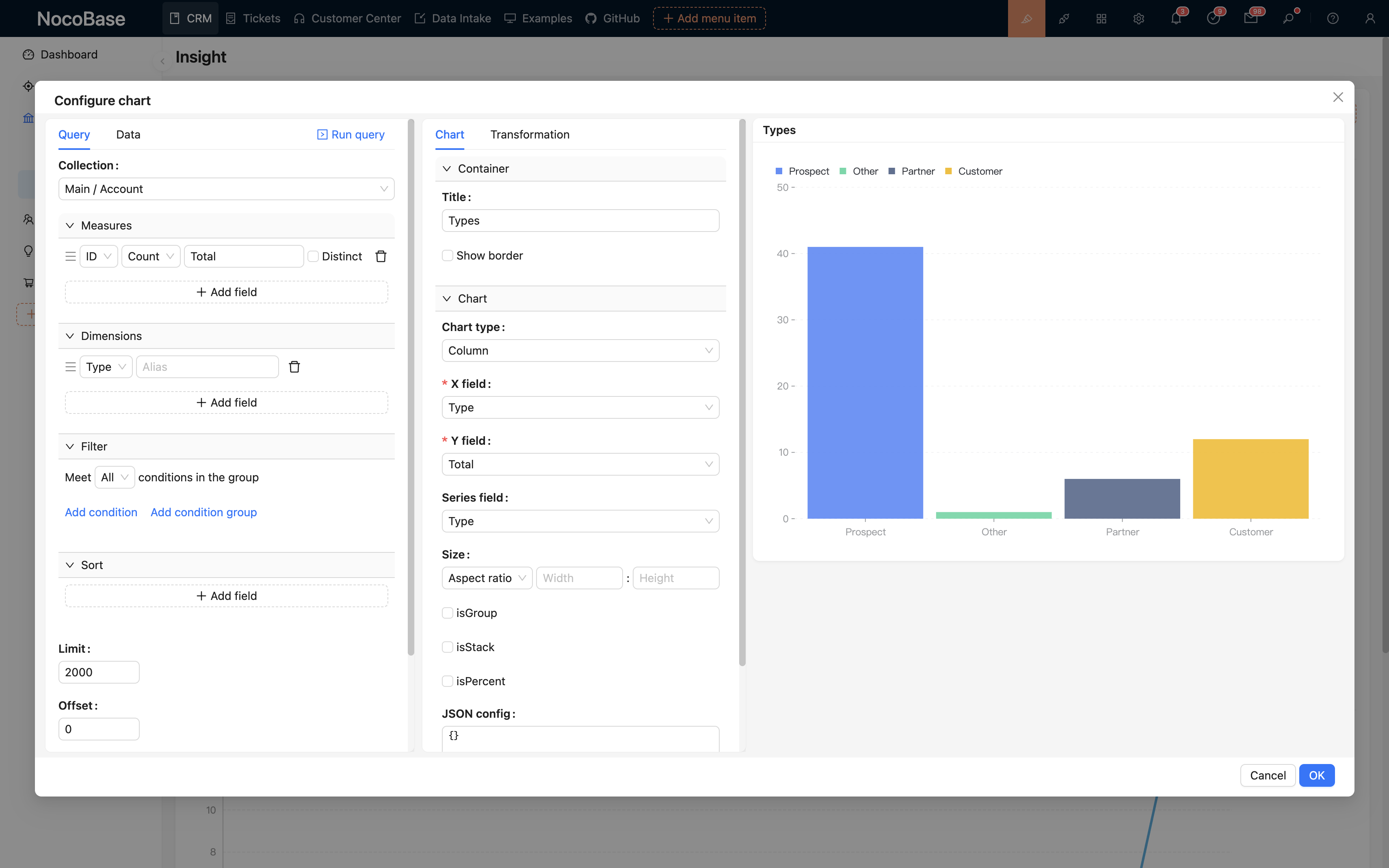
Learn to create data models, customize field relationships, configure permissions and interface layouts
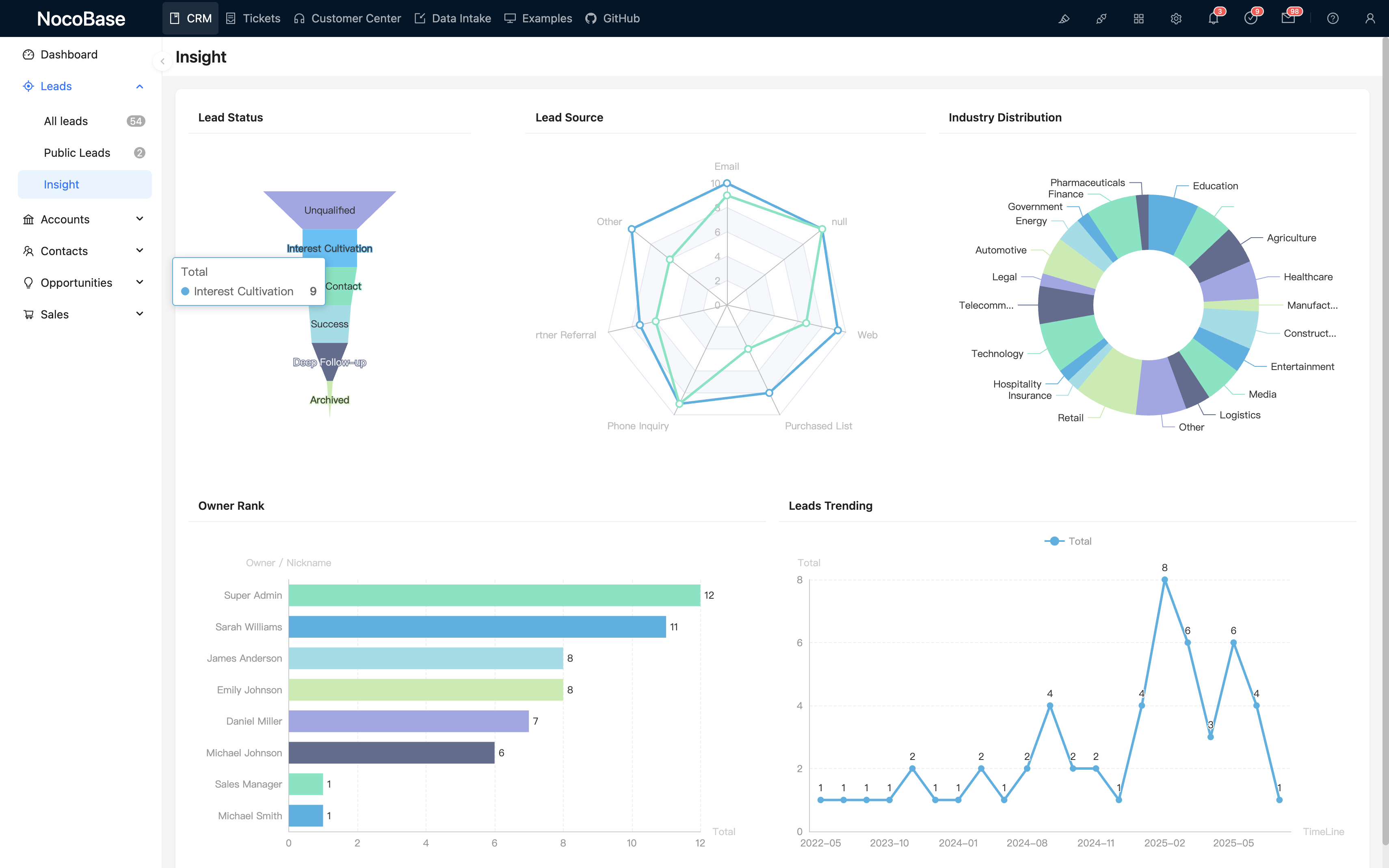
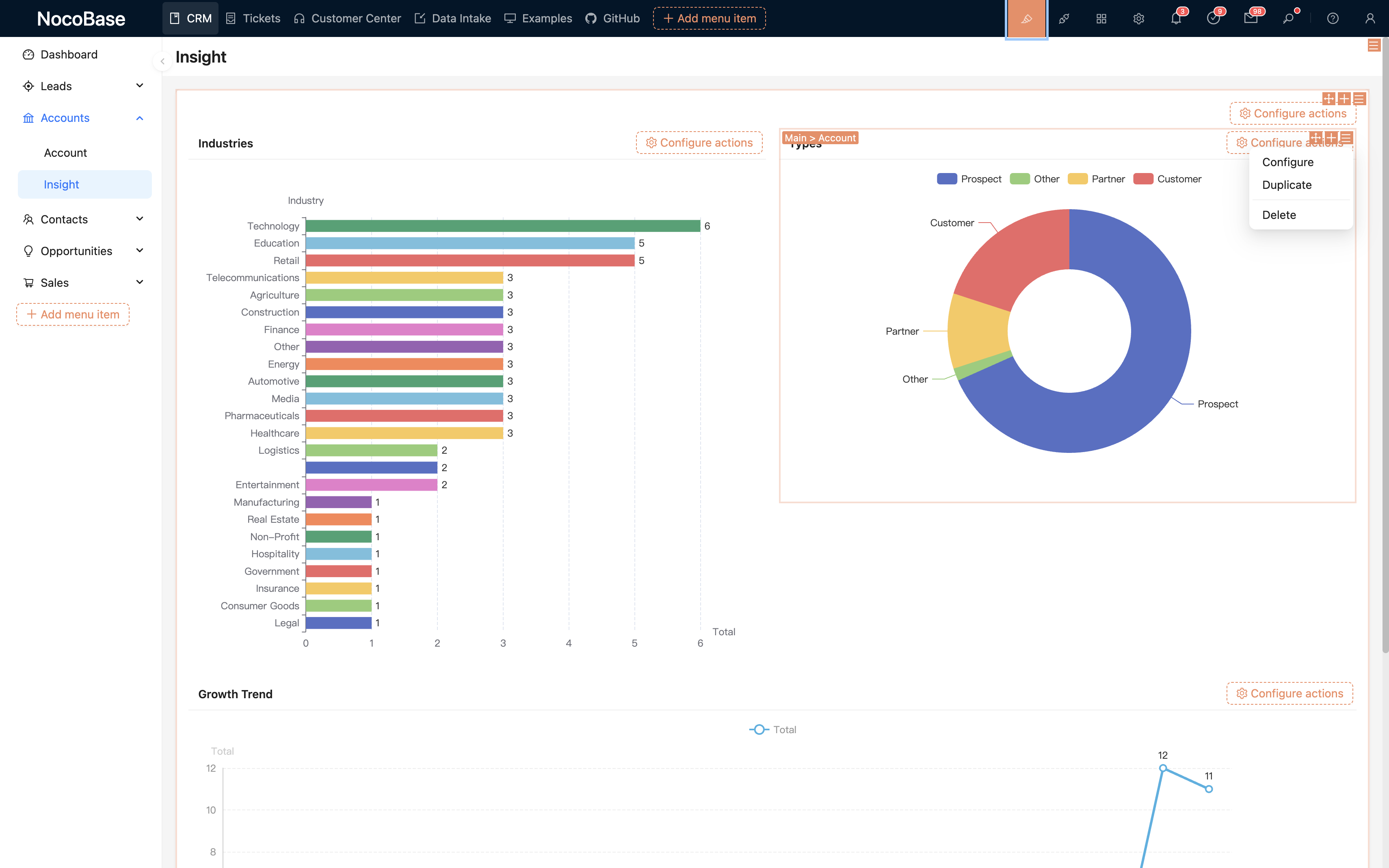
Build sales data analysis dashboards for performance monitoring and data visualization
Set up workflows to automate sales processes, approval workflows and business rules
Integrate third-party systems, mobile adaptation and other advanced extension features
CRM core is open source, commercial plugins enrich functionality
Utilize ECharts for data visualization, supporting more chart types and offering user-friendly configuration. Details
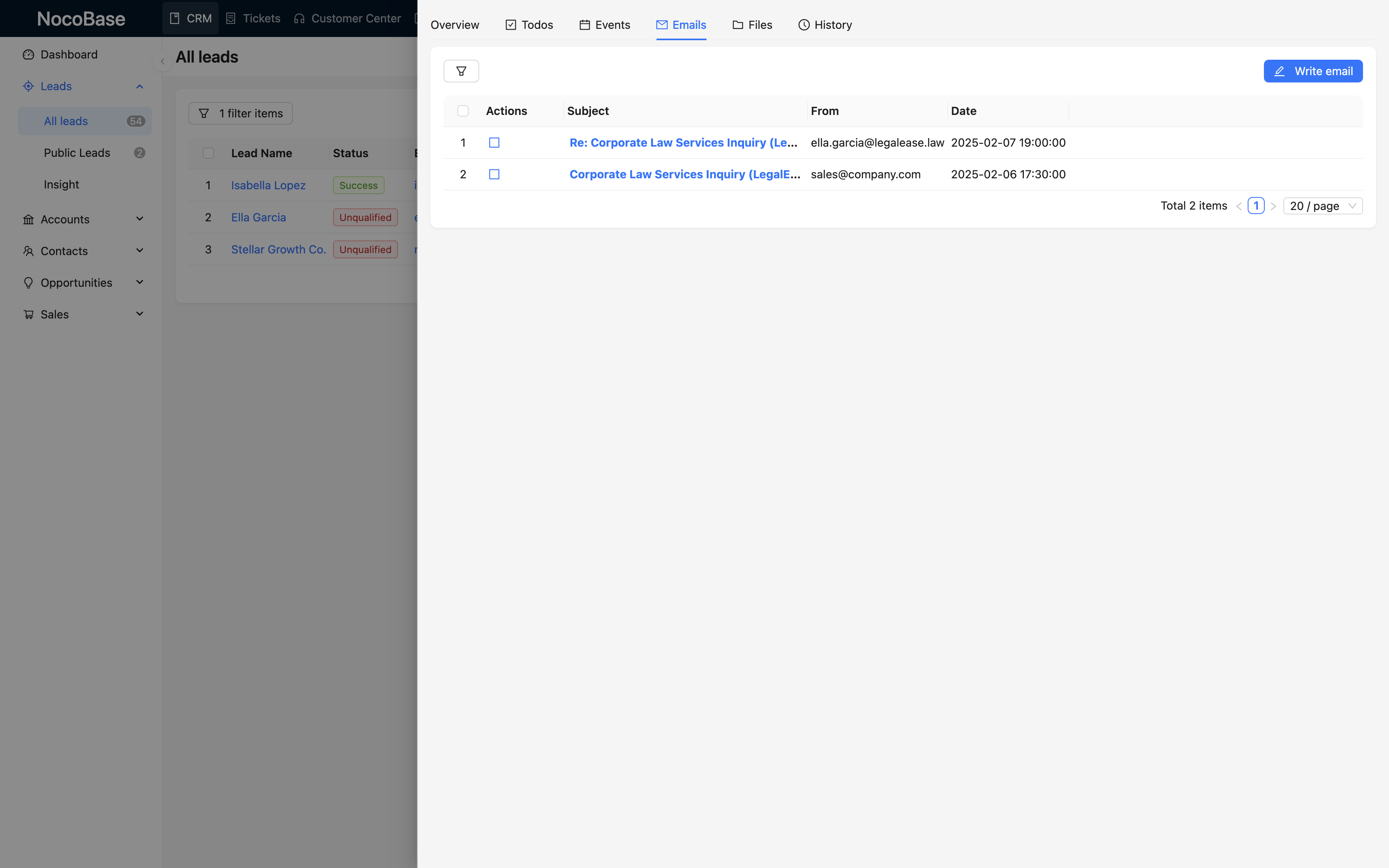
Connect NocoBase to corporate email accounts like Gmail and Outlook, and be able to receive and send emails just like in other CRM products. Details
Triggered when an approval request is initiated through an action button or API. Dedicated to the approval process, with exclusive approval node and block for managing documents and tracking processing processes. Details
Use the tree component to present data as filter blocks that can be connected to other data blocks. Details
Used for mapping any JSON data to structured variables for usage in subsequent nodes. Details
We are developing more useful commercial plugins, stay tuned
Three steps to quickly deploy NocoBase CRM to your environment
Follow our installation documentation to deploy NocoBase to your server
Get the complete template file for NocoBase CRM system, supporting two formats
Import the template file into your NocoBase system to complete deployment
Deploy a dedicated CRM demo in 1 minute. From configuring data structures to interface layouts to process logic, all of this is completed through NocoBase's visual configuration without writing a single line of code.