

Introduction
Do you also think no-code belongs to the “pre-AI era”?
Now that AI can write code, generate applications, and automate workflows, do no-code platforms still need to exist?
The answer is yes.

Google Trends shows that search interest in “AI no code” has risen quickly over the past year.
People are not giving up on no-code. They are understanding it in a new way: not just dragging components to build pages, but using AI, natural language, and visual platforms to build applications, automate workflows, and create internal business systems faster.
The problem is that many products can now be called AI no-code.
Lovable, Zapier, and NocoBase all fall under the broader category of AI no-code, but they solve very different problems and suit very different users.
This article will answer two questions:
- What is AI no-code?
- How do you choose the right AI no-code tool?
💬 Hey, you’re reading the NocoBase blog. NocoBase is the most extensible AI-powered no-code/low-code development platform for building enterprise applications, internal tools, and all kinds of systems. It’s fully self-hosted, plugin-based, and developer-friendly. → Explore NocoBase on GitHub
💡 Read more: 9 Open-Source AI No-Code Tools Worth Watching on GitHub
What Is AI No-Code?
At the most basic level, AI no-code refers to tools or platforms that combine AI capabilities with no-code development methods. Users do not need to write code from scratch. Instead, they can use natural language, visual configuration, prebuilt components, workflow orchestration, and similar methods to build applications, automate processes, or let AI participate in specific business tasks.
But this definition only explains part of the picture.
Today, “AI no-code” is no longer a product category with clear boundaries. Many tools can be related to AI no-code, but their product logic can be completely different.
- No-code platforms are adding AI to help users build pages, forms, data models, and business workflows faster.
- Low-code platforms are using AI to help developers generate code, configure APIs, and extend systems.
- AI app builders let users generate pages, components, or application prototypes directly from prompts.
- AI automation tools connect multiple tools and use AI to summarize, classify, judge, and trigger actions.
These categories also continue to overlap. An AI app builder may offer a database. An automation tool may support simple pages. A no-code platform may connect to AI Agents and workflows.
It can get confusing.
A clearer way to think about it is this: stop asking whether a tool is truly AI no-code or where its category boundary sits.
Instead, ask what problem it helps you solve. Once you look at it this way, the choices become much easier.
Need 1: Build a Working Application Quickly
This is one of the most common needs.
AI can write code quickly and well. If you ask ChatGPT, Claude, or another AI coding tool to “build a customer management page,” they can generate HTML, React components, or even a full block of frontend code.
But the issue is that code is not the same as an application.
After AI generates code, you still need to handle many things yourself:
- Put the code into a project.
- Configure the development environment.
- Manage dependencies and errors.
- Connect a database.
- Adjust page interactions.
- Deploy the application.
- Make it accessible for others to test.
For developers, these may be routine tasks. For product managers, designers, founders, and business users, they are still a lot of work.
This is where this type of AI no-code tool becomes valuable.
These tools do more than “generate code.” They combine generation, preview, editing, running, and deployment. Users only need to describe what they want, and the platform can generate the application interface, provide online preview, support interaction changes, and help with deployment.
Typical products include:
v0
UI and Frontend Interface Generation
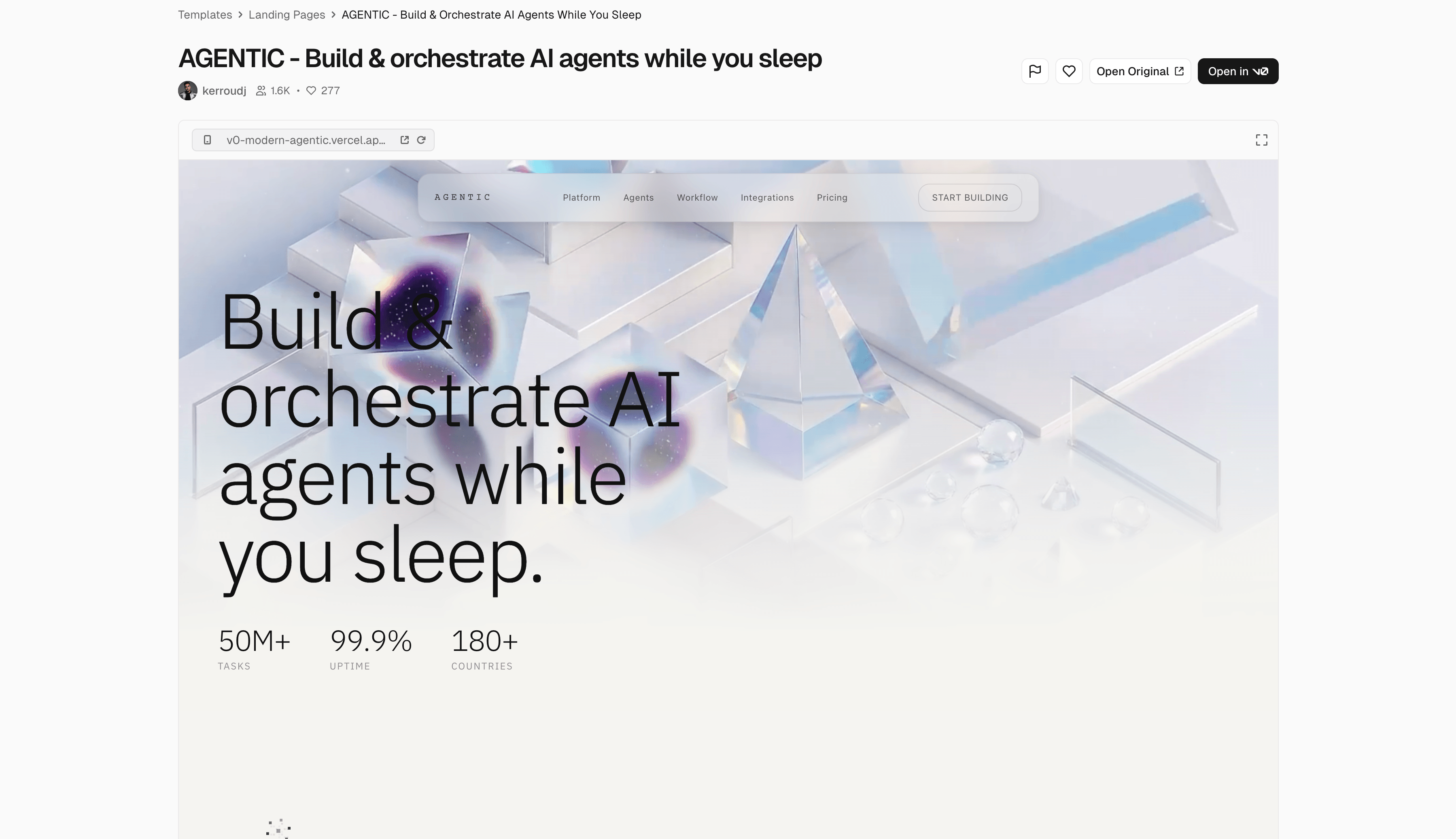
You can describe the page you want in natural language, and v0 generates the corresponding interface and components. It is useful for quickly creating product interfaces, admin panels, landing pages, or interactive prototypes.
Lovable
Generate a Complete Web App From a Prompt
Lovable does not only focus on pages. It also tries to generate application structure, interaction logic, and basic features, making it suitable for turning a product idea into a working MVP quickly.
Bolt
Generate and Run Full-Stack Applications Online
Users can describe requirements, generate code, install dependencies, run projects, and debug applications in the browser, without first setting up a complex local development environment.
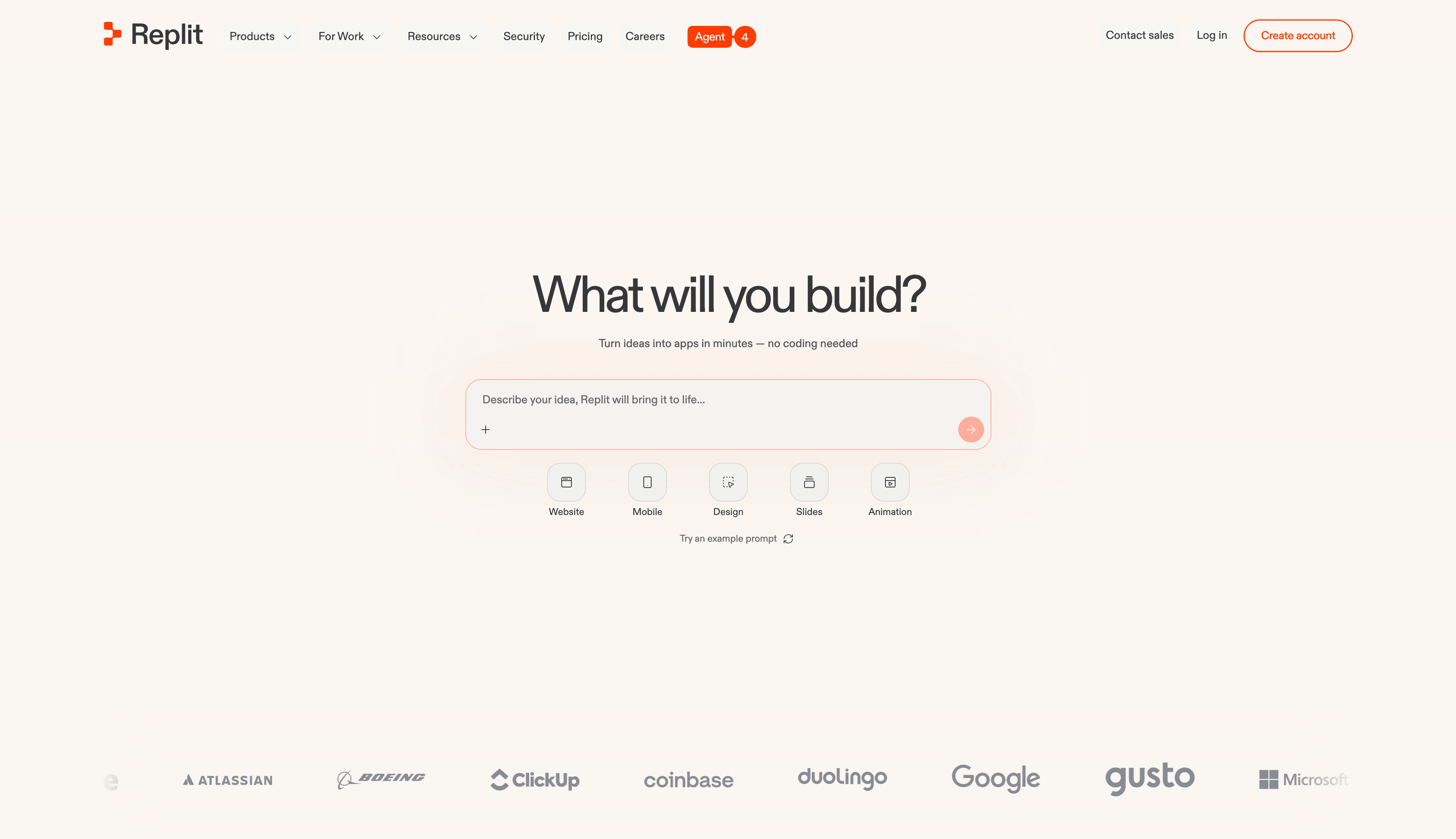
Replit
Develop and Deploy Applications Online
Replit is an online development environment. With AI, it can help users generate code, debug projects, and run and publish applications directly.
Need 2: Build Business Systems That Can Run Long Term
The second major need appears in enterprise scenarios.
The question becomes: Can I use AI and no-code to build a business system that a company can truly use over the long term?
For example:
- I want to build a CRM to manage customers, contacts, opportunities, and follow-up records.
- I want to build a ticketing system so customer issues can be submitted, assigned, handled, and tracked.
- I want to build an approval system for leave requests, reimbursements, procurement, contracts, and other processes.
- I want to build an inventory or asset management system where data, status, owners, and operation records are clear and traceable.
- I want to build an internal operations system where different roles collaborate in the same system.
The core of this need is: how to combine data, pages, permissions, workflows, and AI capabilities into a business system that can keep running.
This is where enterprise business-system AI no-code platforms are needed.
They usually provide data modeling, page building, permission control, workflows, automation, audit logs, API integration, plugin extension, private deployment, and other capabilities. AI is not a standalone application here. It participates in system building and business operations.
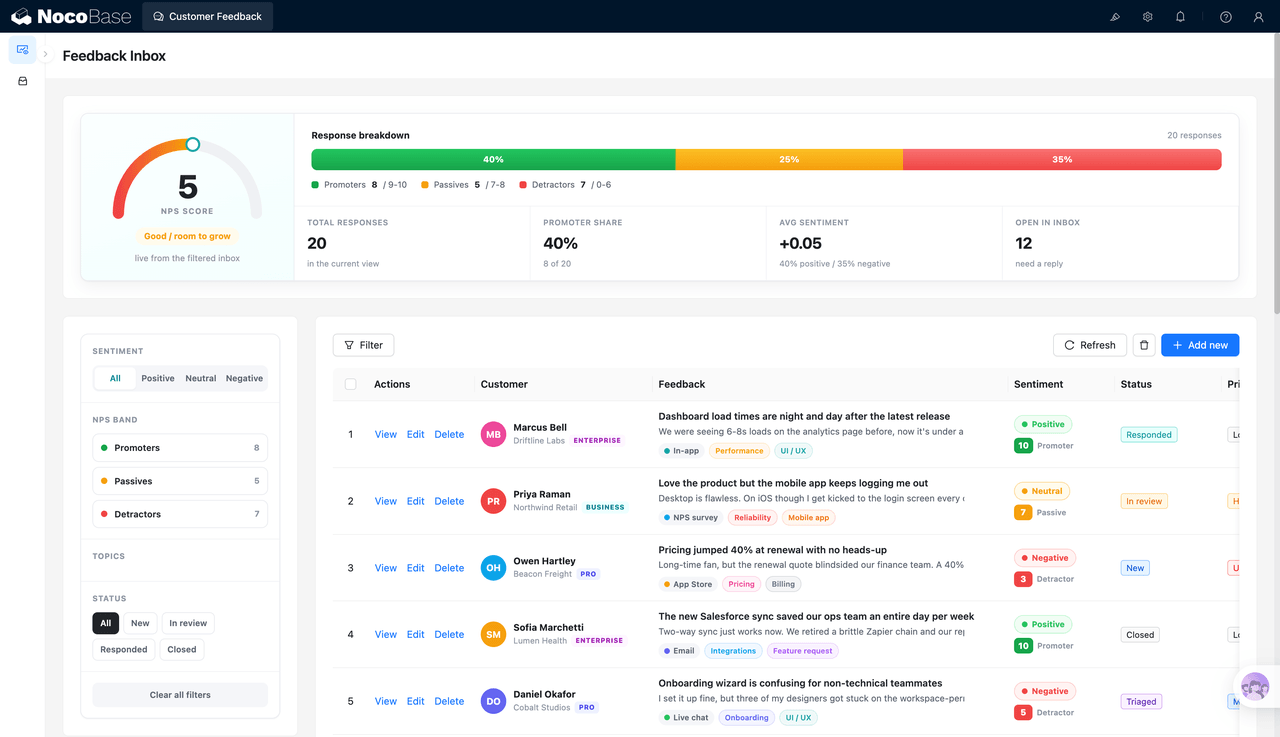
NocoBase
An Open-Source, Self-Hosted, Extensible AI No-Code Platform for Enterprise Business Systems
NocoBase provides the core capabilities needed for enterprise business systems, including data models, page building, permission control, workflows, plugin extension, and private deployment. It gives AI a platform foundation for real business scenarios. AI understands requirements, assists generation, and improves efficiency. NocoBase carries the data, permissions, processes, audits, and long-term iteration.
This is why NocoBase is better suited as a first choice for applying AI in real enterprise scenarios. It does not only give AI a generation entry point. It gives AI a business system foundation that can run for the long term, continue to evolve, keep permissions under control, and protect business data.
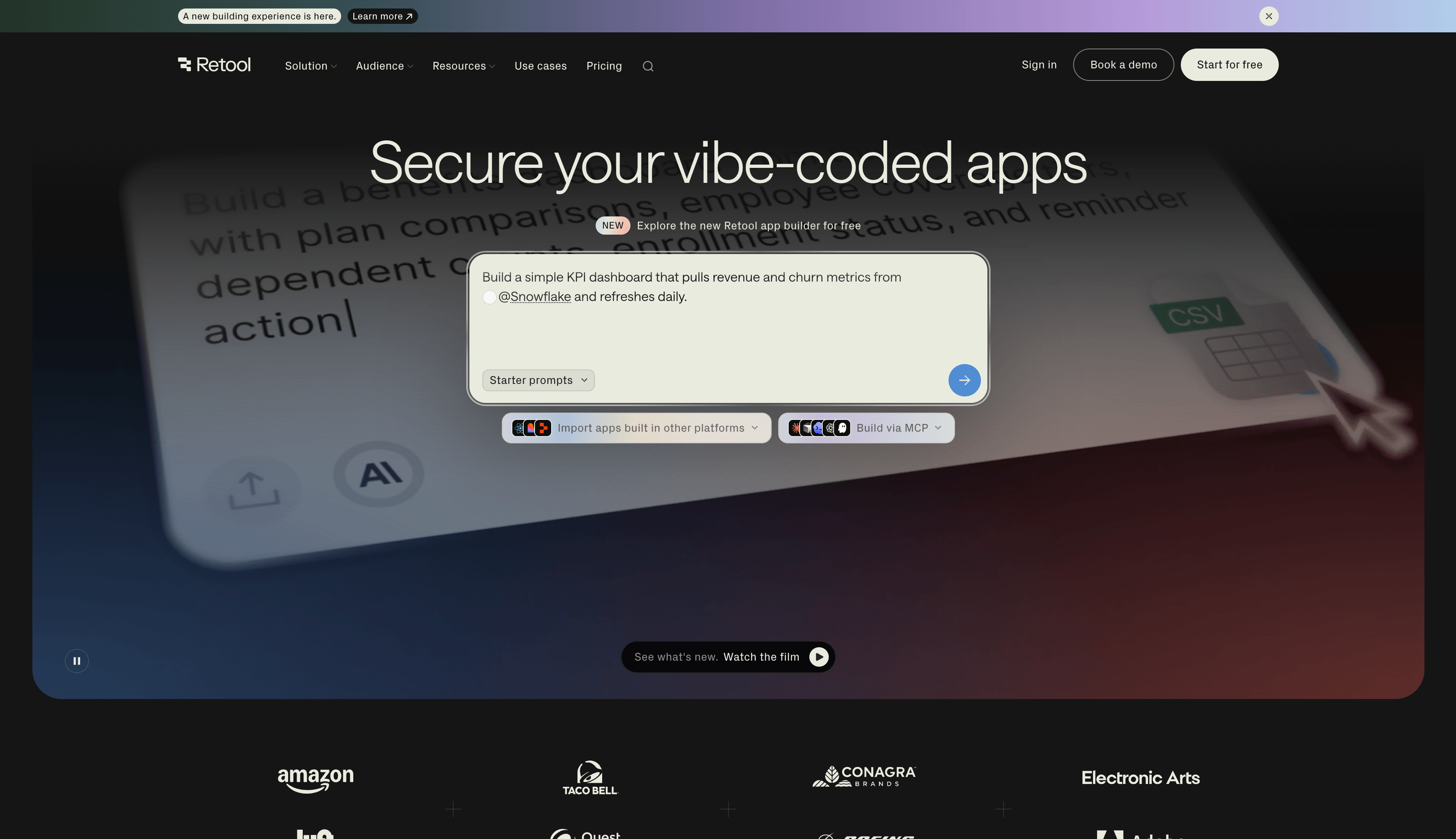
Retool
An Internal Tool Builder for Development Teams
Retool can quickly connect databases, APIs, and internal services to build admin panels, data operation interfaces, and enterprise internal tools. It also provides AI-related capabilities for assisted building and automation.
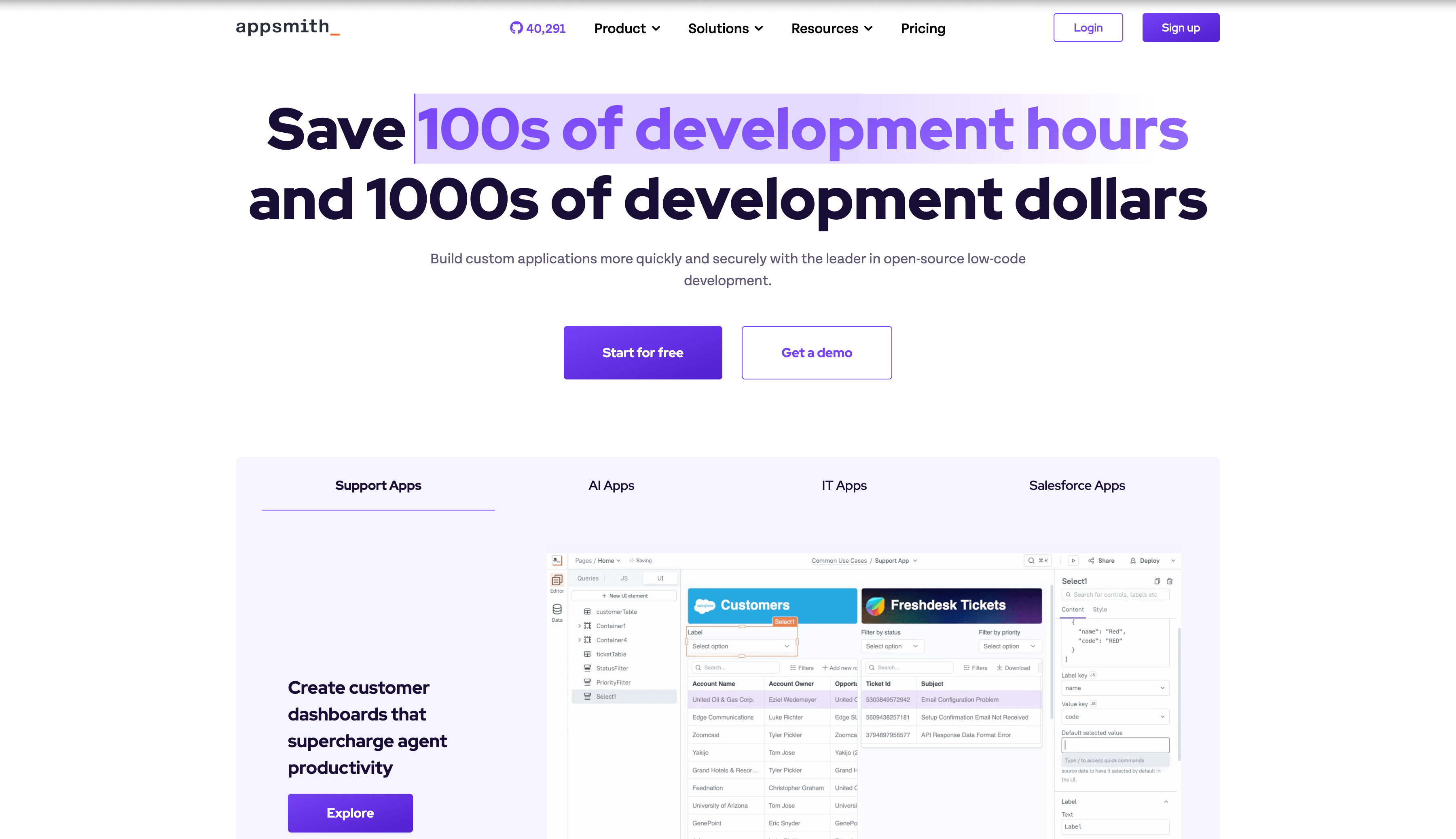
Appsmith
An Open-Source Low-Code Platform for Internal Tools
Like NocoBase, Appsmith is also open source. It is suitable for developers and IT teams building dashboards, admin panels, and internal applications. It supports database and API connections and can also be self-hosted.
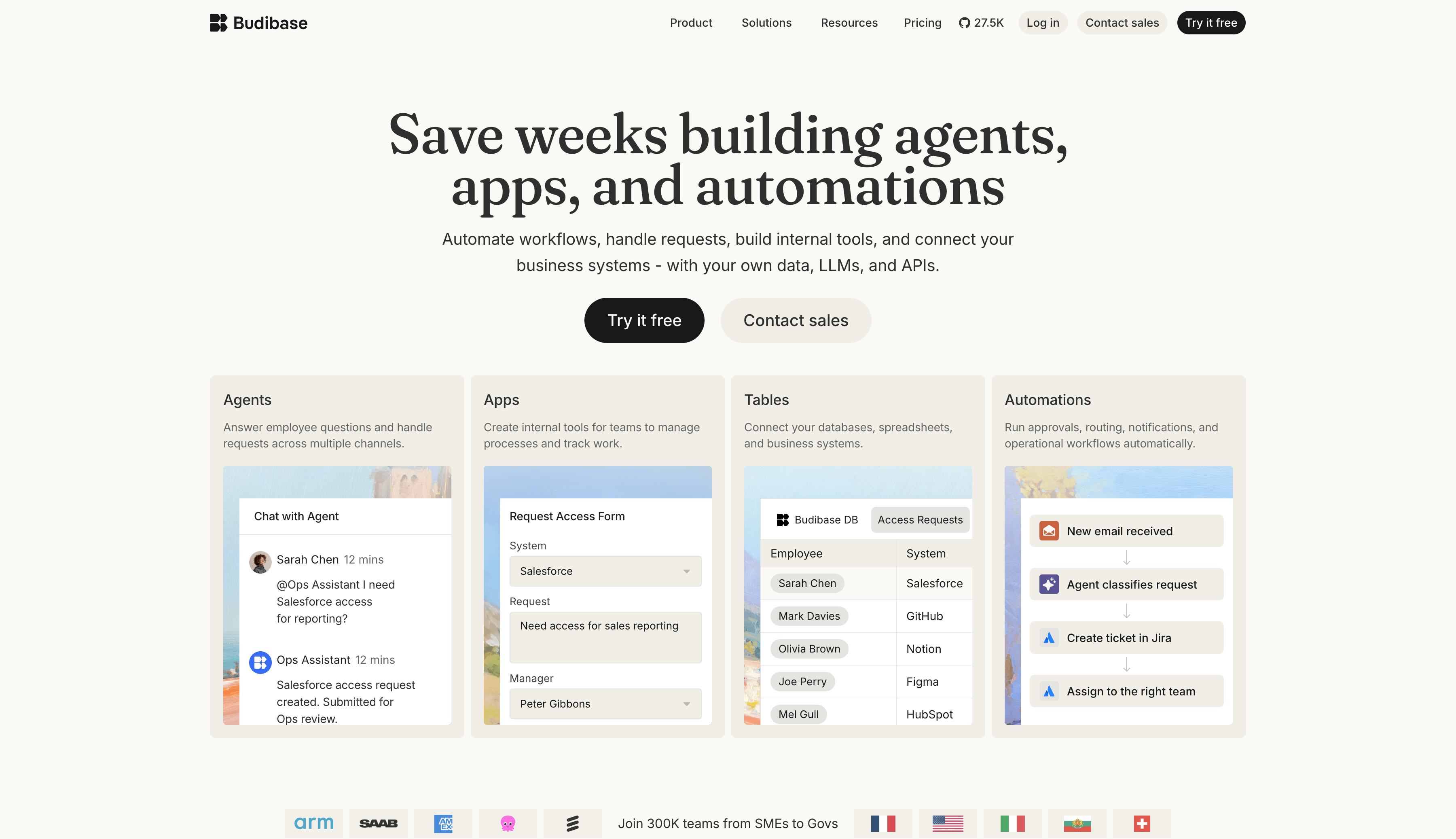
Budibase
An Open-Source Platform for Business Applications and Internal Tools
Budibase is suitable for building forms, approvals, operations systems, and internal management tools. It supports data source connections, automation, and self-hosting.
Need 3: Let Multiple Tools Work Together Automatically
After AI appeared, many people assumed automation would become simple.
For example, you can ask AI to summarize emails, extract form information, generate replies, and judge customer intent. Viewed separately, AI can indeed complete these tasks.
But in real work, tasks usually do not happen in isolation.
A customer lead may come from a website form, then need to be synced to a CRM, notify sales, and create a follow-up task.
A user feedback email may need to be summarized by AI, classified by issue type, and assigned to the right team.
A contract or invoice may need key information extracted, written into a spreadsheet or system, and then trigger an approval workflow.
Letting AI participate in a full business process, while different tools work together automatically, is the value of AI workflow automation tools.
These tools are not mainly for generating application pages. They connect different systems, place AI inside workflow nodes, and let data, messages, and tasks move automatically.
Typical products include:
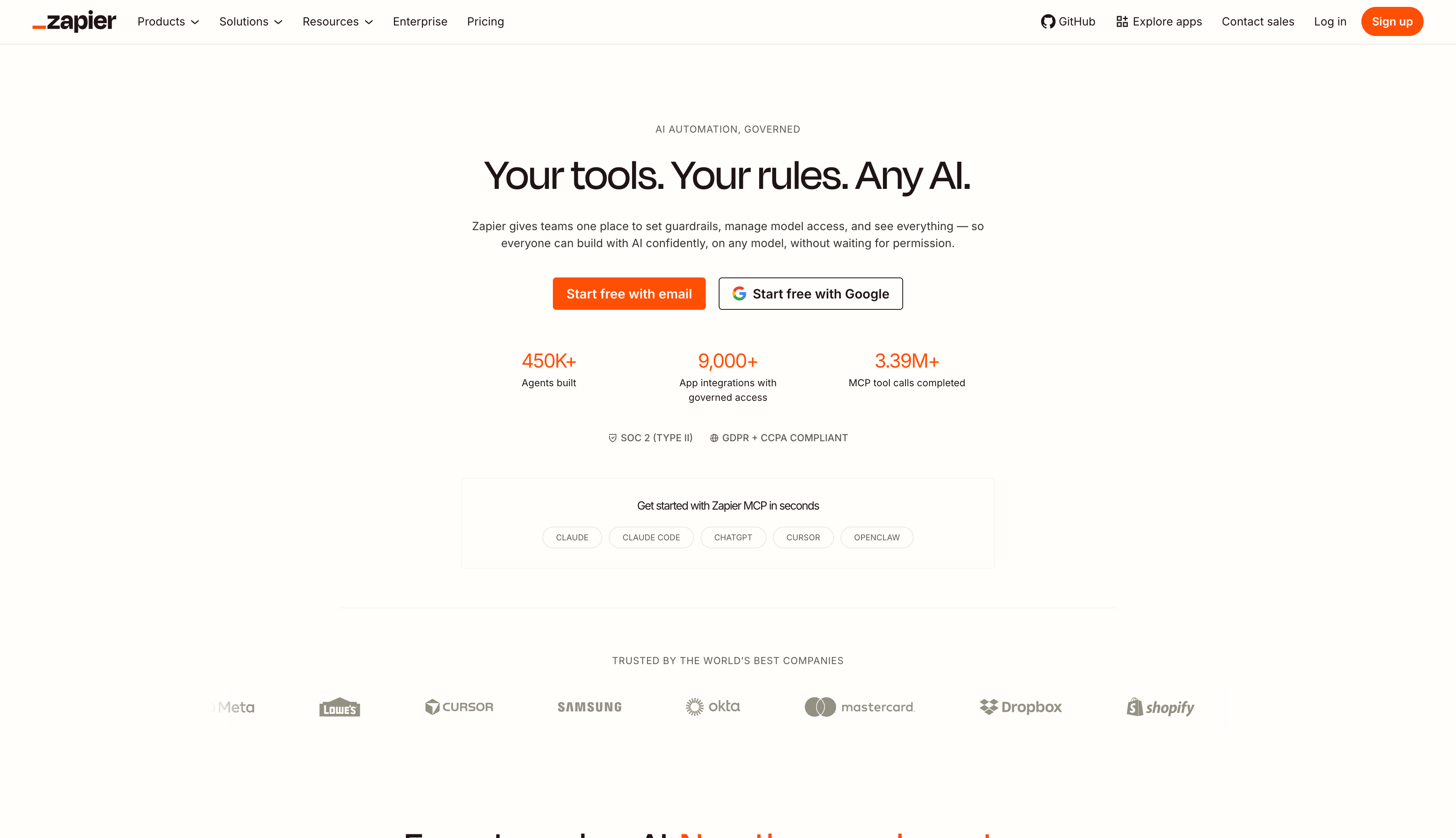
Zapier
Automation Between SaaS Tools
Zapier supports a large number of common applications. It is suitable for connecting tools such as Gmail, Slack, HubSpot, Airtable, and Google Sheets to automate notifications, syncing, task creation, AI processing, and more.
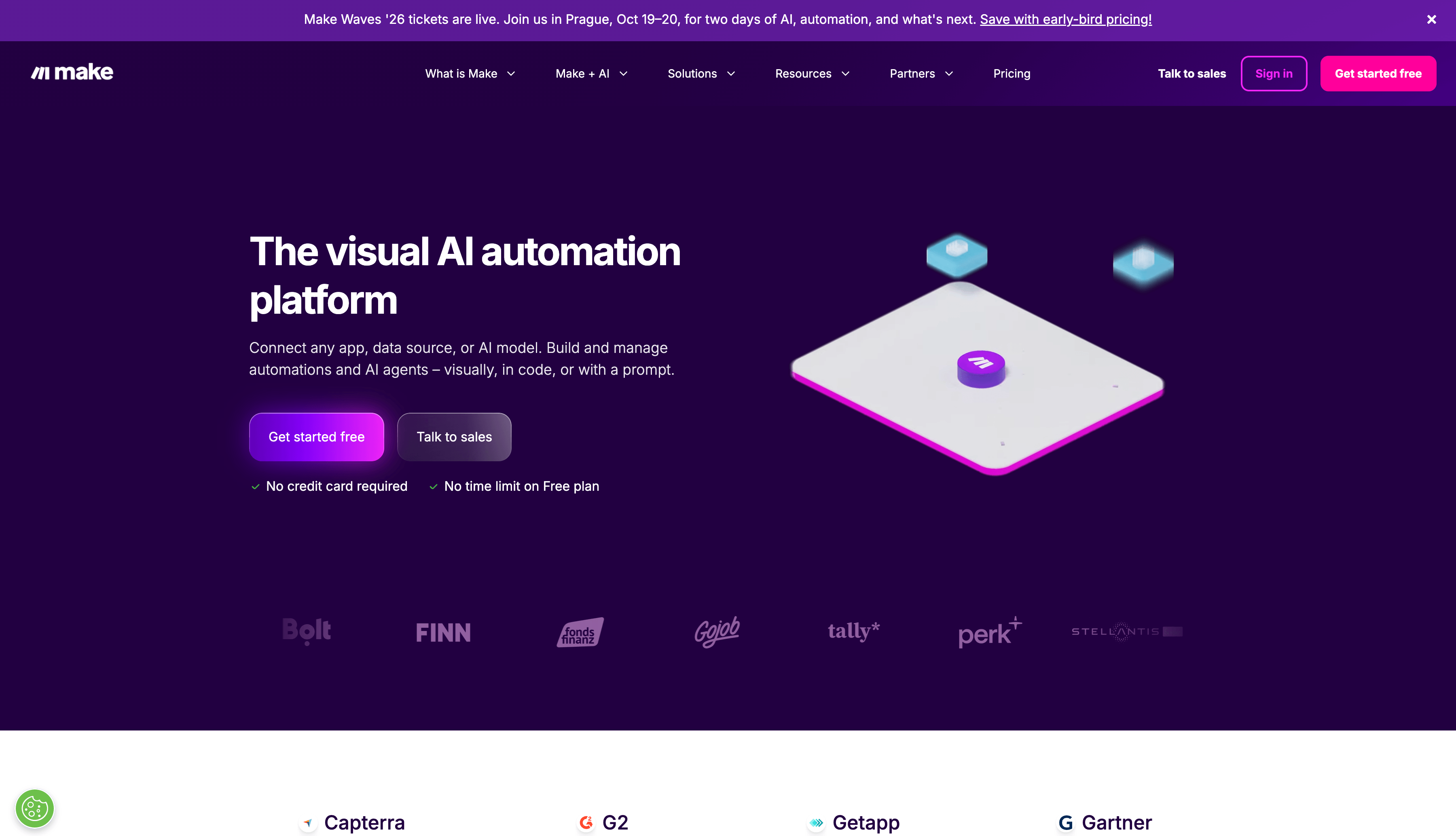
Make
Visual Multi-Step Automation Workflows
Make is suitable for more complex conditional logic, data transformation, and multi-application collaboration. Users can design automation tasks in a flowchart-style interface.
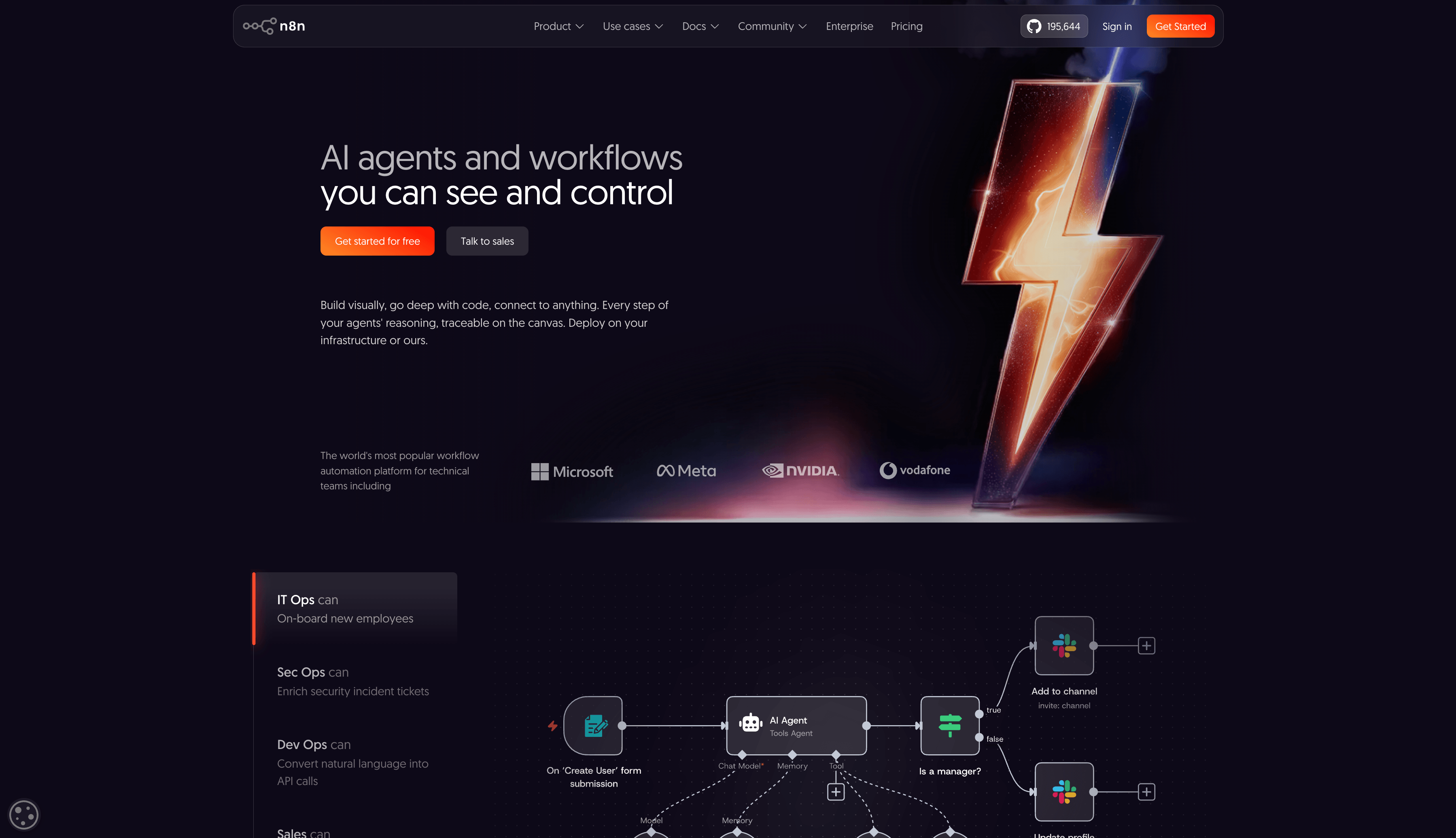
n8n
Self-Hosted and Extensible Workflow Automation
As a popular GitHub project, n8n is suitable for technical teams and enterprise users who need to connect APIs, databases, internal systems, and AI services to build more controllable automation workflows.
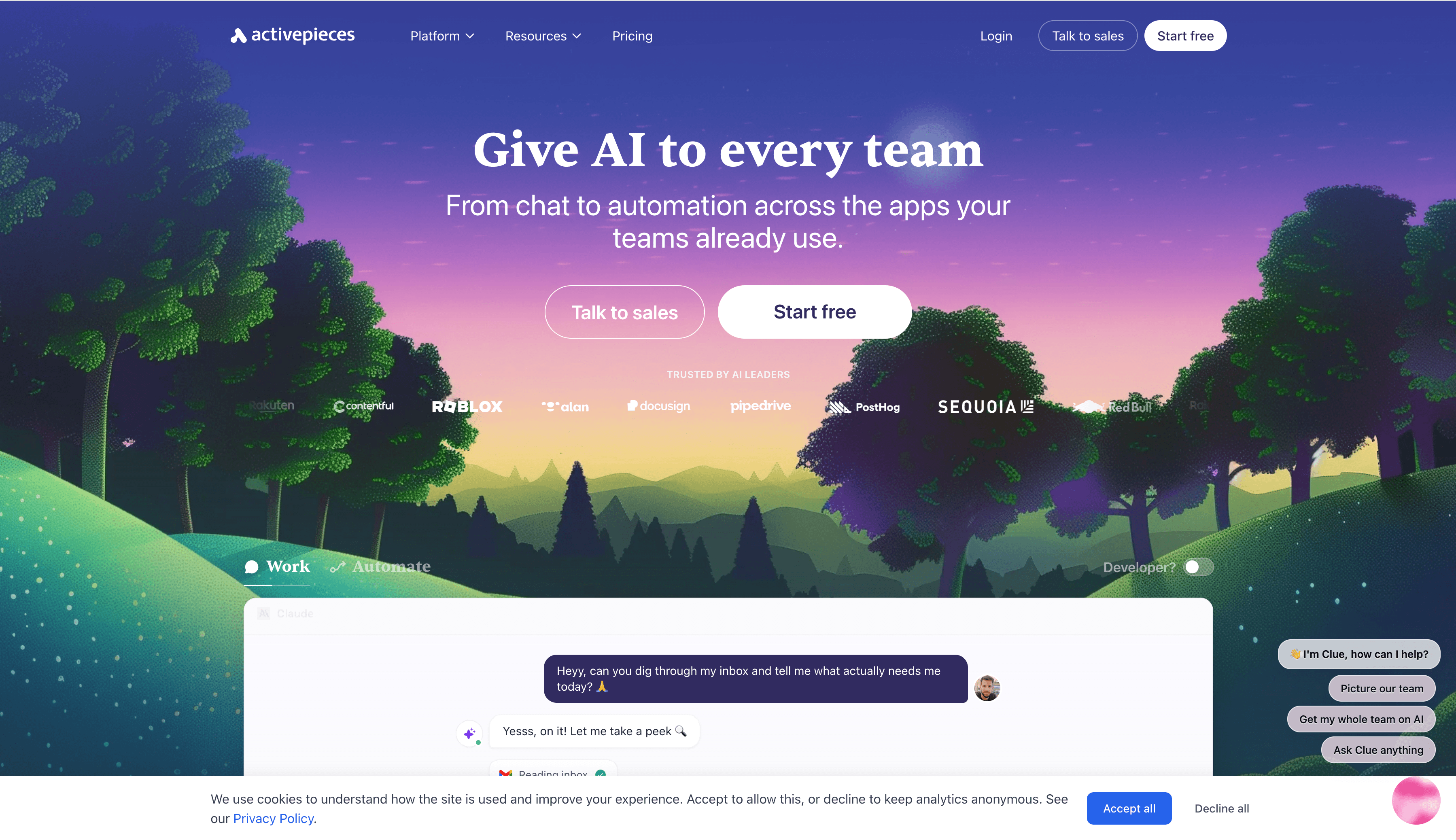
Activepieces
Open-Source Automation and Business Process Connections
Activepieces is suitable for teams that want to use open-source solutions to build automation workflows. It can also handle data movement and AI tasks across common SaaS tools.
Need 4: Build AI Applications or AI Agents
The last type of need is to build an AI application directly.
For example:
- I want to build an enterprise knowledge-base Q&A bot.
- I want to build a RAG application that reads documents and answers questions.
- I want to build a customer service Agent that understands user questions and calls tools.
- I want to combine multiple models, prompts, knowledge bases, and workflows.
The core of this need is: how to package large model capabilities into a usable AI application.
This is where AI application building platforms and AI Agent platforms become valuable.
They usually provide prompt orchestration, model selection, knowledge base integration, RAG, tool calling, Agent workflows, API publishing, and similar capabilities. Users can build Chatbots, AI Workflows, or Agent applications without writing everything from scratch.
Typical products include:
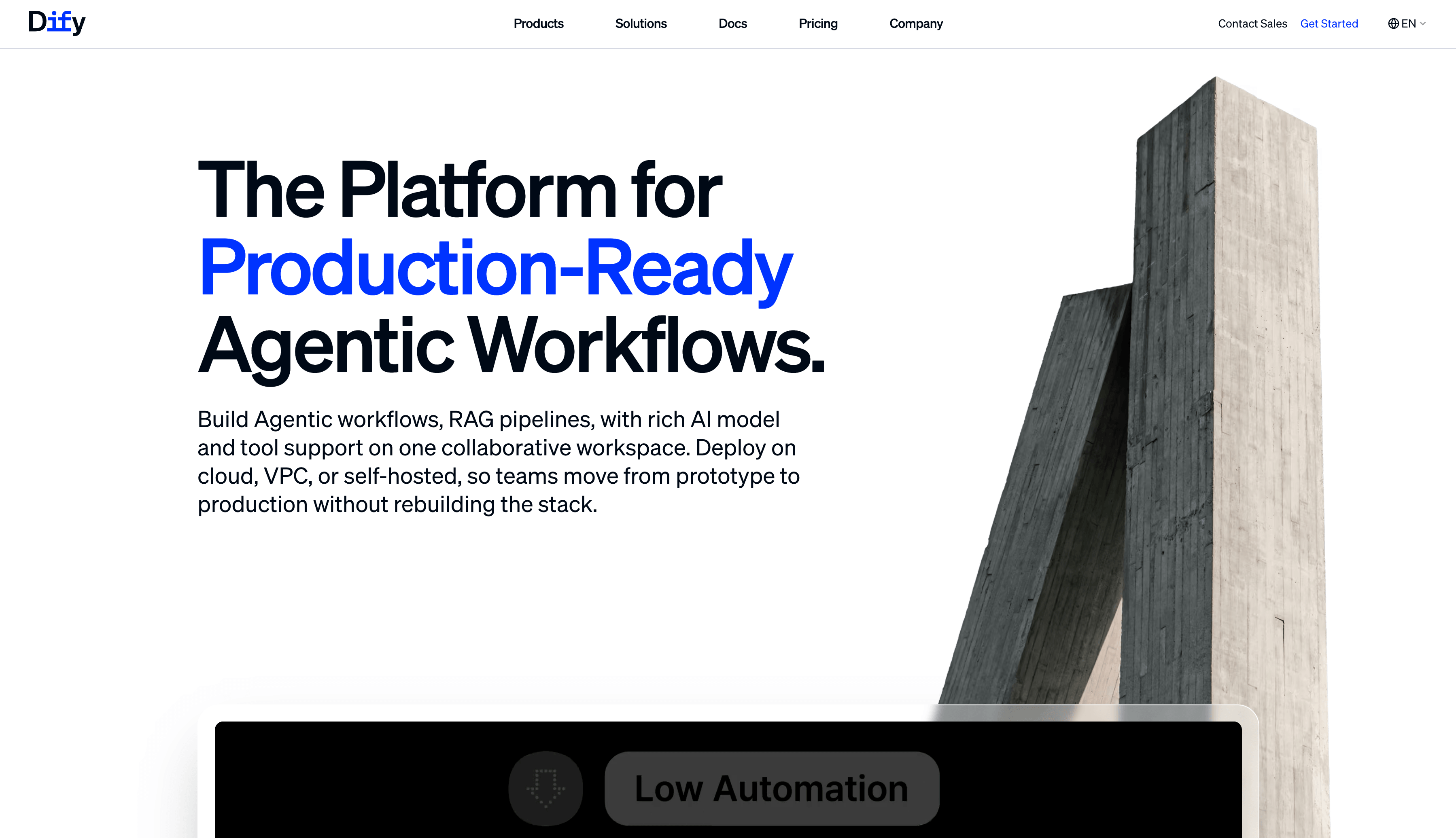
Dify
LLM Application Development Platform
Dify is suitable for building Chatbots, RAG applications, Agent workflows, and enterprise knowledge-base Q&A. It provides model integration, prompt orchestration, knowledge bases, workflows, and application publishing.
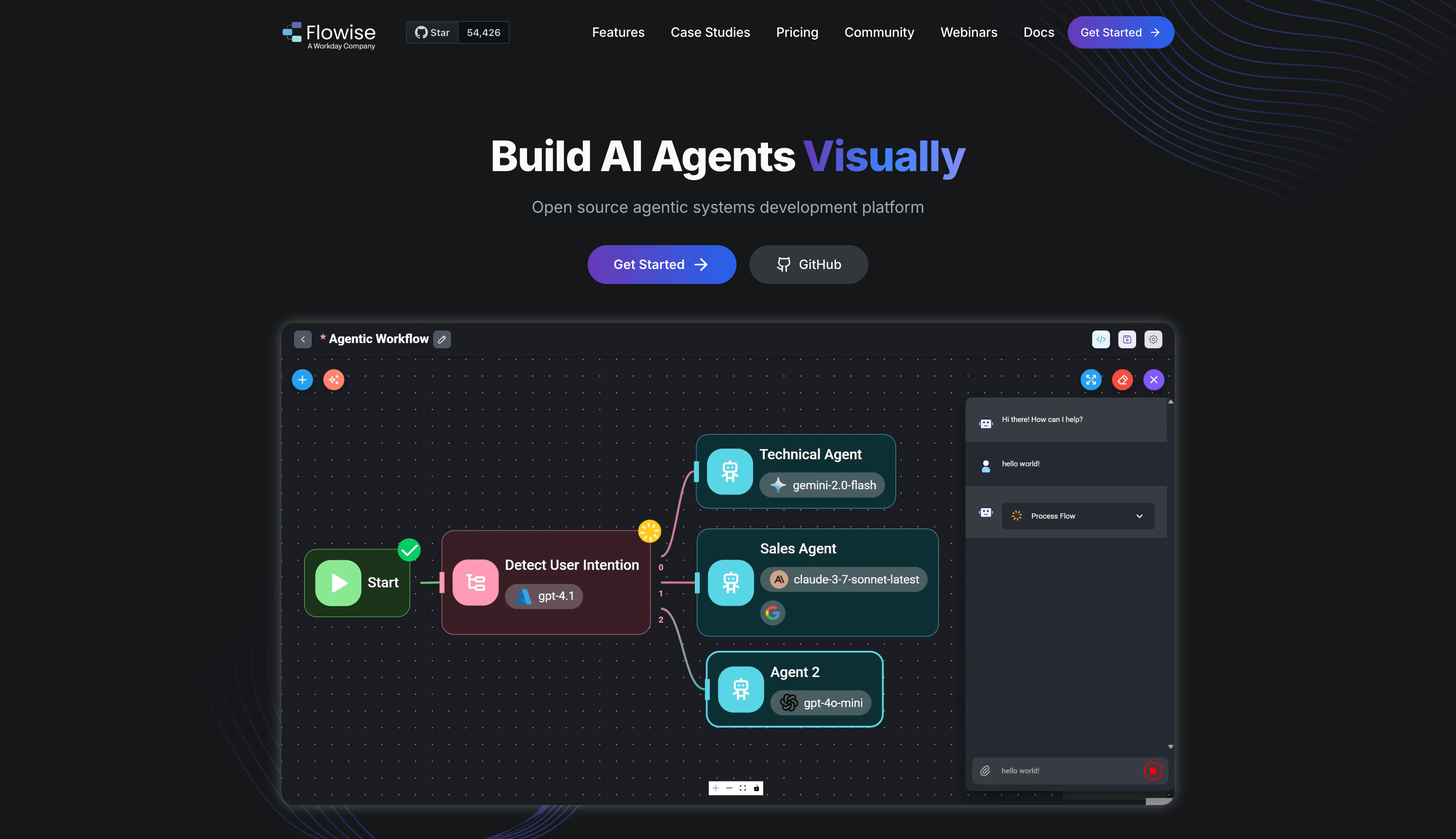
Flowise
Visual Builder for LangChain Applications
Flowise is suitable for developers and AI application teams. It uses a node-based interface to orchestrate LLMs, tools, memory, vector databases, and Agent flows.
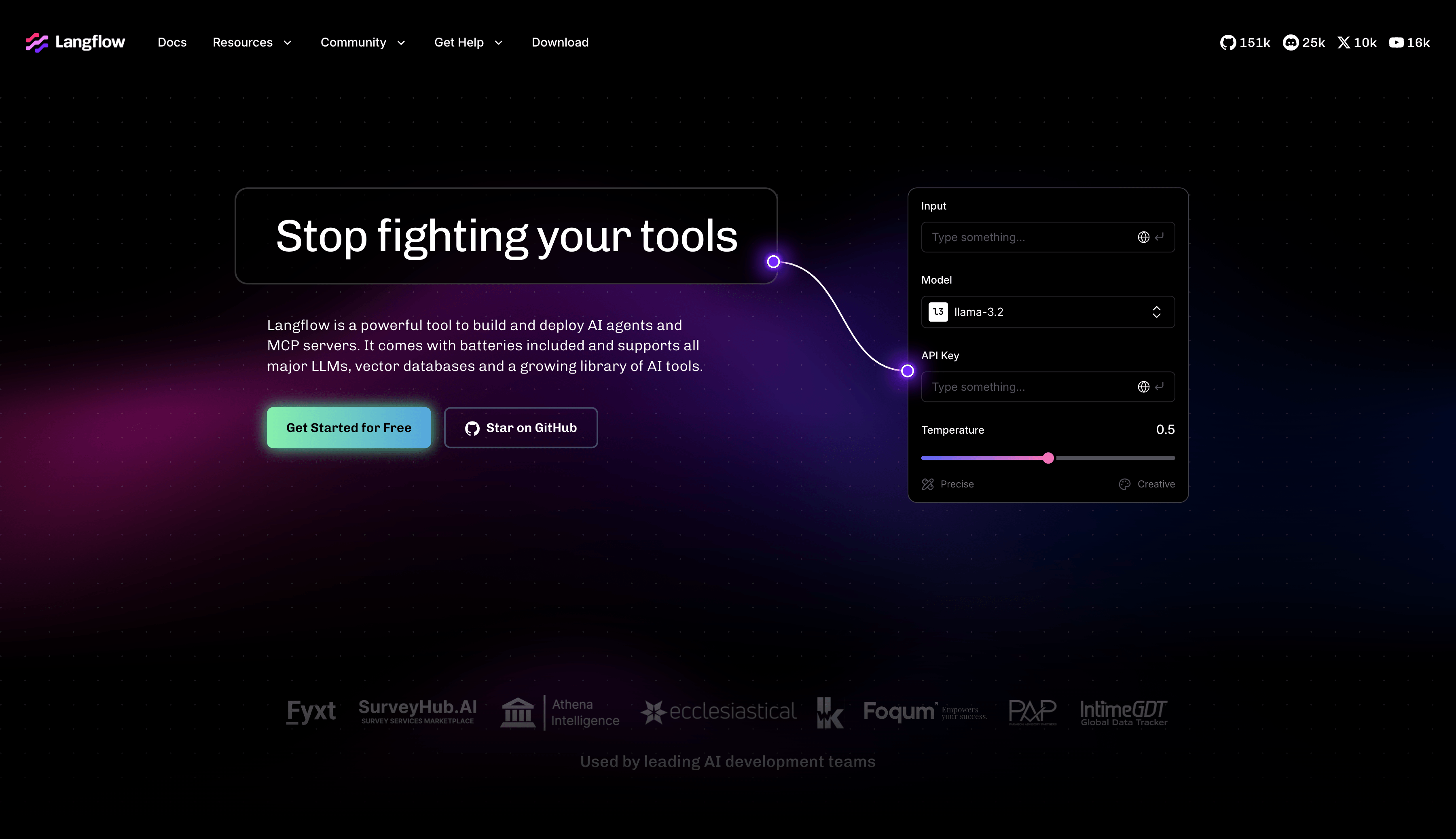
LangFlow
Visual AI Workflow and Agent Orchestration
LangFlow is suitable for building complex LLM call chains, RAG workflows, and Agent prototypes. Users can combine AI applications through a component-based approach.
Product Decision Table
The table below lists all products discussed in this article. You can quickly compare their characteristics, open-source status, and best-fit scenarios.
| Product | Type | Open Source | Typical Use Cases | Target Users | Core Capabilities |
|---|---|---|---|---|---|
| NocoBase | Enterprise business-system AI no-code platform | ✅ Open source | CRM, tickets, approvals, inventory, asset management, internal business systems | Enterprise IT, development teams, software agencies, business teams | Data models, page building, permissions, workflows, plugins, self-hosting, AI-assisted building |
| Retool | Enterprise business-system AI no-code platform | Closed source | Internal tools, admin panels, database operation interfaces | Development teams, enterprise IT | Internal tool building, database connections, component library, workflows, AI features |
| Appsmith | Enterprise business-system AI no-code platform | ✅ Open source | Internal tools, admin panels, data operation apps | Developers, IT teams | Open-source low-code, UI components, database/API connections, self-hosting |
| Budibase | Enterprise business-system AI no-code platform | ✅ Open source | Internal tools, approvals, forms, operations systems | IT teams, SMBs, developers | App building, data source connections, automation, self-hosting |
| Lovable | AI prototype generation tool | Closed source | MVPs, Web App prototypes, lightweight apps | Founders, product teams, indie developers | Prompt-based app generation, frontend/backend generation, fast deployment |
| Bolt | AI prototype generation tool | Closed source | Full-stack app generation, demos, small tools | Developers, founders, product teams | Natural-language code generation, online development environment, app preview |
| Zapier | AI workflow automation tool | Closed source | Cross-SaaS automation, lead routing, notifications, data sync | Operations, marketing, sales, business teams | SaaS integrations, triggers, automation workflows, AI steps |
| Make | AI workflow automation tool | Closed source | Multi-step automation, data processing, cross-tool workflows | Operations teams, automation specialists, growth teams | Visual workflow orchestration, API integration, conditional logic |
| n8n | AI workflow automation tool | ✅ Open source | Self-hosted automation, AI workflows, system integration | Technical teams, automation engineers, enterprise IT | Workflow orchestration, self-hosting, API integration, AI nodes |
| Activepieces | AI workflow automation tool | ✅ Open source | Open-source automation, business process connections, AI automation | Technical teams, operations teams, SMBs | Visual automation, open-source deployment, app connectors |
| Dify | AI application / Agent platform | ✅ Open source | Chatbots, RAG applications, AI Agents, enterprise knowledge-base Q&A | AI application developers, technical teams, enterprise IT | LLM application development, prompt orchestration, RAG, Agent workflows |
| Flowise | AI application / Agent platform | ✅ Open source | Visual LangChain orchestration, RAG, Agent prototypes | AI developers, technical teams | Visual AI flows, LangChain integration, node-based orchestration |
| LangFlow | AI application / Agent platform | ✅ Open source | AI Workflow, RAG, model call flows | AI engineers, developers, research teams | Visual LLM orchestration, component-based flows, Agent building |
FAQ
1. What Is the Difference Between AI No-Code and Traditional No-Code?
Traditional no-code mainly relies on drag-and-drop interfaces, forms, components, and visual configuration. AI no-code further introduces natural language, AI generation, intelligent automation, and AI Agent capabilities.
However, AI no-code is not simply adding an AI button to a traditional no-code platform. Valuable AI no-code tools need to bring AI into specific application building, business processes, and data processing scenarios.
2. What Is the Difference Between an AI App Builder and an AI No-Code Platform?
AI app builders focus more on quickly generating application prototypes, while AI no-code platforms focus more on building applications or business systems that can be used continuously.
AI app builders such as v0, Lovable, and Bolt are strong in generation speed, making them suitable for MVPs, demos, product prototypes, and lightweight applications.
AI no-code platforms such as NocoBase pay more attention to data models, pages, permissions, workflows, audit logs, plugin extension, and private deployment, making them more suitable for long-term enterprise use.
So the key is whether you need a prototype or a real system that supports business operations.
3. How Should Enterprises Choose AI No-Code Tools?
Enterprises should first clarify their goal: are they building a prototype, automation, an AI Agent, or a long-running business system?
If the goal is to build a system that the enterprise will use long term, focus on data models, permission control, workflows, audit logs, extensibility, private deployment, and security.
4. What Are the Advantages of Open-Source AI No-Code Tools?
Open-source AI no-code tools offer more control, extensibility, and self-hosting capabilities, especially for scenarios involving enterprise data, permissions, workflows, and long-term maintenance.
In AI scenarios, tools often touch customer data, business processes, internal knowledge bases, ticket content, approval records, and employee information. Enterprises care more about where data is stored, how models are called, whether the system can be privately deployed, and whether it can be extended or migrated in the future.
The closer a tool gets to core enterprise business systems, the more important open source, self-hosting, and extensibility become.
5. What Type of AI No-Code Tool Is NocoBase?
NocoBase is an enterprise business-system AI no-code platform, suitable for building long-running internal tools and business systems.
It can be used to build real business systems such as CRM, ticketing, approvals, inventory, asset management, expense reimbursement, and customer portals.
NocoBase is better suited for teams that want to apply AI to real enterprise scenarios.
Conclusion
Back to the question at the beginning: Does no-code still matter after AI?
The clearer answer is: no-code has not been replaced by AI. It has entered a new stage because of AI.
AI makes software building faster, but enterprises still need systems that are maintainable, extensible, permission-controlled, secure, and able to run over the long term.
That is the real value of no-code platforms in the AI era.
If this article helped you better understand AI no-code, feel free to share it with friends who are choosing AI tools, no-code platforms, or internal business system solutions.
Related reading:
- 9 Open-Source AI No-Code Tools on GitHub Worth Watching
- 14 Open Source AI Agent Tools with the Most GitHub Stars
- Top 8 Open Source AI Assistant Tools by GitHub Stars
- 6 Open Source Tools to Use with WorkBuddy
- Top 6 Open Source AI Tools by GitHub Stars for Stronger AI Agents
- 5 Open-Source Internal Tools to Use with Hermes Agent
- OpenClaw and 5 Open-Source Tools for Monitoring Business Workflows
- What Open-Source Tools Work Well with OpenCode? 5 Projects to Try
- Building Internal Tools with Codex: 6 Open-Source Projects for Developers
- After Claude Code: 6 Open-Source Tools You Should Know
- Top 10 Open-Source AI And No-Code Tools for Enterprise Software Development
- 8 Open-Source AI Agent Platforms for Building Internal Tools
- The Best Enterprise-Grade Self-Hosted CRMs with RBAC, AI, and Open API Support