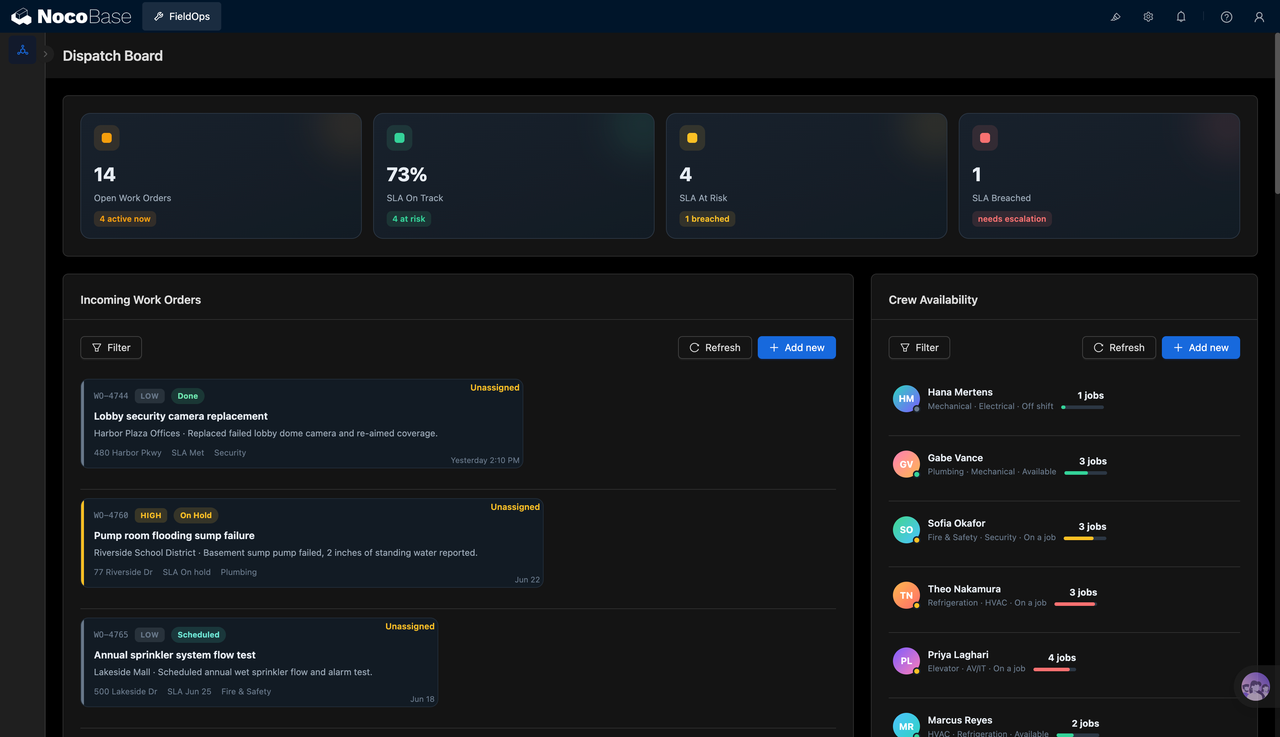
Xây dựng hệ thống bằng AI agent của bạn
Build a NocoBase app — Content Calendar Management System: a calendar view with status pills and a right-side summary panel. Match the layout and signature visuals of this reference prototype: https://static-docs.nocobase.com/solution/templates/03-content-calendar.html
Liên kết nguyên mẫu (HTML) trong prompt là thiết kế chúng tôi chuẩn bị sẵn, chỉ nhằm minh họa khả năng; NocoBase không khuyến nghị tạo cả một hệ thống chỉ từ một câu prompt. Khi xây dựng với nó, hãy kết hợp với skill “prototype reproduction” (nocobase-prototype-repro) trong NocoBase Skills để có kết quả tốt.
Trước khi bắt đầu, hãy làm theo hướng dẫn nhanh AI agent để cài đặt NocoBase và kết nối agent của bạn. Kết quả AI có thể khác nhau; tùy vào mô hình và độ phức tạp của hệ thống, có thể cần tinh chỉnh thêm hoặc tương tác nhiều vòng.
Giới thiệu
Sử dụng AI agent yêu thích của bạn kết hợp với NocoBase để nhanh chóng xây dựng hệ thống lịch nội dung có thể tùy chỉnh, đáng tin cậy và liên tục cải tiến — dùng để quản lý chủ đề nội dung, kênh xuất bản, chiến dịch, trạng thái nội dung, ngày đăng, tác giả và brief.
Bạn có thể sao chép prompt bên dưới và để AI agent tạo cấu trúc cơ bản của hệ thống lịch nội dung trong NocoBase, sau đó điều chỉnh các trường, trang, trạng thái và quy trình nội dung thông qua giao diện no-code.
Hệ thống này rất phù hợp cho các đội nội dung, marketing, thương hiệu, biên tập và tăng trưởng cần quản lý lịch xuất bản trên nhiều kênh như blog, mạng xã hội, email, video và webinar ở một nơi duy nhất.
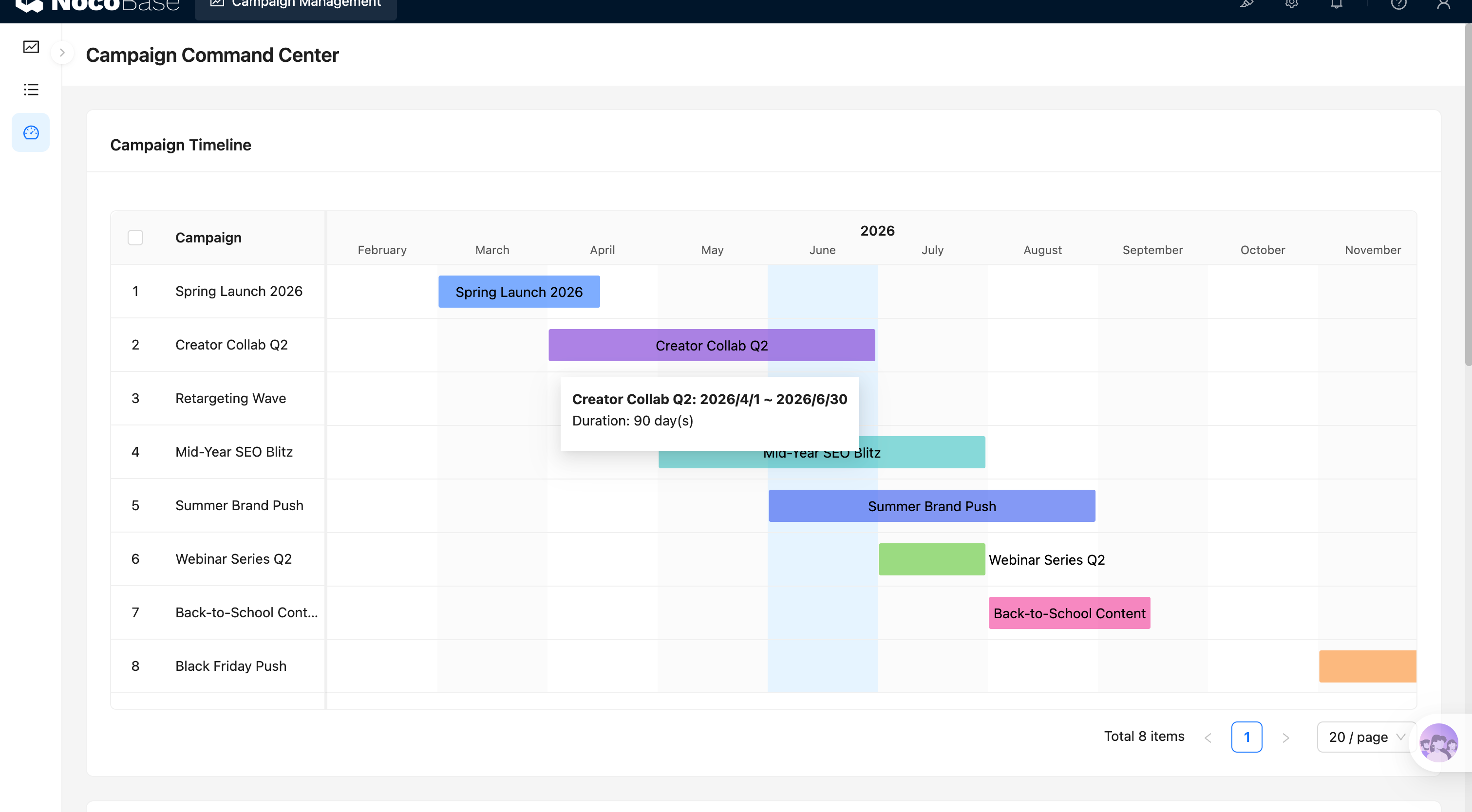
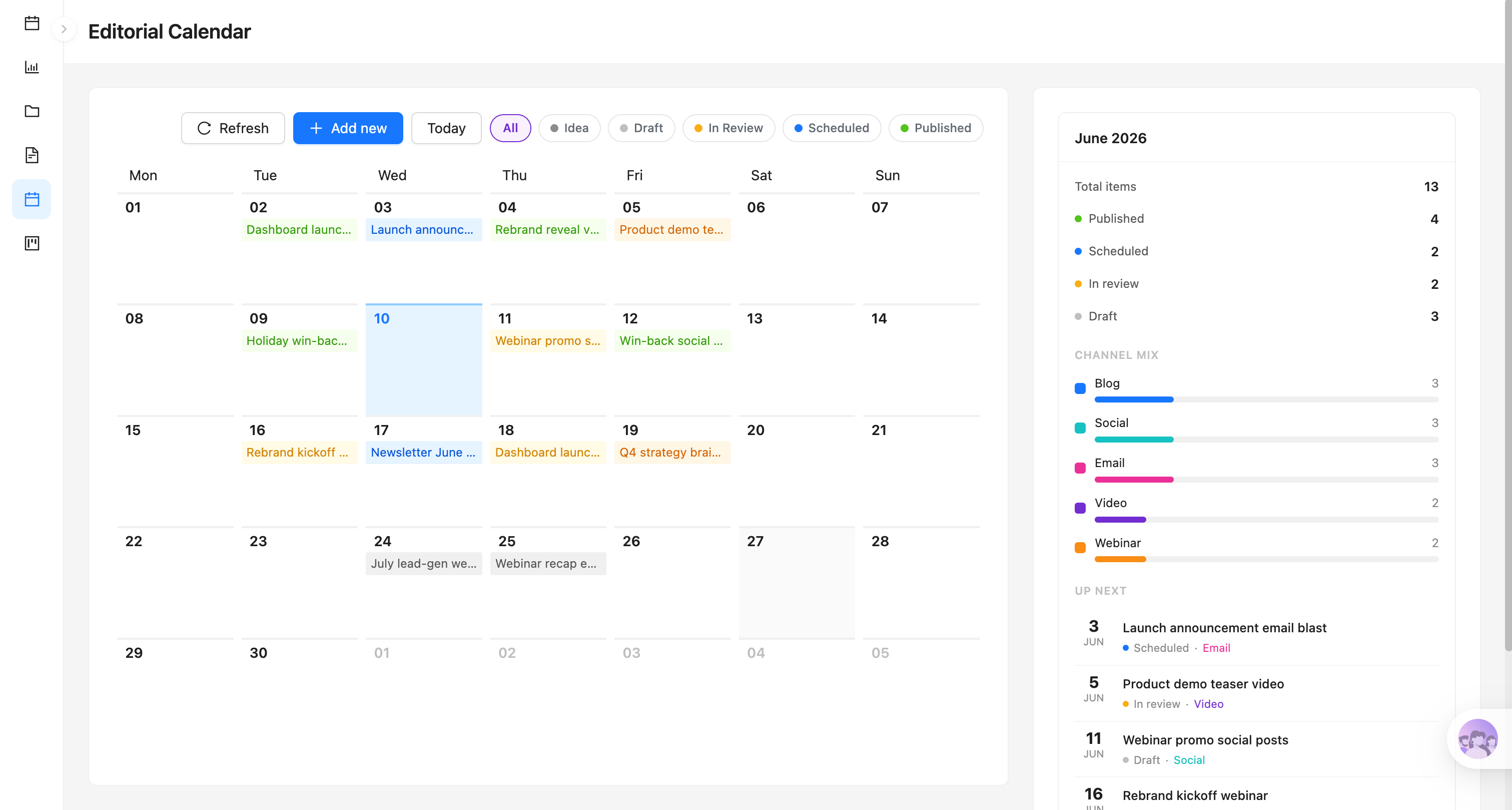
Lịch biên tập với bộ lọc trạng thái:
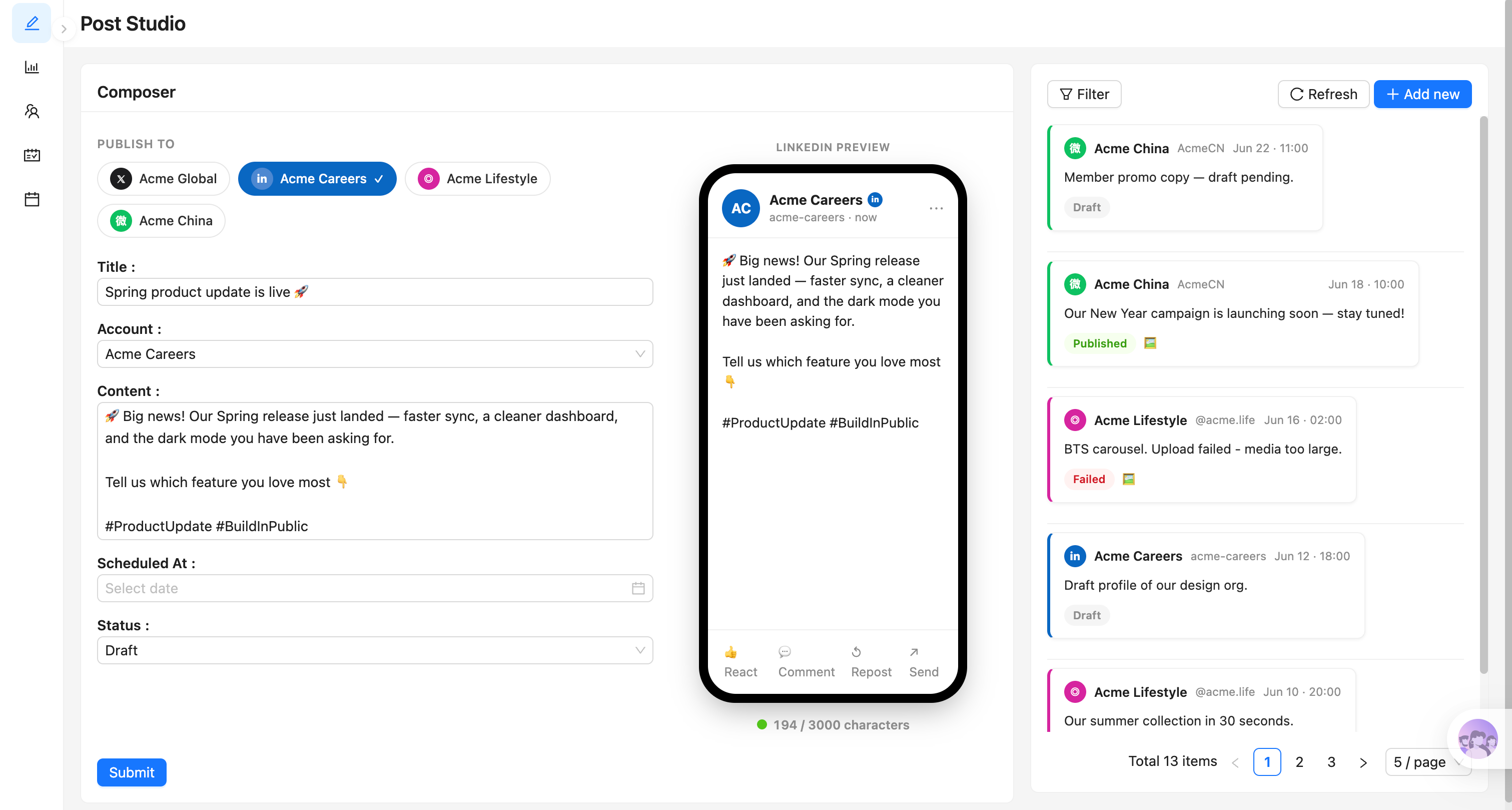
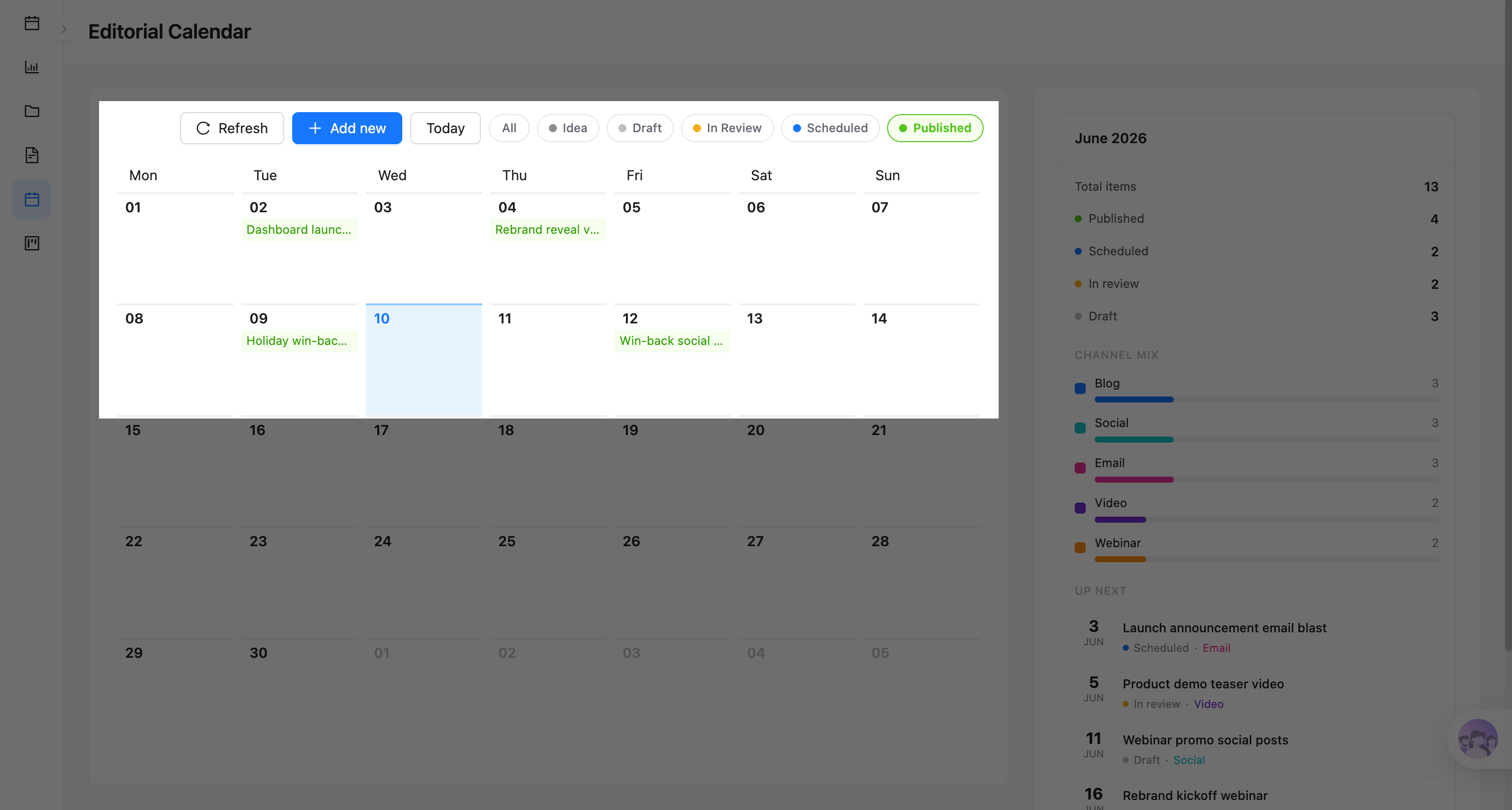
Chế độ xem lọc nội dung đã xuất bản:
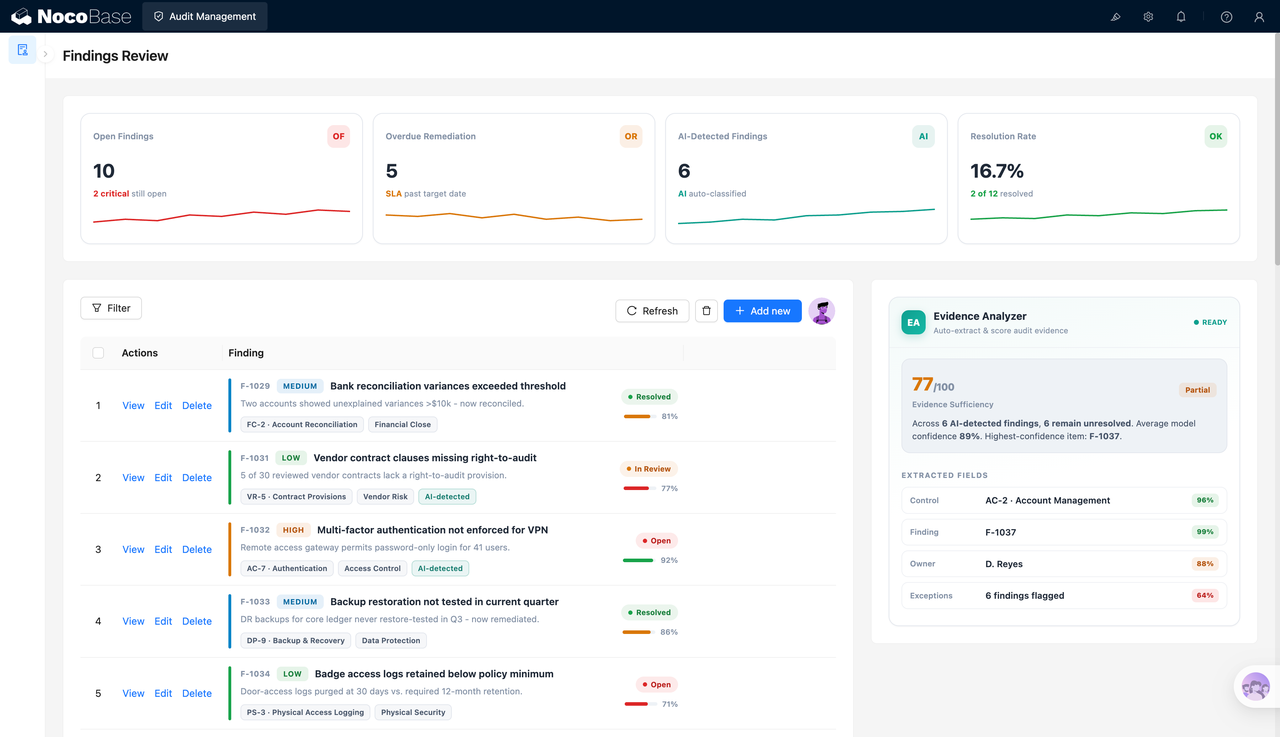
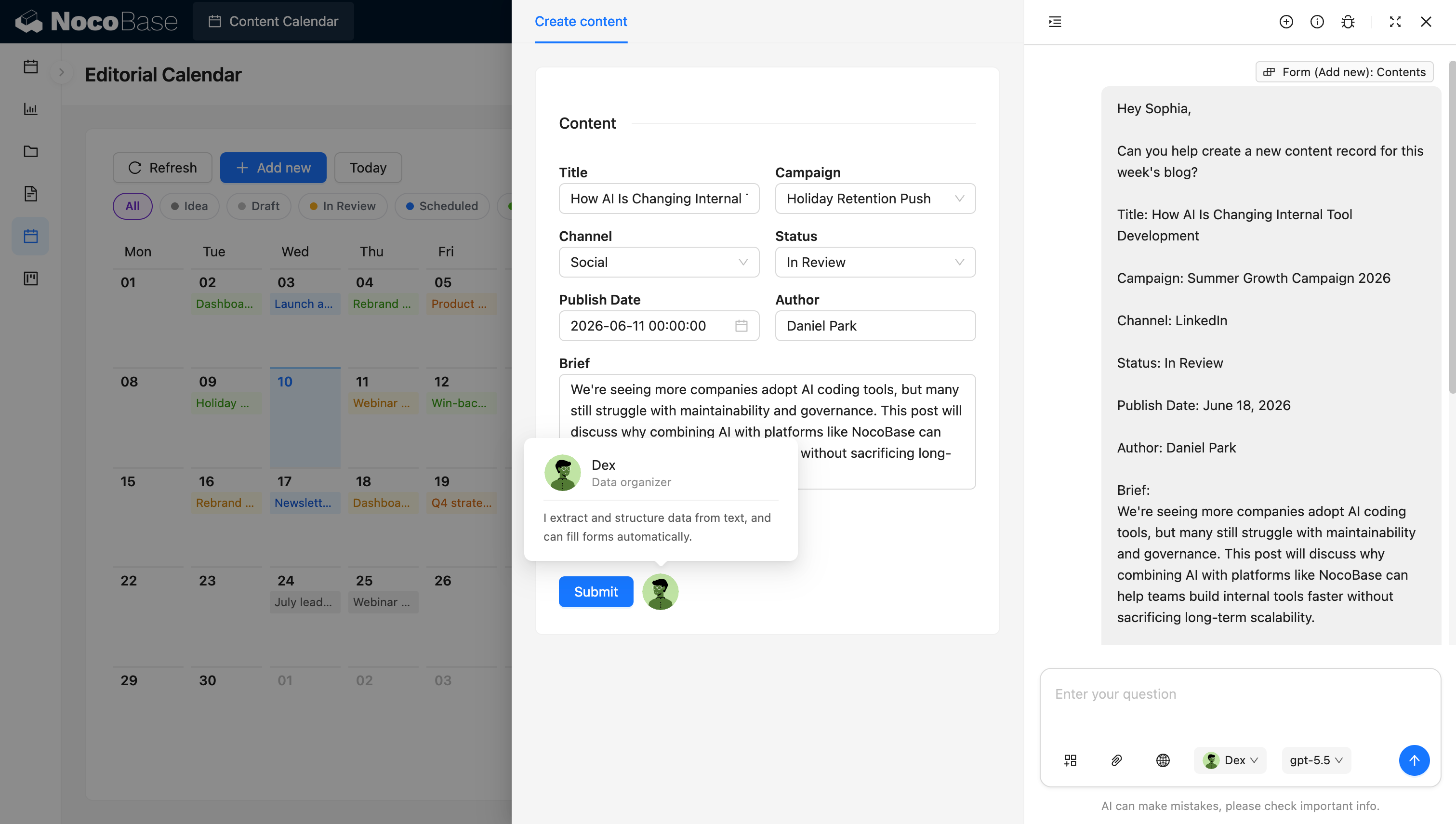
AI employee cấu trúc nội dung và tự động điền biểu mẫu:
Hệ thống lịch nội dung giải quyết những vấn đề gì?
Khi nội dung bị phân tán trên bảng tính, luồng chat và lịch cá nhân, các đội nhóm nhanh chóng gặp phải xung đột lịch trình, bỏ sót nội dung, trạng thái không rõ ràng và quyền sở hữu mơ hồ. Khi nội dung từ các kênh khác nhau bị trộn lẫn, cũng rất khó để biết liệu tỷ lệ nội dung blog, mạng xã hội, email, video và webinar trong một tháng có cân bằng hay không.
Với hệ thống này, bạn có thể xem những gì được lên kế hoạch cho mỗi ngày trên lịch tháng, với các màu sắc khác nhau phân biệt các trạng thái như Idea, Draft, In Review, Scheduled và Published.
Bên phải trang tóm tắt tổng số nội dung trong tháng, số lượng theo trạng thái và phân bổ theo kênh. Nó cũng hiển thị nội dung sắp tới với ngày đăng, trạng thái và kênh, giúp đội nhóm nắm bắt những gì sắp đến.
Khi tạo một mục nội dung mới, bạn có thể ghi lại tiêu đề, chiến dịch, kênh xuất bản, trạng thái nội dung, ngày đăng, tác giả và brief. AI employee cũng có thể trích xuất thông tin này từ mô tả bằng ngôn ngữ tự nhiên và tự động điền vào biểu mẫu nội dung, giảm thiểu việc nhập liệu lặp đi lặp lại.
Tính năng cốt lõi
Lịch nội dung trực quan
- Chế độ xem lịch tháng: Hiển thị tất cả nội dung trên lịch tháng theo ngày đăng để có cái nhìn tổng quan về cả tháng.
- Điều hướng ngày nhanh chóng: Đánh dấu ngày hôm nay, quay về hôm nay bằng một cú nhấp chuột, hoặc chuyển sang các tháng khác.
- Quản lý nội dung tiện lợi: Thêm nội dung mới trực tiếp từ lịch, làm mới dữ liệu và kiểm tra nhanh kế hoạch cho một ngày cụ thể.
Quản lý trạng thái và tiến độ nội dung
- Quy trình trạng thái đầy đủ: Hỗ trợ các trạng thái như Idea, Draft, In Review, Scheduled và Published.
- Màu sắc phân biệt trạng thái: Đánh dấu tiến độ nội dung bằng các màu khác nhau để nhanh chóng phát hiện các mục vẫn cần xử lý hoặc sắp được đăng.
- Lọc theo trạng thái: Xem tất cả nội dung hoặc chỉ hiển thị các mục ở trạng thái cụ thể để giảm bớt nhiễu loạn trên lịch.
Quản lý nội dung và chiến dịch
- Trường nội dung cốt lõi: Quản lý tiêu đề nội dung, tác giả, ngày đăng, trạng thái hiện tại và brief ở một nơi.
- Liên kết chiến dịch: Liên kết từng mục nội dung với một chiến dịch marketing cụ thể, giúp dễ dàng tổ chức kế hoạch nội dung theo chiến dịch.
- Cài đặt kênh xuất bản: Ghi lại kênh mà mỗi mục nội dung được lên kế hoạch, giữ cho lịch trình và mục tiêu phân phối rõ ràng.
Lập kế hoạch nội dung đa kênh
- Nhiều kênh nội dung: Hỗ trợ các loại nội dung như Blog, Social, Email, Video và Webinar.
- Thống kê phân bổ kênh: Đếm khối lượng và tỷ lệ nội dung theo kênh để giúp đội nhóm đánh giá liệu tỷ lệ nội dung có cân bằng không.
- Lập lịch đa kênh thống nhất: Quản lý các định dạng nội dung khác nhau trên một lịch, giảm thiểu việc duy trì trùng lặp trên nhiều công cụ.
Tổng quan tháng và nội dung sắp tới
- Thống kê nội dung tháng: Tóm tắt tổng số mục nội dung trong tháng, cùng số lượng đã xuất bản, đã lên lịch, đang xét duyệt và bản nháp.
- Danh sách sắp tới: Hiển thị tiêu đề, ngày đăng, trạng thái và kênh của nội dung sắp tới theo thứ tự thời gian.
- Kiểm tra nhịp độ xuất bản: Kết hợp phân bổ trạng thái và kênh để nhanh chóng phát hiện những khoảng trống lịch trình, nội dung bị dồn cục hoặc các mục đang bị chậm tiến độ.
Hỗ trợ AI
- AI trích xuất nội dung: Xác định tiêu đề, chiến dịch, kênh, trạng thái, ngày đăng, tác giả và brief từ ngôn ngữ tự nhiên.
- AI điền biểu mẫu: Đưa thông tin có cấu trúc đã trích xuất trực tiếp vào biểu mẫu tạo nội dung mới, giảm thiểu việc nhập liệu lặp đi lặp lại.
- AI hỗ trợ lập lịch: Chuyển đổi mô tả yêu cầu nội dung ngắn thành bản ghi nội dung đầy đủ và thêm vào lịch.
Tại sao nên xây dựng lịch nội dung với AI và NocoBase?
Nếu bạn sử dụng vibe coding thông thường để tạo trang lịch từ đầu, bạn thường có thể nhanh chóng hiển thị ngày và tiêu đề nội dung, nhưng các kết nối giữa dữ liệu nội dung, bộ lọc trạng thái, thống kê kênh, danh sách sắp tới và biểu mẫu tạo nội dung vẫn cần được ghép lại từng phần.
NocoBase tổ chức nội dung, chiến dịch, kênh, trạng thái, tác giả và ngày đăng trong một hệ thống, và trình bày chúng thông qua lịch, bộ lọc, bảng tóm tắt và biểu mẫu.
Các đội nhóm có thể điều chỉnh trạng thái nội dung, loại kênh, trường và bố cục trang để phù hợp với cách làm việc thực tế. Ví dụ: một số đội nhóm quan tâm nhất đến blog và SEO, trong khi những đội khác cần quản lý mạng xã hội, email, video và webinar.
AI còn giảm thêm chi phí nhập liệu nội dung. Người dùng chỉ cần mô tả tiêu đề nội dung, chiến dịch, kênh, trạng thái, ngày đăng, tác giả và brief bằng ngôn ngữ tự nhiên, và AI employee trích xuất thông tin có cấu trúc rồi tự động điền vào biểu mẫu.
Kết quả không phải là một bảng tính lập lịch tĩnh mà là hệ thống vận hành nội dung tiếp tục phát triển theo các kênh, quy trình đội nhóm và chiến dịch của bạn.
FAQ
- Có thể quản lý các kênh khác nhau như blog, mạng xã hội và email không?
Có. Hệ thống hỗ trợ các kênh như Blog, Social, Email, Video và Webinar, đồng thời có thể đếm khối lượng nội dung theo từng kênh.
- Tôi có thể xem nội dung sắp được đăng không?
Có. Bảng Up Next ở bên phải trang liệt kê nội dung sắp tới theo ngày đăng, cùng với trạng thái và kênh.
- Tôi có thể xem số lượng mục theo từng trạng thái mỗi tháng không?
Có. Tổng quan tháng hiển thị tổng số nội dung cùng số lượng đã xuất bản, đã lên lịch, đang xét duyệt và bản nháp.
- AI có thể tự động điền biểu mẫu nội dung không?
Có. Với một mô tả bằng ngôn ngữ tự nhiên, AI có thể trích xuất tiêu đề, chiến dịch, kênh, trạng thái, ngày đăng, tác giả và brief, sau đó tự động điền vào các trường tương ứng.
- Lịch nội dung khác gì so với lịch mạng xã hội?
Lịch nội dung phù hợp hơn để quản lý nhiều loại nội dung — blog, mạng xã hội, email, video và webinar — ở một nơi duy nhất. Lịch mạng xã hội tập trung nhiều hơn vào tài khoản mạng xã hội, xem trước nền tảng và quy trình xuất bản trên mạng xã hội.
- Hệ thống này có sẵn sàng cho việc sử dụng hàng ngày của đội nội dung không?
Có. NocoBase hỗ trợ các tính năng phổ biến cho hệ thống nội bộ doanh nghiệp — quản lý phân quyền, lịch sử thao tác, nhật ký kiểm tra, đăng nhập một lần, quy trình làm việc, thông báo, API và mở rộng plugin — mà bạn có thể bật theo nhu cầu.
So với trang lịch một lần được tạo bởi vibe coding thông thường, NocoBase phù hợp hơn để xây dựng hệ thống vận hành nội dung có thể duy trì, mở rộng và cải tiến lâu dài.